


We offer the best support regarding all Netflix issues, including the most common one, i.e., Netflix activate. Call us today and get your Netflix activated. With this, you can watch your favorite content.


Netflix is a popular online streaming platform that provides smooth functioning of shows and series, whatever you like.You can connect the Netflix account with your TV to experience the cinema at home.How to set up Netflix on your TVTo set an existing Netflix account on your TV, the steps are:Link your TV with an Internet connection.In case you don’t have Netflix installed on your TV, install and launch the application.Once the application is downloaded, sign in with your account, and you’re good to go!To Set a new Netflix account on your TV, the steps are:Link your TV with an Internet connection.In case you don’t have Netflix installed on your TV, install and launch the application.Netflix offers you a one-month free trial to use.
Also, choose the mode of payment in case you want to continue with the subscription after one month of trial.Fill in your card details and click on the ‘I Agree’ checkbox to agree with the terms and conditions.Once the above steps are done, click on the ‘Start Membership’ button to log in to your account and start streaming.Now you’re ready to log in with the same account on your TV.Methods to use if Netflix is not getting connected to your TVSometimes, Netflix can create trouble while connecting to your TV.
Thus, there are various methods to fix this.Start with basic troubleshootingBefore jumping to any conclusions regarding damage of your device or so, check for some basic troubleshooting.
If the Internet connection is not working, detach the modem for a few seconds and then try connecting again.
This might help with an increase in speed and a better connection.Re-start your TV after you completely turn it off.
This works a lot of times.Look for any updates to be done; sometimes, an old version creates problems with the streaming.You can also try clearing the application cache.Restore your Netflix applicationA lot of times, when an application doesn’t work on any device, we usually uninstall it and then install it after a few seconds.
However, the update has only come out for Android users.
As the screen sensor often tilt the screen while watching the movie or TV show on a full screen or unwanted touches reduces the fun.
Now, Netflix has finally provided a resolution to these issues through a specific feature.
However, the popular stimulating option of going back to Android devices still works after opting to Screen Lock mode.
The feature is quite convenient, and the users can easily understand it.As we all know that we all are currently spending most of our time at homes due to amidst outbreak.
Although the circumstances for every aspect reside in the world are too bad, but for the showbiz business, it seems out to be quite favorable.
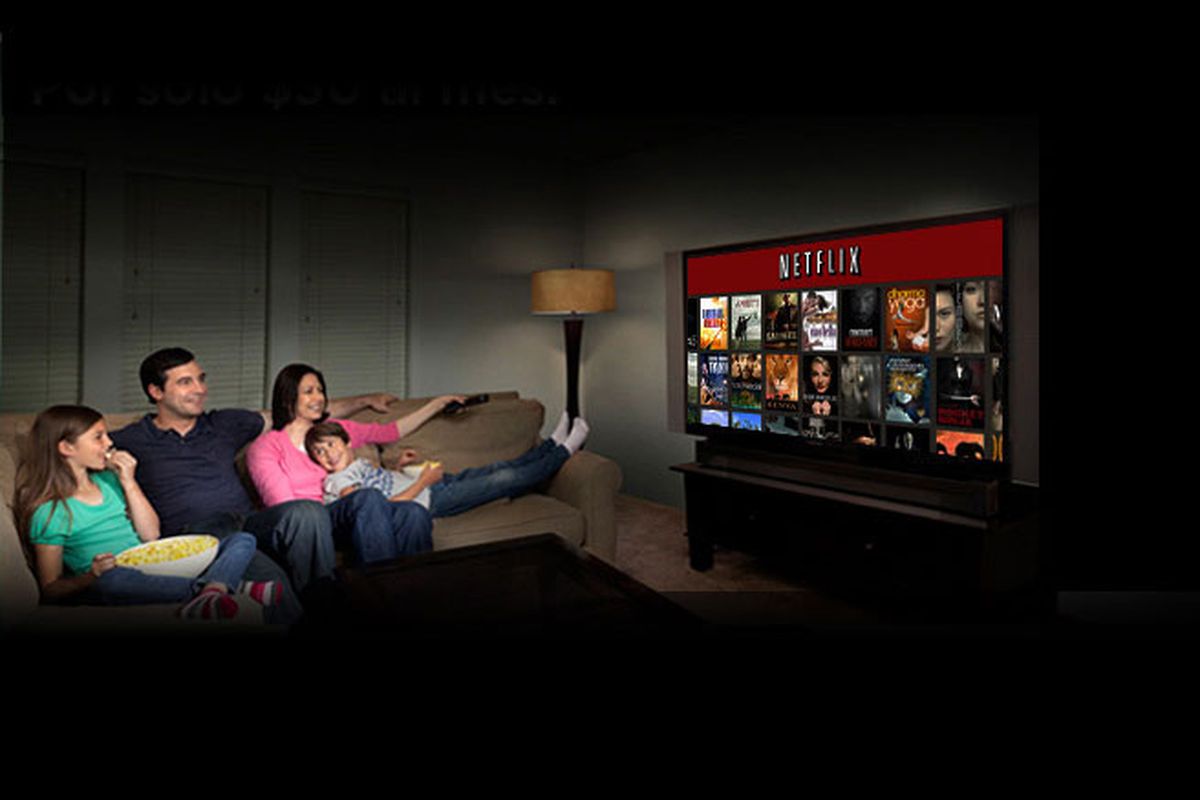
Are you seeking for instant Netflix.com activate support?
We offer instant Netflix support to the problems related to Netflix.com/activate.
Visit our website or call at our toll-free number +1-888-988-1887 for instant help!