





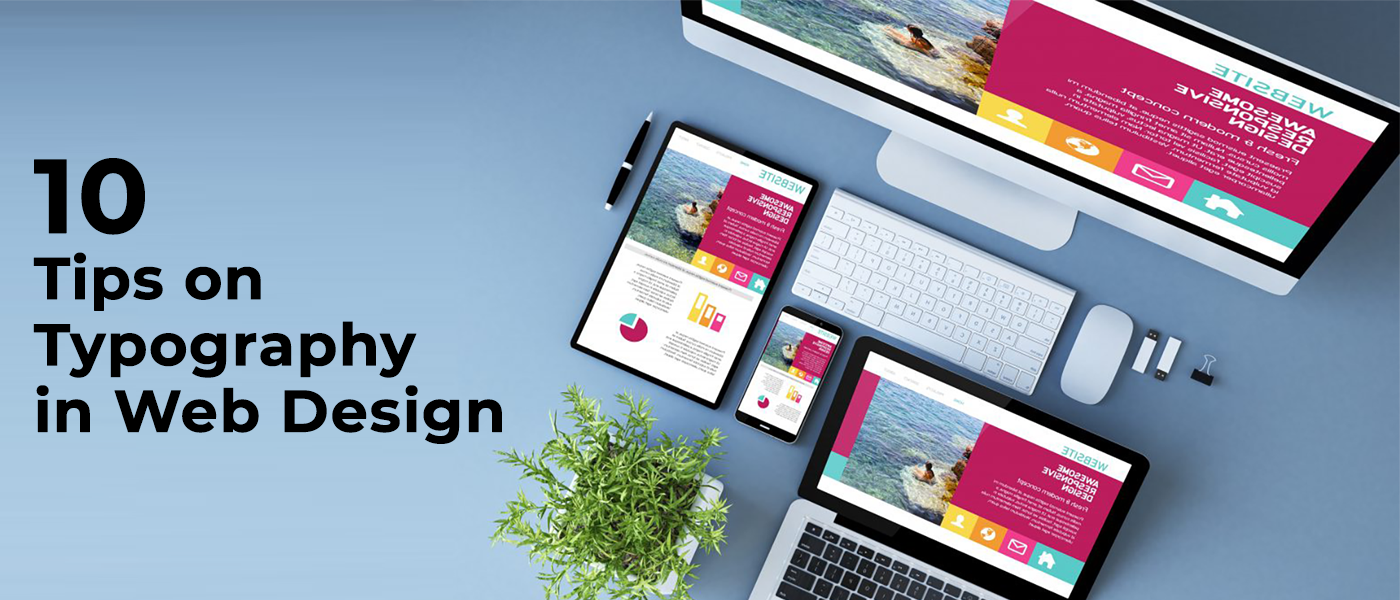
According to the statistics, more than 95% of the information available on the internet is available in the text. So, when we talk about one of the most important communication means of web design, we are strategically pointing towards the “text”.
https://appsmaventech.com/blog/10-tips-on-typography-in-web-design





To access the amazing features of the Canon Pixma TS3122 printer, you need to complete the printer setup process.
To set up your printer, you can visit the ij.start.canon TS3122 setup web page and follow the general instructions mentioned.
In this post, we are sharing the step by step instructions that can help you with ij.start.canon TS3122 setup on your device.
Read and follow the instructions carefully to avoid mistakes in the setup process, Here we go: Setup IJ Start Canon TS3122 Wireless Printer for Windows The first step is to enable the ‘Easy Wireless Connection’ option on your Canon Printer and visit the Ij.start.canon TS3122 set up the printer drivers on your system.
Press and Hold the ‘Direct’ button for a few seconds.
Now, choose your ‘Region’ and click on the ‘Yes’ or ‘Agree’ option in the License Agreement.