




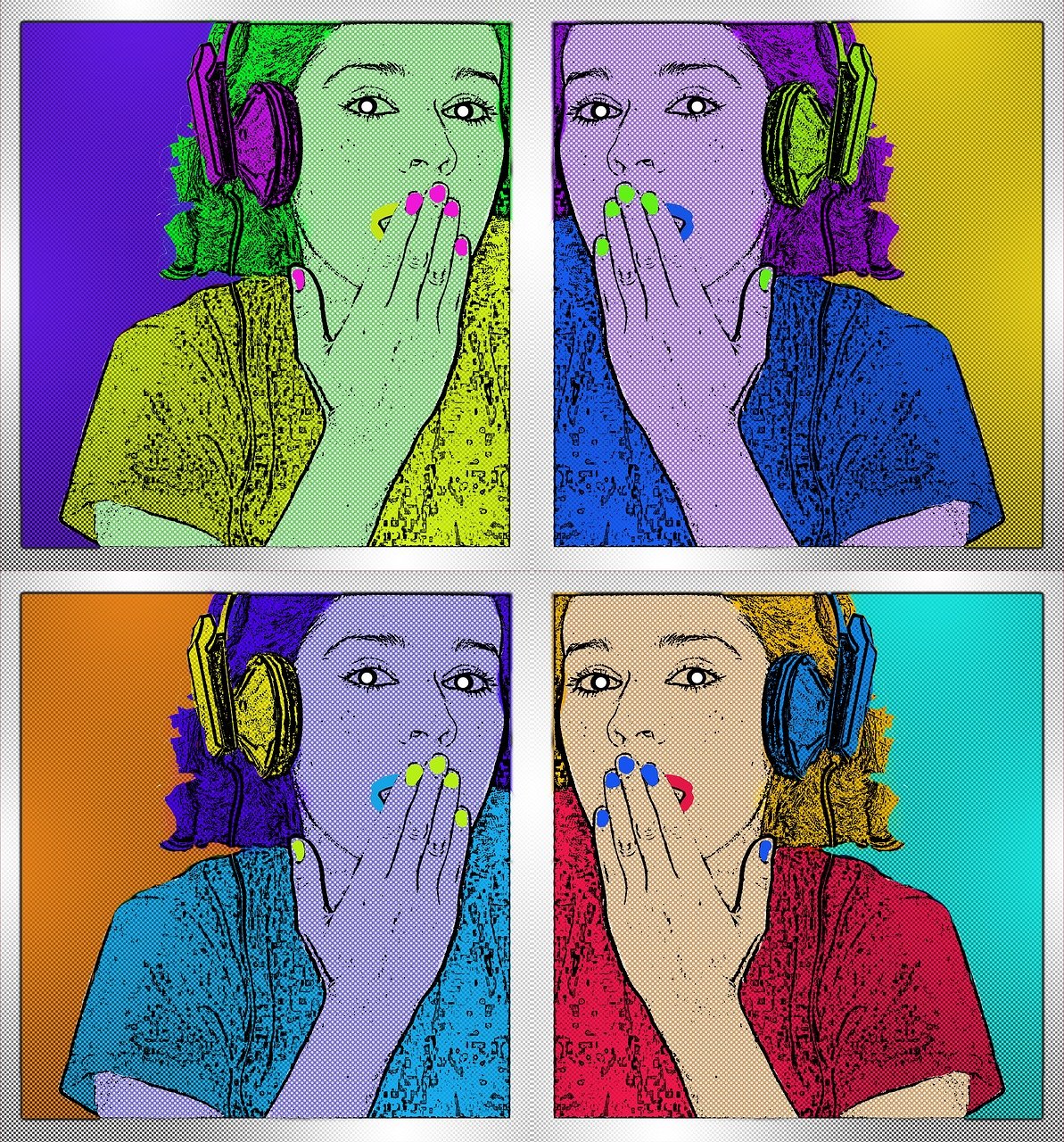
PicsArt photo studio is a unique app that came into popularity on Android before the iPhone version was introduced. Most of the web app developers consider it easier to create iOS apps first. Since they don’t have to deal with Android fragmentation resulting from so many devices and OS versions, any application is created for iOS first (a good example is Instagram’s recent Hyperlapse).
PicsArt, an all-rounder of smartphone photo editing, enhancement, and sharing, has broken this trend to become a popular Android success story. After testing it several times, you will discover why. After getting to know all of it you would be keen to show people all the cool stuff it could do. No other Android photo app comes close to PicsArt and I can give it is written.
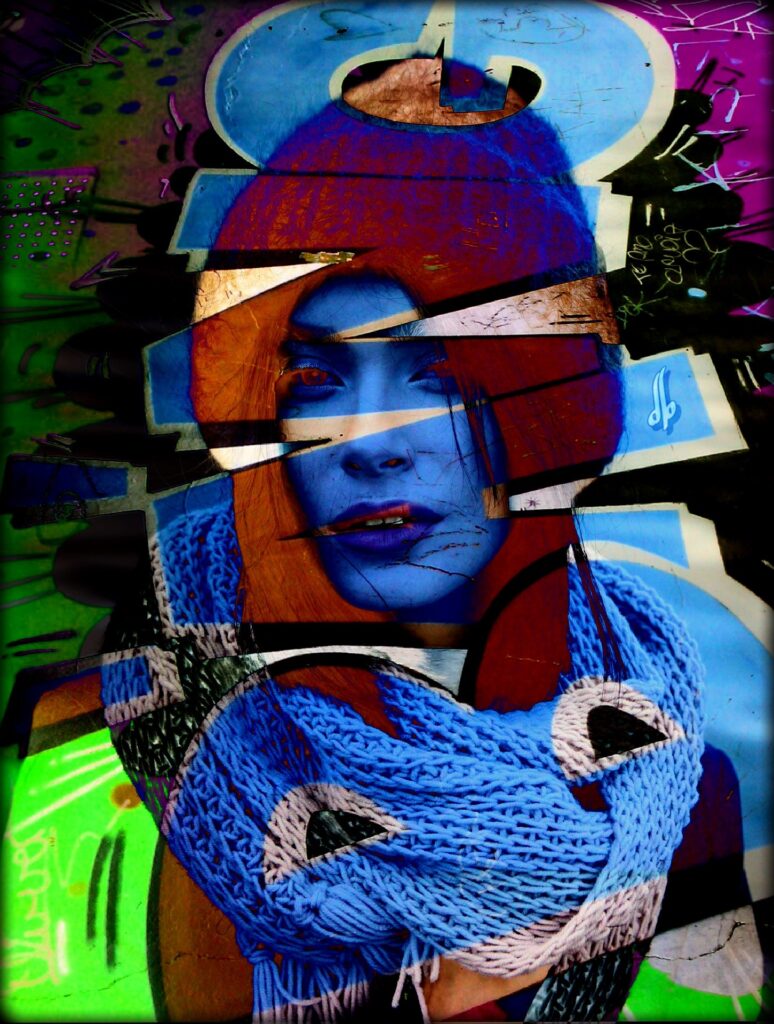
Getting Started
As with most Android apps, PicsArt shows you a comment box for you to agree to the several privacy policies before completion of installation. It mainly includes in-app purchasing, device and app history, identity, location, and call info.
A $5.99 in-app purchase is required to completely remove ads from the app. After installation, you can directly start shooting and editing images in PicsArt right away. No signing up for an account is required for the editing purpose. But to socialize in PicsArt’s Instagram-like social network, you need an account. You will need to sign up for an account, which is easily done using an existing social network account like Google or Facebook account. This social media like structure makes it more fun to use. No other photo editing software has such an organized platform for showcasing your art-works to the people.
Features
You can start editing by selecting a photo from the Picture Gallery of your mobile. It can also be done from an online source (such as Facebook or Flickr). You also have the option of snapping one with your phone’s camera. You don’t need a Flickr account to use photos from that service, since PicsArt’s recommendation can show you interesting public photos from it.
Shooting within the app is really beneficial as it shows you the effects applied during the composition of your shot. Instagram had this feature in the past but ditched the idea. An “initializing” message occasionally appears for several seconds while the app switches between effects. This is completely out of my experience.

It began life as a free photo editor but since 2009 the team has focused their efforts on digital drawing and painting.
According to many user reviews, it can be described as an alternative to the classy Adobe Photoshop.You will have the following impressions when you first open this fascinating application:-The program loads up really quickly.It has a very nice modern and fascinating UI with a good layout.Has got some really cool brushes panel with nice thumbnails for you to understand its use.It has a very similar UI layout to Adobe Photoshop.Has a nice and smooth zoom slider allowing you to look into the details precisely.It is dedicatedly designed for drawing and painting.It has a few basic vector tools which are nice and easy to use.OverviewAlong with its wonderful interface, it also has some basic animation abilities.
The animations are with onion skinning and key-frames.
Onion Skinning allows you to see the next or previous frame of the animated character.
This helps you to trace over the previous drawing and eases your workflow.In general, the program feels very much like Photoshop.
The layout structure is almost similar and the keyboard shortcuts are also very similar to the Photoshop shortcuts.
You can easily share pictures while you are on the move or at home with the use of this platform.
Though, it also lets you add filters on your photos and doesn't allow proper editing.
There are, however, various dedicated photo editing apps that will help you edit photos before posting them.Instagram photo editors are different from standard photo editing apps as they come with built-in sharing support.
There are a variety of adjustment tools and filters being offered with this app.
The major drawback of this app is that it asks you to make an account first before using it.
Pixlr Pixlr app offers a lot of great features and is an ideal editor for Instagram photos.

Market OverviewCoconut sugar is a natural sweetener which is manufactured from the sap of cut flower buds, grown on top of the coconut palm trees.
Organic coconut sugar is a better alternative to table sugar as it contains some extra micronutrients such as antioxidants, flavonoids, polyphenols, and others.
Nutritional attributes and increasing health awareness are expected to remain key growth drivers of the organic coconut sugar market for the forecasted period.Access Report Details @ https://www.marketresearchfuture.com/reports/organic-coconut-sugar-market-3995Market ForecastWith the growing consumer awareness and their increasing interest in healthy lifestyle, the demand for organic coconut sugar has increased recently.
The global organic coconut sugar market is projected to propel by the increasing awareness regarding available health benefits from diseases such as blood sugar as well as consumers suffering from diabetes.
Mass market penetration is leading to the introduction of new products based out of organic coconut sugar and their retail across various regions.
Additionally, the enhancement of the product development coupled with technological advancements is considered to be one of the significant reasons for the increasing growth of the organic coconut sugar market during the forecast period 2017-2023.Downstream Market AnalysisGlobalization and urbanization are major driving factors of this market.