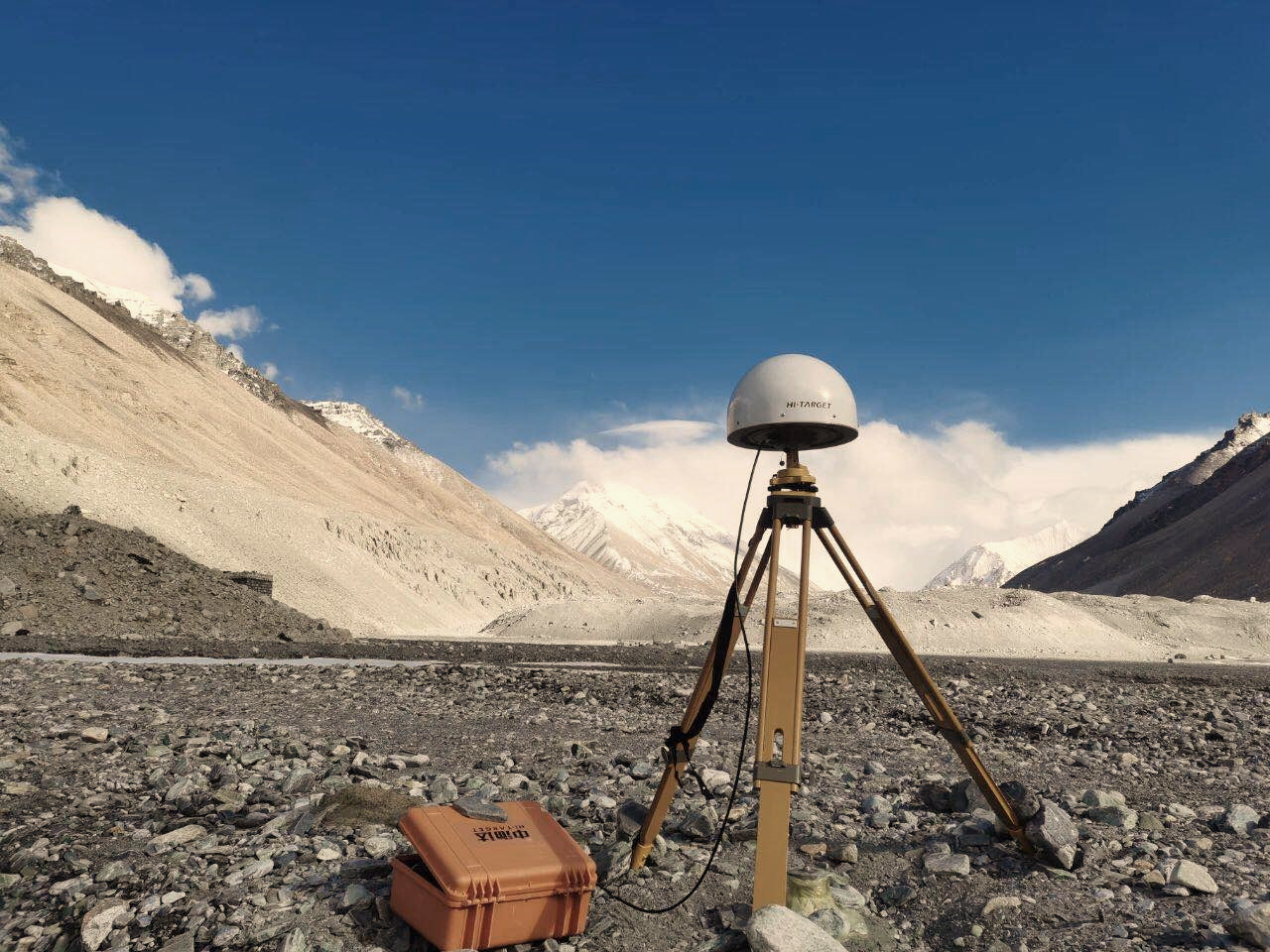
We are very glad that the previous article can help you solve the problems in RTK GPS surveying. In this article, we will focus on explaining the host problem that occurs during the installation of the RTK base station. I hope that no matter what brand of instrument you are using, you can gain a lot from it and improve our proficiency in RTK GPS surveying work.
The base station does not transmit differential signals:
If the base station does not transmit differential signals during the establishment of the base station, we can troubleshoot and deal with the problems from the following aspects:
- First check the hardware and equipment settings. We need to ensure that the environment where the host is located is not problematic, including no serious obstruction, no strong electromagnetic interference, and the correct settings of the handheld parameters.
- If we are using radio mode:
First confirm that the differential light on the panel of the host can flash normally. If it flashes abnormally, check the base station settings in the handbook again to see if it is correct. If the settings are correct but the base station still does not transmit differential, it may be due to a problem with the built-in radio of the base station host (such as poor contact, etc.);
If using external radio mode:
Confirm that the TX light of the external radio can flash normally, and the flashing frequency is consistent with the differential light on the host panel. If there is no flashing, you need to check whether the battery voltage is normal to determine whether the external radio is normal;
If using the built-in radio mode:
Check whether the base station has a built-in radio transmitting antenna.Use the rover to set the available radio channel and baud rate that are consistent with the base station. If the difference cannot be received, it is judged that the antenna at the transmitting end may be short-circuited.
III. If we are using network mode:
First, you need to ensure that the host can connect to the network correctly
Confirm that the host can log in to the server normally, otherwise you need to call the relevant personnel to confirm whether the server can operate normally;
Confirm whether the differential light of the host can flash normally
After completing the above steps, if our base station is not working normally, we can shut down and restart or reset the motherboard, or we can refresh the host firmware to ensure that our measurement tools can be used normally.
Learn more about RTK base station setting:https://www.satlab.com.se/product_category/gnss/
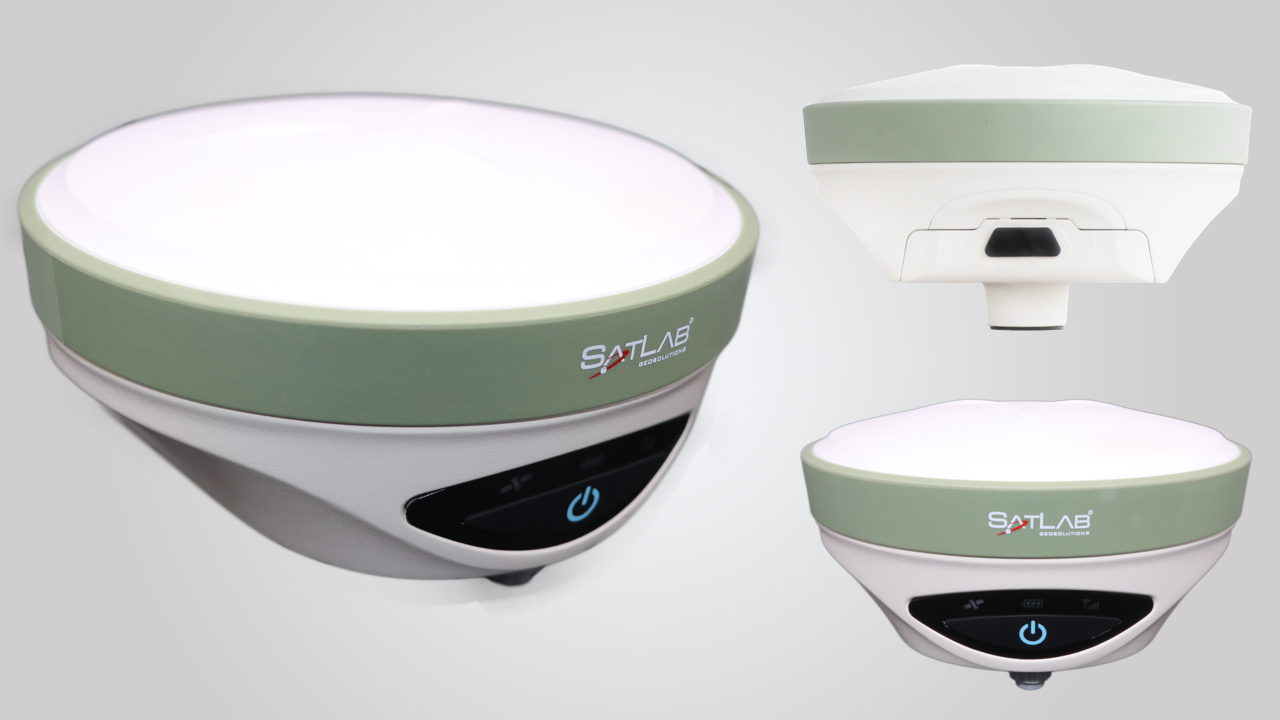
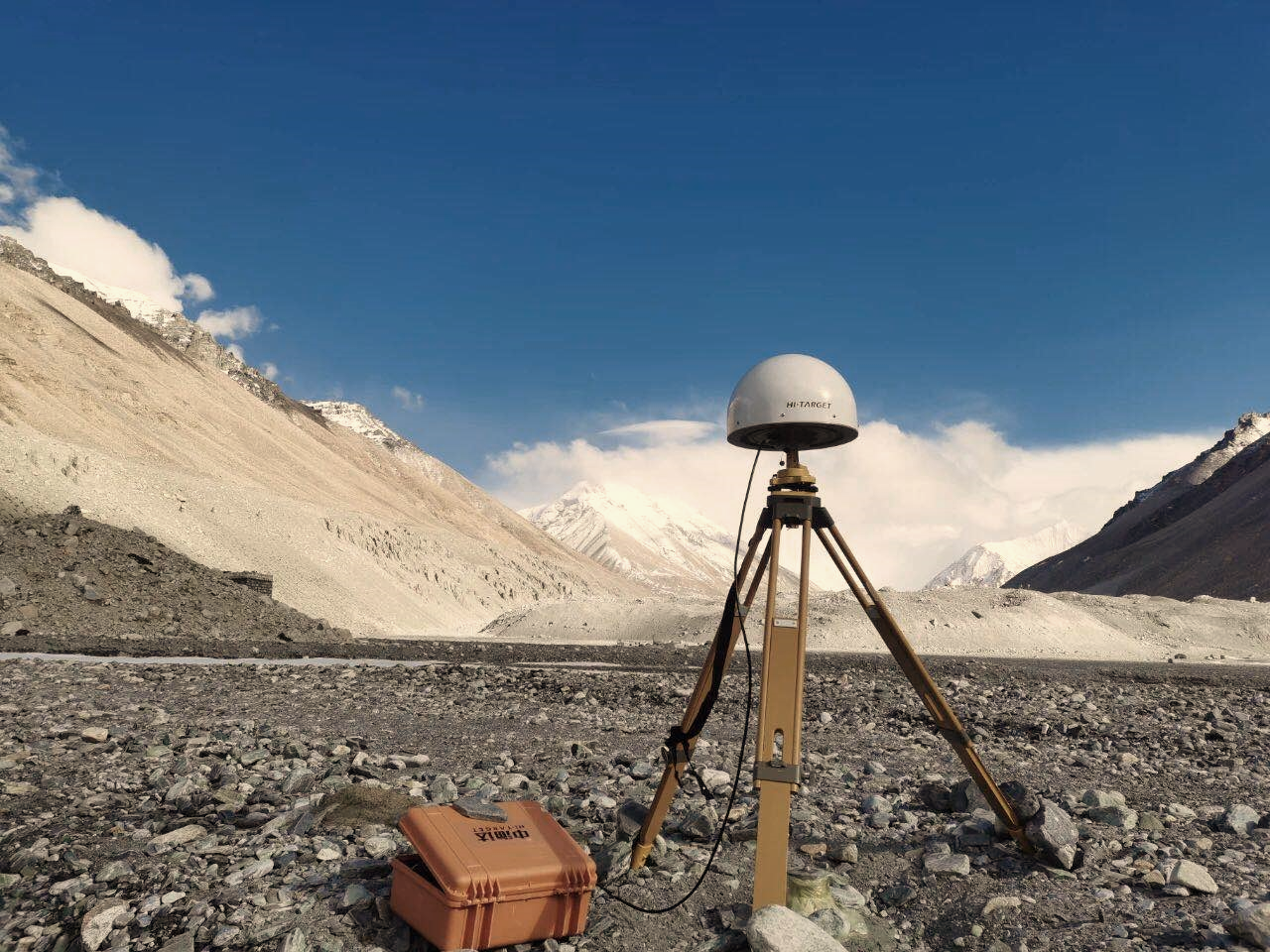
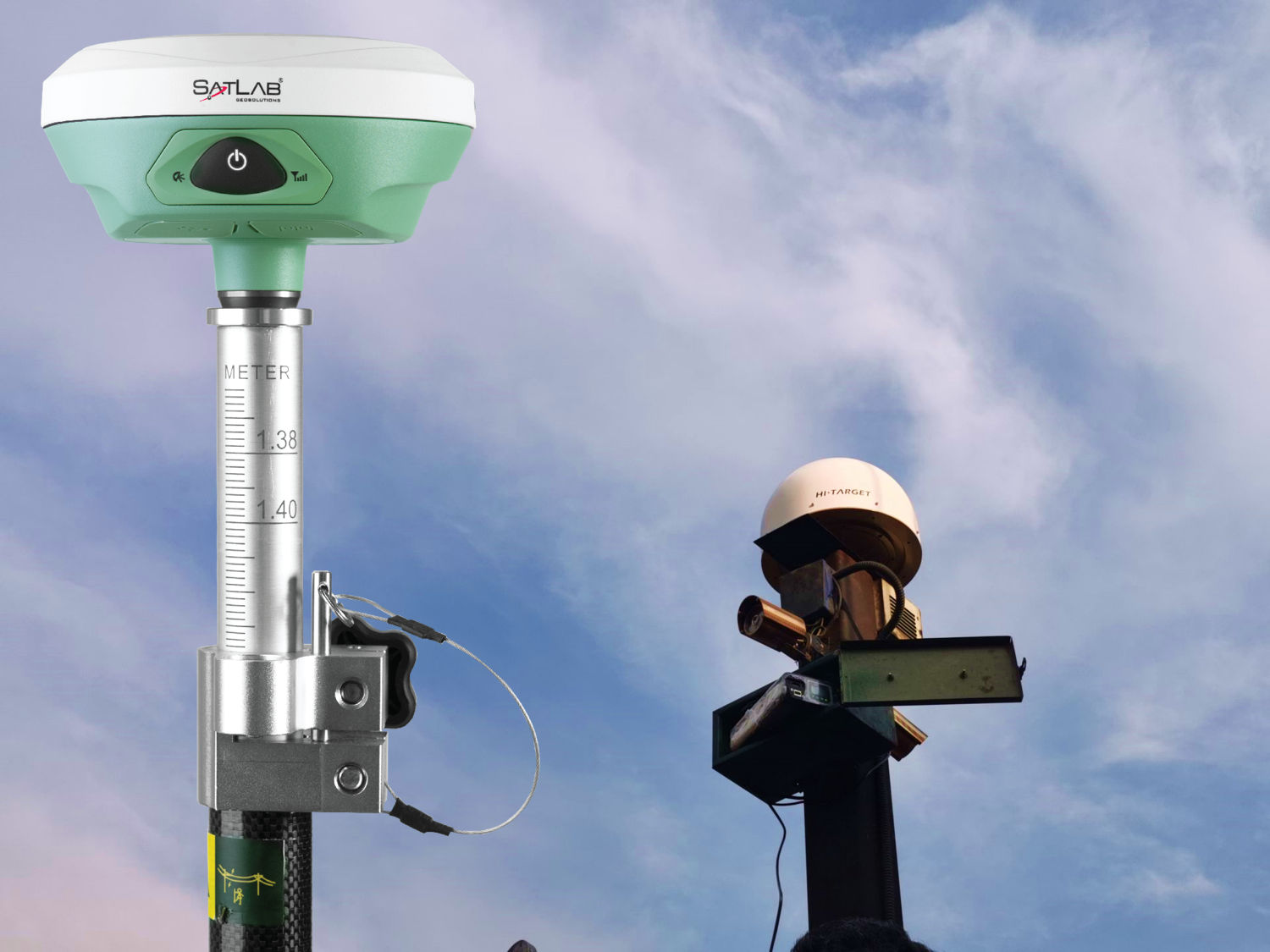
In daily RTK surveying and mapping work, the matter of "no fixed" within the radio mode plagues many surveying and mapping personnel, affecting measurement accuracy and measurement work progress.
We glance for the breakthrough of the matter from the three aspects of RTK base station, RTK rover and link, which can assist you find how to unravel the matter to RTK quickly.Solution for the base station:From the signal transmitted by the satellite to the signal received by the receiver, there's interference from the ionosphere, troposphere, and multipath effects, leading to weak signals.
The base station should be found out during a place with good viewing space, distant from strong electromagnetic interference sources (such as high-voltage lines, signal towers, etc.).
round the base station to scale back the impact of multipath effects.
Additionally, the radio aerial should be set at a distance of quite 2 meters from the base station to avoid UHF electromagnetic radiation interference.Solution for the rover:When the space between two points on the base is brief, the system can simulate the consequences of the ionosphere and troposphere, and therefore the residual effects also can be eliminated or reduced by differential processing of observations.
However, drastic changes may occur within the air at any time, and therefore the satellite signals will have varying degrees of impact during they reach base stations and mobile stations, and the longer the baseline, the greater the impact.