


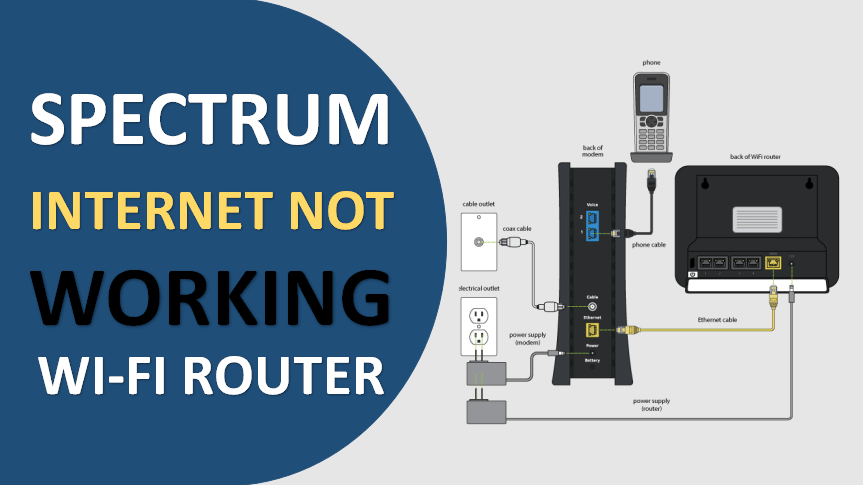
If you Have problems with your Spectrum wifi not working? No need to worry, most problems with Spectrum Wi-Fi can be resolved. If you have doubts about your Spectrum wifi not working. Call at 1(888) 712-3052. We will fix your issue.
Visit: https://thedevicesupport.org/how-do-i-fix-spectrum-internet-not-working-with-wi-fi-router/

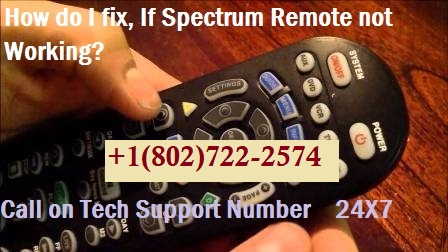
What are the fixes for Spectrum remote not working?If you want to have a TV remote control, then Spectrum remote can be used.
It is easily available in the market, and its programmable keys make it compatible on various devices and consoles also.
Although it is well-known, many users have reported issues regarding the remote, such as LED not flashing, channels not changing, volume key not working, remote not working at all, etc.Causes for Spectrum remote not workingThere could be several reasons for the issue of Spectrum remote not working.
Some of them are as follows:Broken antenna or signal transmitterRemote not set correctlyIncorrect pairingSpectrum cable box issuesBadly set dataFixes for Spectrum remote issueWhen your Spectrum remote is not working properly, you need to try out some fixes, as mentioned below;Initially, turn on your TV and cable box to check the working of the remote.You can try changing the battery of the remote.
It might be possible that the batteries have run out, due to which it is not working.To make the remote work properly, you can try the power cycle for the whole setup.In some cases, the issue might get resolved by switching the cable and TV from the Spectrum remote.If nothing works, you can try resetting the settings of Spectrum remote to default.
It will take the settings to default factory settings.

Make sure you have an active email account before logging in to old charter.Net email login.
If any case your spectrum email login not working, contact us today!Visit: https://thedevicesupport.org/how-to-get-login-into-your-spectrum-email-account/
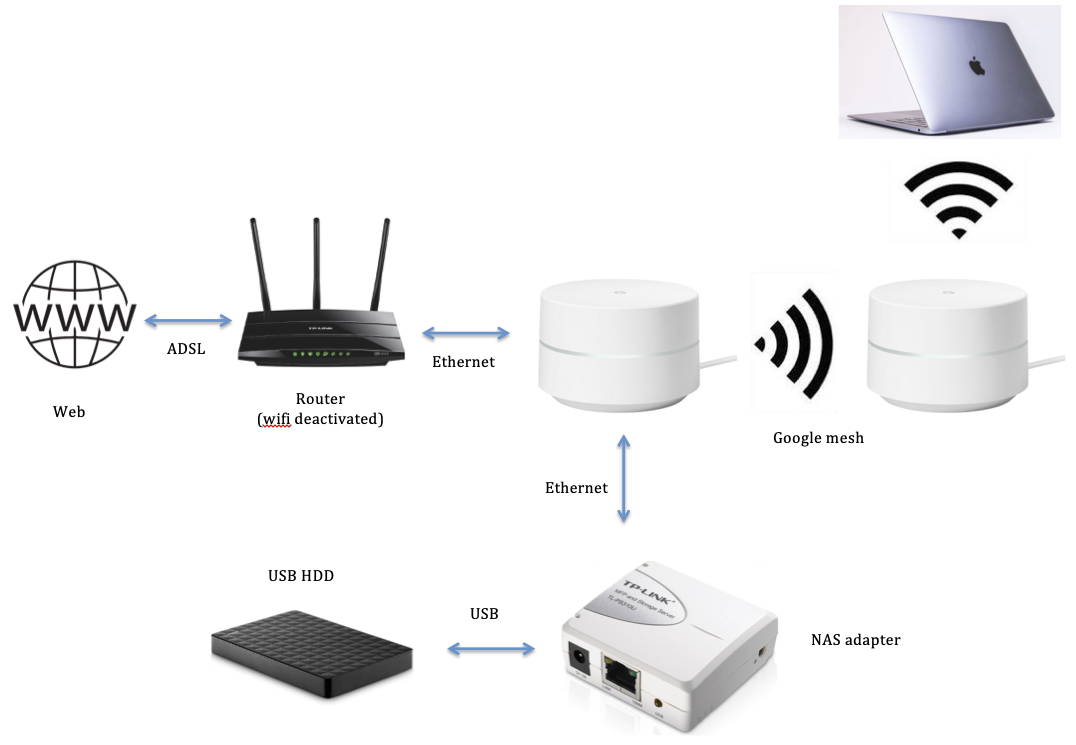
How to reset a Google Wifi mesh Wi-Fi system Call on- (1-888-570-1595)The Google Wifi Router is a quick and easy way to connect your whole house.
Or, if you've forgotten your setup information, including information for accessing the router's settings, a factory reset may allow you to start over and regain control of your network.
If Google WiFi Router not working to this guide will show you two ways to perform a factory reset on your computer.Google Home Wi-Fi connectivity issuesGoogle Home connects to the Internet directly through your home Wi-Fi network.
So it stands to reason that the most common Google Home issue reported to both Puls technicians and online forums is Wi-Fi connectivity issues.
Here are the top Google Home connectivity issues and how to fix them.Connect Google Home to Wi-FiTo get started with Google Home, you need to download the Google Home app (iOS, Android) on your phone or tablet.
To establish a network connection, find your Wi-Fi network in the app and simply connect to it.