





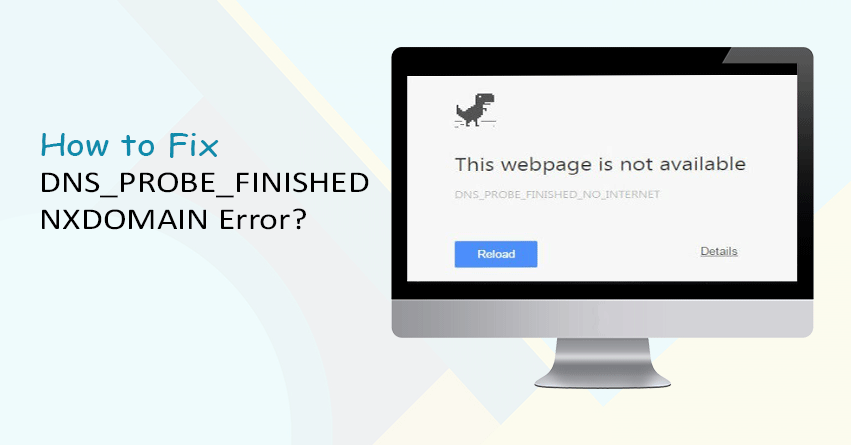
Have you just come across the dns_probe_finished_nxdomain error but not sure how to fix it? Here, we have explained different causes and solutions.
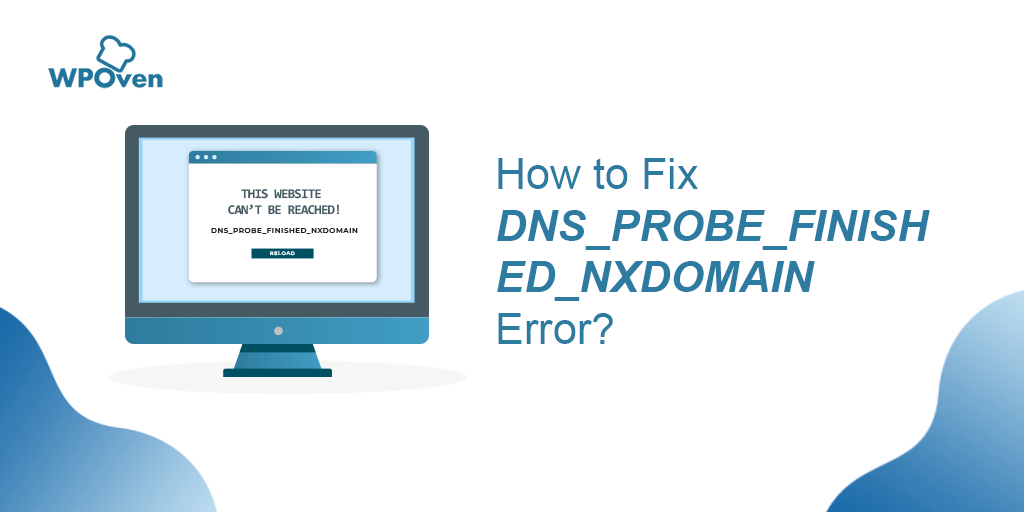
These 5 common web errors, for the most part, pop out generally through the Chrome browser.
yet, you can find these common web errors in different conditions in which you are using an alternate browser.Here you can see List of the 5 most common web errors:Dns_probe_finished_nxdomainHttp 403, 403 forbiddenError 404, Error 404 not foundError 500, 500 internal serverHttp error 503
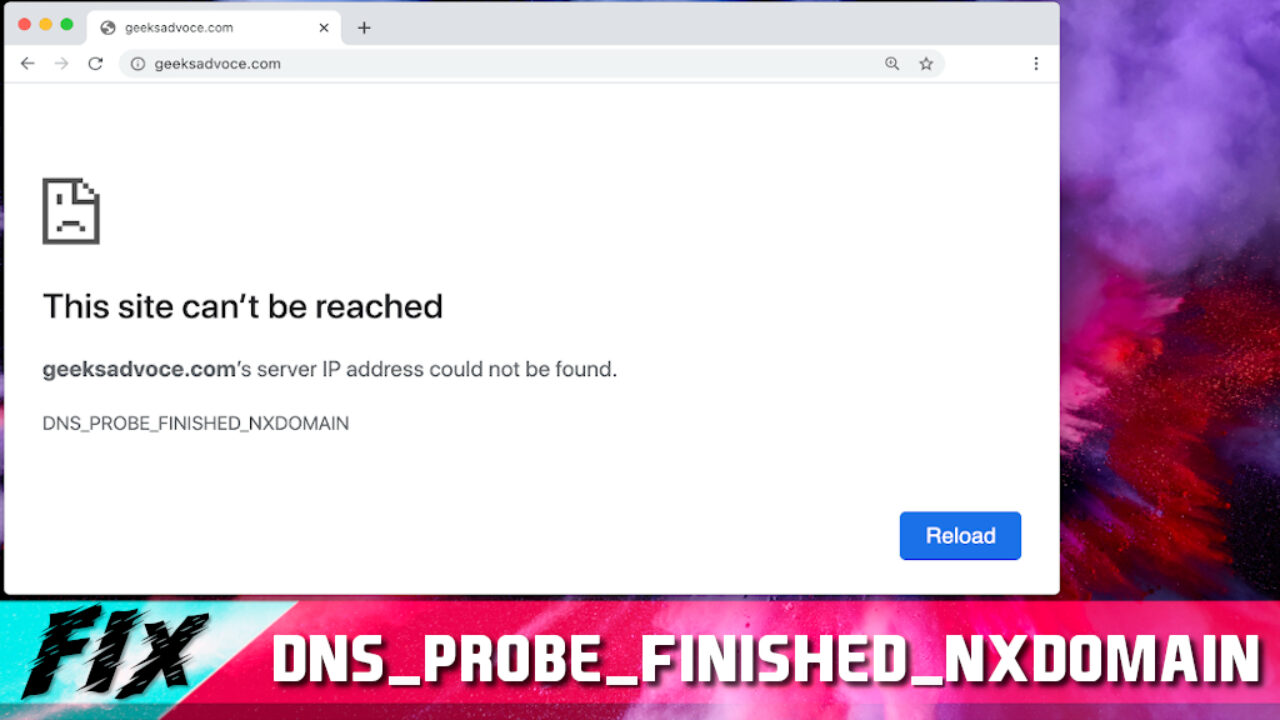
The DNS_PROBE_FINISHED_NXDOMAIN message is an error note that appears while surfing the internet using web browsers.
Many users encounter this problem when they browse the internet and find it way too frustrating.
If you have also faced this problem, don’t be sad as we have got you covered in this article.
If yes, then let’s go ahead and fix it: Method 1- Removing the DNS CacheIf you are one of the Windows users, you can effortlessly fix this issue by cleaning your DNS’s corrupt cache.
Just stick to the instructions that our experts are giving you right here: First and foremost, press the ‘Windows’ button on your keyboard to trigger your computer’s start menu.
Wait for the command to work and then observe the results.Congratulations, you have successfully cleared the DNS cache on your Windows computer.