


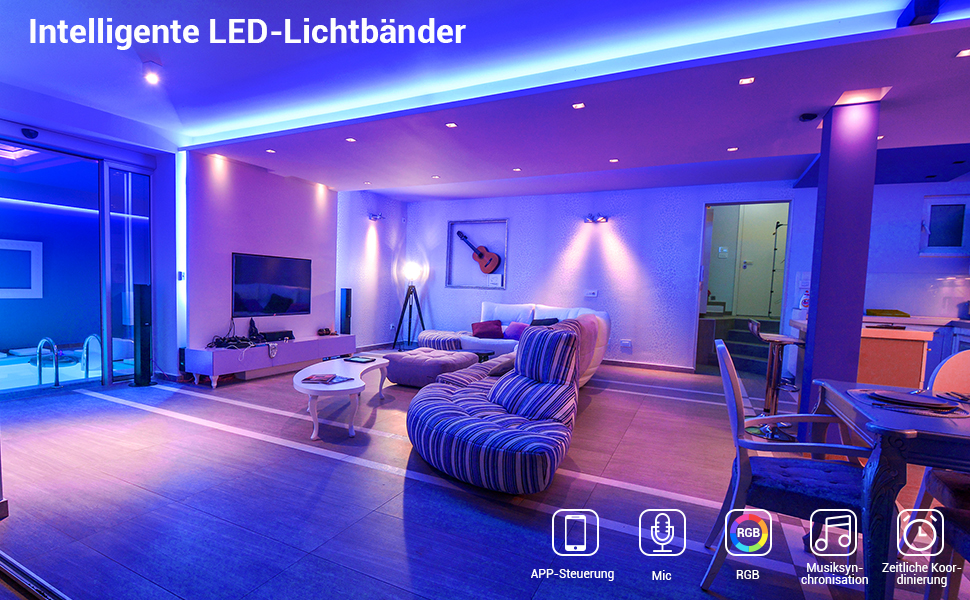
How to set up the DIY function for led strip lights?
First: activate the DIY function. Turn on the light; press one of the RGB buttons; press the DIY1 button (take DIY1 as an example); press the first button in the first row
Second: DIY settings. Press and hold the red up-arrow or down-arrow button to increase or decrease the red percentage (press and hold for 5 seconds or longer). Adjust the green and blue percentages in the same way
Finally: Press the DIY1 button again to keep the colors the same. Repeat the above steps to set the remaining five DIYs.
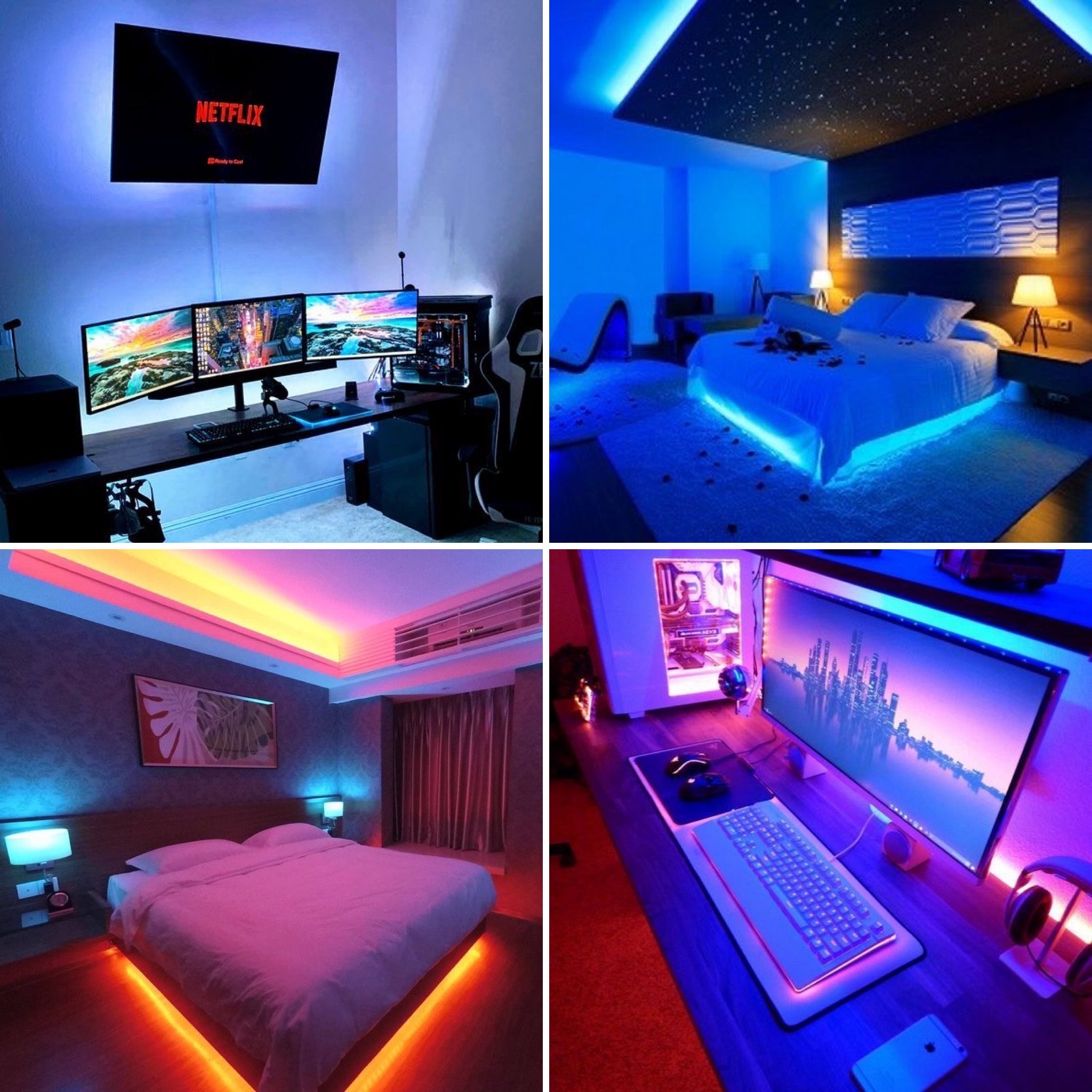
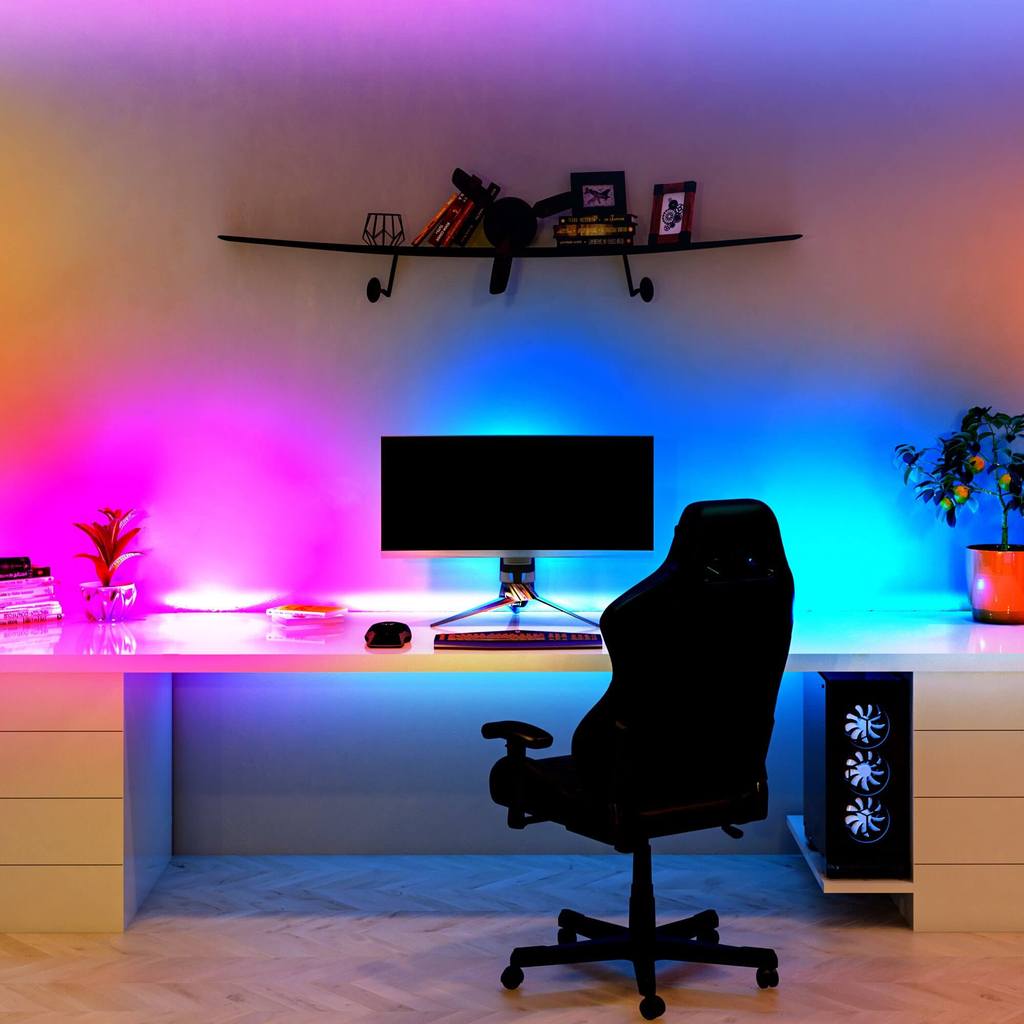
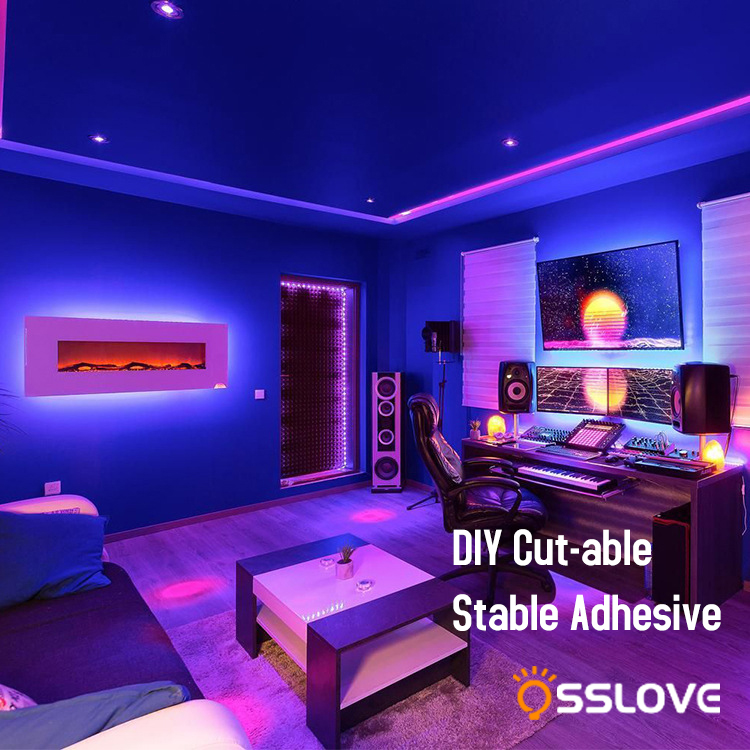
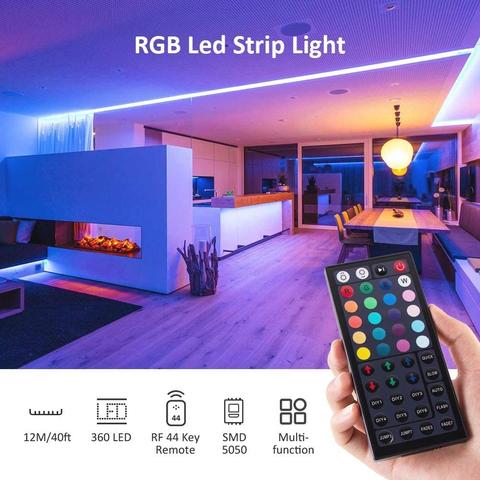
Always feel that those incredibly beautiful rooms on the Internet are far away from you?With this LED light strip, you will find that playing with the atmosphere is actually very simple!The RGB Color changing led strip lights kit has not only RGB(Red, Green, Blue), 16 multicolored options, but also DIY selection.
You can DIlY your unique colors, Jazz up your romantic dinners or Christmas parties with vivid lighting, all while reducing your energy consumption,and You can use your imagination arbitrarily, place it in any corner of your home, and create your own lighting atmosphere as you like.Before going to bed, you can light up a warm yellow light, warm and soft, read a book and play with your phone, without hurting your eyes.When you want to create romance, you can light up the elegant purple light, with a little mystery in the fantasy.When friends have a party, the light strip can also be set in various modes, allowing you to dance with the music along with the beautiful lights
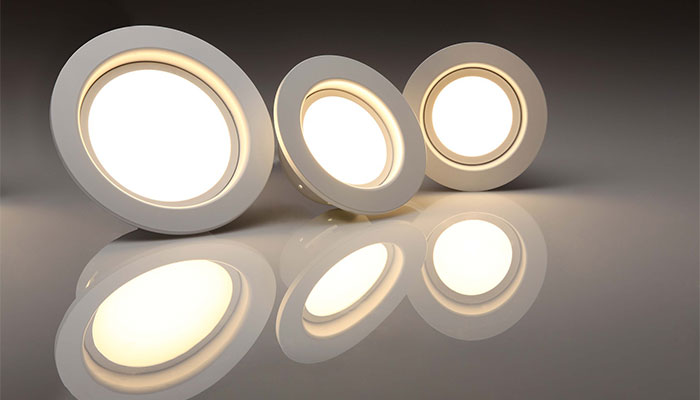
Despite this, LED hanging lights continue to steal the show, whether at home or in restaurants.
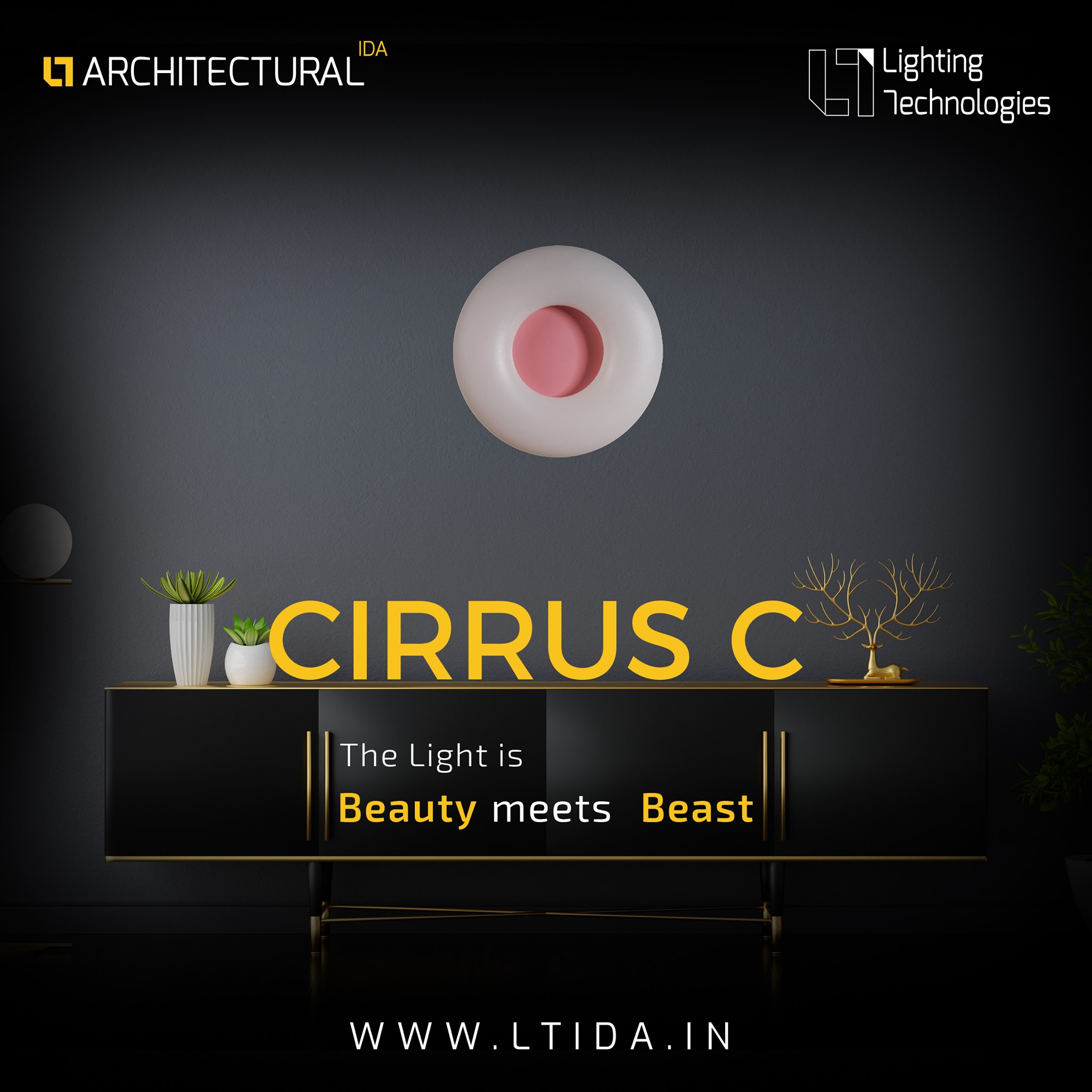
It is essential to pick the best ceiling light for your interiors Lighting Technologies is a production, supply, and plan creative, energy-proficient lighting solution across Europe, Russia, the Middle East, and Asia.LT E-shop is the best-Led light exporter in India.
LED lighting products include hanging light, horticulture light, recessed light, and premium batten.