





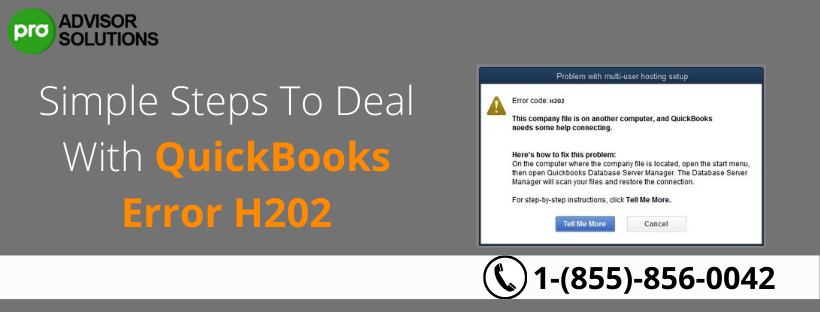
QuickBooks multi-user mode errors are common and easy to fix. You might have encountered multi-user errors while switching to multi-user mode or opening company files in multi-user mode.QuickBooks Error H202 is an example of a QuickBooks multi-user mode error which usually gets triggered due to issues with the firewall setting. Mostly you need to configure your firewall settings to fix the error. However, if the configuration of firewall settings doesn’t fix your error, dial 1-(855)-856-0042 to take the help of a QuickBooks expert or follow the instructions mentioned in the linked article to resolve the error on your own.


QuickBooks is allowed use in Multi-User mode but there is some error you may see like QuickBooks Error 6123 this error occurred because of QuickBooks connection has been lost.
There is lot's of way to fixing this error in our linked article if you want to instant help just call us at 1.800.579.0391 one of our expert assist you
Read the linked article if you want to fix the QuickBooks multi-user mode not working issue on your own using quick troubleshooting solutions.
If you didn’t find the article helpful, contact the QuickBooks technical support team by calling us on our toll-free number 1.800.579.9430.