

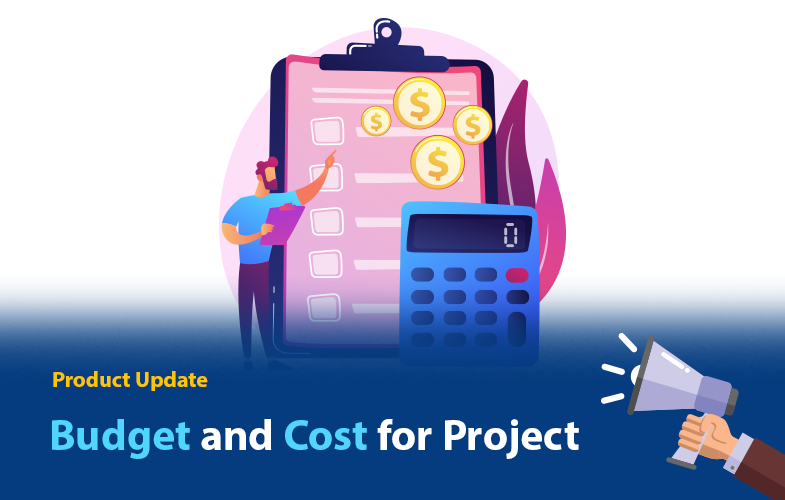
Hello, Orangescrum’ers! It’s update time! Now get a clear picture of your project cost within Orangescrum.
With this release, project managers can view project budgets and costs for all your projects. Not only this, but also you can define a role-based hourly rate for your resources.
We are committed to making our product more valuable to customers.
At Orangescrum, we always want to provide the best solution for our customers, so we have created the solution you want to ensure your successful support for the product.
We sincerely thank everyone who contributed by presenting and sharing their views before developing this feature.
Expressing the core values with more clarity and simplicity are the keys to our success.
Recently, we released the Guest user, Custom fields, Timesheet update, Resource Skill Set, and this time we are back with “Budget & Cost”.
What’s New: Budget and Cost
Orangescrum’s Budgeting feature gives a clear picture of whether you’re completing your projects within the budget and how much you’re making profits for your projects.
It includes
- Setting up the budget for the project
- Define the approved cost
- Define hourly rate
The Benefits of Budget and Cost
Budget and Cost give you access to important metrics that are not accessible in traditional project management tools.
This is essential for any company looking to increase the efficiency of their workflow and ensuring they’re getting maximum ROI on their projects.
Budget and Cost also allow you to forecast your project’s profitability, which will make it easier to make the right business decisions.
- It helps us to specify the cost and keep transparency.
- It makes the projects’ profitability starting from the planning phase and through the execution.
How to Define Budget and Cost in Orangescrum:
Cost management is a discipline that evaluates the cost of delivering on the product promises made to customers and communicates this information to various stakeholders.
To define the budget & cost the user needs to add the cost value at the time of creating a new project.
- Click on the create project
- Scroll down and put the Budget amount
- Default hourly rate
- Cost Approve value
User Note
Default hourly rate: When a resource will log to the same project or associated task, the Default hourly rate will be added to the billing.
Browse More for Project Budget and Cost Report




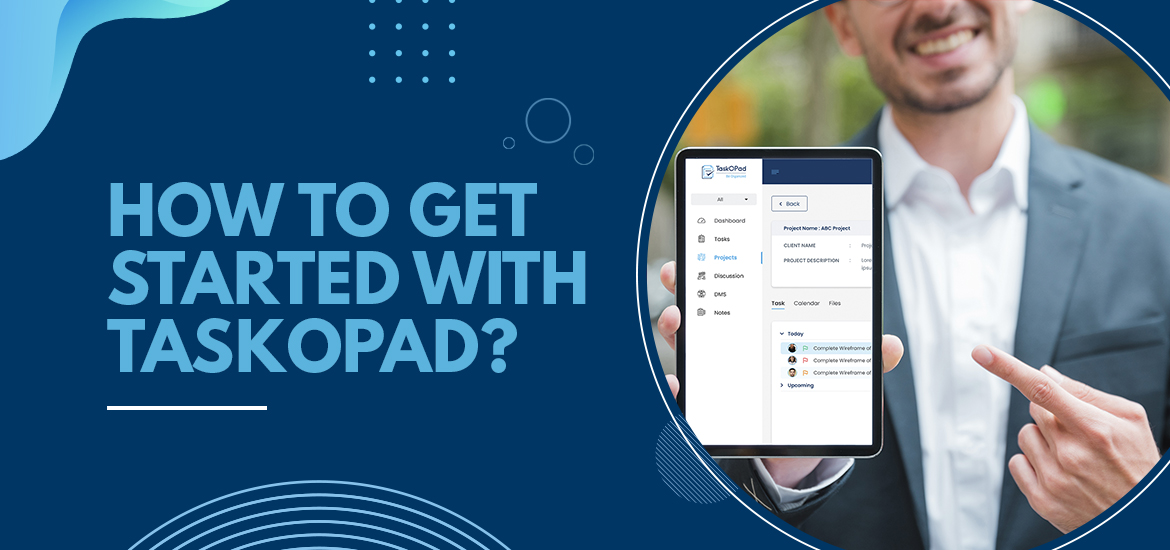
You can stay ahead on the curve with enhanced efficiency and increased productivity using TaskOPad.
It is an easy-to-use and feature-rich task management software for startups and SMEs.
These tutorials will help you achieve the most with TaskOPad.
Let’s start from scratch and see how you can create an organization, add members, assign roles and services after login in successfully.
Creating Organization and Adding MembersWhen you log in for the first time, you will see an empty dashboard as there is no data in this login.
You can simply go to the profile button and select Organization Management from the drop-down menu.