






If you have a modern phone, you probably used Samsung SmartView, Google Home, or Apple Airplay to cast your phone to tv. Screen mirroring has been around for a long time, and it is dead easy for you to screen-cast your device to tv and show family pictures, watch movies, or even play games.
This simple task can be a very complicated process when it comes to our work lives! Many of us work for technology companies and who doesn’t have an app or a dashboard to demonstrate to a customer? Mobile apps are critical regardless of your industry; everything from the consumer, B2B, SaaS, retail, front end, back end, and even pet food!
There are a lot of challenges with remote and hybrid work. We are all stuck in endless remote meetings, but if you are in a job that requires you to demo your mobile app during a virtual sales presentation or customer onboarding session, how do you solve this problem? How do we show our amazing mobile apps in all sorts of online meetings? It doesn’t matter if we are doing a demo, a discovery call, we are in a training session, or a customer success call. It is critical that the customer can easily understand what we say and what we mean.
What is a snap to do at home, screen mirror to a tv using a ton of easy-to-use devices and screen mirroring apps, is almost impossible to accomplish in remote sales meetings. Some screen-sharing apps support mobile screencasting but the functionality is very limited at best.
What are the best methods?
For more info: https://vizetto.com/how-to-cast-your-mobile-screen-in-a-remote-meeting/
Most articles about remote meetings talk about lighting and cameras, and I won't harp on that as these subjects have been beaten to death already.
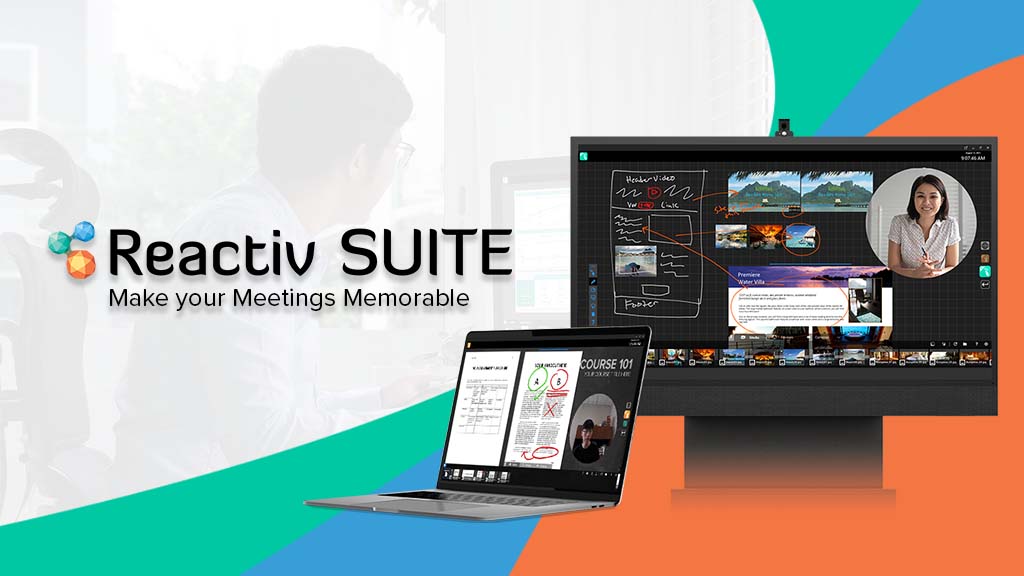
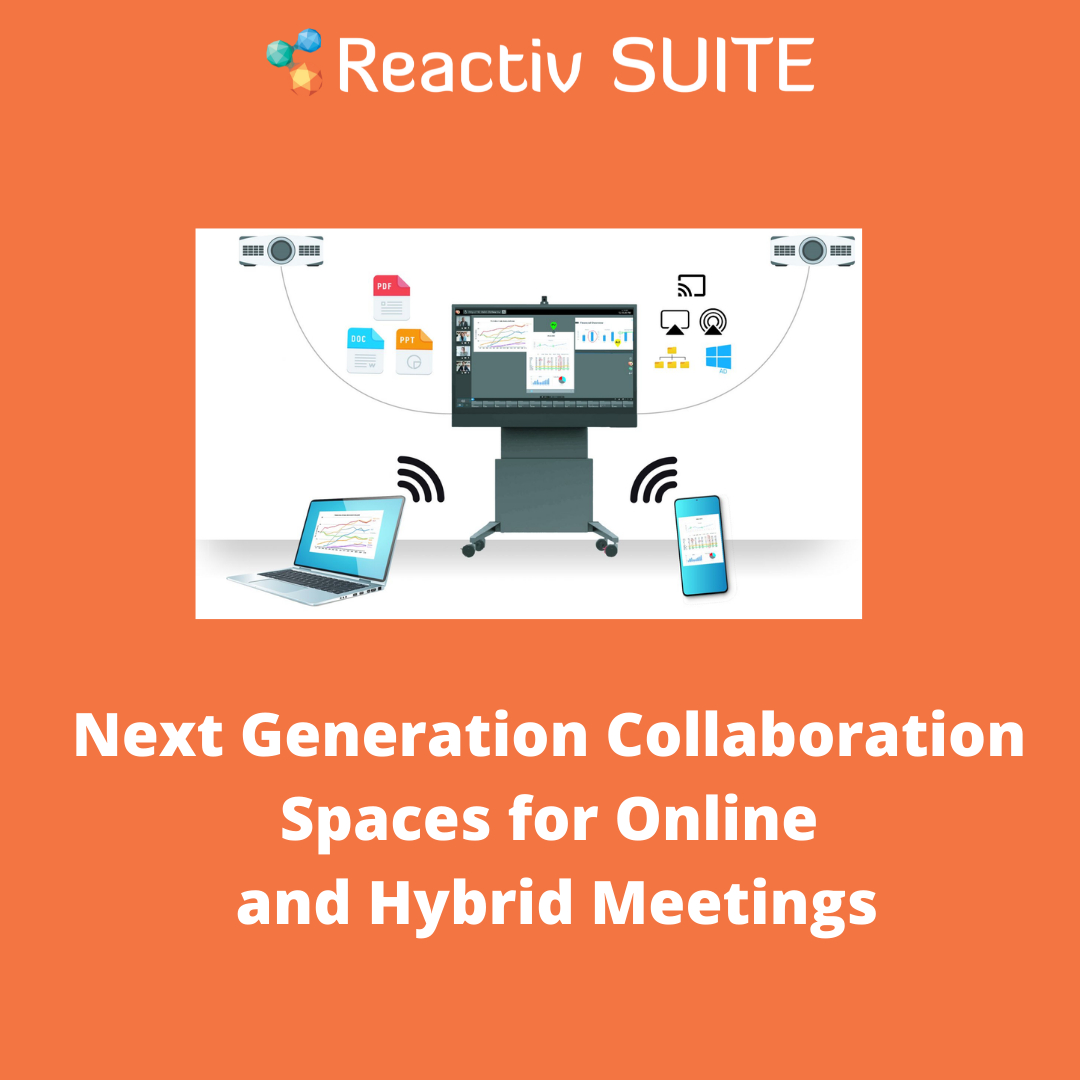
I want to talk about the things that no one else is thinking about and some of my learning from years of watching people present using existing video conferencing toolsReactiv SUITE to power your online meetingsReactiv SUITE is designed to solve the problem of low engagement in meetings.
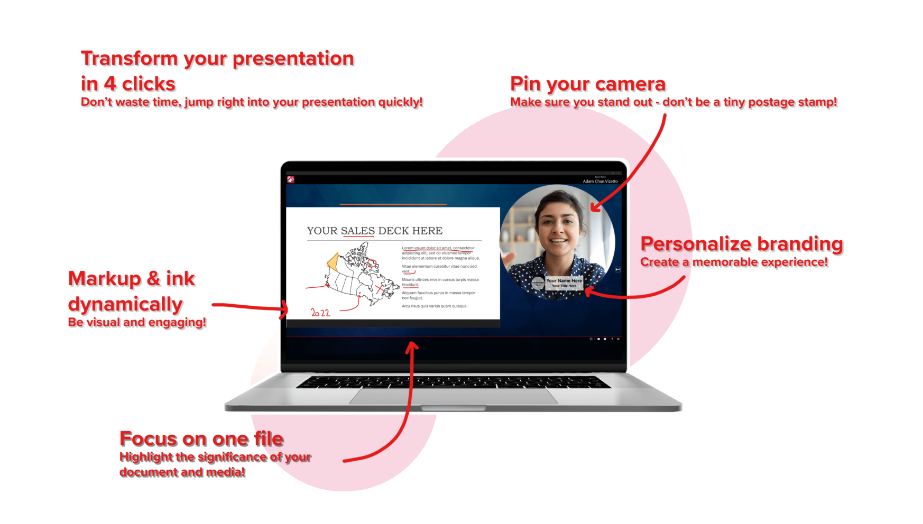
Pin your camera and elevate your presence.
Put your audience on a secondary monitor and elevate their presence.
Show content and manipulate multimedia files as easily as if they were paper.
Write, ink, highlight, underline, and markup documents to focus your audience’s attention.Deliver impactful presentations that create long-lasting memories and build trust.Discover how Reactiv SUITE can help make your meetings memorable with a free trial.

Speech-language pathologists identify and cure patients with problems with cognitive-communication impairments, stutters, and other language issues.
They keep precise records of every affected individual to track progress and match them, usually enhancing their language routines.Paralegals Play a Critical Part in the legal procedure, and there’s a Slow but authoritative trend regarding the higher usage of paralegals from the delivery of legal services.
This indeed is a laudable step.
Underneath the senior law firm's oversight, they can show their files and run Paralegal remote jobs that might have been carried out with the way of a professional law firm.Paralegals should possess a Good Understanding of valid Vocabulary and national and state principles of lawful treatment.
Extraordinary organizational abilities are crucial because it's probable you will be controlling voluminous scenario records and displays likely.In the event, you’ve never worked with a customer before, do your study, and discover that you are managing.
Google their identity, consult your contacts should they understand such a thing regarding your prospect, conduct credit ratings, and, for most business customers, see whether you can find some grievances against these on internet sites just like the Better Business Bureau.Reputable is a tech system that joins Healthcare Professionals with adaptive lab or chances in care giving centres around the nation.
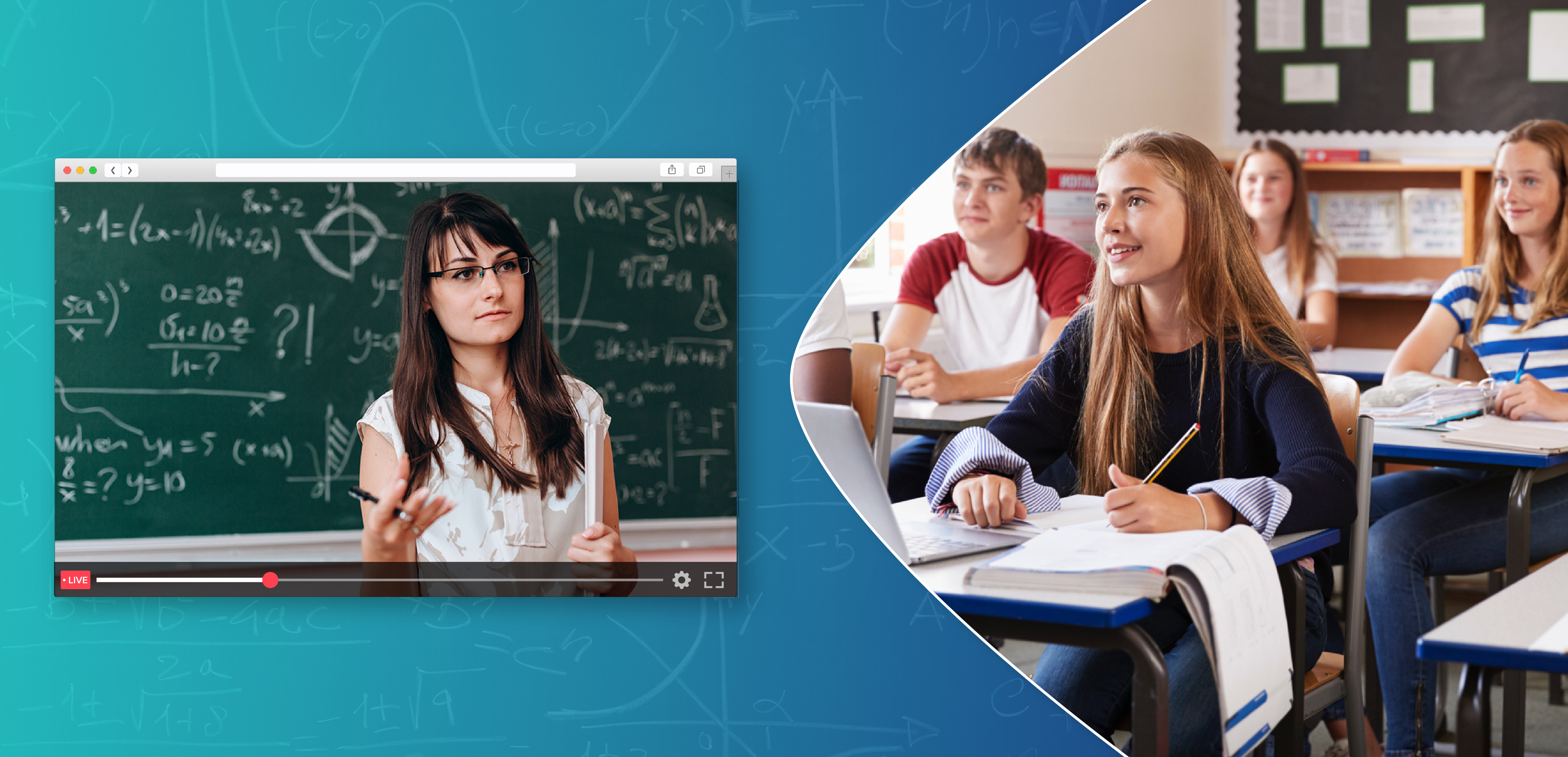
Digital distance learning would be much useful during emergency situations during global crises.
In order to help educational professionals to live stream a classroom online sessions, let us take a look at how to set up live classroom streaming, equipment and technology needed to host live classroom hosting.