

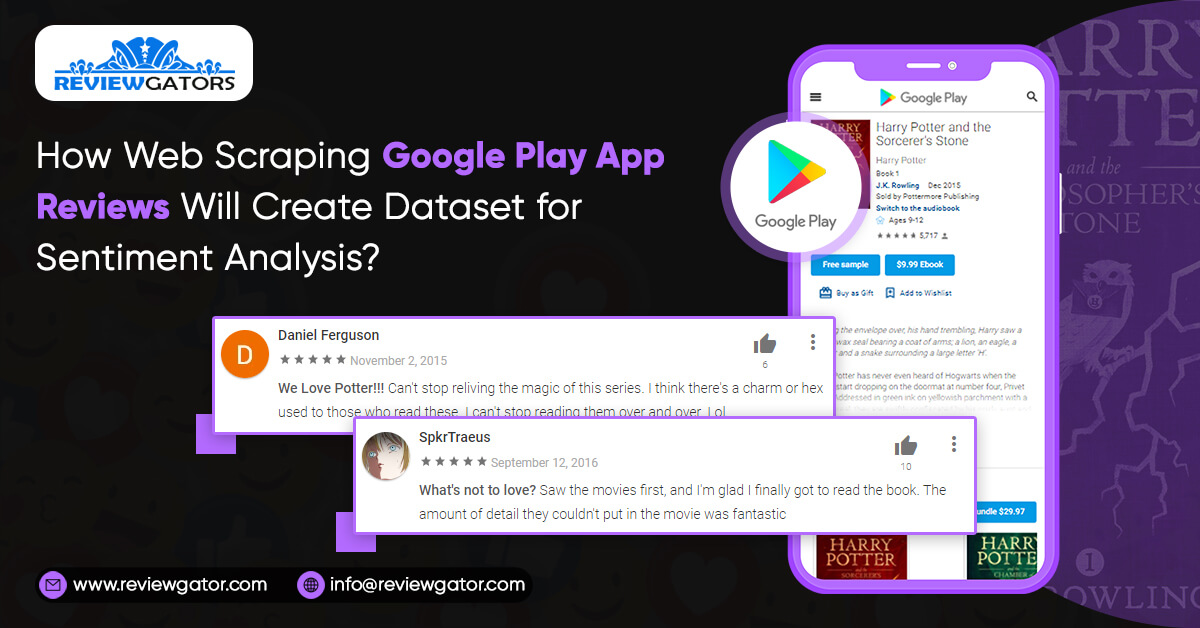
A guide to using Python to scrape Android App reviews and turn the data into a sentiment analysis database.
Let's look at how to scrape reviews and ratings for Android apps to produce a dataset for sentiment analysis. You'll save the material to CSV files after converting the application and reviewing the data into Data Frames.
Executing the code with Scripting with Pytorch (Google Calab)
Installing necessary packages and setting up the imports
You'll learn how to:
- Establish an objective and criteria for including your dataset.
- Look for real-world consumer comments on the internet.
- Use Pandas to convert and store the dataset into CSV files, which you can find on Google Play.
- The Dataset's Purpose
Setup:
import json
import pandas as pd
from tqdm import tqdm
import seaborn as sns
import matplotlib.pyplot as plt
from pygments import highlight
from pygments.lexers import JsonLexer
from pygments.formatters import TerminalFormatter
from google_play_scraper import Sort, reviews, app
%matplotlib inline
%config InlineBackend.figure_format='retina'
sns.set(style='whitegrid', palette='muted', font_scale=1.2)
The Target of the Dataset
You'd like to receive customer feedback on your items, whether positive or negative; both are valuable. You'd want to know what other people think of your app. Both the negative and positive features are advantageous. The negative one, on the other hand, may reveal critical features that are missing or service disruptions (when it is much more frequent).
Fortunately, Google Play offers a diverse selection of apps, ratings, and reviews. We can scrape app metadata and reviews using the google-play-scraper program.
When it comes to evaluating apps, you have a lot of alternatives. On the other hand, different app categories have diverse target audiences, domain-specific characteristics, and so on. Let's start with the fundamentals.
We need applications that have been around for a long so that natural feedback may be gathered. We want to keep the amount of advertising we utilise to a minimum. Because apps are updated on a regular basis, the date of the review is crucial.
In a perfect world, you'd collect every possible review and use it to your advantage. In the real world, however, data is frequently restricted (too large, inaccessible, etc.). As a result, we'll give it our all.
Let's take a look at a few apps that meet the Productivity category's requirements. We'll use AppAnnie to select a few of the most popular apps in the US:
app_packages = [
'com.anydo',
'com.todoist',
'com.ticktick.task',
'com.habitrpg.android.habitica',
'cc.forestapp',
'com.oristats.habitbull',
'com.levor.liferpgtasks',
'com.habitnow',
'com.microsoft.todos',
'prox.lab.calclock',
'com.gmail.jmartindev.timetune',
'com.artfulagenda.app',
'com.tasks.android',
'com.appgenix.bizcal',
'com.appxy.planner'
]
Extracting App Information
Scraping the information for every application
<Code>
This offers a great deal of information, such as the number of ratings, reviews, and ratings for each score (1 to 5). Let's set aside all of that and have a look at their lovely icons:
def format_title(title):
sep_index = title.find(':') if title.find(':') != -1 else title.find('-')
if sep_index != -1:
title = title[:sep_index]
return title[:10]

fig, axs = plt.subplots(2, len(app_infos) // 2, figsize=(14, 5))

for i, ax in enumerate(axs.flat):
    ai = app_infos[i]
    img = plt.imread(ai['icon'])
    ax.imshow(img)
    ax.set_title(format_title(ai['title']))
    ax.axis('off')
We can save the app information for later by converting the JSON objects into a Pandas data frame and saving the output to a CSV file:
app_infos_df = pd.DataFrame(app_infos)
	app_infos_df.to_csv('apps.csv', index=None, header=True)
Scraping App Reviews
You may use the scraping tool to create a balanced dataset by filtering the review score. And, to receive a sample of evaluations for each app, you may arrange the reviews by how helpful they are, which Google Play considers to be the most essential factor.
We're looking for:
- A well-balanced dataset — each score (1–5) has nearly the same number of reviews.
- A representative sample of each app's reviews
You may achieve the first criterion by utilizing the scrape package option to filter the review score. For the second, we'll sort the reviews by helpfulness, which suggests which are the most important to Google Play. Just in case, we'll get a subset from the most recent:
app_reviews = []


	for ap in tqdm(app_packages):
	  for score in list(range(1, 6)):
	    for sort_order in [Sort.MOST_RELEVANT, Sort.NEWEST]:
	      rvs, _ = reviews(
	        ap,
	        lang='en',
	        country='us',
	        sort=sort_order,
	        count= 200 if score == 3 else 100,
	        filter_score_with=score
	      )
	      for r in rvs:
	        r['sortOrder'] = 'most_relevant' if sort_order == Sort.MOST_RELEVANT else 'newest'
	        r['appId'] = ap
	      app_reviews.extend(rvs)
Each review includes the app's id and sort order. Consider the following as an example:
	print_json(app_reviews[0])

{
	  "appId": "com.anydo",
	  "at": "2020-04-05 22:25:57",
	  "content": "Update: After getting a response from the developer I would change my rating to 0 stars if possible. These guys hide behind confusing and opaque terms and refuse to budge at all. I'm so annoyed that my money has been lost to them! Really terrible customer experience. Original: Be very careful when signing up for a free trial of this app. If you happen to go over they automatically charge you for a full years subscription and refuse to refund. Terrible customer experience and the app is just OK.",
	  "repliedAt": "2020-04-07 14:09:03",
	  "replyContent": "Our policy and TOS are completely transparent and can be found in the Help Center and our main page. In addition, payment can only be made upon the user's authorization via the app and Google Play. We provide users with a full 7 days trial to test the app with an additional 48 hours for a refund, along with priority support for all issues.",
	  "reviewCreatedVersion": "4.17.0.3",
	  "score": 1,
	  "sortOrder": "most_relevant",
	  "thumbsUpCount": 37,
	  "userImage": "https://lh3.googleusercontent.com/a-/AOh14GiHdfNEu1DwwcJ6yNyju8Yvn4JwjpzuXvD74aVmDA",
	  "userName": "Andrew Thomas"
	}
repliedAt and replyContent are the developer's answer to the review is included in the content which can be sometimes found missing.
len(app_reviews)
How Many Reviews will you receive?
len(app_reviews)
15750
Save the reviews to CSV files
app_reviews_df = pd.DataFrame(app_reviews)
app_reviews_df.to_csv('reviews.csv', index=None, header=True)
Summary
We now have over 15K user reviews from 15 different productivity apps.
Scripting with Pytorch is used to run the code (Google Calab)
Installing required packages and configuring imports
You learned how to:
- Define the goals and expectations for your dataset.
- Google Play app information can be scraped.
- Google Play app user reviews can be scraped.
- Save the data as a CSV file.
Following that, we'll use BERT to analyse the reviews for sentiment.
Are you looking for a way to harvest reviews from Google Play? Request a quotation from ReviewGators today.