


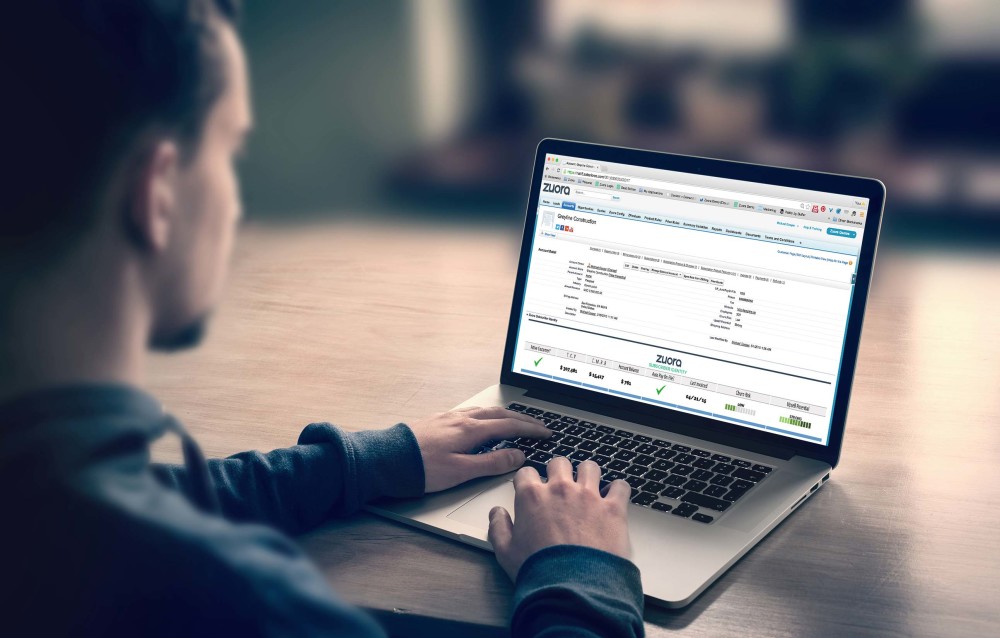
An effective billing system should help your business manage invoices more efficiently. Traditionally, invoices have been processed by hand, requiring human involvement. However, modern billing management systems make it possible to meet the challenges of modern business. An automated billing system eliminates errors and reduces human intervention. Learn about the characteristics of a billing system and how much it can cost to implement and upgrade it.
Basic concepts in billing
A billing system comprises software and hardware that receives and organizes call and service usage information. This information is then grouped by customer and account numbers to produce invoices and create management reports. The system also records payments made to customer accounts. Essentially, it helps a company manage its finances and track customer usage.
A billing system should accurately capture the costs of products and services. Then, depending on the services provided, the system automatically calculates and summarizes costs. The billing process will then automatically generate invoices for the customer. These billing systems will also support flexible billing. They can also automate certain processes like generating invoices, generating customer reports, and sending customer communications.
There are two main types of billing systems. One is subscription billing, which occurs after a client has consumed a product or service. A subscription billing system is when a person purchases something for a specific period and receives an invoice. A recurring charge is billed on a pre-determined interval, such as weekly, monthly, quarterly, and yearly.
Characteristics of a computerized billing system
One of the most important features of a computerized billing system is its ability to track client payments. With a computerized billing system, clients can be reminded to pay their accounts, and employees can easily keep track of late payers. Some systems also allow you to impose additional fees on late payers.
Another benefit of a computerized billing system is its ability to improve employee productivity. It can help firms monitor employee productivity, analyze hours worked, and analyze client work-in-process. A computerized time and billing system also analyze effective and standard rates for different services. This data can help firms decide on their billing rate structure.
A good billing system should be flexible and allow you to create customer profiles. These profiles should include customer names, billing addresses, and payment terms. Having this information available will enhance your customer relationship management. Smart systems will also allow you to input third-party payers and verify their legitimacy. They should also allow you to store product and service information, such as prices, quantities, descriptions, and discounts.
Cost of implementing a computerized billing system
A computerized billing system should automate the billing process and incorporate customer information and payment methods. It should also integrate with accounting software, CRM, and ERP solutions. A computerized billing system costs more, depending on its complexity. It will be useful for businesses with a large customer base and use subscription or retainer billing models.
Medical billing software can cost $120 or more per month, depending on how many users the system needs. The average life span of such a system is four years. A company must pay additional fees if it wants to add more features. Some companies even offer free software, but most leading providers charge a license fee.
A computerized billing system can help medical practices improve patient care and generate more revenue. The software can automate claim submission, keep medical billing codes up-to-date, and provide reporting. In addition, medical billing software can automate payment verification, ensuring that financial operations are faster and less error-prone.
Cost of upgrading a computerized billing system
Customer care and billing system are long-term investments, and as the needs of customers and technology change, so must the system. Therefore, the system should be flexible enough to handle changes in the customer base and industry standards. In addition, consider selecting a system with an architecture that supports easy upgrades.
Before making the switch, determine when your business will experience the least amount of downtime. For instance, if your business is seasonal, you should choose a time when there will be less invoicing, allowing you to make the changeover without disrupting your daily routine. Also, because you'll be generating fewer invoices during this time, employees handling billing will have more time to become familiar with the new system and avoid mistakes.
Software upgrades are another important factor to consider. The cost of software upgrades depends on the system's architecture. Choosing a billing system that allows for easy upgrades will cut the costs of system ownership while avoiding a negative impact on staff productivity.


In the telecom industry, stagnation can cause you to lose out to the competition.
Unlike bigger players in the market, MVNO has smaller margins and limited outreach.
So, stagnation becomes its biggest enemy when it comes to business empowerment.Invest in New Services for Best ResultsMVNO can only be profitable if they are able to attract customers with their unique plans.
Therefore, it is important for them to invest in new technologies such as IoT and 5G.
The best way to achieve this is by using the services of MVNO service providers who have pre-existing resources.Essential Attributes and Resources of MVNO Service ProvidersMVNO service providers need to be agile in terms of fulfilling the requirements of MVNO.
If they have these essential resources and attributes, they can be a huge asset for your business:3GPP compliant Online Charging SystemWhen compared with OFCS (Offline Charging System), an Online Charging System (OCS) is way better.