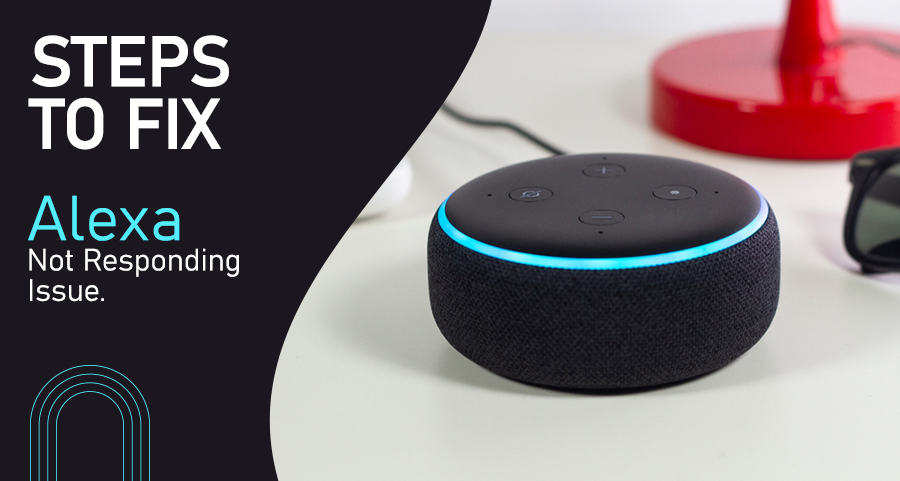
Suppose your Alexa is not responding to your commands. There are several reasons for this issue, for example the command is not given correctly, some problems with the internet connection, physical damage, or malfunctioning the device.
Here are some essay steps to fix Alexa not responding.
Methods to fix Alexa is Not Responding
You can resolve this in a few simple ways:
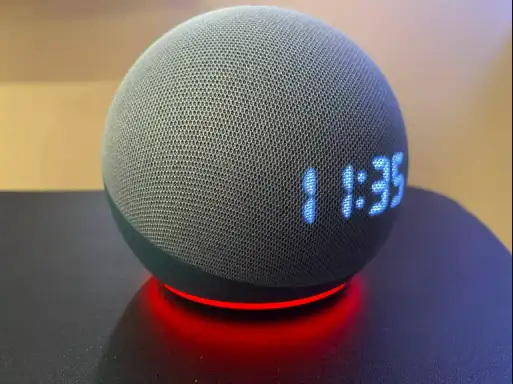
1. Press the microphone button: Any echo devices have a button to turn on or turn off the device. If this button is pressed the device will turn off automatically and the red light will turn on and the result is Alexa stop responding to your voice command.
To resolve this issue press the mic button to turn it on and speak and it will recognize your command.
2. Restart the device: If the Alexa is not responding to your voice command, you can reboot it. If the device is plugged into the socket, unplug it for a few seconds. Then plug it back into the power socket and the device will turn on.
To confirm whether the device is working or not give a command to see if it responding or not.
3. Check the Wi-Fi connection: Alexa needs to be connected to the internet. If the internet connection has any issue, that can cause Alexa not to respond to your voice command.
If the Alexa is not working properly look for the WI-FI connection, if the connection is not working properly reconnect the internet connection. And check it is responsive by giving commands.
4. Physical damage to the Alexa device: Any physical damage to the Alexa device may also cause the device unresponsive. Look for any cracks or fractures in the device.
5. Reset the device: If any of the above methods are not working you can reset the device also and see if that can fix your problem.
Here are some steps on how to reset your Alexa device by using the Alexa app on your phone:
1. You can open the Alexa app on your phone.
2. Tap the option device at the bottom of the app.
3. Tap the device option and select Alexa.
4. Your device setting will open, scroll down and press factory reset.
5. Press the Factory Reset again immediately which appears on your screen.
6. Your Alexa device should begin to reset.
Sum up
You can use the above methods to fix your Alexa device if not responding to your voice command.