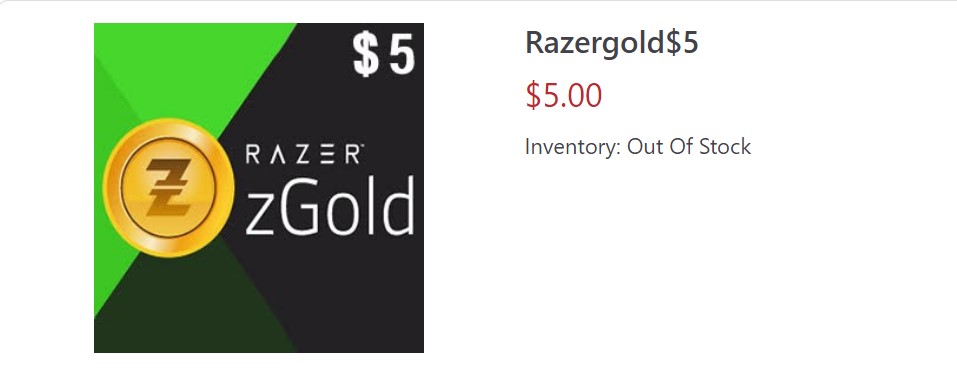
If you are an enthusiastic gamer, you know that having the right equipment can make all the difference. That's why Razer is one of the most popular gaming brands, offering a range of high-quality gaming accessories and peripherals. But did you know that Razer also offers a virtual currency called Razer Gold that can be used to purchase games, in-game items, and more? In this blog post, we'll take a closer look at Razer Gold and show you how to buy it.
What is Razer Gold?
Razer Gold is a virtual currency that can be used to purchase games, in-game items, and other digital content. It's accepted by thousands of online gaming merchants worldwide, including popular titles like League of Legends, Fortnite, and PlayerUnknown's Battlegrounds (PUBG).
One of the advantages of using Razer Gold is that it offers exclusive discounts and promotions on games and in-game items. In addition, users can earn Razer Silver, a loyalty program that rewards users for making purchases with Razer Gold.

How to Buy Razer Gold
Buying Razer Gold is easy and can be done in a few simple steps. Here's how:
Step 1: Create a Razer account
If you do not have a Razer account yet, you will need to create one. Go to the Razer website and click on "Sign In" in the top right corner. Then, click on "Create an Account" and follow the prompts to set up your account.
Step 2: Add funds to your Razer account
Once you have created your Razer account, you will need to add funds to it. To do this, click on your account name in the top right corner and select "Reload Now." You can then choose from a range of payment options, including credit/debit cards, PayPal, and more.
Step 3: Purchase Razer Gold
Once you have added funds to your Razer account, you can purchase Razer Gold. To do this, go to the Razer Gold website and select "Buy Now." You will then be prompted to choose the amount of Razer Gold you want to purchase. The available amounts may vary depending on your location and the merchant you are buying from.
Step 4: Redeem your Razer Gold
After you have purchased your Razer Gold, you will receive a code that you can redeem on the Razer Gold website. To redeem your code, log in to your Razer account and select "Reload Now" from the drop-down menu under your account name. Then, click on "Redeem a Code" and enter your Razer Gold code.
Once you have redeemed your Razer Gold, you can use it to make purchases on participating gaming platforms and merchants. Simply select Razer Gold as your payment method at checkout and enter your Razer Gold login information when prompted.
Tips for Using Razer Gold
Here are some tips for using Razer Gold to get the most out of your gaming experience:
- Take advantage of Razer Gold promotions: Razer Gold regularly offers promotions and discounts on games and in-game items. Keep an eye out for these deals and take advantage of them when you can.
- Use Razer Silver to earn rewards: Razer Silver is a loyalty program that rewards users for making purchases with Razer Gold. You can use Razer Silver to redeem exclusive rewards, such as free games, discounts, and more.
- Check participating merchants: Before making a purchase with Razer Gold, check to make sure that the merchant accepts it as a payment method. You can find a list of participating merchants on the Razer Gold website.
- Watch for expiration dates: Razer Gold codes typically have an expiration date. Be sure
Razer Gold is a convenient and secure way to purchase games, in-game items, and other digital content. By following the steps outlined in this post, you can easily purchase and redeem Razer Gold, and start taking advantage of the exclusive discounts and promotions it offers. Just remember to keep your account secure, watch for expiration dates, and take advantage of Razer Silver rewards to get the most out of your Razer Gold purchases. With Razer Gold, you can maximize your gaming experience and enjoy all the benefits of being a dedicated gamer.
Buy Razer Gold Gift Card from Meta Gift now.