Introduction
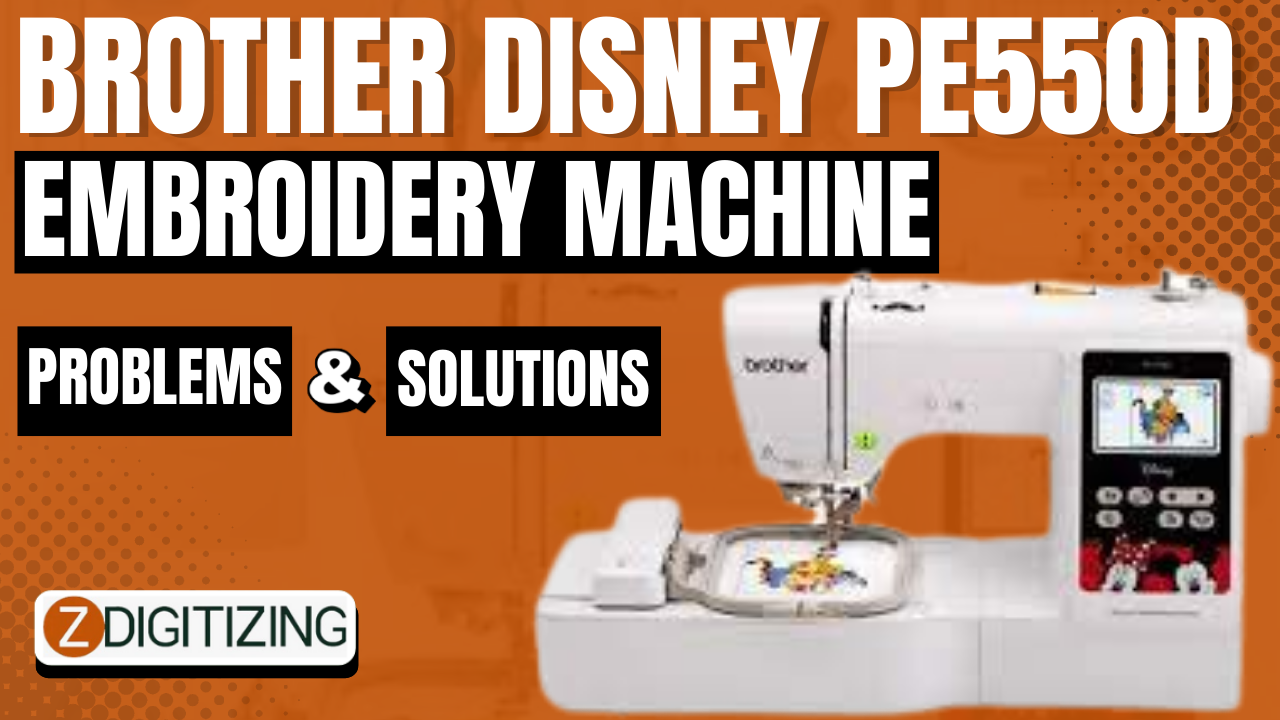
Embroidery has evolved into an art form that seamlessly blends creativity with technology. The Brother Disney PE550D Embroidery Machine stands as a testament to this blend, offering enthusiasts and professionals alike the ability to bring their creative visions to life with stunning embroidery designs. However, like any piece of technology, the PE550D can sometimes present users with challenges. In this blog, we'll delve into some common problems that users might encounter with the Brother Disney PE550D Embroidery Machine and provide practical solutions to overcome these obstacles. Whether you're a novice or a seasoned embroiderer, this guide will help you navigate through issues and keep your creative journey uninterrupted.
- Thread Breakage and Tension Issues
Problem:
One of the most frustrating issues that users might encounter is thread breakage during the embroidery process. Additionally, tension problems can lead to uneven and unsightly stitching.
Solution:
Thread breakage can often be attributed to improper threading, so start by rethreading the machine according to the manufacturer's instructions. Check the upper and lower thread tension settings; the correct balance between these tensions is crucial. It's advisable to use high-quality embroidery thread to minimize the chances of breakage. Test stitching on a scrap fabric before committing to your main project.
- Bobbin Winding and Placement
Problem:
Inconsistent bobbin winding can lead to thread jams and nesting underneath your fabric. Incorrect bobbin placement can also cause issues.
Solution:
Ensure that you wind the bobbin evenly and according to the machine's instructions. Make sure the bobbin is placed correctly in the bobbin case, following the guidelines in the user manual. Regularly clean the bobbin area to remove any lint or debris that might hinder smooth bobbin movement.
- Needle Breakage and Misalignment
Problem:
Needle breakage can disrupt the embroidery process, leading to damaged fabric and incomplete designs. Needles can also become misaligned, resulting in inaccurate stitching.
Solution:
Always use the correct needle type and size for the fabric you're working with. Different fabrics require different needle thicknesses and points. Check the needle for any burrs or dullness; a damaged needle can easily break. Additionally, ensure that the needle is inserted correctly and securely. If the needle is misaligned, consult your user manual for guidance on how to adjust it properly.
- Design Placement and Hooping
Problem:
Incorrect design placement within the hoop can lead to skewed or misaligned embroidery. Improper hooping can cause fabric distortion and uneven stitching.
Solution:
Proper hooping is essential for achieving precise and accurate embroidery. Take time to align your fabric correctly in the hoop, ensuring it's taut but not stretched. Double-check the design placement using the machine's built-in tools or templates. Some users might find it helpful to trace the design onto the fabric before hooping it. Additionally, using stabilizers appropriate for the fabric can prevent distortion and improve the quality of your embroidery.
- Digitizing and Design Complexity
Problem:
Sometimes, embroidery designs might not appear as expected due to issues in the digitizing process. Complex designs can tax the machine's capabilities, leading to stitching problems.
Solution:
For intricate and detailed designs, consider outsourcing your digitizing needs to a professional embroidery digitizing company. They have the expertise to convert picture to embroidery-friendly formats that work seamlessly with your machine. Additionally, simplify highly complex designs to ensure smooth stitching. Experiment with different thread colors and layering techniques to achieve depth and dimension.
- Software Compatibility and Updates
Problem:
Compatibility issues between your design software and the PE550D can hinder your embroidery projects. Outdated machine software can also lead to glitches.
Solution:
Regularly check for software updates for both your design software and embroidey digitizing company. Manufacturers often release updates to improve compatibility, fix bugs, and enhance overall performance. Before purchasing or downloading embroidery designs, ensure they are compatible with your machine's format. Utilize vector art services or convert designs to the appropriate format, such as DST or PES, if needed.
Conclusion
Embroidery is an art form that demands precision and patience, and the Brother Disney PE550D Embroidery Machine is a powerful tool that can elevate your creative pursuits. While challenges may arise, armed with the right knowledge and solutions, you can overcome these obstacles and continue crafting beautiful embroidered pieces. Remember to maintain your machine regularly, follow best practices for design placement and hooping, and consider professional assistance when needed. By troubleshooting effectively, you'll ensure that your embroidery journey remains a satisfying and rewarding experience from start to finish.