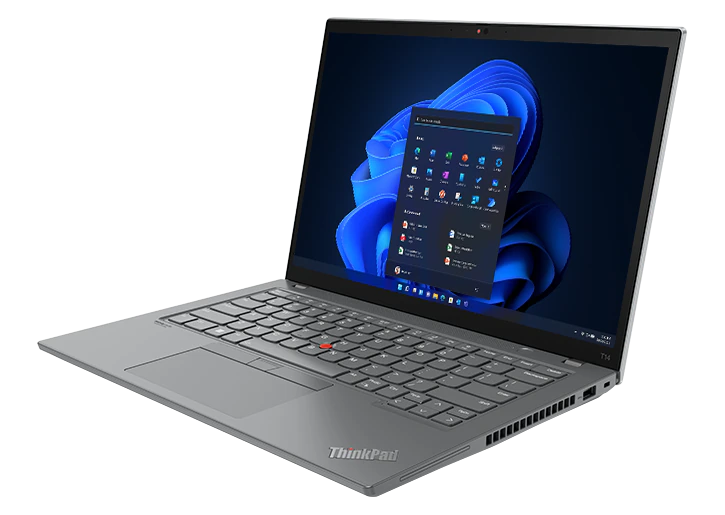
Lenovo ThinkPad is one of the first choice for professionals. It comes up with the good specification in a budget price. Although, Lenovo laptop works perfectly on all devices still some users may encounter some basic issues with their laptops like- Lenovo laptop not detecting the wireless network.
Generally, this kind of issue appears because of the adapter settings or network settings. So if you are currently unable to access the wireless network on your Lenovo laptop. Do not worry, here are the guide for you. You can apply it on your device.
How do I Fix Lenovo Laptop Not Detecting Wireless Network?
Your Lenovo laptop may fail to detect a wireless network due to several factors, such as hardware issues, software glitches, or network problems.
- First of all, you need to make sure that you haven’t disabled the wifi on your laptop. So you need to go to the network and internet settings on your laptop. Here you need to check the wireless settings. If your network adapter is off, you need to turn it on.
- Ensure your network drivers are up-to-date. Visit Lenovo's official website to download the latest drivers for your laptop's network adapter. In case, if you are not comfortable with manual update, you can do it using the automatic update from the device manager.
- Check if Airplane Mode is enabled. If it is, disable it to allow your laptop to connect to wireless networks. In most of the cases, when airplane mode is active. It won’t let you sync to the Lenovo laptop servers. In such a case, you will face such kind of issues with your Lenovo laptop.
- Sometimes, Lenovo laptop is not detecting the wireless network on windows 11 because of the router issue. So Restart your wireless router to refresh the network settings. This often resolves connectivity issues.
- When you can’t see the network on your laptop. Let’s check the disatance between your laptop and router. How far is it available from your laptop? Check Router. If the distance is more than 10 meters. You need to place the router nearby the computer. After that, you will start seeing the wireless network.
- Resetting your network settings can clear any configuration issues. Use the "Network Reset" option in Windows settings.
- Scan your laptop for malware and viruses, as they can affect network connectivity. When your laptop is infected with the malware or other kind of viruses. It will cause such issues on your laptop. So must need to make sure that you are not going through such problems on your Lenovo laptop.
- If the problem started recently, consider using System Restore to revert your laptop to a previous working state. Before restoring the laptop you must take the back of your apps and data.
So these are the steps to fix Lenovo laptop sound not working. In case, if you need more help, you need to visit askprob blogs. There you will find the complete guide.