


Fulfillment by Amazon, or FBA for short, is an Amazon service for sellers, allowing them to utilize Amazon’s warehouses to store the products and outsource their delivery to the end customer. Amazon will take care of this job.
Keep reading to find out how Amazon FBA works and how much it costs.
What is Amazon FBA?
Fulfillment by Amazon (FBA) is a fulfillment method when sellers outsource their orders to Amazon storage, packaging, and shipping. It also includes customer services related to fulfillment and processing order returns and exchanges.
FBA is the most popular fulfillment model on Amazon.
How Does Amazon FBA Work
Amazon FBA step by step
- Step 1. Sellers prepare and deliver inventory to Amazon’s fulfillment center.
- Step 2. Amazon stores the product until it’s time to ship them to the buyer.
- Step 3. When a shopper orders, Amazon staff packages and ships the item from the Amazon fulfillment center to the customer’s door.
Is Amazon FBA Worth It?
FBA helps newbies on Amazon start selling. Also, with FBA, experienced merchants streamline and scale their business and efficiently set up shipping and delivery all in one place.
Pros and cons of Amazon FBA
Amazon FBA has both benefits and disadvantages. On the one hand, it relieves you from fulfillment headaches and helps provide high-quality customer service. On the other hand, Amazon charges FBA sellers many fees.
Related: New Dropshipping Strategy That Complies With Amazon's Policy
Amazon Wholesale: All You Need To Know In 2023
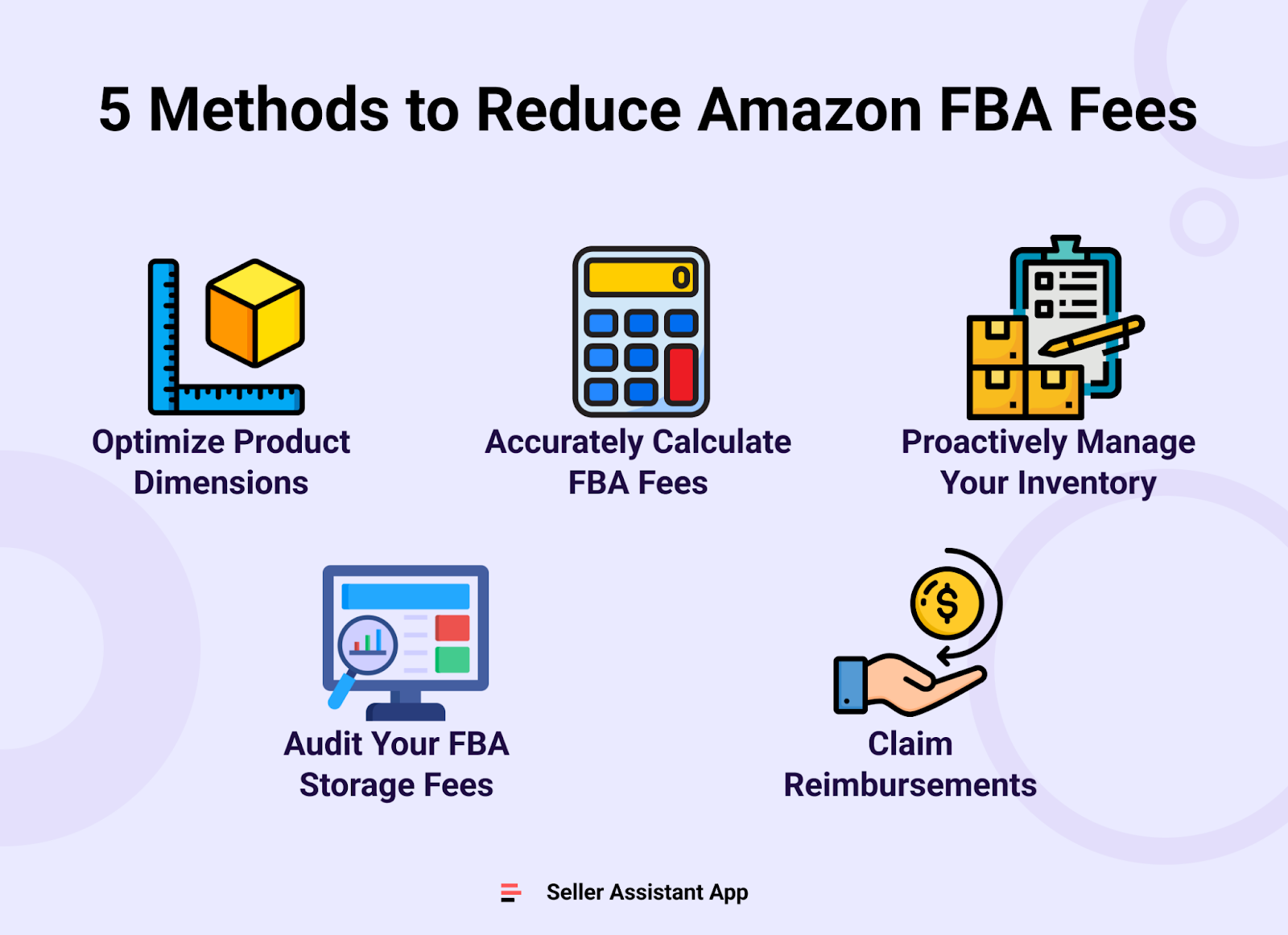
5 Methods to Reduce Amazon FBA Fees
Related: How To Reduce Amazon FBA Fees
13 Ways to Make Money on Amazon in 2023
FBA pros
Effortless delivery
Sellers that enroll products in FBA send them to Amazon fulfillment centers, and when a buyer makes a purchase, Amazon picks, packs, and ships the order. This way, Amazon handles a big part of the delivery process on behalf of the merchant.
Competitive shipping costs
Amazon is known for having efficient logistics and optimized shipping processes. With FBA, Amazon sellers can benefit from a huge system of warehouses that allows for cost-efficient logistics solutions.
Customer service
Amazon can provide customer service on behalf of Amazon FBA sellers. It handles customer support via phone or email, 24/7. This service is for free.
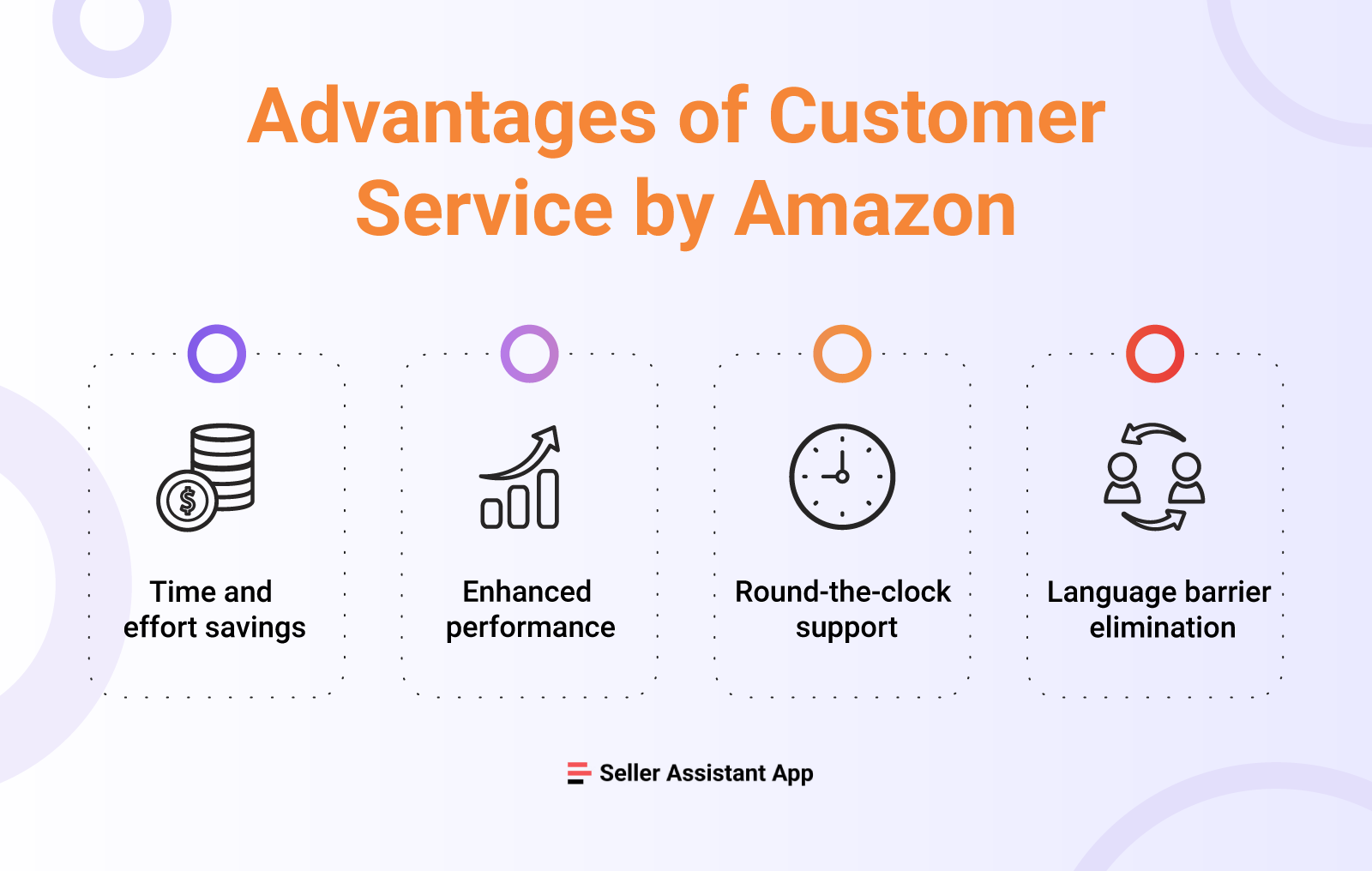
Customer Service by Amazon page
Related: FBA vs FBM: Which is Better for Amazon Sellers in 2023?
What is Amazon FBM and How Does it Work?
Return management
Amazon anticipates return management as a customer service. It processes returns on behalf of FBA sellers. If customers want to return a product, Amazon directs them to their convenient online returns center.
Fast and free delivery
Many customers use Amazon because of the Fast and free delivery option. When a seller enrolls products in FBA, they are eligible for free shipping.
Amazon Prime free Two-Day shipping
FBA items are eligible for Amazon Prime free Two-Day Shipping and Free Shipping. Customers prefer to buy products with these options.
Unlimited storage space
Amazon has a huge network of warehouses globally. FBA sellers can store as many products as they need on Amazon without limitation.
Multichannel fulfillment
FBA merchants can sell from their own or third-party websites, with Amazon picking, packing, and shipping to their customers.
Buy Box priority
Amazon prioritizes FBA sellers regarding product ranking in search results, visibility, and winning the Buy Box. When you use the FBA, your item will appear higher on the Amazon search results page and is more likely to win the Buy Box. Thus, it will sell more.
Related: Amazon Business Models: How to Choose the Right One?
Amazon Seller Central: Complete Guide

Amazon delivery
FBA Cons
Significant number of FBA fees
Though Amazon FBA is a convenient and efficient service, it costs money. Amazon charges sellers storage fees; therefore, you must sell products quickly to move your stock and avoid long-term storage fees. There are also other FBA fees for packaging, processing returns, and more.
That means you need to accurately account for all these fees and ensure that your product is still profitable after deducting all FBA fees.
Related: Amazon FBA Calculator: Free Vs Paid
Amazon Holiday Selling Strategy 2023
Higher return rate
Amazon has a very “easy” return policy. A shopper can return most items purchased on Amazon for a full refund within 30 days. When customers request to return a product they bought via FBA, Amazon immediately takes the return funds from the seller's disbursement and gives the customer a shipping label to return the item to the proper warehouse.
Due to this simplified customer returns procedure, FBA sellers sometimes face increased return rates.
You must also remember, that when customers return the item, Amazon refers to them either in “sellable” or “unsellable” condition. Amazon will or will not refund the seller, depending on the return reason and condition. That means you will not always get your money for the refunded product back. In such cases, you should file a reimbursement claim to Amazon.
Strict product prep guidelines
Amazon FBA sellers are required to follow Amazon’s inventory prepping and labeling guidelines. They are quite detailed, and you need to follow them exactly. If your products are not packaged and labeled according to Amazon standards, it will reject your inventory at the warehouse. That will lead to delays in delivery.
Product handling issues
Sometimes, Amazon can make delivery mistakes. Also, during big events like Amazon Prime Day, Black Friday, or the Holiday season, you need to plan restocking and order inventory in advance due to possible delays with delivery.
Related: 7 Amazon Product Research Tactics You Need in 2024
Amazon Seller Compliance Documents
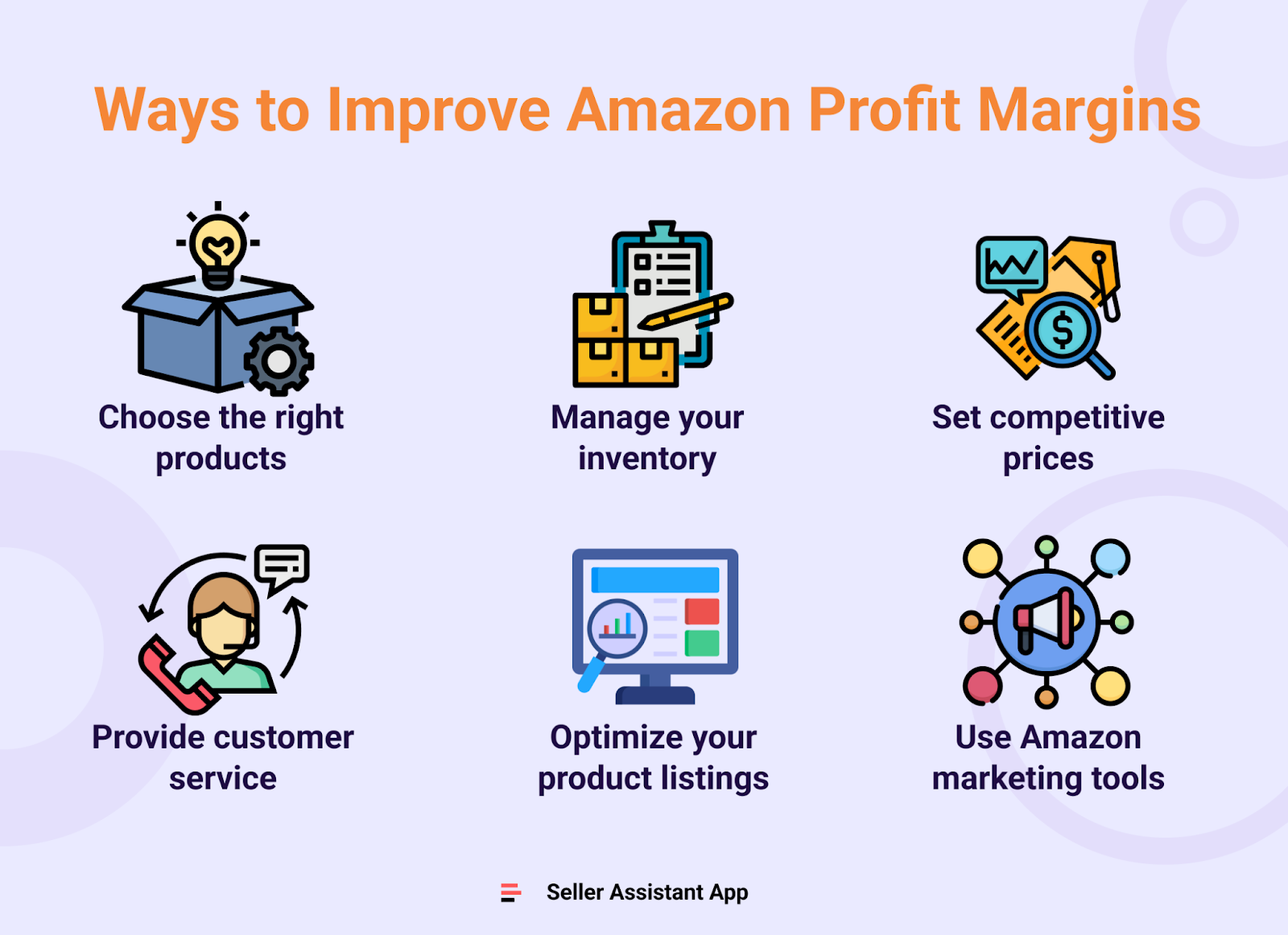
Ways to Improve Amazon Profit Margins
Related: 2024 Important Dates Amazon FBA: Key Dates for Amazon Sellers
The Most Important Amazon Seller Metrics for FBA Businesses
How Much Does FBA Cost?
Apart from Amazon seller account fees ($0.99 per item under an individual subscription plan or $39.99 per month under a professional plan) and referral fees (8% to 15% depending on the product category), Amazon charges FBA-specific fees to FBA sellers.
FBA fees
- fulfillment fees for FBA orders;
- monthly inventory storage fees;
- long-term storage fees;
- removal order fees;
- disposal order fees;
- returns processing fees;
- unplanned service fees.
Related: Online Arbitrage Unit Economics: How To Calculate It
How to calculate FBA fees?
Calculating expected FBA costs and product revenues is not an easy task. You can simplify this process if you use the Amazon FBA calculator.
Seller Assistant App’s FBM & FBA calculator helps you calculate your product profitability and Amazon fees right on the Amazon search results page or Amazon product page.
Product profitability with Seller Assistant App
The Profit calculation box of the dashboard shows you the Profit, ROI, and Margin (profit margin) figures for FBA and FBM separately
Fees and logistics costs with Seller Assistant App
You can see all your fees and costs in the Seller Assistant App's dashboard's Fees and logistics costs box.
In the Fees and logistics costs box, you can:
- switch between FBA and FBM to see respective costs;
- “Fees” show the total amount of Amazon commissions;
- “R15%” indicates the Amazon Referral fee;
- “Sto” displays the cost of monthly storage of goods in Amazon warehouses;
- “3PL” indicates third-party logistics costs;
- “Ship” is the cost of shipping the item.
Related: Taxes for Amazon Sellers: All You Need to Know
Amazon Account Health: A Guide for FBA Sellers
Related: 13 Rules of OA Product Research Tested by Pain and Gain of Amazon Seller
Amazon Online Arbitrage: How to Make Money
How to Get Started with Amazon FBA?
Start selling with FBA step by step
- Step 1. Create an Amazon seller account.
- Step 2. In your Seller Central, set up FBA.
- Step 3. Add your products to the Amazon catalog, and specify FBA inventory.
- Step 4. Prep your item following Amazon’s packing guidelines and shipping and routing requirements.
- Step 5. Select a shipping plan, print the shipping labels, and send products to the Amazon warehouse.
Related: 5 Steps to Grow Your Amazon Online Arbitrage Business
5 Ways to Find Amazon Online Arbitrage Leads
Final Thoughts
Fulfillment by Amazon is a program that allows sellers to focus on sales while Amazon cares about their fulfillment. It helps newbies on Amazon start selling and experienced merchants streamline and scale their business.
However, this service comes with a cost. Amazon charges sellers many FBA fees, and properly accounting for all of them influences your product’s profitability.
Seller Assistant App’s FBM&FBA profit calculator helps you see all FBA and other shipment fees right on the Amazon product search page. And not only that. It can immediately tell you if a product has any sales restrictions or has led to problems with account health in the past. It combines Quick View, Stock Checker, and Restrictions Checker in one tool.
Try Seller Assistant Аpp now. Register for our 14-day trial. Grow your Amazon business with confidence.
Originally published at https://www.sellerassistant.app/blog/how-does-amazon-fba-work-is-amazon-fba-worth-it




shipping from china to amazon fbahttps://www.chinafreight.com/shipping-to-amazon-fba.htmlChina Freight focuses on providing comprehensive services for shipping from China to Amazon FBA from around the world, at an affordable price.