


Introduction
In the world of WordPress websites, where every second counts in capturing and retaining your audience's attention, optimizing your database performance becomes paramount. A finely tuned database ensures speedy page loads, smoother user experiences, and even better search engine rankings. Thankfully, achieving this optimization doesn't always require diving into complex coding or database management tasks. With the right plugins and a bit of know-how, you can effortlessly enhance your WordPress site's performance. In this guide, we'll explore how to optimize WordPress database performance using plugins.
Understanding the Importance of Database Optimization
Before delving into the tools and techniques, let's grasp why optimizing your WordPress database is crucial. Your database is where all the essential data of your website resides - from posts and pages to user information and settings. As your site grows, so does the database, accumulating unnecessary data, revisions, and clutter. This accumulation can slow down queries, increase server load, and ultimately lead to a sluggish website.
Introducing Database Optimizer Plugins
Enter database optimizer plugins - handy tools designed to streamline your database, remove bloat, and enhance its performance. These plugins typically offer a range of features tailored to optimize your WordPress database effortlessly. Let's explore some popular options and how they can help you achieve optimal performance:
- WP-Optimize: One of the most widely used database optimization plugins, WP-Optimize offers a comprehensive suite of features to clean and optimize your database. From removing spam comments and trashed posts to optimizing database tables and scheduling automatic cleanups, WP-Optimize streamlines the optimization process with minimal effort.
- WP Rocket: While primarily known as a caching plugin, WP Rocket also includes database optimization capabilities. With features like database cleanup and optimization, WP Rocket helps reduce the size of your database, leading to faster load times and improved overall performance.
- WP Sweep: Another powerful plugin for database optimization, WP Sweep goes beyond basic cleanup tasks. It thoroughly scans your database for redundant data, including orphaned metadata, unused terms, and duplicate data, ensuring optimal database performance.
- Optimize Database after Deleting Revisions: WordPress stores revisions of your posts and pages, which can quickly accumulate and bloat your database. This plugin allows you to automatically optimize your database after deleting revisions, keeping your database lean and efficient.
Step-by-Step Guide to Optimizing Your WordPress Database
Now that we've introduced some of the top database optimizer plugins let's walk through the steps to optimize your WordPress database using these tools:
- Backup Your Database: Before performing any optimization tasks, it's crucial to back up your database. While optimization plugins are generally safe to use, having a recent backup ensures you can restore your site in case of any unforeseen issues.
- Install and Activate Your Chosen Plugin: Select the database optimization plugin that best suits your needs and install it on your WordPress site. Once activated, navigate to the plugin's settings to configure optimization options.
- Run a Full Optimization: Most database optimizer plugins offer a "one-click" optimization feature that cleans up your entire database with a single action. Click the optimization button and let the plugin do its magic.
- Schedule Regular Cleanups: To maintain optimal performance, schedule regular database cleanups using the plugin's scheduling feature. This ensures that your database stays lean and efficient over time.
- Monitor Performance: After optimizing your database, monitor your site's performance using tools like Google PageSpeed Insights or GTmetrix. Track improvements in page load times and overall site speed to gauge the effectiveness of your optimization efforts.
Conclusion
Optimizing your WordPress database is essential for ensuring fast, reliable, and efficient performance. By leveraging the power of database optimizer plugins, you can streamline the optimization process and keep your site running smoothly. Whether you choose WP-Optimize, WP Rocket, or any other plugin, regularly cleaning and optimizing your database will pay dividends in the form of improved user experiences and better search engine rankings. So why wait? Take the first step towards a faster WordPress site today!


If you want to keep a backup of your database follow the steps and learn easily how to backup WordPress database of your entire WordPress website
The websites collect a lot of external data and along with that, there are various different threats to the safety of the website.
The whole website consists of so much information and it cannot be recreated so having a backup for all the information is needed.
The manual back up of data provision shows how dedicated the platform is in offering suitable features.
The use of the WordPress backup system will ensure that you have all resources to restore the site in case something goes wrong.
There are many situations when a user loses access to their admin area if an attempt to hack the site is made or if the plugin installed shows some error.

Want to improve your Google Ads performance?
Here’s why you should link Google Analytics to Google Ads.
5 top tips for you to get started.
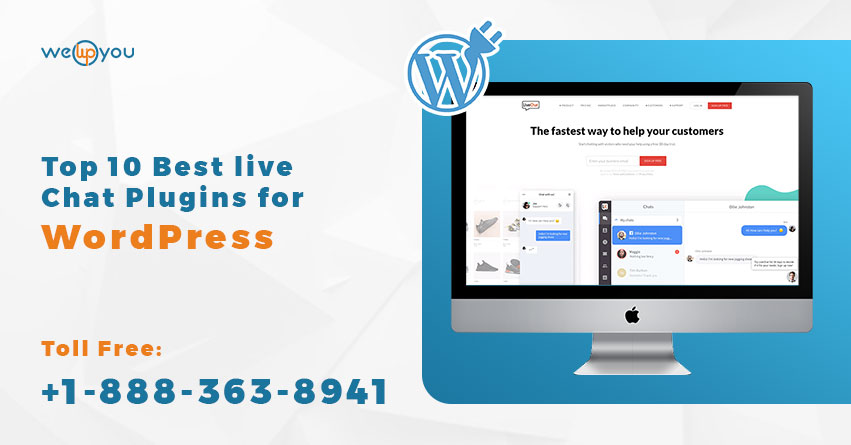
Are you looking for best WordPress chat plugin or best live Chat Plugins for WordPress so that you can use to quickly and easily add live chat support to your WordPress website.
There are so many wordpress plugin and it’s very difficult to find best plugin.
Read about top 10 plugin……..https://www.wewpyou.com/best-live-chat-plugin-for-wordpress/