


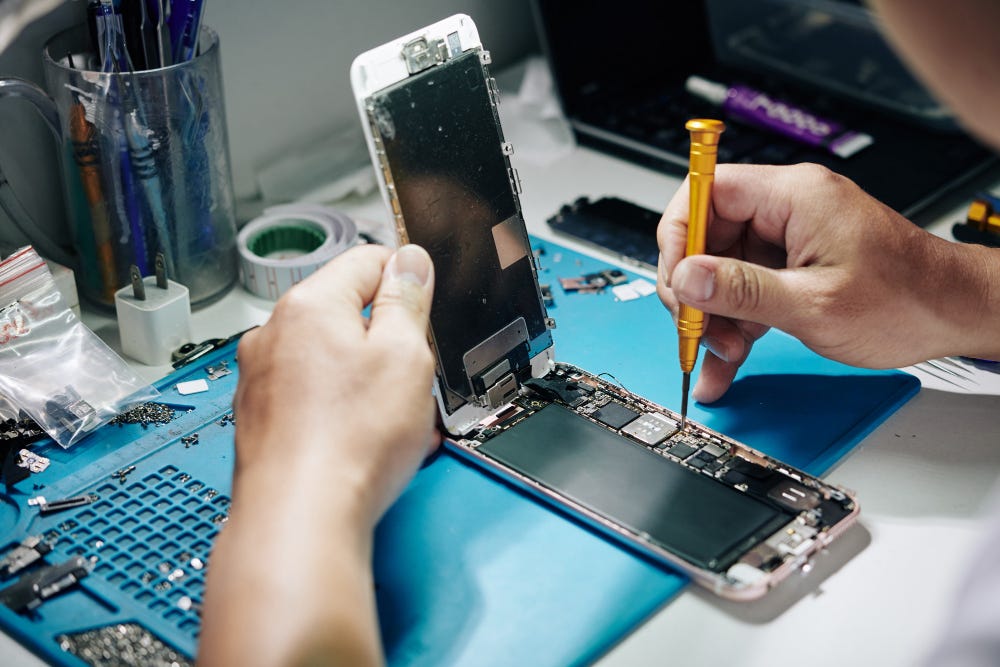
Dealing with an unresponsive iPhone can be frustrating, especially when you rely on your device for communication, productivity, and entertainment. Before rushing to the nearest repair shop for iPhone repairs in Adelaide, try these simple hacks to troubleshoot and fix your unresponsive device.
Force Restart
A force restart can help resolve many common software issues that may cause your iPhone to become unresponsive. To force restart your handset, quickly press and release the Volume Up button, then quickly press and release the Volume Down button. Finally, press and hold the Side (or Power) button until the Apple logo appears on the screen.
Check for Software Updates
Ensure that your iPhone is running the latest version of iOS by checking for software updates in the Settings app. Go to Settings > General > Software Update and tap "Download and Install" if an update is available. Installing the latest software updates can fix bugs and performance issues that may be making your iPhone turn “brick”.
Free Up Storage Space
Insufficient storage space can slow down your iPhone and cause it to become unresponsive. Delete unused apps, photos, videos, and other files to free up space on your device. You can also offload unused apps or enable iCloud Photo Library to store photos and videos in the cloud and free up local storage space.
Reset All Settings
Resetting all settings on your iPhone can help resolve software glitches and restore default settings without affecting your data. Go to Settings > General > Reset and tap "Reset All Settings." Enter your passcode if prompted, then confirm your selection. Note that this will reset all settings to their factory defaults, so you may need to reconfigure your preferences afterwards.
Restore from Backup
If all else fails, you can try restoring your iPhone from a backup to fix any persistent software issues. Connect your iPhone to a computer and use iTunes or Finder to restore your device from a previous backup. Make sure to choose a backup that predates the onset of the unresponsive behaviour.
If, after trying these solutions, your iPhone still won't work, there can be a hardware problem that calls for expert cheap phone repairs in Adelaide. I sincerely hope that these tips are helpful!


If your kindle fire is already busy in downloading a file behind the scene, you are surely going to get the Kindle frozen problem.
So, you should check this issue too.