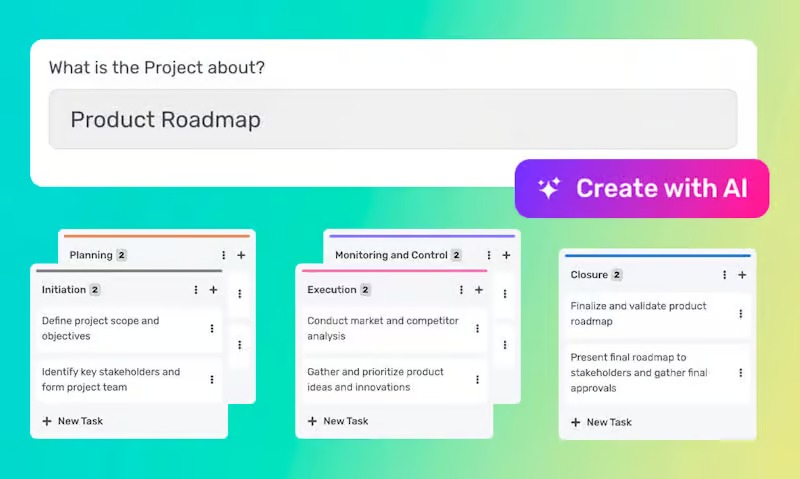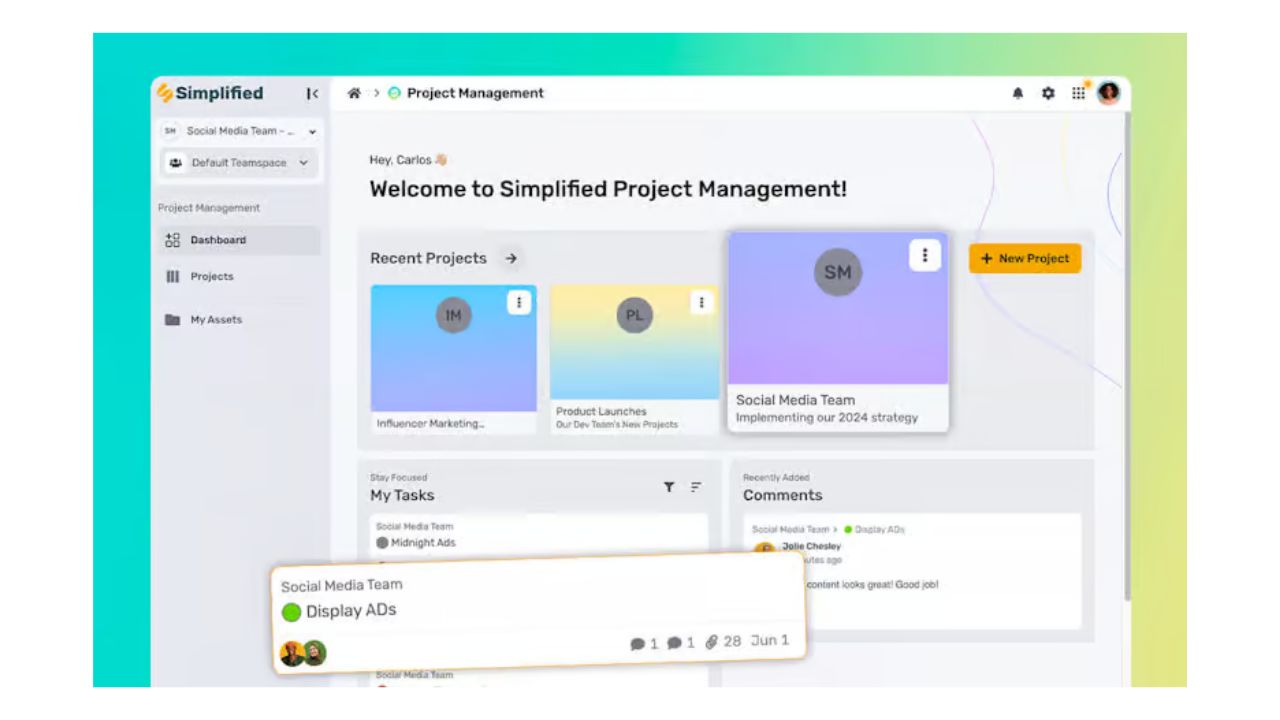


In the dynamic world of design, project management can often feel like juggling multiple tasks, deadlines, and creative visions. Effective management is crucial to ensure projects are completed on time, within budget, and to the highest standards. Fortunately, free online design project management software offers a solution to streamline workflows, enhance collaboration, and boost overall productivity. This article explores the top free tools available to design teams and how they can transform the project management process.
The Importance of Project Management Software for Design Teams
Design projects are inherently complex, involving multiple stages from conceptualization to final delivery. Effective project management software provides a structured approach to handle this complexity by offering features such as task management, collaboration tools, project planning, and resource management. These tools help ensure that all team members are aligned, tasks are tracked, and deadlines are met, ultimately leading to more successful project outcomes.
Top Free Online Design Project Management Software
1. Trello
Trello is a widely-used project management tool known for its simplicity and visual appeal. It employs a Kanban-style board that helps design teams visualize their work.
Key Features:
- Boards, Lists, and Cards: Organize projects into boards, lists, and cards that can be customized with task descriptions, checklists, attachments, and comments.
- Collaboration Tools: Team members can comment on cards, tag each other, and share files for seamless communication.
- Integration Capabilities: Trello integrates with various tools like Slack, Google Drive, and Adobe Creative Cloud.
Benefits:
- User-friendly and visually intuitive, making it easy for teams to adopt.
- Flexible and adaptable to different project types.
- The free plan offers substantial functionality for small to medium-sized projects.
2. Asana
Asana is a powerful tool that helps teams organize and manage their work effectively, offering a comprehensive set of features designed to enhance productivity and collaboration.
Key Features:
- Task and Subtask Management: Break down tasks into subtasks, assign them to team members, set deadlines, and track progress.
- Multiple Project Views: Offers list, board, and calendar views to manage projects in a way that suits your team best.
- Templates: Provides ready-to-use project templates for design teams.
- Integrations: Connects with numerous tools, including Adobe Creative Cloud, Slack, and Dropbox.
Benefits:
- Comprehensive task management capabilities.
- Versatile project views and templates tailored for different workflows.
- Strong integration ecosystem enhances its usability.
3. ClickUp
ClickUp is an all-in-one project management platform designed to replace multiple tools by offering extensive features in one place.
Key Features:
- Customizable Task Management: Manage tasks with various views such as lists, boards, and Gantt charts.
- Time Tracking: Built-in time tracking to monitor the time spent on tasks.
- Collaboration Tools: Real-time editing, comments, and document sharing enhance team communication.
- Automation: Automate repetitive tasks to save time and boost efficiency.
Benefits:
- Highly customizable, allowing teams to tailor the tool to their specific needs.
- Comprehensive feature set suitable for managing complex projects.
- Generous free plan includes many useful features.
4. Wrike
Wrike provides a robust set of tools for project management and collaboration, ideal for detailed project tracking and reporting.
Key Features:
- Task Management: Create, assign, and track tasks and subtasks, set dependencies, and monitor progress.
- Gantt Charts: Visualize project timelines and milestones with interactive Gantt charts.
- Custom Dashboards and Reports: Track project progress and performance with customizable dashboards and reports.
- Collaboration Tools: Real-time collaboration with document sharing, comments, and approval workflows.
Benefits:
- Advanced project planning and tracking capabilities.
- Comprehensive reporting and analytics for better project insights.
- Suitable for both small teams and large organizations.
5. Monday.com
Monday.com offers a versatile platform to build custom workflows and manage projects effectively.
Key Features:
- Customizable Boards: Create boards with various columns and views tailored to your project needs.
- Automation: Automate routine tasks and notifications to save time.
- Integrations: Integrates with popular tools like Slack, Google Drive, and Adobe Creative Cloud.
- **Collaboration Tools**: Facilitates team collaboration with file sharing, comments, and mentions.
Benefits:
- Highly flexible and customizable to fit various workflows.
- Intuitive and user-friendly interface.
- Robust automation and integration capabilities.
Conclusion
Free online design project management software can significantly streamline your projects by providing structured task management, enhancing collaboration, and offering powerful project visualization tools. Trello, Asana, ClickUp, Wrike, and Monday.com are among the best tools available, each offering unique features that cater to the needs of design teams. By integrating these tools into your workflow, you can ensure efficient project management, leading to successful project outcomes and a more productive design team.