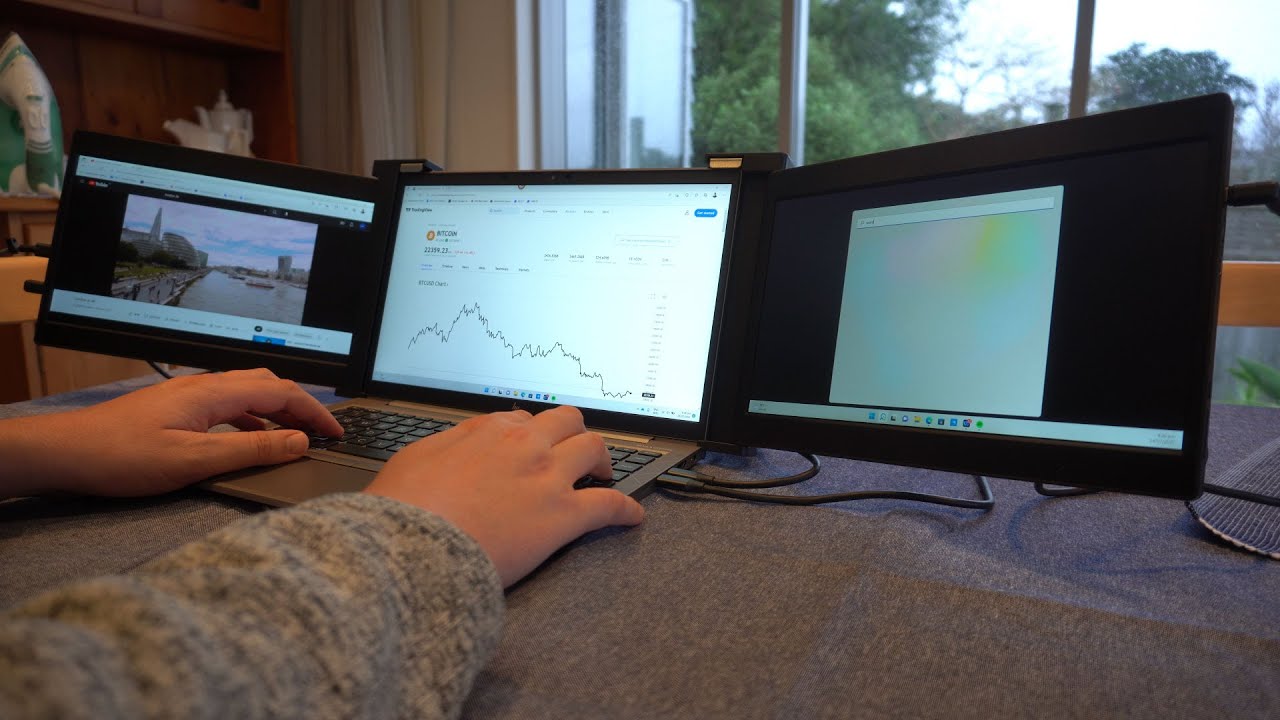
In today’s fast-paced digital world, multitasking has become a necessity. Whether you're a professional, a student, or a digital nomad, managing multiple tasks efficiently is crucial. One of the most effective ways to enhance your productivity is by using a laptop screen extender. This innovative device can transform your laptop into a powerful multitasking machine. In this blog, we’ll explore the benefits of laptop screen extenders, how they work, and why you should consider adding one to your tech arsenal.
What is a Laptop Screen Extender?
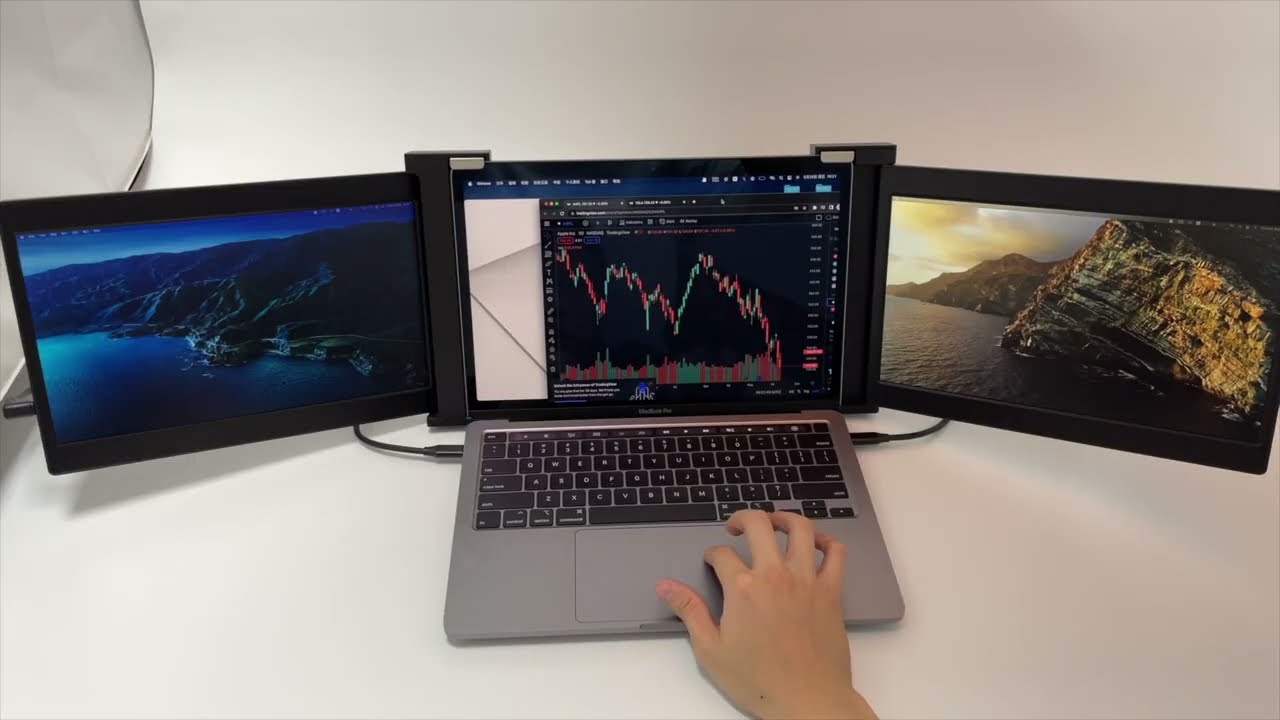
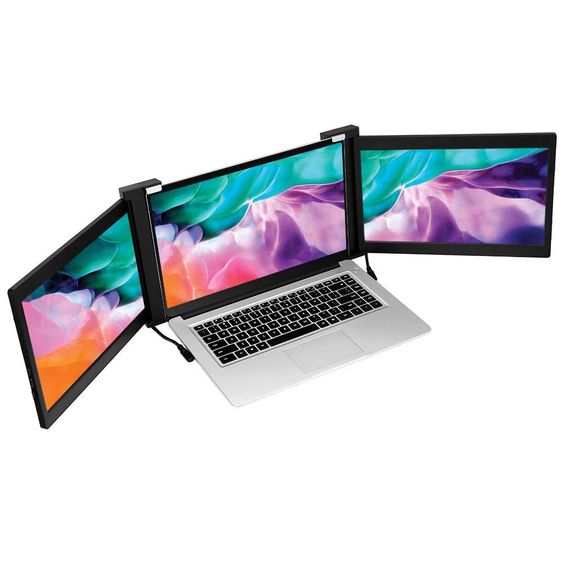
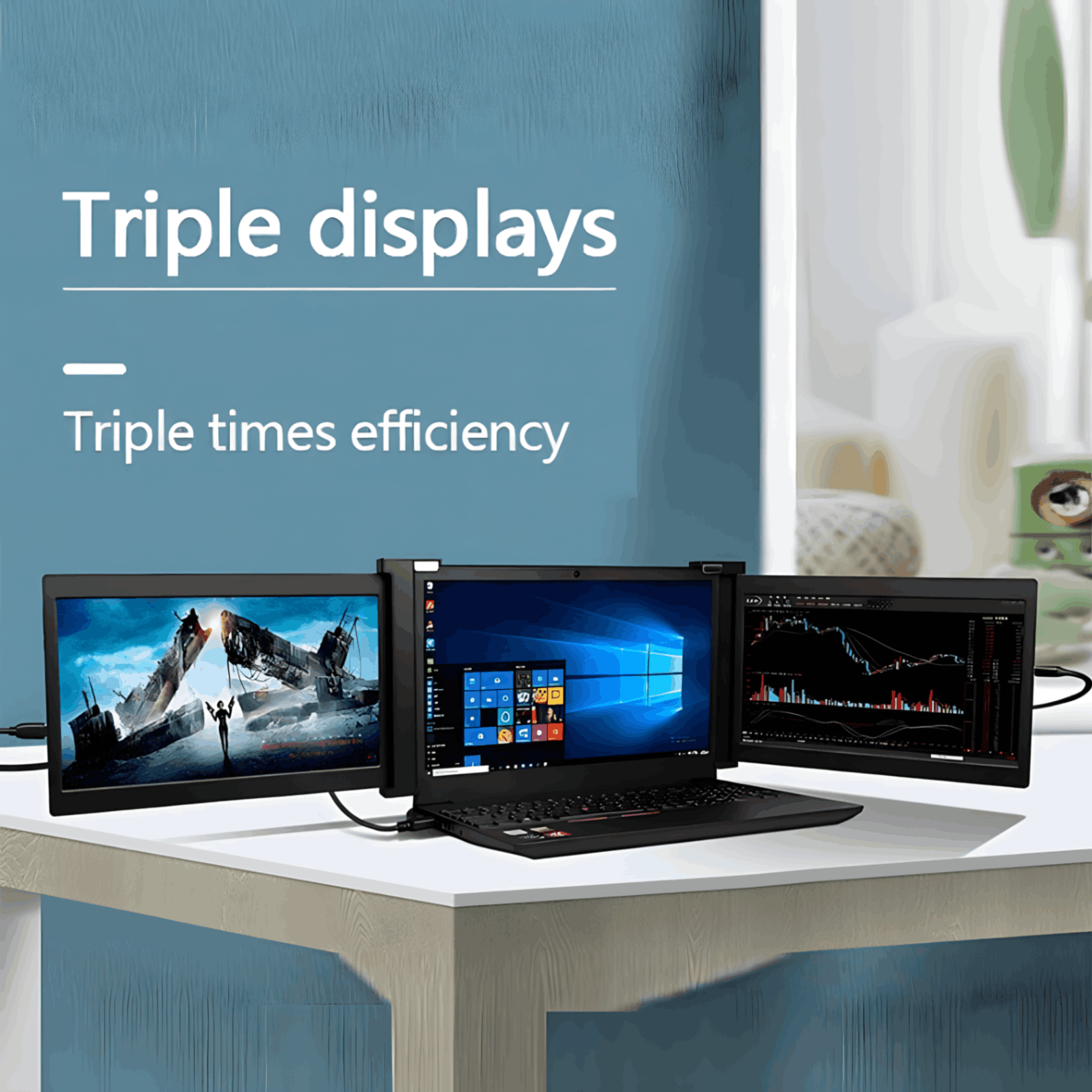
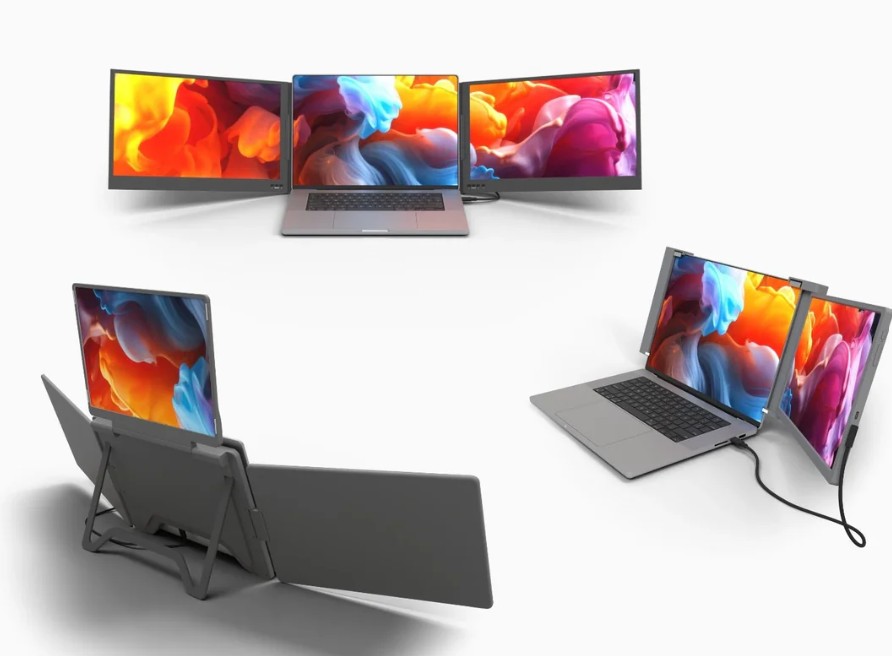
A laptop screen extender is a device that adds extra screens to your laptop, effectively turning it into a multi-monitor setup. These extenders are typically portable, lightweight, and easy to attach to your laptop, providing you with additional screen real estate without the need for bulky external monitors. They connect via USB or HDMI ports and are designed to be plug-and-play, making them user-friendly and accessible even for those who aren’t tech-savvy.
Benefits of Using a Laptop Screen Extender
1. Enhanced Productivity
One of the primary benefits of a laptop screen extender is the significant boost in productivity. With multiple screens, you can easily manage several tasks simultaneously. For instance, you can have your email open on one screen, a document on another, and a web browser on the third. This setup eliminates the need to constantly switch between tabs, allowing for a smoother workflow and saving valuable time.
2. Improved Multitasking
Whether you're a graphic designer, programmer, or financial analyst, having extra screens can greatly enhance your multitasking capabilities. You can run different applications side by side, compare data, or monitor various social media platforms all at once. This level of multitasking is particularly beneficial for tasks that require constant reference to multiple sources of information.
3. Portability and Convenience
Unlike traditional external monitors, laptop screen extenders are designed for portability. They are lightweight, compact, and easy to carry around, making them perfect for professionals on the go. Whether you're working from a coffee shop, traveling, or attending a business meeting, you can easily set up your multi-screen workstation anywhere.
4. Ergonomic Benefits
Using a laptop screen extender can also contribute to better ergonomics. By positioning the screens at eye level, you can reduce neck and back strain associated with constantly looking down at your laptop screen. This setup promotes a healthier posture, which is essential for long hours of work.
How to Choose the Right Laptop Screen Extender
When selecting a laptop screen extender, consider the following factors to ensure you get the best one for your needs:
1. Compatibility
Ensure the screen extender is compatible with your laptop. Check the device specifications for supported operating systems and connection ports (USB, HDMI, etc.).
2. Screen Quality
Look for a screen extender with high-resolution displays for clear and sharp visuals. This is especially important if you work with graphics, video editing, or any task that requires detailed visuals.
3. Size and Weight
Choose a screen extender that is lightweight and portable if you plan to carry it around frequently. Ensure it doesn’t add too much bulk to your laptop bag.
4. Ease of Use
Opt for a plug-and-play device that doesn’t require complicated installation processes. The easier it is to set up and use, the more efficient your workflow will be.
5. Adjustable Features
Some screen extenders come with adjustable hinges and stands, allowing you to customize the screen angles for optimal viewing comfort. This feature can significantly enhance your ergonomic setup.
Final Thoughts
A laptop screen extender is a game-changer for anyone looking to enhance their productivity and multitasking capabilities. With the added convenience of portability and improved ergonomics, it's a worthwhile investment for professionals, students, and digital nomads alike. By choosing the right screen extender that fits your needs, you can create a versatile and efficient workstation anywhere you go.
So, if you’re ready to take your multitasking to the next level, consider adding a laptop screen extender to your setup. It’s a small addition that can make a big difference in your daily workflow. Happy multitasking!