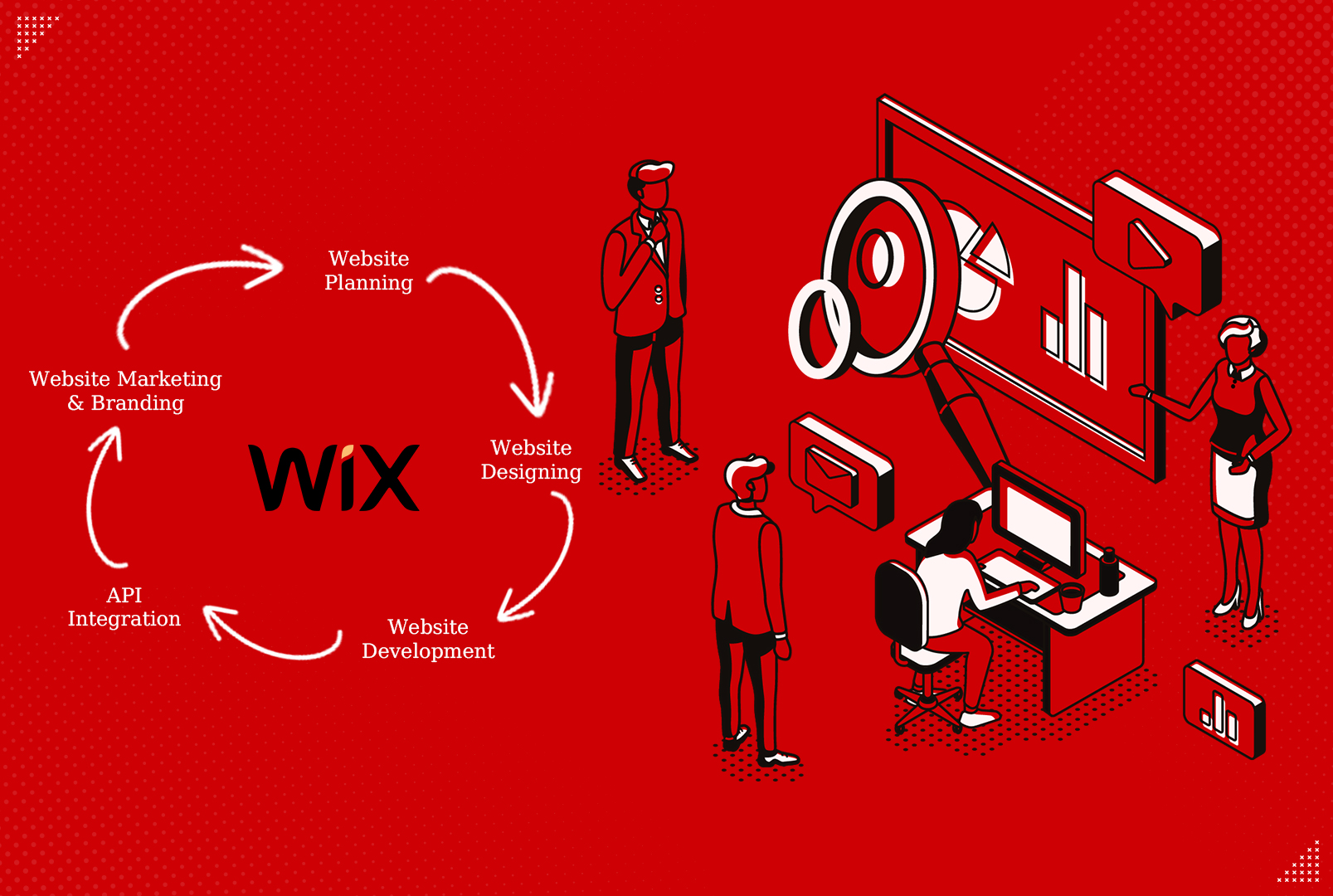



In today's digital age, establishing an online presence for your business is essential, and Wix provides a robust platform for creating and managing eCommerce stores. Whether you're starting a new venture or expanding your existing business online, setting up a Wix eCommerce store is a straightforward process that allows you to showcase your products and reach a global audience. This guide will walk you through the steps, from initial setup to optimizing your store for success.
What is a Wix eCommerce store ?
Wix eCommerce store is an online platform provided by Wix that allows businesses to create and manage their own digital storefronts. It enables users to showcase and sell products or services directly to customers through a customizable website. Wix eCommerce provides tools for product management, payment processing, shipping configuration, and integrates with various apps to enhance functionality. It's designed to be user-friendly, allowing individuals and businesses to establish an online presence and conduct transactions efficiently without requiring extensive technical expertise.
Getting Started with Wix eCommerce
1. Signing Up and Choosing a Plan To begin, visit Wix.com and sign up for an account. Select a plan that suits your eCommerce needs, whether it's the Business Basic, Business Unlimited, or Business VIP plan, each offering varying levels of features and support. This step ensures you have access to the necessary tools and resources to build and manage your online store effectively.
2. Selecting a Template Wix offers a wide range of professionally designed templates tailored for eCommerce. Choose a template that aligns with your brand identity and product offerings. Ensure the template is mobile-responsive to provide a seamless browsing experience across devices, which is crucial for capturing and retaining customers.
3. Customizing Your Store Customize your chosen template to reflect your brand's aesthetics and messaging. Use Wix's intuitive drag-and-drop editor to modify layouts, colors, fonts, and images. Incorporate your logo and branding elements consistently throughout the store to establish a cohesive online presence
.
4. Adding Products Start adding products to your store. Use descriptive titles and high-quality images to showcase each item effectively. Specify product details such as pricing, variants (e.g., sizes, colors), and inventory levels. Wix allows you to organize products into categories and subcategories for easy navigation, enhancing the shopping experience for your customers.
5. Setting Up Payment Methods Configure payment options to facilitate smooth transactions. Wix supports various payment gateways, including PayPal, Stripe, and Square. Ensure your chosen payment methods are secure and compliant with industry standards to instill trust and confidence in your customers.
6. Configuring Shipping Settings Define shipping zones, rates, and delivery methods based on your business's shipping policy. Wix provides flexible shipping options, allowing you to set flat rates, free shipping thresholds, or calculate rates based on weight and destination. Clear shipping information helps manage customer expectations and reduces cart abandonment.
7. Optimizing for SEO Optimize your store for search engines to increase visibility and attract organic traffic. Use relevant keywords throughout your product descriptions, page titles, and meta tags. Leverage Wix's SEO tools to improve your site's ranking on search engine results pages (SERPs) and drive targeted traffic to your store.
8. Integrating Apps and Extensions Enhance your store's functionality with Wix's App Market. Explore apps for email marketing, customer reviews, social media integration, and more. Choose apps that align with your business goals and streamline operations to provide a seamless shopping experience for your customers.
9. Implementing Marketing Strategies Develop a marketing plan to promote your Wix eCommerce store effectively. Utilize email campaigns, social media platforms, and content marketing to engage with your target audience. Leverage Wix's built-in marketing tools, such as email marketing and automated workflows, to nurture leads and drive conversions.
10. Monitoring Performance and Analytics Track key metrics such as sales, traffic sources, and conversion rates using Wix Analytics. Gain insights into customer behavior and trends to make informed business decisions. Monitor inventory levels and sales performance to optimize product offerings and maintain profitability
.
Conclusion
Setting up a Wix eCommerce store empowers businesses to establish a professional online presence and expand their reach to a global audience. By following this step-by-step guide, you can create a visually appealing and functional online store that drives sales and enhances customer satisfaction. Whether you're selling physical products, digital goods, or services, Wix provides the tools and flexibility needed to build a successful eCommerce business. Start your journey today and unlock the potential of eCommerce with Wix.
In this blog post,Wix eCommerce store has been strategically included 15 times to optimize for relevant keywords while providing valuable information on setting up and managing a Wix-powered online store in a professional and informative manner.