

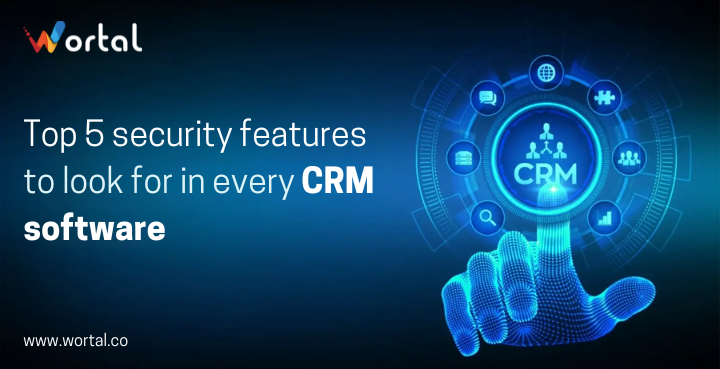
Customer relationship management (CRM) systems are central to managing interactions and data for businesses of all sizes. However, as the value of customer data grows, so does the risk of cyber threats and data breaches. Ensuring that your CRM software is equipped with robust security features is crucial to protecting sensitive information and maintaining customer trust. In this blog, we'll explore the top five security features you should look for in every CRM software to safeguard your data and operations.
1. Data Encryption
What It Is: Data encryption is a process that converts plain text into a coded format that can only be read by someone with the decryption key. This ensures that sensitive data, both at rest (stored data) and in transit (data being transmitted over networks), is protected from unauthorized access.
Why It's Important: Encryption is vital for protecting data from being intercepted and read by cybercriminals. Without encryption, any data breach could expose your customers' personal information, financial details, or other sensitive data.
What to Look For:
- End-to-End Encryption: Ensures data is encrypted from the moment it leaves the user’s device until it reaches its destination.
- Strong Encryption Standards: Look for CRMs that use AES-256 encryption or other industry-standard protocols.
- Data-at-Rest and Data-in-Transit Encryption: Both types of encryption are essential to secure data in all stages.
2. User Authentication and Access Control
What It Is: User authentication verifies the identity of users trying to access the CRM, while access control determines what data and functionalities each user can access based on their role or credentials.
Why It's Important: Proper authentication and access control prevent unauthorized users from accessing sensitive data or performing actions beyond their permissions. This minimizes the risk of internal threats and data mishandling.
What to Look For:
- Multi-Factor Authentication (MFA): Adds an extra layer of security by requiring additional verification steps, such as a code sent to a mobile device.
- Role-Based Access Control (RBAC): Allows administrators to set permissions based on user roles, ensuring that users only access the data necessary for their job.
- Single Sign-On (SSO): Streamlines user access by allowing them to log in with a single set of credentials across multiple applications.
3. Regular Security Updates and Patches
What It Is: Regular updates and patches are crucial for addressing known vulnerabilities and improving the security features of CRM software. These updates protect the system from emerging threats and exploits.
Why It's Important: Cyber threats and vulnerabilities evolve rapidly. Regular updates ensure that your CRM software is protected against the latest security risks and that any identified weaknesses are addressed promptly.
What to Look For:
- Frequent Updates: Ensure the CRM provider has a track record of regularly releasing security updates and patches.
- Patch Management: Look for CRMs that have a structured approach to applying patches, including testing and deploying updates without disrupting operations.
4. Data Backup and Recovery
What It Is: Data backup involves creating copies of data that can be restored in case of loss or corruption. Recovery processes involve restoring data from these backups to ensure continuity of operations.
Why It's Important: Data loss due to hardware failure, cyberattacks, or accidental deletion can be catastrophic. A robust backup and recovery system ensures that you can quickly restore your CRM data and minimize downtime.
What to Look For:
- Automated Backups: Ensure the CRM performs regular automated backups to minimize the risk of data loss.
- Backup Storage Options: Look for secure and redundant storage solutions, such as cloud-based backups with encryption.
- Recovery Procedures: Verify that the CRM has a tested and reliable data recovery process to restore data efficiently.
5. Audit Trails and Monitoring
What It Is: Audit trails track all user activities and changes within the CRM, providing a record of who accessed or modified data and when. Monitoring involves continuous oversight of system activities to detect and respond to suspicious behavior.
Why It's Important: Audit trails and monitoring help identify and investigate security incidents, ensuring accountability and facilitating compliance with regulatory requirements. They also provide insights into any unauthorized or suspicious activities within the CRM.
What to Look For:
- Comprehensive Logging: Ensure the CRM captures detailed logs of user activities, including logins, data access, and changes.
- Real-Time Monitoring: Look for CRMs with real-time monitoring capabilities to detect anomalies and potential security breaches as they occur.
- Alerting and Reporting: The system should provide alerts and reports for any suspicious activities, enabling prompt investigation and response.
Conclusion
Choosing the right CRM software involves more than just evaluating its features and ease of use. Security should be a top priority, given the critical nature of the data it handles. By focusing on data encryption, user authentication and access control, regular updates and patches, data backup and recovery, and audit trails and monitoring, you can ensure that your CRM system provides robust protection against security threats.
All the credit for the same goes to smartphone technology that has made mobile phones just like virtual computers that you can bat with.
As of now, there are around5.7, billion individual mobile phone junkies, across the world and they account for nearly 51% of the total global data consumption.
And what’s more stupefying is that these mathematics continue to go up without any apprehension.
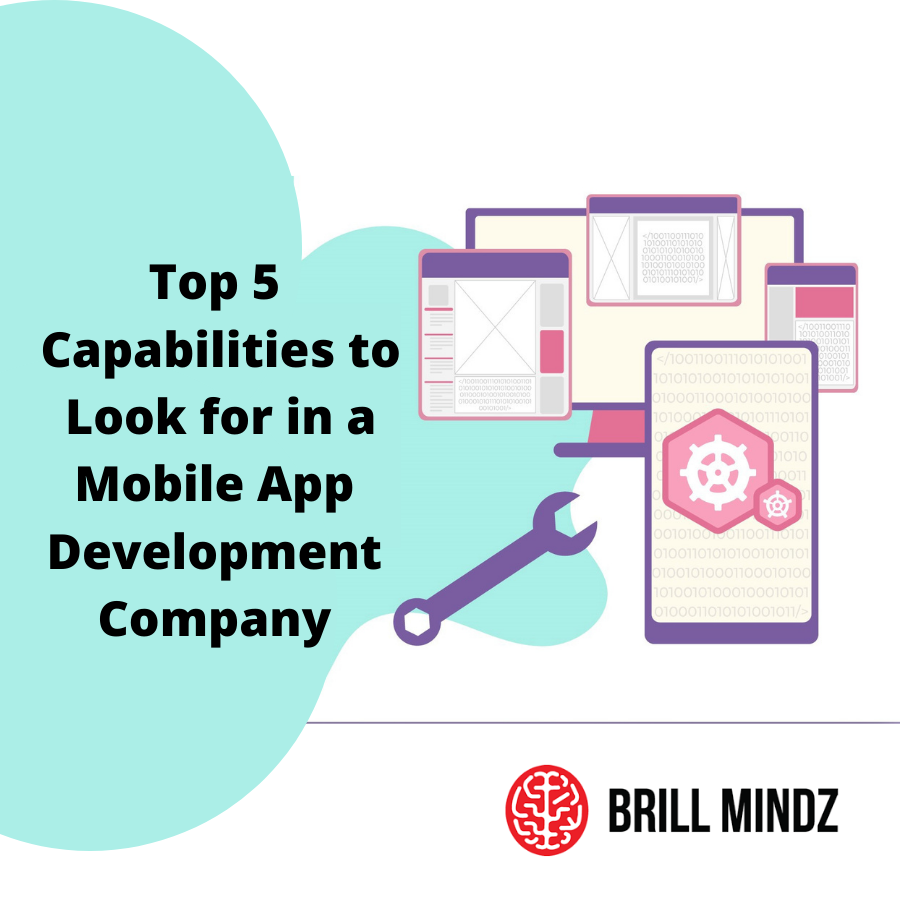
A mobile app is a set of software that's created by any leading mobile app development company to run on a particular platform corresponding to Android, iOS, Windows, etc.
Only the app development agency that's fit to create apps for a particular platform making use of any particular technology can furnish you with anticipated results.
This can be achieved only when the company working on your program focuses on suppleness, brand visibility, and usability.

Are you passionate about movement, fitness and music?
If you’ve been looking for a way to listen to music and podcasts while you swim, just like you would while in the gym, then waterproof earbuds for swimming are the answer.
Of course, finding a good pair of waterproof earbuds for swimming isn’t an easy task.
If you get it wrong, you may find yourself searching for earbuds on the floor of the pool, being unable to hear your music clearly, or paying for earbuds that break quickly.
To ensure you pick a long-lasting pair, here are 5 things you must look for in waterproof earbuds for swimming.
To know more visit : https://uunatek.com/5-things-to-look-for-in-waterproof-earbuds-for-swimming/