In today's fast-paced world, security is paramount, and one of the best ways to ensure it is through CCTV camera installation. Whether it’s for a business, a home, or a public space, CCTV systems provide 24/7 surveillance, helping to deter crime and provide evidence when needed. This guide covers everything you need to know about installing CCTV cameras, from choosing the right system to expert installation tips and FAQs.
What Is CCTV?
CCTV, or Closed-Circuit Television, is a system where cameras capture footage that is transmitted to specific monitors for viewing. Unlike broadcast television, CCTV signals are not openly transmitted. Instead, they are sent to a limited set of devices, usually for security purposes. Modern systems can record footage, stream it over the internet, or send it to mobile devices.
Benefits of CCTV Camera Installation
CCTV cameras offer numerous benefits, including:
+ Crime deterrence: Visible cameras can discourage criminal activity.
+ Evidence collection: Recorded footage can serve as evidence in case of incidents.
+ Remote monitoring: Many systems allow you to monitor your premises from anywhere via the internet.
+ Increased safety: Surveillance helps ensure the safety of individuals, whether at home or in commercial spaces.
+ Cost-effective security: Over time, CCTV systems are more affordable compared to hiring security personnel.
+ Scalability: Modern systems can easily be expanded to cover larger areas.
Types of CCTV Cameras
Understanding the types of CCTV cameras available is crucial for choosing the right system. Here are the main types:
1. Dome Cameras
Dome cameras are ideal for indoor use and have a sleek, compact design. Their dome-shaped housing makes it difficult for intruders to see which way the camera is facing, providing a discreet form of surveillance.
2. Bullet Cameras
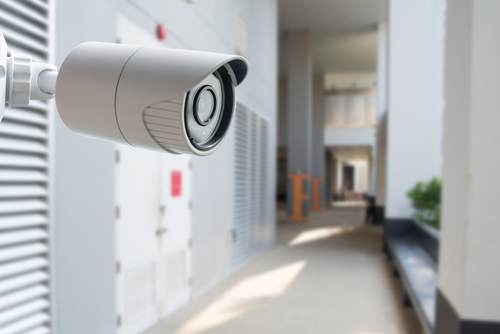
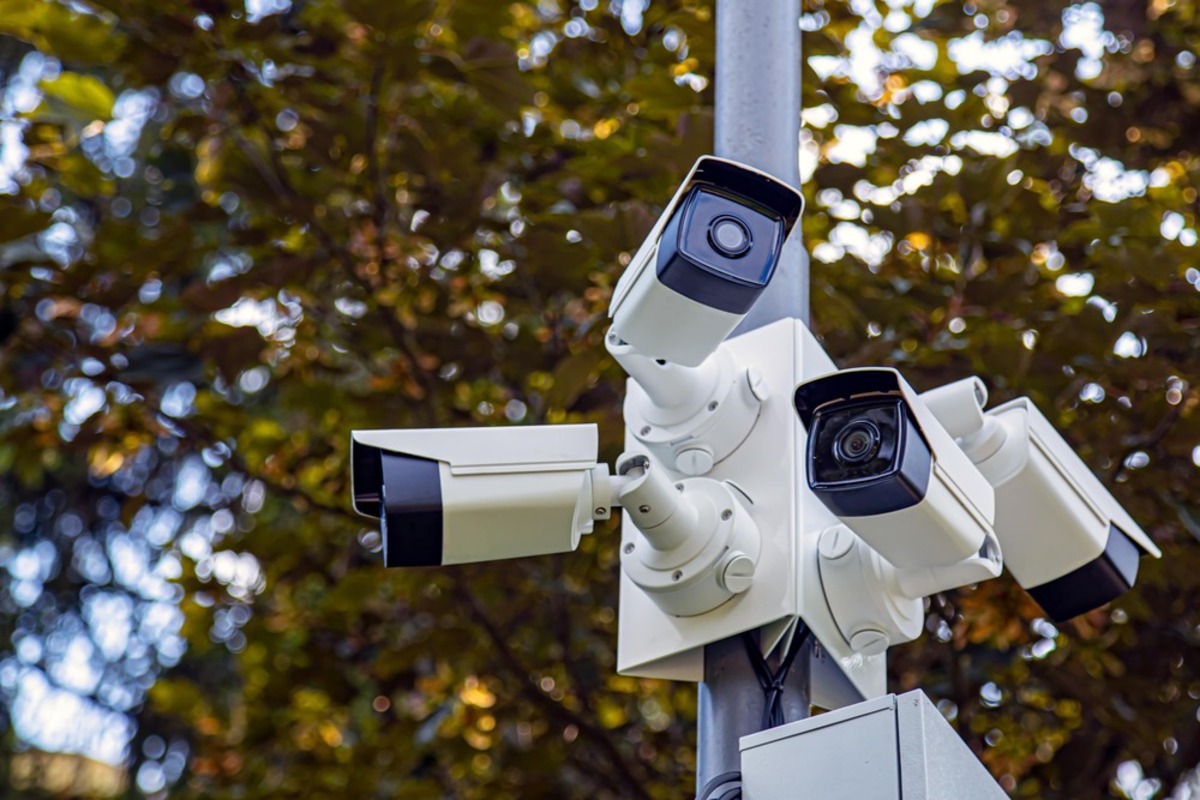
Bullet cameras are long and cylindrical, designed for outdoor use. They offer a long-range view and are ideal for covering large areas like parking lots or backyards.
3. PTZ Cameras (Pan, Tilt, Zoom)
PTZ cameras allow remote control of the pan, tilt, and zoom functions, providing flexible monitoring options. These cameras are perfect for large spaces where you need to zoom in on specific areas or objects.
4. Wireless Cameras
Wireless CCTV cameras connect to your network via Wi-Fi. They are easy to install and offer the benefit of mobility since they don’t require complex wiring.
5. IP Cameras
IP (Internet Protocol) cameras transmit video data over the internet. They can be wired or wireless and are great for remote viewing, making them perfect for businesses with multiple locations or people who frequently travel.
Key Considerations Before CCTV Installation
Before diving into the installation process, consider these factors:
1. Purpose of Installation
Determine what you want to monitor, whether it’s the perimeter of your home, the entrance to your business, or a warehouse. This will influence the type and number of cameras needed.
2. Camera Placement
Location is critical for effective surveillance. For outdoor cameras, ensure they cover key entry points such as doors, windows, and driveways. Indoor cameras should focus on main hallways, stairwells, or areas with valuable assets.
3. Field of View
Different cameras offer varying fields of view, ranging from wide-angle lenses to more focused ones. Ensure the camera you choose can cover the required area without leaving blind spots.
4. Lighting Conditions
Consider whether the area to be monitored has sufficient lighting. If not, you may need cameras with infrared (IR) or night vision capabilities.
5. Power Source
Decide whether you want a wired or wireless system. Wired systems offer more stability but require proper cabling, while wireless systems are more flexible but can suffer from signal interference.
6. Storage and Backup
Choose how your footage will be stored. Most modern CCTV systems offer cloud storage, local storage via DVR (Digital Video Recorder) or NVR (Network Video Recorder), or a combination of both. Consider data backup solutions to prevent losing footage due to hardware failures.
Step-by-Step Guide to CCTV Camera Installation
Once you've chosen the right system, it's time for installation. Here’s a step-by-step guide:
1. Plan Your Camera Layout
Before drilling any holes, map out where each camera will be located. Ensure they cover all crucial areas and check for potential obstacles, such as trees or walls, that could block the camera’s view.
2. Mount the Cameras
After selecting the location, mount the cameras securely. Use a drill to attach the mounting brackets, then position the cameras. For outdoor installations, ensure the cameras are weatherproof and shielded from direct sunlight.
3. Run the Cables (For Wired Systems)
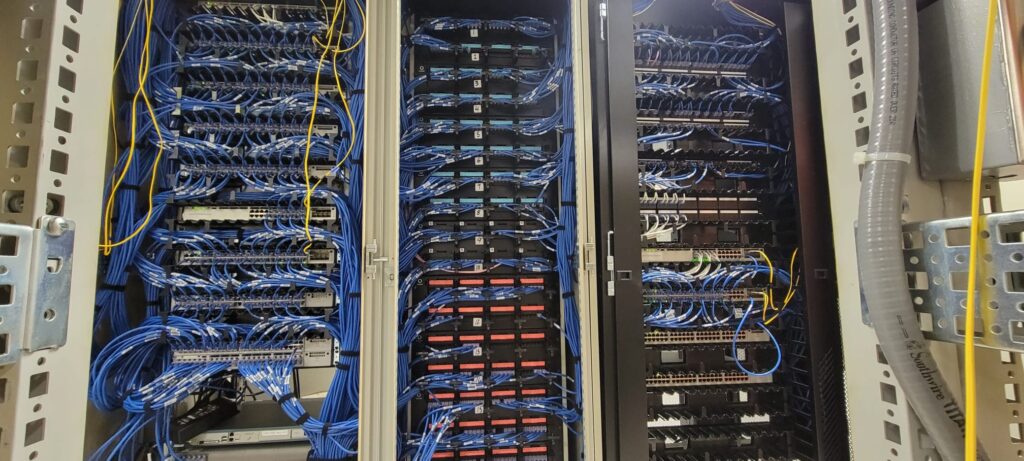
If you're installing a wired system, run the necessary cables from the cameras to the recording device (DVR/NVR). Use cable clips to keep the wires organized and avoid tangling.
4. Power the Cameras
Connect the cameras to a power source. For wired systems, this usually involves plugging them into an outlet or connecting them to a power-over-ethernet (PoE) switch. Wireless cameras typically come with a rechargeable battery or need a direct power connection.
5. Connect to the DVR/NVR
For wired cameras, connect the video cables to the DVR or NVR. Make sure the connections are secure and labeled correctly. Wireless cameras will typically sync with the DVR/NVR over the network.
6. Set Up Remote Viewing
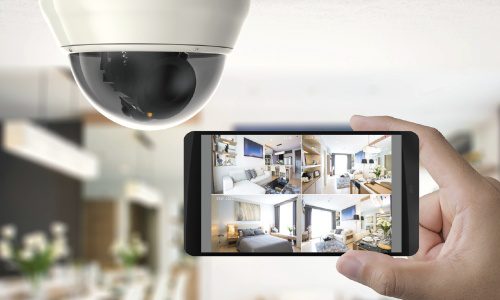
Most modern systems offer the ability to view footage remotely via mobile apps or web platforms. Follow the manufacturer’s instructions to set up remote access, ensuring you can monitor the footage from your smartphone or computer.
7. Test the System
Once everything is connected, test the cameras to ensure they are capturing footage correctly. Check all angles and camera settings to ensure the best coverage.
CCTV Maintenance Tips
Maintaining your CCTV system ensures it continues to operate efficiently. Here are some tips:
+ Regular cleaning: Clean the camera lenses regularly to remove dust, dirt, and spider webs that may obstruct the view.
+ Check for software updates: Update the firmware or software for your cameras and DVR/NVR to ensure optimal performance.
+ Inspect cables: Periodically check the cables for any signs of wear or damage.
+ Check camera angles: Ensure that the cameras haven’t shifted due to wind or other factors, and readjust them if necessary.
+ Test footage quality: Review the recorded footage periodically to ensure the cameras are capturing clear, high-quality images.
Frequently Asked Questions (FAQs)
1. How many cameras do I need?
The number of cameras depends on the size of the area you want to cover. For a small home, 3–5 cameras may suffice, while larger properties might require 8 or more.
2. Do I need a professional to install CCTV cameras?
While DIY installation is possible, hiring a professional ensures the cameras are installed correctly and cover all key areas. It also guarantees that the wiring and configurations are done properly.
3. Can CCTV cameras work without Wi-Fi?
Yes, wired CCTV systems don’t require Wi-Fi for local recording. However, for remote viewing, a Wi-Fi or wired internet connection is essential.
4. What is the difference between DVR and NVR?
DVR (Digital Video Recorder) is used for analog cameras, while NVR (Network Video Recorder) is used for IP cameras. NVR systems usually offer better video quality and easier remote access.
5. Are CCTV cameras legal?
Yes, CCTV cameras are legal in most regions. However, there are regulations about where they can be placed. For example, you cannot install cameras in private areas like bathrooms or other people’s property without consent.
6. How long can CCTV footage be stored?
The storage duration depends on the system’s capacity and the video quality settings. Most systems can store footage for a few weeks to several months.
Conclusion
Installing a CCTV camera system is an excellent investment in safety and security, whether for your home or business. By understanding the different types of cameras, considering key factors before installation, and following the proper steps, you can ensure a smooth setup and reliable surveillance.