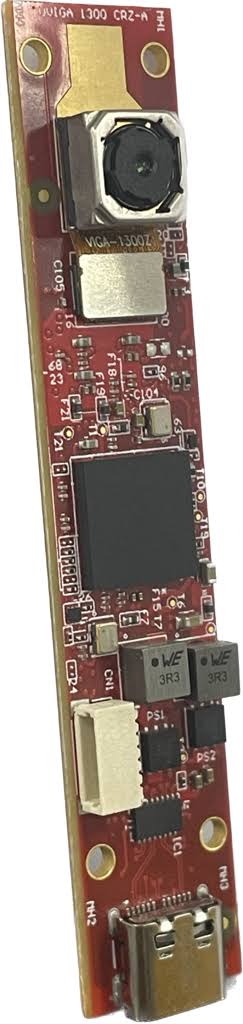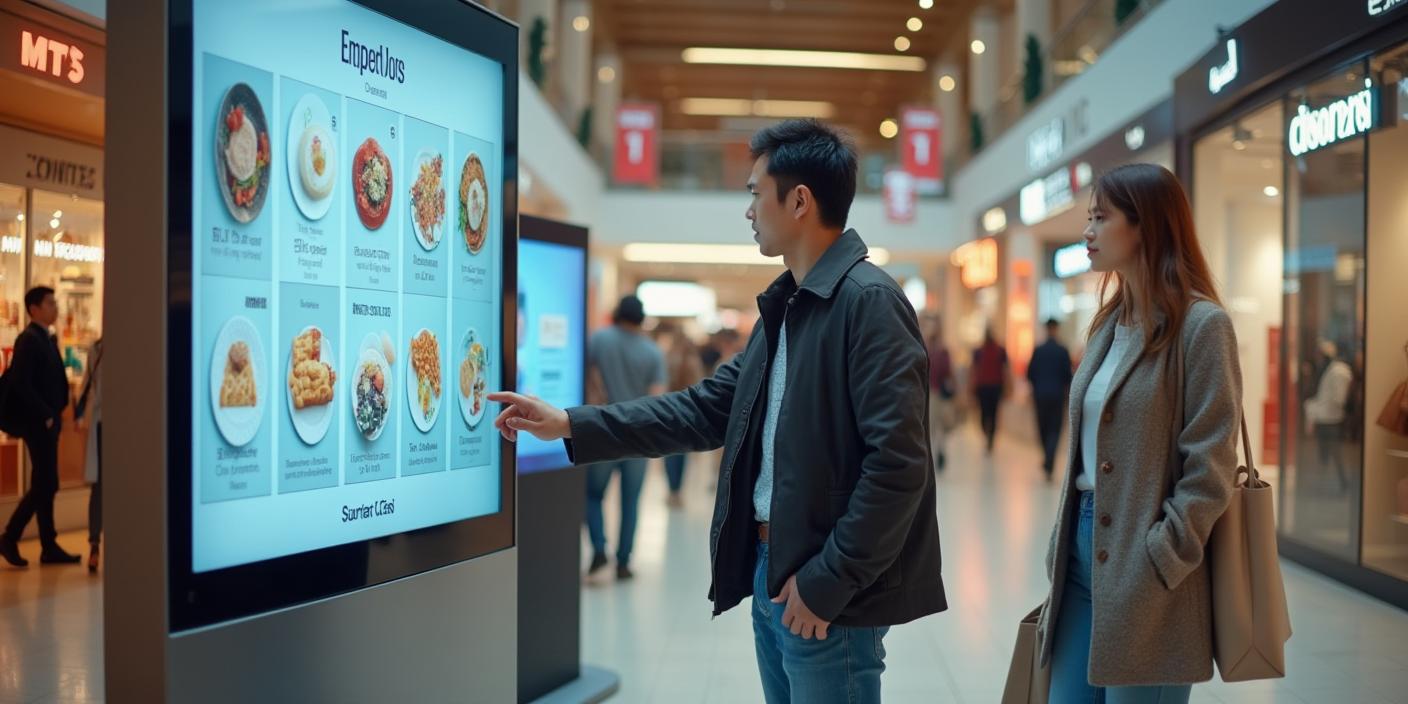
Kiosks are now essential tools in retail, healthcare, and other industries in today's fast-paced, convenience-driven world. Whether used for ticketing, self-checkouts, or visitor registration, kiosks mostly depend on one essential part: the camera. One urgent concern, though, is whether your kiosk camera is actually capable of barcode scanning.
An inefficient camera can have disastrous effects on customer happiness and business efficiency, resulting in fuzzy captures and annoying read failures. We'll explore why switching to a USB 3.0 camera might be the answer you've been looking for in this blog.
Why Barcode Scanning Matters More Than Ever
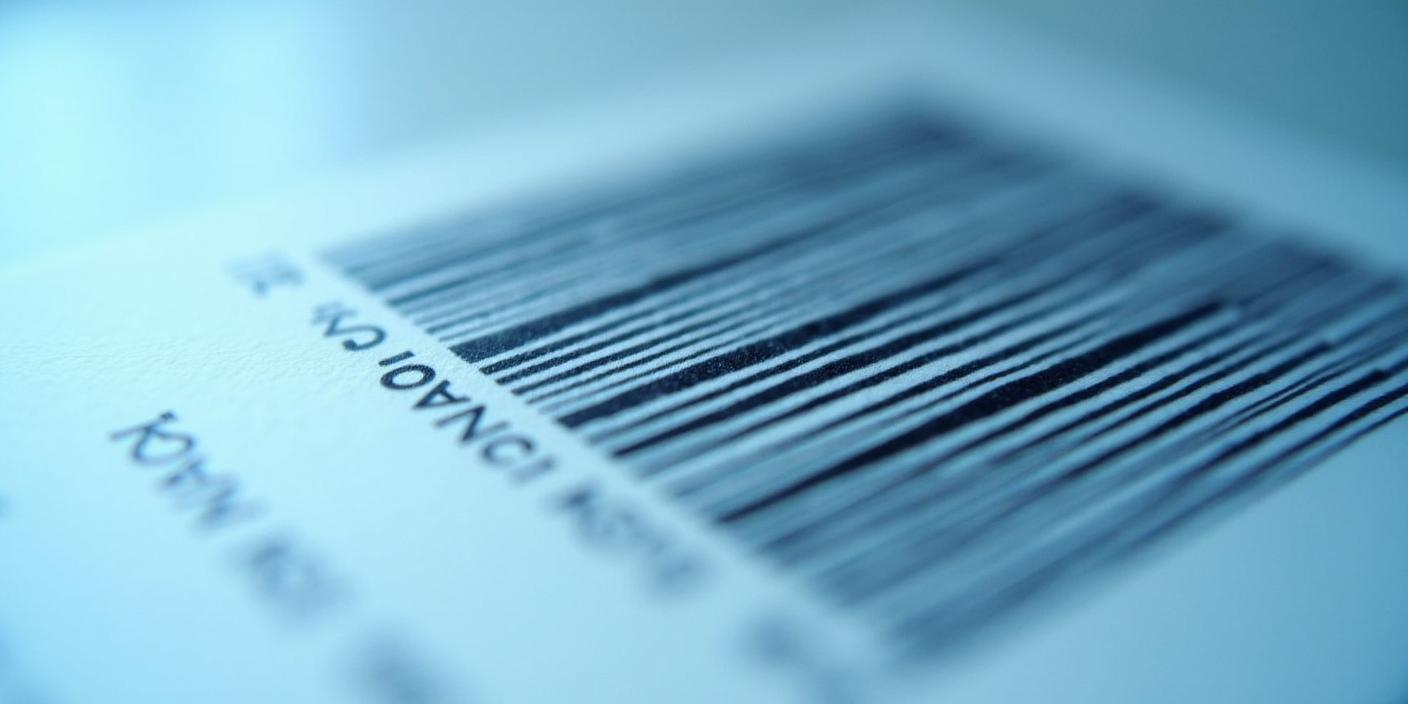
Barcodes are the lifeblood of modern transactions. They enable seamless inventory management, faster checkouts, and reduced human error. But achieving this level of efficiency hinges on the camera's ability to scan barcodes accurately and promptly.
When a kiosk camera struggles with barcode recognition, it creates unnecessary friction:
The right camera technology ensures that every scan is flawless, keeping your operations smooth and your customers happy.
Common Pain Points with Kiosk Cameras
Despite their ubiquity, many kiosks are plagued by outdated or underperforming cameras. Here are the most frequent issues:
1. Slow Scanning Speeds
Older cameras may struggle to process barcodes quickly, especially in high-traffic environments like retail stores or train stations.
2. Poor Lighting Adaptability
Dim or overly bright surroundings can make barcode recognition nearly impossible for inferior cameras.
3. Limited Compatibility with Complex Codes
QR codes and dense barcodes require advanced imaging capabilities that many kiosk cameras lack.
4. Frequent Maintenance Issues
Outdated hardware often breaks down more frequently, leading to costly repairs and downtime.
If these challenges sound familiar, it’s time to rethink your kiosk camera setup.
Why a USB 3.0 Camera Is the Game-Changer
Upgrading to a USB 3.0 camera can resolve most of these pain points. Here’s why this technology stands out:
1. Faster Data Transfer Rates
USB 3.0 technology allows for lightning-fast data transfers, ensuring quick barcode reads even during peak hours.
2. Exceptional Image Quality
USB 3.0 cameras come equipped with high-resolution sensors, enabling them to capture barcodes clearly, regardless of size or type.
3. Superior Low-Light Performance
Advanced imaging technology ensures optimal performance in challenging lighting conditions, making them ideal for kiosks in dimly lit areas.
4. Enhanced Versatility
Whether it’s a traditional 1D barcode or a more complex 2D QR code, USB 3.0 cameras can handle it all effortlessly.
5. Plug-and-Play Convenience
These cameras are easy to integrate with existing systems, reducing setup time and costs.
Choosing the Right USB 3.0 Camera for Your Kiosk
Not all USB 3.0 cameras are created equal. When selecting the right one for your kiosk, consider the following factors:
1. Resolution
Look for cameras with at least 1080p resolution to ensure crystal-clear captures.
2. Frame Rate
A higher frame rate ensures smooth video and faster barcode recognition.
3. Field of View (FOV)
Choose a camera with an appropriate FOV for your kiosk’s operational needs.
4. Durability
Kiosks in high-traffic areas require cameras that can withstand wear and tear.
5. Compatibility
Ensure the camera integrates seamlessly with your existing kiosk software.
Real-World Applications
Retail Checkouts
Self-checkout kiosks rely on cameras to scan barcodes quickly and accurately. A USB 3.0 camera minimizes errors and speeds up the process, enhancing customer satisfaction.
Healthcare Registration
Hospitals and clinics use kiosks to streamline patient check-ins. With a USB 3.0 camera, scanning ID cards and insurance information becomes a hassle-free experience.
Transportation Hubs
Ticketing kiosks at airports and train stations handle thousands of transactions daily. High-performance cameras ensure smooth and efficient operations.
How to Upgrade
Investing in a USB 3.0 camera doesn’t just improve performance—it’s a cost-effective way to future-proof your kiosk. To make the transition:
For those looking for cutting-edge solutions, check out our USB 3.0 cameras designed for kiosks.
Keep Your Kiosks Ahead of the Curve
Don’t let outdated camera technology hold you back. Upgrade to a USB 3.0 camera and experience the difference in speed, accuracy, and customer satisfaction. Ready to take the next step?
Explore our USB 3.0 camera options today and elevate your kiosk’s performance!