

Digitizing large embroidery designs requires a combination of technical knowledge, creativity, and attention to detail. The process involves converting intricate artwork into a machine-readable format, ensuring that it translates perfectly onto fabric. For professionals and hobbyists alike, following best practices can make the difference between success and a flawed result. In this guide, we’ll discuss how to use a digitizer for embroidery effectively, the challenges of handling large designs, and expert techniques to digitize embroidery seamlessly.
Understanding Large Embroidery Designs
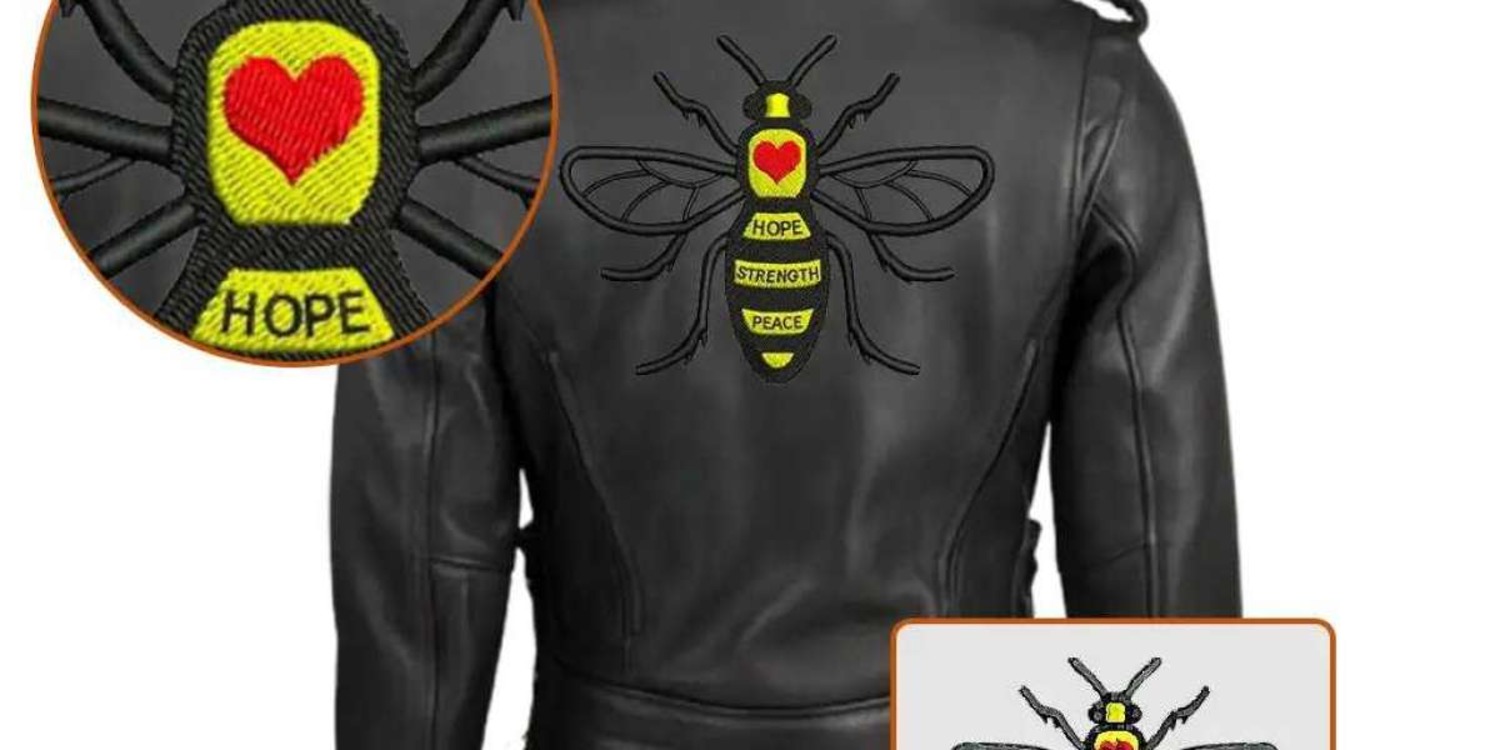
Large embroidery designs often cover substantial areas on fabric and can include a wide range of details, from complex shapes to vibrant color combinations. These designs are popular in fashion, home decor, and branding but come with unique challenges, including managing stitch density, alignment, and thread changes.
Best Practices for Digitizing Large Embroidery Designs
1. Plan the Design Layout Carefully
Start with a clear understanding of the design’s purpose and placement. Divide the artwork into sections to manage stitching efficiently. Use grid systems in your software to align elements.
2. Optimize Stitch Types and Density
Large designs require different stitch types for various elements:
- Satin Stitches for clean, bold edges.
- Fill Stitches for larger areas of color.
- Running Stitches for fine details.
Adjust the stitch density to prevent overlapping, puckering, or thread breakage. Lower density for areas with overlapping colors or heavy stitching.
3. Split the Design Strategically
If the design exceeds your machine’s hoop size, split it into manageable sections. Most digitizing software offers split tools to ensure seamless transitions between sections.
4. Add Underlay Stitches for Stability
Underlay stitches are critical for maintaining the integrity of large designs. Choose from:
- Zigzag Underlay for curved elements.
- Edge Run Underlay for sharp details.
5. Manage Thread Colors Efficiently
Minimize the number of thread changes by grouping similar colors together. Use a color palette that complements the fabric while maintaining high visibility.
6. Choose the Right Fabric and Stabilizer
The type of fabric influences stitch behavior. Use heavy stabilizers for lightweight fabrics and avoid stretchy materials unless absolutely necessary.
7. Perform Test Runs
Always test the digitized design on a sample fabric before full-scale production. This helps identify and fix issues like alignment errors, puckering, or uneven stitching.
8. Use Layering Techniques for Complex Designs
Layering ensures that each part of the design builds upon the previous one. This technique prevents distortion and maintains the design’s proportions.
Challenges in Digitizing Large Embroidery Designs
1. Fabric Distortion
Large designs can distort fabric, especially if stabilizers or hooping techniques are inadequate. Choose stabilizers based on fabric type and ensure tight, even hooping.
2. Thread Breakage
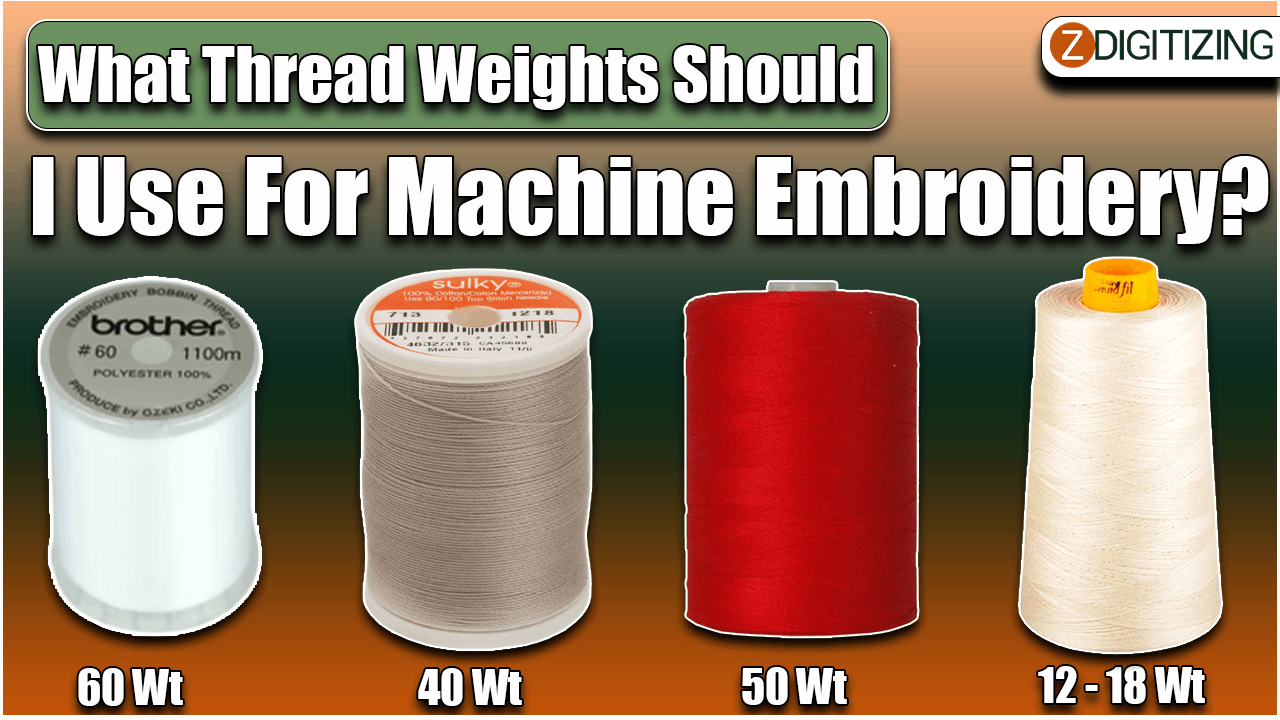
High stitch counts and dense areas often lead to thread breakage. Reduce density and use high-quality threads to avoid this issue.
3. Alignment Issues
Misalignment occurs when splitting designs or rehooping fabric. Use alignment marks in your digitized file and double-check placement before stitching.
4. Puckering
Puckering results from excessive stitch density or improper fabric tension. Ensure the fabric is taut and experiment with stitch settings to eliminate this problem.
Expert Tips for Large Embroidery Design Success
1. Use Auto-Split Functionality
Advanced digitizing software includes auto-split features that divide large designs into sections while maintaining accuracy.
2. Invest in Larger Hoops
Using the largest hoop available for your machine reduces the need for rehooping, minimizing the risk of misalignment.
3. Monitor Stitch Direction
Varying stitch directions adds texture and avoids pulling fabric in one direction. This technique is especially useful for large fill areas.
4. Consider Negative Space
Utilize negative space creatively to reduce stitch counts and enhance the design’s overall impact.
Conclusion
Digitizing large embroidery designs can seem daunting, but with the right tools and techniques, it becomes a manageable and rewarding process. By following these best practices and avoiding common pitfalls, you can create stunning digitize embroidery designs that translate beautifully onto fabric. Whether you’re a beginner or an experienced embroiderer, continuous learning and practice are the keys to mastering large-scale embroidery.
FAQ: Digitizing Large Embroidery Designs
1. What is the role of a digitizer in embroidery?
A digitizer converts artwork into a digital format that embroidery machines can read. They ensure stitch types, density, and directions are optimized for the design.
2. Can all embroidery machines handle large designs?
No, only machines with large hoop capabilities can handle oversized designs. Check your machine's specifications before starting.
3. How do I avoid puckering in large embroidery designs?
Use the correct stabilizer, reduce stitch density, and ensure the fabric is properly hooped to prevent puckering.
4. Is it possible to digitize embroidery designs without software?
No, digitizing software is essential for creating machine-readable files. Free options are available, but professional software provides better tools and accuracy.
5. How can I manage multiple thread colors efficiently?
Group similar colors together and plan the stitching sequence to minimize thread changes.
6. What file formats are best for large embroidery designs?
Common formats include .PES, .DST, and .EXP. Ensure the file type matches your embroidery machine.
7. Why does my embroidery machine keep breaking threads?
Thread breakage may be caused by high stitch density, poor-quality thread, or incorrect tension settings. Test and adjust these factors as needed.