



Starting a YouTube channel is one of the most exciting and rewarding ventures you can undertake. Whether you're looking to share your passions, grow a personal brand, or create a new revenue stream, YouTube offers endless possibilities. With over 2.7 billion monthly active users, the platform provides creators with a massive audience ready to consume diverse content.
But while the idea of launching a YouTube channel sounds thrilling, it can also feel overwhelming. From planning your content to editing videos and growing your audience, there’s a lot to manage. Fortunately, with the right strategies and tools — including a video maker app to simplify editing — you can start your YouTube journey confidently.
This ultimate guide will walk you through everything you need to know about starting a successful YouTube channel, step by step.
Step 1: Define Your Niche and Goals
Before you even create a YouTube account, take time to answer these questions:
- What is your niche?: What topics are you passionate about? Cooking, gaming, tech reviews, beauty, or vlogging? Find a niche that excites you and has an audience.
- Who is your target audience?: Who are you making content for? Understanding your audience helps tailor your videos to their needs.
- What are your goals?: Do you want to educate, entertain, or inspire? Are you looking to monetize your channel or use it to promote your brand?
Once you’ve defined your niche and goals, everything else — from your content strategy to branding — becomes easier.
Step 2: Set Up Your YouTube Channel
Creating a YouTube channel is simple:
- sign in to YouTube: Use your Google account to sign in.
- Go to YouTube Studio: Click on your profile picture and select “YouTube Studio.”
- Customize Your Channel: Add a profile picture, channel banner, and description. Use visuals that reflect your niche and brand.
- Create a Channel Name: Choose a name that’s catchy, memorable, and relevant to your content.
Pro Tip: Use tools like StatusQ to design your channel art.
Step 3: Plan Your Content Strategy
To grow your channel, you need a solid content plan. Here’s how to get started:
Types of Videos to Create
- Educational: Tutorials, how-tos, or explainer videos.
- Entertainment: Funny skits, challenges, or lifestyle vlogs.
- Inspirational: Personal stories, motivational speeches, or transformation journeys.
- Reviews: Product reviews, unboxings, or comparisons.
Content Calendar
Plan your content in advance. Decide how often you’ll post (weekly, bi-weekly, etc.) and brainstorm video topics that align with your niche.
Pro Tip: Start with 5–10 video ideas before launching your channel to ensure you have enough content to post consistently.
Step 4: Invest in Basic Equipment
You don’t need expensive gear to start a YouTube channel. Here’s what you need:
- Camera: A smartphone with a good camera works just fine for beginners.
- Microphone: Audio quality is critical, so consider investing in an affordable external mic like the Rode VideoMicro.
- Lighting: Use natural light or invest in a simple ring light for better video quality.
- Tripod: Keep your camera steady with a basic tripod.
Step 5: Use a Video Maker App for Editing
Editing is where the magic happens. Even if you’re a beginner, a video maker app can help you produce professional-looking content. Here are some popular apps to get started:
- Why It’s Great: It offers professional-quality templates, easy editing tools, and seamless features for creating engaging videos effortlessly
- Features: Add transitions, text overlays, and music with just a few taps.
- Pro Tip: Create captivating openings and engrossing transitions using StatusQ to keep your audience interested.
CapCut
- Why It’s Great: Easy-to-use interface, trendy effects, and auto-captions. Perfect for beginners and short-form videos.
- Features: Add transitions, text overlays, and music with just a few taps.
- Pro Tip: Use CapCut to create engaging intros and snappy transitions that keep your
InShot
- Why It’s Great: A simple, user-friendly app for trimming, adding text, and resizing videos for different platforms.
- Features: Music library, filters, and easy export options for YouTube.
- Pro Tip: Use InShot to edit thumbnails and add attention-grabbing text.
By using these apps, you can edit videos on your phone, making it easier to upload consistently without needing expensive desktop software.
Step 6: Upload and Optimize Your Videos
Once your video is edited and ready, it’s time to upload it to YouTube. But don’t just upload and forget — optimize your videos for maximum visibility.
Optimization Checklist
- Video Title: Create a catchy, keyword-rich title. For example, “How to Start a YouTube Channel: Beginner’s Guide (2025).”
- Description: Write a detailed description with relevant keywords. Include links to your social media or website.
- Tags: Add tags related to your video topic.
- Thumbnail: Use a custom thumbnail that grabs attention. Apps like StatusQ or InShot are great for designing thumbnails.
- Call to Action (CTA): Ask viewers to like, comment, and subscribe at the end of your video.
Step 7: Promote Your Channel
You can’t rely solely on YouTube’s algorithm to grow your channel. Actively promote your content to reach a wider audience.
Promotion Strategies
- Share on Social Media: Post your videos on Instagram, TikTok, Twitter, and Facebook.
- Collaborate with Other Creators: Partner with creators in your niche to reach their audience.
- Engage with Viewers: Respond to comments and build a community around your channel.
- Use Shorts: Create YouTube Shorts using a video maker app like StatusQ to tap into the growing short-form video trend
Step 8: Analyze and Improve
Success on YouTube requires constant learning and improvement. Use YouTube Analytics to track your performance.
- Watch Time: Are viewers staying engaged?
- Click-Through Rate (CTR): Are your thumbnails and titles grabbing attention?
- Audience Retention: Which parts of your videos are most engaging?
Based on the data, refine your content strategy to better meet your audience's needs.
Bonus Tips for Success
- Be Consistent: Regular uploads build trust and loyalty with your audience.
- Keep Improving: Experiment with new formats, editing styles, and video ideas.
- Be Patient: Building a YouTube channel takes time. Stay committed, and results will follow.
Final Thoughts
Starting a YouTube channel in 2025 may seem daunting, but with the right strategies and tools, it’s absolutely achievable. From planning your niche to using a video maker app for editing, every step brings you closer to creating engaging, high-quality content.
Remember, the key to success is consistency, creativity, and connection. So grab your camera, download a video maker app like CapCut or InShot, and start creating content that inspires, educates, or entertains. Who knows? Your channel could be the next big thing on YouTube! 🎥🚀



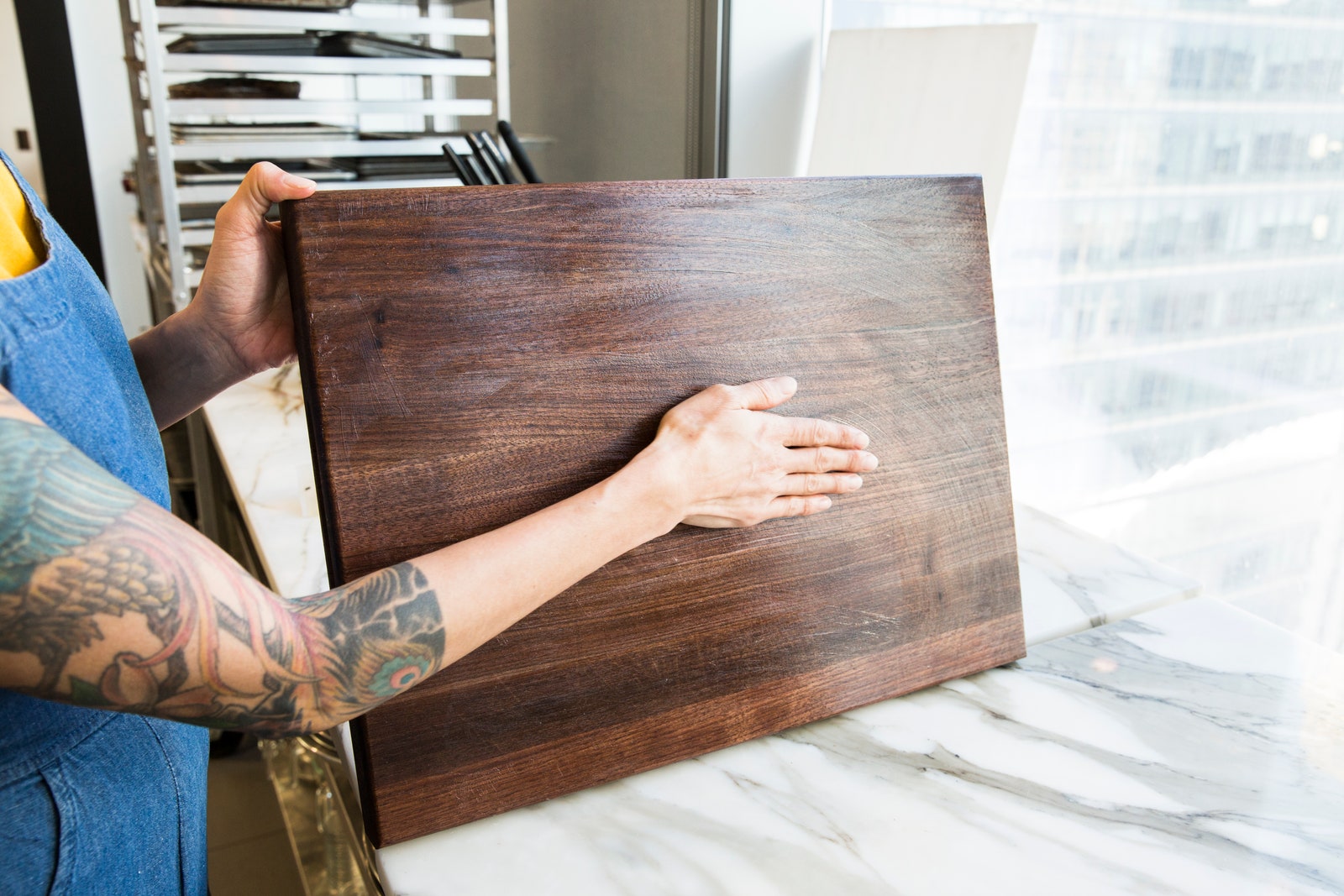
Perceive how one carpenter transformed a possibly commonplace venture into a masterpieceLet's be honest: in case you're a practiced carpenter, a cutting board configuration isn't actually the most energizing of ventures to create.
That is except if you're Canadian skilled worker Scott Lewis.
Lewis—who likewise moonlights as a video maker—builds an enormous cutting board enhanced with excellent meeting bends of differentiating woods in this self-created video.By joining a switch, bearing guided pieces, and a bandsaw, Lewis can pull off a head-scratching plan with no sweat.
In case you're looking for a touch of carpentry motivation, look no further.
You've thought that it was directly here.
This cutting board configuration is as wonderful to take a gander at as it is fulfilling to make.