In today’s competitive e-commerce landscape, Shopify notification bars have emerged as a powerful tool for engaging visitors and driving conversions. Whether you want to announce a sale, offer free shipping, or promote a new product, an effective notification bar can significantly enhance your store’s performance. In this guide, we’ll walk you through the steps to create Shopify notification bars that are both irresistible and results-driven.
What Are Shopify Notification Bars?
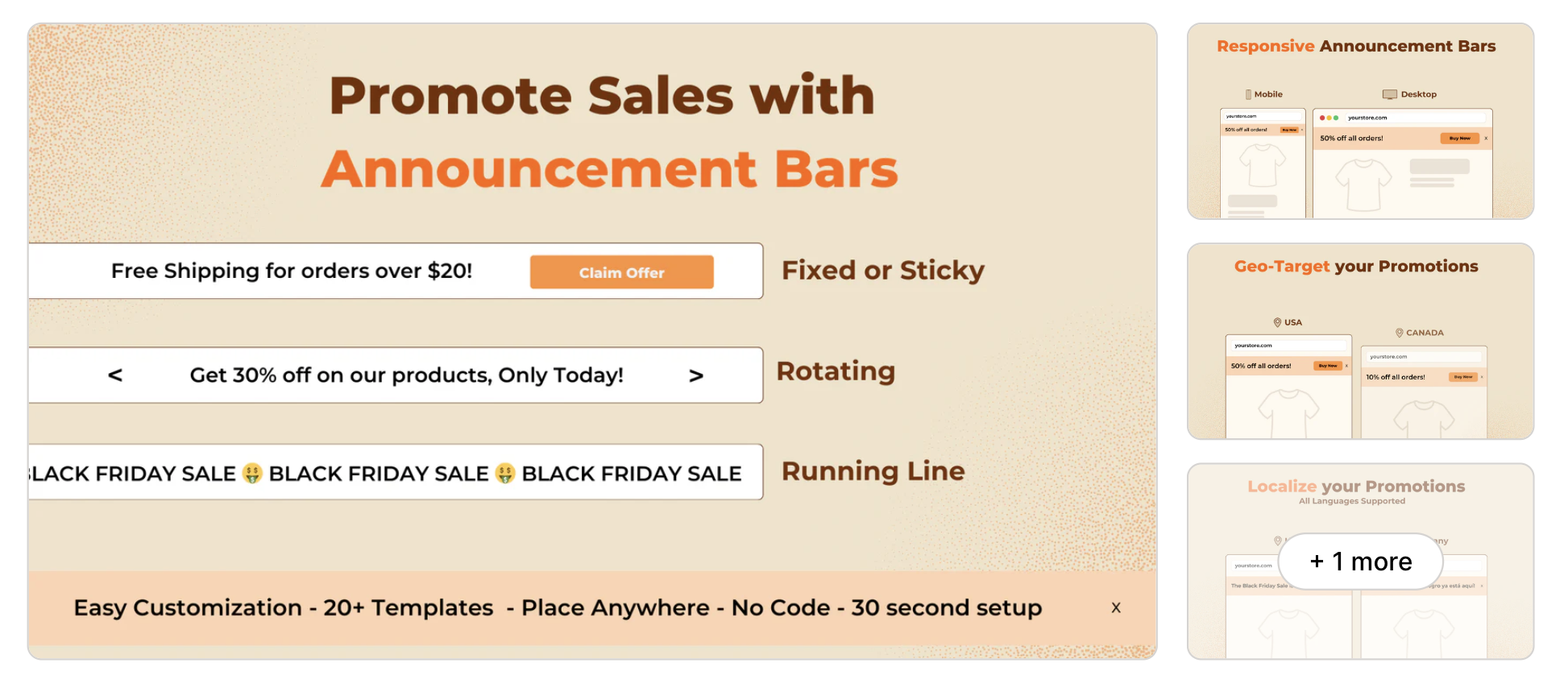
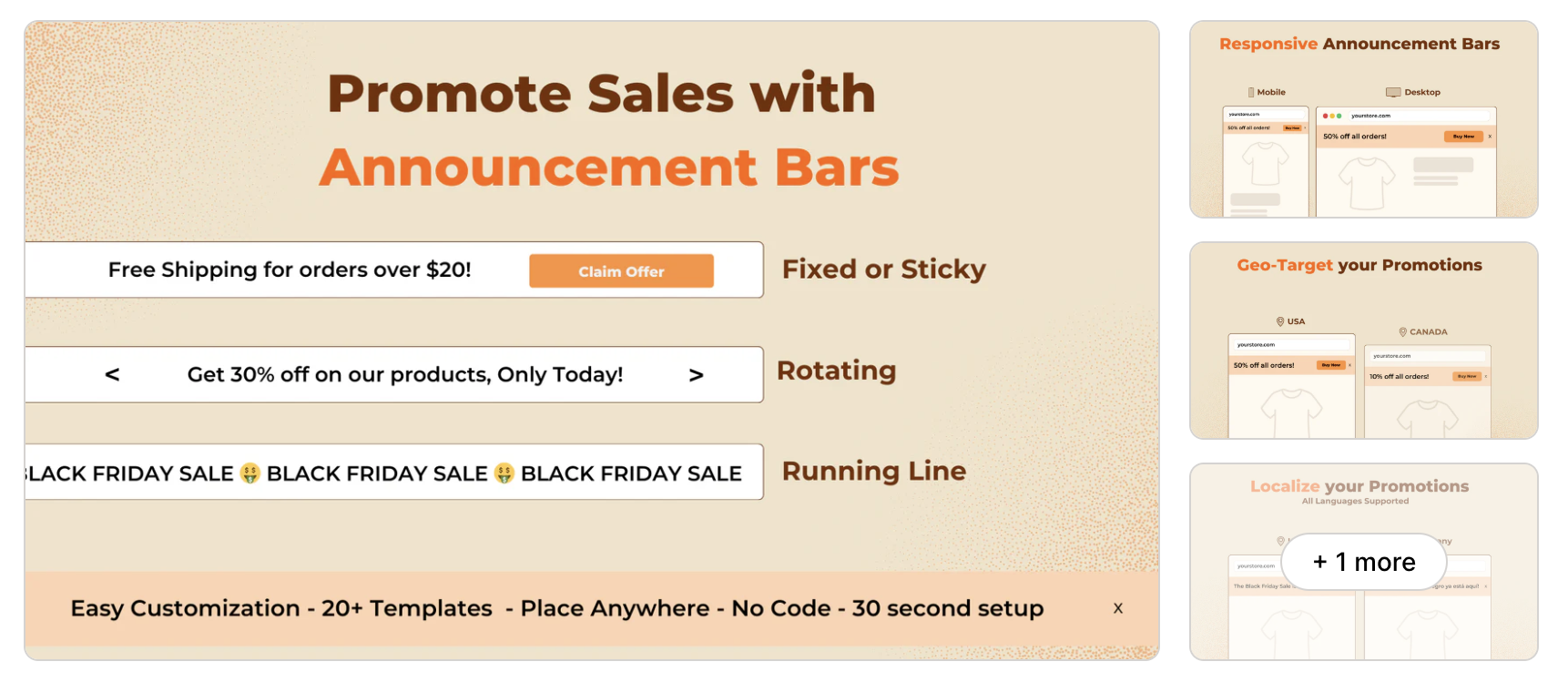
Shopify notification bars are attention-grabbing banners displayed at the top or bottom of your website. They deliver concise messages to your visitors without disrupting their browsing experience. When optimized correctly, these bars can drive traffic, increase sales, and improve customer satisfaction.
Why Use Notification Bars on Your Shopify Store?
Here are a few compelling reasons why Shopify notification bars are a must-have for your online store:
Features of a High-Converting Notification Bar
To create a notification bar that delivers results, focus on these essential features:
1. Clarity
Your message should be concise and easy to understand. Avoid overwhelming users with too much information.
2. Relevance
Make sure your notification bar aligns with your audience’s interests and needs. For instance, offer discounts during holidays or free shipping for a limited time.
3. Mobile Optimization
Ensure your notification bar looks great and functions well on mobile devices. With the majority of shoppers using smartphones, this is non-negotiable.
4. Eye-Catching Design
Use bold fonts, vibrant colors, and compelling call-to-actions (CTAs) to grab attention.
5. Urgency and Scarcity
Phrases like “Limited Time Offer” or “Only a Few Left” create urgency and drive quick action.
Steps to Create Effective Shopify Notification Bars
1. Define Your Goal
Start by determining the purpose of your notification bar. Are you aiming to:
Having a clear goal will guide your design and message.
2. Choose the Right App
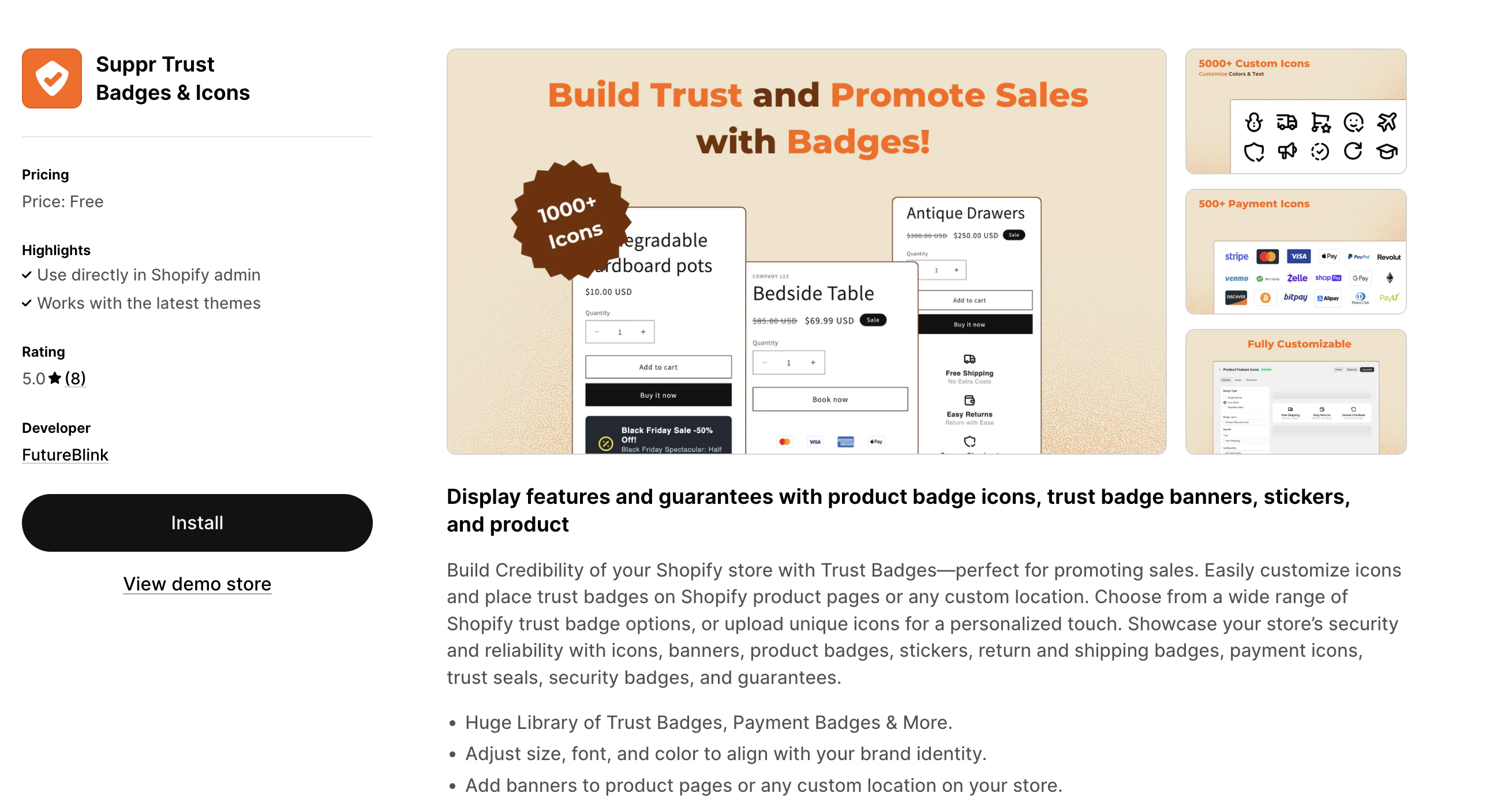
Shopify offers several apps to help you create and manage notification bars. Popular options include:
3. Craft a Compelling Message
Write a message that is:
4. Design for Visibility
Use contrasting colors to ensure your notification bar stands out. Additionally, position it at the top of your site for maximum visibility.
5. Incorporate Personalization
Personalized messages resonate more with visitors. Use data like location or shopping history to tailor your offers.
6. Test and Optimize
Regularly A/B test different messages, designs, and placements to find what works best for your audience.
7. Schedule and Automate
Use scheduling features to display your notification bars during peak shopping periods or specific campaigns.
Examples of High-Performing Notification Bars
1. Free Shipping Offers
“Enjoy Free Shipping on Orders Over $50! Shop Now”
2. Holiday Promotions
“Black Friday Sale: Up to 50% Off Sitewide. Limited Time Only!”
3. Urgency-Based Messages
“Hurry! Sale Ends in 2 Hours. Don’t Miss Out!”
4. Lead Generation
“Sign Up for Our Newsletter and Get 15% Off Your First Order.”
Common Mistakes to Avoid
1. Overloading with Information
Keep your message simple. Too much text can overwhelm and confuse users.
2. Poor Design
Avoid clashing colors or small fonts that make your bar hard to read.
3. Ignoring Mobile Users
Always test your notification bar on multiple devices to ensure it’s mobile-friendly.
4. Failing to Test
Without testing, you won’t know which elements are driving results. Always analyze performance metrics.
Tools for Measuring Success
Track the performance of your notification bars using tools like:
Pro Tips for Maximum Impact
Conclusion
Creating irresistible Shopify notification bars is a simple yet effective strategy to boost engagement and drive results. By focusing on clarity, relevance, and design, and leveraging the right tools and strategies, you can transform your notification bars into powerful conversion drivers. Start experimenting today and watch your Shopify store thrive!