The world of design and engineering has been revolutionized by CAD (Computer-Aided Design) tools, offering professionals the ability to create detailed, accurate, and efficient designs. Among the many specialized tools available, two stand out for their unique capabilities: AutoCAD MEP and Blender CAD. These programs cater to different needs, yet both play a vital role in advancing the fields of architecture, engineering, and design. This blog will delve into the features of these tools, highlighting their uses, differences, and importance in today’s design landscape.
Understanding AutoCAD MEP
AutoCAD MEP (Mechanical, Electrical, and Plumbing) is a specialized version of AutoCAD, designed specifically for building systems. It enables engineers and designers to draft, design, and document mechanical, electrical, and plumbing systems with precision. With its industry-specific features, AutoCAD MEP streamlines the process of creating complex building systems, ensuring accuracy and compliance with industry standards.
Key Features of AutoCAD MEP:
AutoCAD MEP is a go-to tool for professionals involved in large-scale construction and building projects. It ensures that every aspect of a building’s infrastructure is integrated seamlessly, from heating and ventilation systems to electrical wiring and plumbing networks.
Exploring Blender CAD
On the other end of the spectrum, Blender CAD refers to the use of Blender, an open-source 3D modeling software, for CAD purposes. While Blender is primarily known for its capabilities in animation and 3D art, it has gained popularity in engineering and design circles for its flexibility and robust modeling tools.
Key Features of Blender CAD:
While Blender CAD may not have the industry-specific features of AutoCAD MEP, it offers an affordable and adaptable alternative for designers who need advanced 3D modeling capabilities. Its flexibility has made it popular among creative professionals and innovators exploring unconventional design solutions.
Comparing AutoCAD MEP and Blender CAD
Although AutoCAD MEP and Blender CAD serve different purposes, comparing them can help illustrate their unique strengths and applications:
The Future of CAD Tools
As technology evolves, CAD tools like AutoCAD MEP and Blender CAD continue to push the boundaries of what’s possible in design and engineering. Future developments are likely to include greater integration of artificial intelligence, enhanced collaboration through cloud-based platforms, and more intuitive interfaces that lower the learning curve for beginners.
For example, AutoCAD MEP could see improvements in automation, enabling even faster design processes and error detection. On the other hand, Blender CAD may further develop its precision modeling capabilities, making it a stronger contender in the CAD software market.
Choosing the Right Tool
Selecting the right CAD tool depends on the specific needs of your project. If you’re working on large-scale building projects that require detailed mechanical, electrical, and plumbing designs, AutoCAD MEP is an invaluable asset. However, if you’re exploring innovative product designs or require advanced 3D modeling for creative applications, Blender CAD offers flexibility and cost-effectiveness.
Regardless of the tool you choose, mastering these technologies can significantly enhance your design capabilities, allowing you to bring your ideas to life with precision and efficiency.
Conclusion
CAD tools like AutoCAD MEP and Blender CAD have transformed the way professionals approach design and engineering. Each tool brings its strengths to the table, catering to a wide range of industries and applications. By understanding their features and capabilities, designers can make informed decisions about which tool best suits their needs.


Cadd/Cam/Cae training Centre in Chennai, Tamilnadu which focuses on industry based training.
The only CAD|CAM|CAE training centre which has designed cad courses on the industrial requirements.
All Students at CADD SCHOOL will awarded international Certification.
CADD SCHOOL is one of the authorized training provider for autodesk.
CADD SCHOOL prepares sutdents to handle real time design techniques and be ready to Students face the CAD Job market.
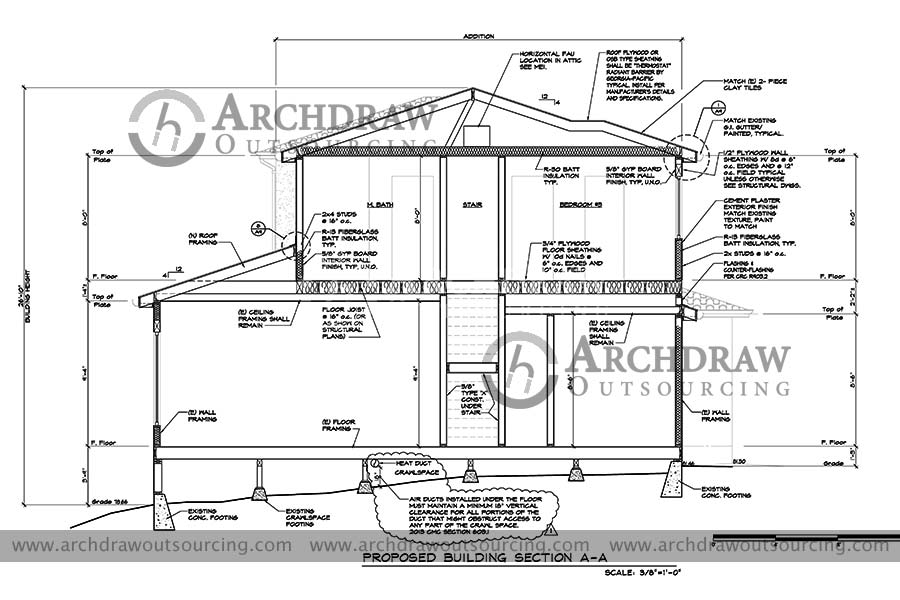
Archdraw Outsourcing providing CAD Drafting services across the globe.
Our CAD Experts team and draftsmen help you with detailed cad draftings requirements with fast Turnaround Time.
We are able to done small scale to large scale projects for drafting services.