





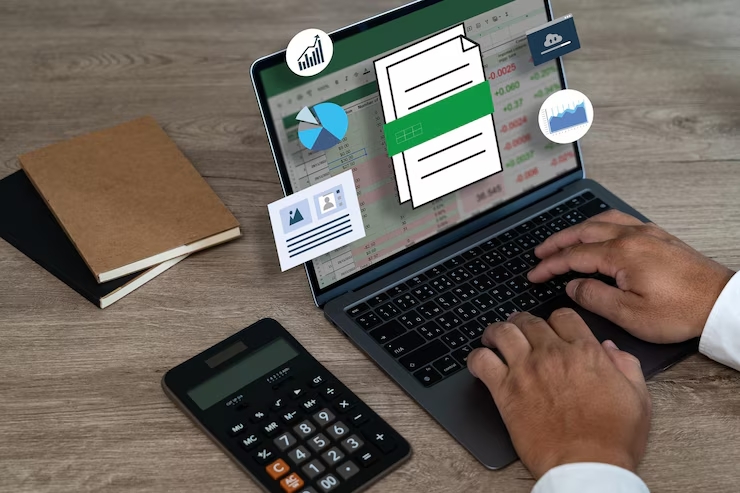
In today’s digital-first world, PDF to Excel conversion is not just a convenience—it's a necessity. Businesses, analysts, researchers, and professionals across all sectors constantly face the challenge of needing to extract data from PDF files to make them actionable and usable in spreadsheets. Whether it’s financial reports, tables, invoices, or survey results, the ability to conduct efficient and accurate PDF data extraction can save countless hours and ensure data integrity.
Why PDF to Excel Conversion Is Essential for Data-Driven Workflows
PDF files are widely used because they preserve the layout and structure of documents across platforms. However, their rigidity poses a challenge when you need to manipulate or analyze data. This is where PDF to Excel conversion tools become essential. They allow you to convert static data into editable Excel spreadsheets, opening the door to sorting, filtering, and deeper analysis.
For example, finance departments can streamline expense tracking by converting invoice PDFs into Excel. HR professionals can analyze employee feedback surveys locked in PDFs. Data teams can quickly process government census data, audit reports, or research papers—all of which typically arrive in PDF format.
How to Extract Data from PDF Accurately
To extract data from PDF successfully, it’s crucial to understand the different types of PDFs and the challenges they present:
Using professional tools or software with advanced parsing engines ensures better accuracy, especially for complex documents. Some tools allow custom rules to define how to interpret and extract structured data, improving the fidelity of your PDF data extraction.
Top Tools and Software for PDF to Excel Conversion
There are numerous tools available for converting PDFs to Excel, each offering different levels of precision, automation, and customization.
1. Adobe Acrobat Pro DC
Adobe’s tool is a trusted solution for enterprises. It allows for batch conversion and OCR processing, ideal for handling scanned documents. Its export functionality provides clean table formatting, essential for accurate data analysis.
2. Microsoft Power Automate
For teams already integrated with Microsoft 365, Power Automate offers automated workflows. Users can set up rules to monitor folders for new PDFs and automatically convert and export the data to Excel.
3. Tabula
An open-source tool, Tabula is a favorite among journalists and data analysts for extracting data from tabular PDFs. It is free, lightweight, and focused entirely on PDF data extraction from tables.
4. Smallpdf and ILovePDF
These web-based tools offer quick and easy PDF to Excel conversion for users who don't require large-scale processing. They’re ideal for occasional use and provide drag-and-drop simplicity.
5. PDFTables
This is a powerful online tool with an API for developers who need to automate extraction. It supports layout recognition, making it easier to handle documents with inconsistent formatting.
Best Practices for High-Accuracy PDF Data Extraction
To maximize success when performing PDF to Excel conversion, follow these key practices:
Converting Bank Statements, Invoices, and More
Industry-specific documents often contain sensitive and complex information. For example:
Automating PDF to Excel Conversion with AI and Machine Learning
The future of PDF data extraction lies in automation powered by artificial intelligence. AI-based platforms can learn from data structures, user behavior, and past conversions to provide increasingly accurate results.
Machine learning models can:
Integrating AI into your document processing workflow means less manual intervention, faster processing, and significantly reduced error rates.
Secure and Compliant Data Handling During Extraction
Data privacy and compliance should never be an afterthought. Many PDF files contain sensitive information—personal, financial, or legal. When performing PDF to Excel conversion, it’s important to:
Regulatory frameworks like GDPR and HIPAA must be considered, especially if data is transferred across borders or stored in cloud services.
Trends Shaping the Future of PDF Data Extraction
The shift toward digital transformation has made intelligent document processing (IDP) a core strategy. Enterprises are increasingly looking for scalable, AI-driven PDF data extraction solutions that integrate with CRMs, ERPs, and business intelligence platforms.
Key trends include:
Final Thoughts
Converting data from PDF to Excel is no longer a painstaking task. With advanced tools, AI-powered automation, and best practices in place, organizations can unlock the full potential of their data. Whether you’re dealing with one report or thousands of scanned files, mastering PDF to Excel conversion is a step toward operational efficiency and smarter decision-making.
If you want to extract data from PDF documents with precision and ease, investing in the right tools and strategy is essential. As businesses continue to digitize and seek data-driven insights, the ability to process and convert PDFs into usable formats will remain a competitive advantage.


html to pdf for .net - Create high quality PDFs with SelectPdf Html To Pdf Converter from the best PDF library.
HTML to PDF API also available.Visit Now:- https://selectpdf.com/
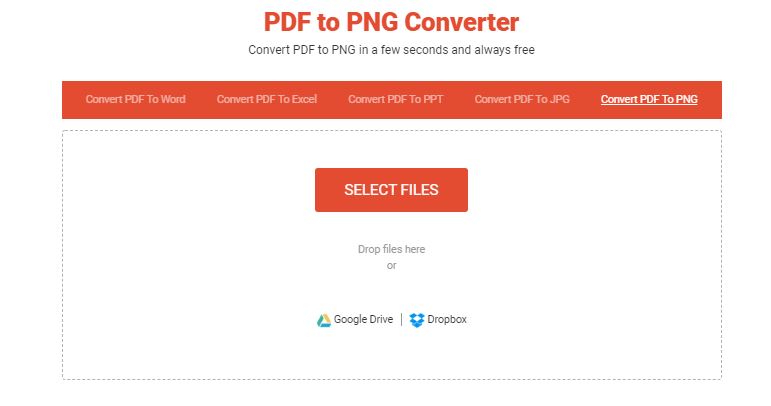
Convert PDF to PNG in a few seconds and always free at WiPDF.
Use the best quality PDF to PNG converter, easy to use - Convert any PDF to PNG images for free.
Now convert any RTF file to PDF easily and quickly.
If you are looking for a document converter, especially RTF file converter to PDF, then this RTF to PDF converter can do it for you.
This is a robust document converter.
It is reliable, strong and user-friendly for day-to-day business use.
We Sub Systems, offers RTF to PDF converter, a simple and hassle free way to convert form RTF to PDF format within your application.