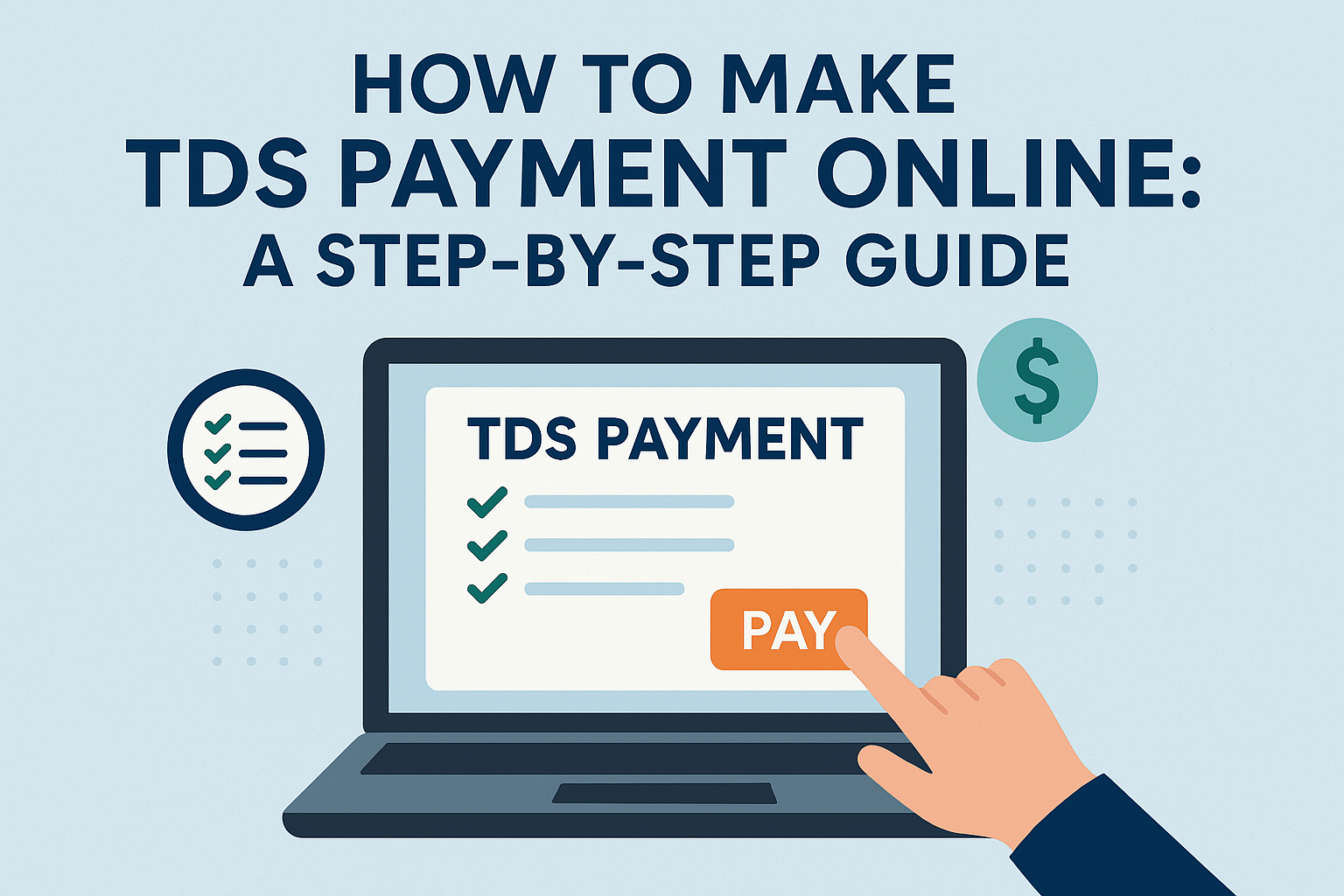
Managing taxes is a crucial part of every business and individual’s financial responsibility. One such obligation is Tax Deducted at Source (TDS). Thankfully, the process has become more streamlined with the availability of TDS payment online, making it easier, faster, and more convenient. If you’re unsure how to proceed, this step-by-step guide will walk you through the entire process.
What Is TDS?
TDS is a method of collecting tax at the source of income. It is deducted by the payer (employer, company, etc.) while making specified payments such as salaries, interest, rent, commissions, etc., and then deposited to the government on behalf of the payee.
Why Opt for TDS Payment Online?
Opting for TDS payment online has multiple benefits:
- No need to visit banks physically
- Faster transaction and acknowledgment
- Easy tracking of payments
- Instant challan generation
- Available 24/7
The government encourages taxpayers to pay TDS online through authorized banks and the official TIN-NSDL or Income Tax e-filing portal.
The government encourages taxpayers to pay TDS online through authorized banks and the official TIN-NSDL or Income Tax e-filing portal.
Step-by-Step Process to Make TDS Payment Online
Step 1: Visit the Official TIN-NSDL Website
Go to https://www.tin-nsdl.com and click on “Services” > “e-Payment: Pay Taxes Online”.
Step 2: Select Challan Type
Choose the relevant Challan No./ITNS 281 for TDS/TCS payments.
Step 3: Fill in the Details
Enter the following:
- TAN (Tax Deduction and Collection Account Number)
- Assessment Year
- Address and Contact Info
- Type of Payment (e.g., TDS on salary, contractor, etc.)
- Bank through which the payment will be made
Make sure all the details are accurate to avoid errors.
Step 4: Redirect to Net Banking
Once you submit the form, you’ll be redirected to your selected bank’s net banking portal.
Step 5: Complete the Payment
Log in using your credentials and complete the TDS payment online using net banking or other enabled digital payment methods.
Step 6: Save the Acknowledgment
After payment, you’ll receive a Challan Counterfoil with a CIN (Challan Identification Number). Save or print this for your records — it’s proof of payment.
Tips to Remember
Always double-check your TAN and Assessment Year
Use a reliable internet connection during payment
Keep a digital copy of the payment acknowledgment
Make TDS payments before the due date to avoid interest or penalties
Conclusion
With the rise of digital platforms, TDS payment online has become a hassle-free process. Whether you’re a salaried individual, a small business owner, or a finance manager, handling your tax obligations is now easier than ever. By following the above steps, you can ensure timely and accurate payments without any last-minute rush or confusion.