


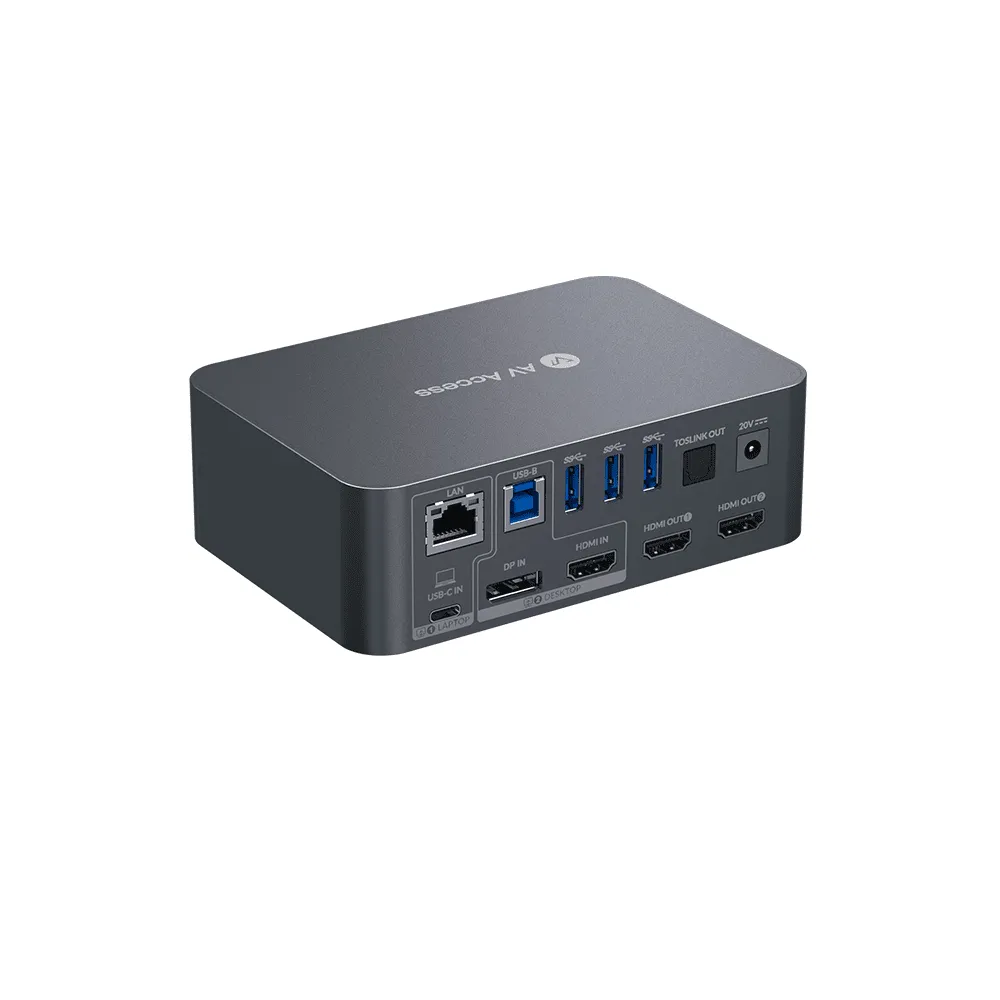
For professionals who work on multiple computers and seek for a seamless switch between them, KVM switch is a brilliant creation that makes things happen. We also tried something new in 2023 — to combine a KVM switch with a docking station to make it more powerful, and created a new product line, the iDock Series.
Sometimes it’s difficult to find the right KVM switch that works for your setup, so I counted the reviews from our users in the last 2 years, and create this list of “the best rated KVM switches in 2025” to help you make a better decision.
Top 3. KVM Switch for Triple Monitor Setups
iDock D23 gains some popularity among users, mainly becuase of its triple monitor feature, and the high resolutions and refresh rates it can support. The model supports images up to 8K@60Hz, and also support 240hz, 165hz, 144hz and 120hz for gaming.
It’s the perfect pick for users who are using two desktop computers and want to share three monitors between them, in the meantime, find high resolutions and refresh rates important for their work or games.
iDock D23 is a dedicated DisplayPort KVM switch. All the video In and Out ports are Displayport connectors, which is a plus for users who use DisplayPort monitors for high performance. A more considerable move is that we include all DisplayPort cables you need for the setup in the package.
The model is warmly welcomed by the users, mainly by IT professionals like software engineers who require multiple PCs and monitors for better efficiency, and gamers for superior gaming experience. Just to mention, iDock D23 does not support EDID emulation and if this is a deal-breaker for you, you may have a second thought before buying.
One of the users shared, “Overall a solid piece of tech to enable 3x high refresh monitors across two PCs. The 1) Maintains high refresh rates on 3 monitors without flicker using the included cables 2) Fast switching between the connected platforms 3) Solidly built compact construction 4) Useful I/O connectivity options for various peripherals”.
Top 2. Share a Docking Station between PC and Laptop
iDock C10 is the best seller among all models. It connects a desktop PC and a laptop, and shares a 12-in-1 docking station between them. This is a very common desk setup for users who work from home, or work in a hybrid way.
Besides a dozen of ports to boost your connectivity, the most favorable part is that it supports USB-C connection for your laptop with power delivery and wired network. Therefore, the iDock C10 not only shares two monitors, keyboard, mouse, and all peripherals you set for your PC, but also charge your laptop once it is connected to the setup and provide it with stable, fast wired network.
iDock C10 is totally enough for a basic home office setup. Besides all the features and functions, it also helps declutter your desk since it simplifies the connection in various ways.
Top 1. Share Two Monitors between Two Laptops
iDock C20 is the best rated KVM switch in 2025 for its rich features and stable performance! The model connects two laptops with two monitors, and share a 12-in-1 docking station (with power delivery and LAN) between them.
As technology develops, laptops are more and more powerful. Since there are capable to run heavy applications and deal with complicated tasks, its portability attracte more users.
Just connect your laptops to the iDock C20 via a USB-C cable, you can work on your laptops like they are desktop PCs, with spacious views granted by two extended monitors, and whatever peripherals you connect to it.
Like all USB-C KVM switches by AV Access, iDock C20 offers power delivery to the laptop. And it charges both laptops at the same time constantly; also the single LAN port provides stable network for both laptops as well.
One user joyfully shared, “l’m so happy. I searched for a long time to find a doc that would replace allthe cords and docks for my home office setup. Since l work remotely, l needed to connect, and charge, two laptops to a single monitor and share the mouse, keyboard, camera, and speaker. This elegant solution meets my needs and leaves my desk clean! lt changes laptops within a couple of seconds and l have not hadanyissues in the weeks lused it. Thank you!”
Conclusion
You might be looking for the best KVM switch that works for your setup. The possibility to do that is to have enough options (check all our KVM switches) to choose from, to know your needs clearly and learn more about the product.
Sometimes a KVM switch can be tricky and needs some troubleshooting to make it work. A cheap solution may be filsmy too. Don’t forget to buy from a reliable brand with good guarantee and support services. Feel free to contact us if you are not sure if our product fits you.
About AV Access
AV Access is a professional and leading provider of Pro AV, AV over IP solutions, and wireless conference room solutions. Some of our outstanding products include IP encoders, IP decoders, wireless presentation system, wireless conferencing system, 4K AI webcam, conference speakerphone, and video bar.
Are you a newbie? AV Access blog helps beginners to get on board easily (visit our site and learn more).
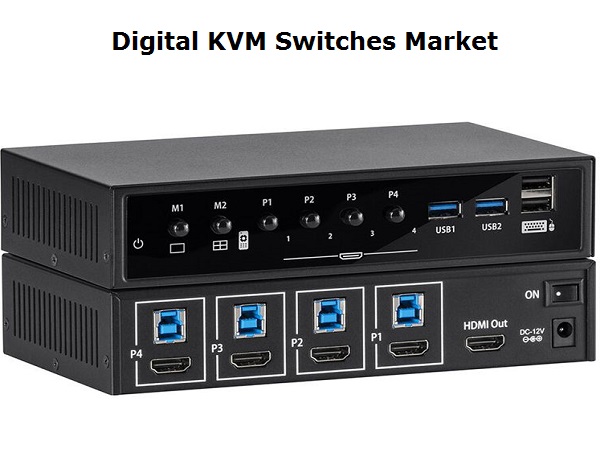
This report focuses on top manufacturers in global market, Involved the assessment of Sales, price, revenue and market share for each manufacturer, covering• Adder• APC• Aten• Belkin• Black-box• Datcent• Dell• Emerson• Guntermann and Drunck• Hiklife• Hongtong• Inspur• KinAn• Lenovo• Raloy• Raritan• Reton• Rextron• Rose• Switek• ThinkLogical (Belden) Download Free Sample Report @ https://www.radiantinsights.com/research/global-digital-kvm-switches-market-2020-2026/request-sample On the basis of product, this report displays the Sales, revenue, price, market share and growth rate of each type, primarily split into• Low-end Digital KVMs• Mid-range Digital KVMs• High-end Digital KVMs By Application, this report focuses on Sales, Market share and Growth Rate of each application, can be divided into• Media and Entertainment• Commercial• Government/Military By Regions, this report splits global market into several key regions, with Sales, Revenue, Price and Gross Margin market share of top players in these regions, from 2014 to 2026 (forecast), like• China• USA• Europe• Japan• Korea• India• Southeast Asia• South America Browse Full Research Report with TOC @ https://www.radiantinsights.com/research/global-digital-kvm-switches-market-2020-2026 Table of Contents Global Digital KVM Switches Market Professional Survey Report 20191 Report Overview1.1 Definition and Specification1.2 Manufacturers and Region Overview1.2.1 Manufacturers Overview1.2.2 Regions Overview1.3 Type Overview1.3.1 Low-end Digital KVMs1.3.2 Mid-range Digital KVMs1.3.3 High-end Digital KVMs1.4 Application Overview1.4.1 Media and Entertainment1.4.2 Commercial1.4.3 Government/Military1.5 Industrial Chain1.5.1 Digital KVM Switches Industrial Chain1.5.2 Upstream1.5.3 Downstream 2.1 The Overall Market Performance(Volume)2.1.1 Low-end Digital KVMs2.1.2 Mid-range Digital KVMs2.1.3 High-end Digital KVMs2.2 The Overall Market Performance(Value)2.2.1 Low-end Digital KVMs2.2.2 Mid-range Digital KVMs2.2.3 High-end Digital KVMs 3 Global Digital KVM Switches Market Assessment by Application3.1 Overall Market Performance (Volume)3.2 Media and Entertainment3.3 Commercial3.4 Government/Military 4 Competitive Analysis4.1 Adder4.1.1 Adder Profiles4.1.2 Adder Product Information4.1.3 Adder Digital KVM Switches Business Performance4.1.4 SWOT Analysis4.2 APC4.2.1 APC Profiles4.2.2 APC Product Information4.2.3 APC Digital KVM Switches Business Performance4.2.4 SWOT Analysis4.3 Aten4.3.1 Aten Profiles4.3.2 Aten Product Information4.3.3 Aten Digital KVM Switches Business Performance4.3.4 SWOT Analysis Continued… Read all Reports of this category @ https://www.radiantinsights.com/catalog/equipment About Radiant InsightsRadiant Insights is a platform for companies looking to meet their market research and business intelligence requirements.
It assists and facilitate organizations and individuals procure market research reports, helping them in the decisions making process.
The Organization has a comprehensive collection of reports, covering over 40 key industries and a host of micro markets.
In addition to over extensive database of reports, experienced research coordinators also offer a host of ancillary services such as, research partnerships/ tie-ups and customized research solutions.
Media Contact:Company Name: Radiant Insights, IncContact Person: Michelle ThorasPhone: (415) 349-0054Toll Free: 1-888-928-9744Address: 201 Spear Street 1100, Suite 3036,City: San Francisco; State: California; Country: United StatesEmail: sales@radiantinsights.comWebsite: https://www.radiantinsights.com/
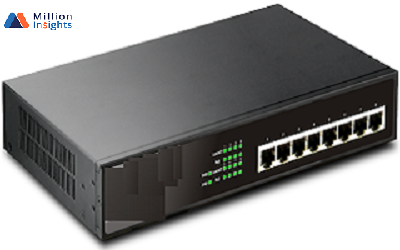
Data Centre KVM Switches Market is expected to grow at a significant CAGR in the upcoming years as the scope and its applications are increasing across the globe.
A hardware device that allows a user to control multiple computers from a single keyboard, video display monitor and mouse is referred to KVM (keyboard, video, mouse) switches.
They are frequently set up in data centers where numerous servers are placed in a single rack.Request a Sample Copy of This Report @ https://www.millioninsights.com/industry-reports/data-centre-keyboard-video-mouse-kvm-switches-market/request-sampleThe factors that propel the growth of the Data Centre KVM Switches Market include increasing demand, rapid urbanization & industrialization, and product development & technological innovations.
Data Centre KVM Switches Industry is classified on the basis of product type, applications, distribution channel and geography.
The market is classified on applications as broadcast stations, aviation controls industry, control room, industrial application, and others.
Data Centre KVM Switches Market is segmented by distribution channel as online stores, specialty stores and others.