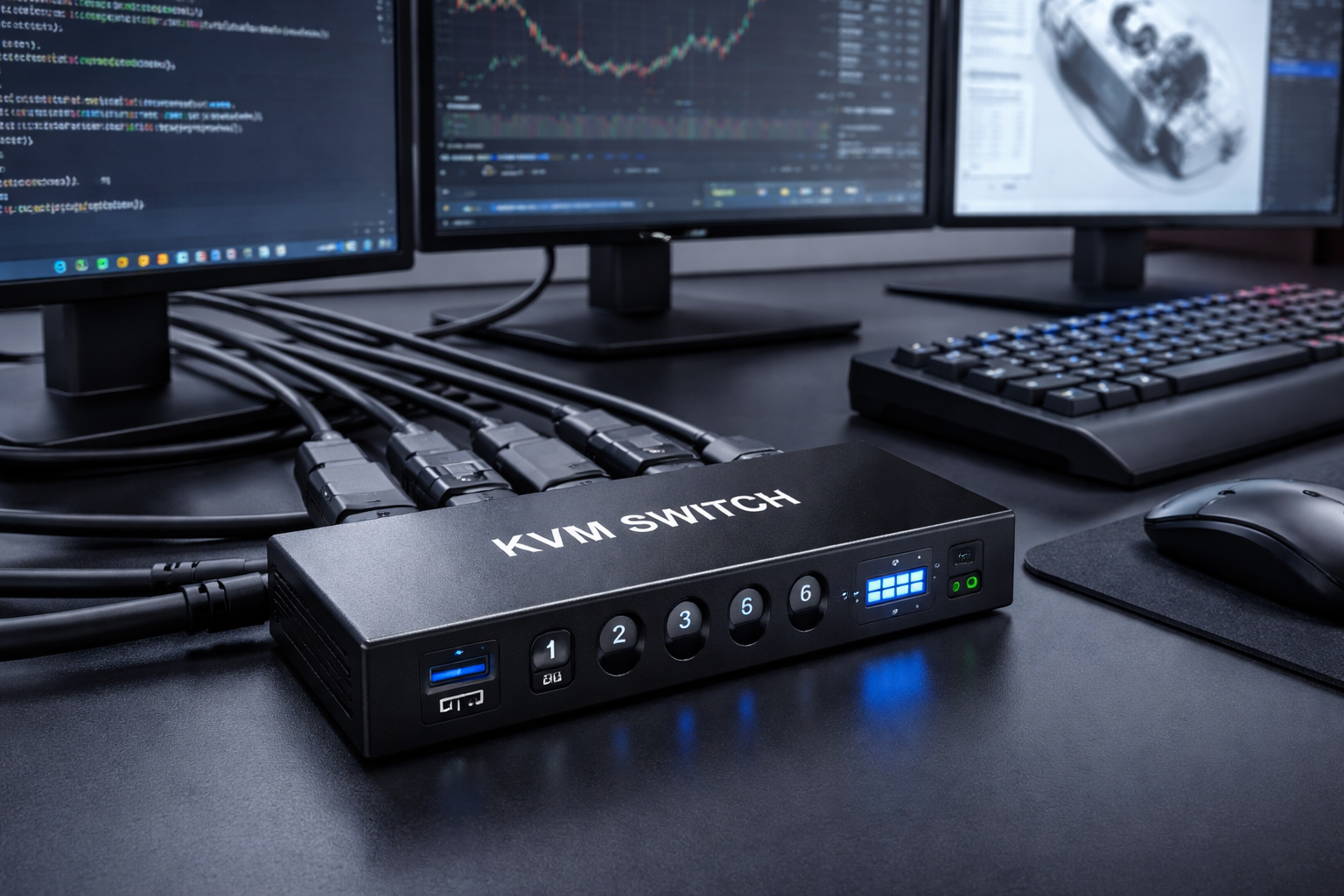
Struggling with Two Computers and One Gaming Setup?
For gamers who switch between a work computer and a game PC, managing displays, peripherals, and refresh rates can quickly become frustrating. You may be constantly wrestling with cables, resetting display resolutions, and you might even lose G-Sync. All that fumbling around just kills your focus and pulls you out of the game.
To balance gaming fluence and workflow efficiency, most gamers who run a dual-PC setup need a high-performance KVM switch docking station.
Why Most KVM Switches Aren’t Built for Gaming
Many gamers try to simplify their setups by using a KVM switch, but quickly run into limitations. Most KVM switches on the market today are built with office tasks in mind, not focusing on gaming performance. Here are the common issues gaming users face:
- Limited Port Options: Some don’t include USB-C, DisplayPort, or enough USB ports for peripherals.
- Poor Refresh Rate Support: Many only support 60Hz or 30Hz, making them incompatible with high refresh gaming monitors.
- No VRR Support: Without G-Sync or FreeSync, users may experience screen tearing and stuttering during gameplay.
- Unstable Performance: Switching between devices can cause flickering, resolution drops, or input lag.
As gaming setups get more complex, featuring dual PCs, multiple monitors, external GPUs, and high-end peripherals, a basic switch is no longer enough.
That’s why a KVM switch docking station built for gaming is so essential. It not only handles high refresh rates and VRR features, but also provides the docking convenience gamers need when using a laptop and desktop together. The right KVM dock supports fast device switching and ensures every frame counts in competitive play.
KVM Switch Docking Stations for Gaming and Work
To tackle these challenges, AV Access offers three specialized KVM switch docking stations. Each is designed for different desk setups and monitor configurations, but all are optimized for high refresh rate gaming and dual-computer control.
Let’s explore the differences and strengths of the top 3 models:
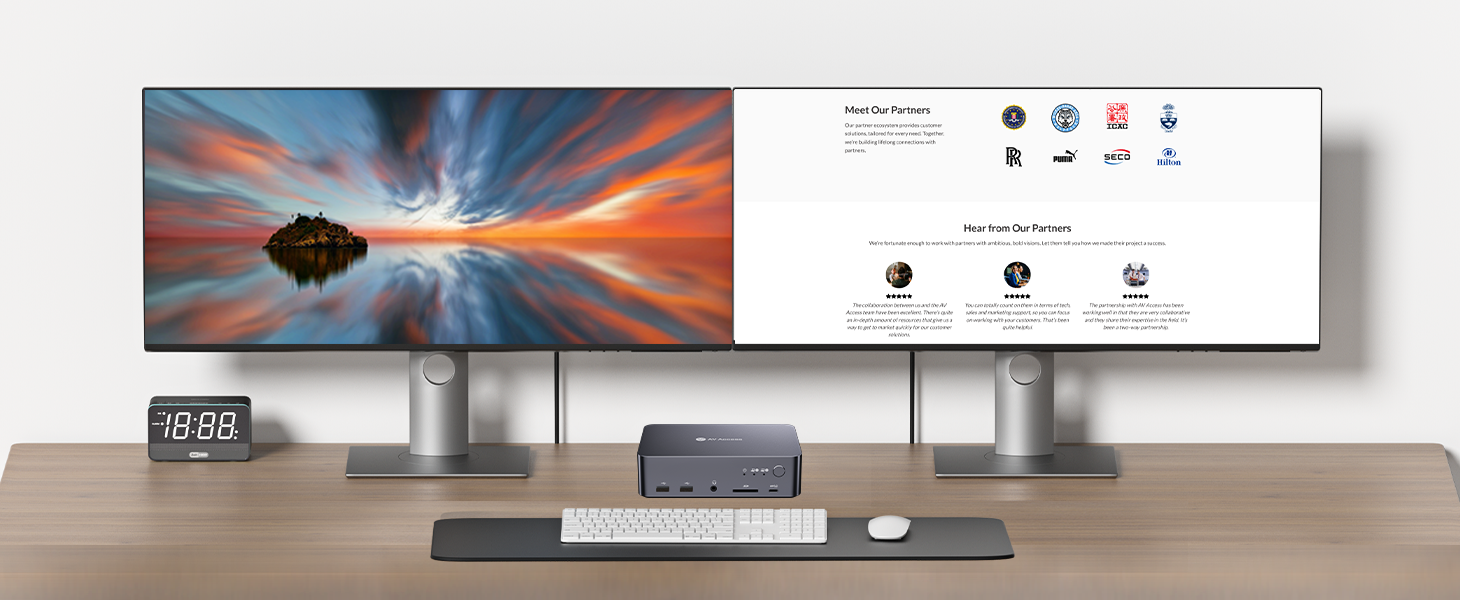
iDock B10: Dual Monitor KVM Dock for Game PC and Laptop Setup
A perfect balance of docking functionality and gaming performance, iDock B10 is tailored for users who combine a work laptop and a game PC on one desk.
Key Features:
- Dual Monitor Output: Supports 8K@60Hz or 4K@165/144Hz, even 1080P@240Hz.
- G-Sync/FreeSync Friendly: Maintains smooth visuals without tearing.
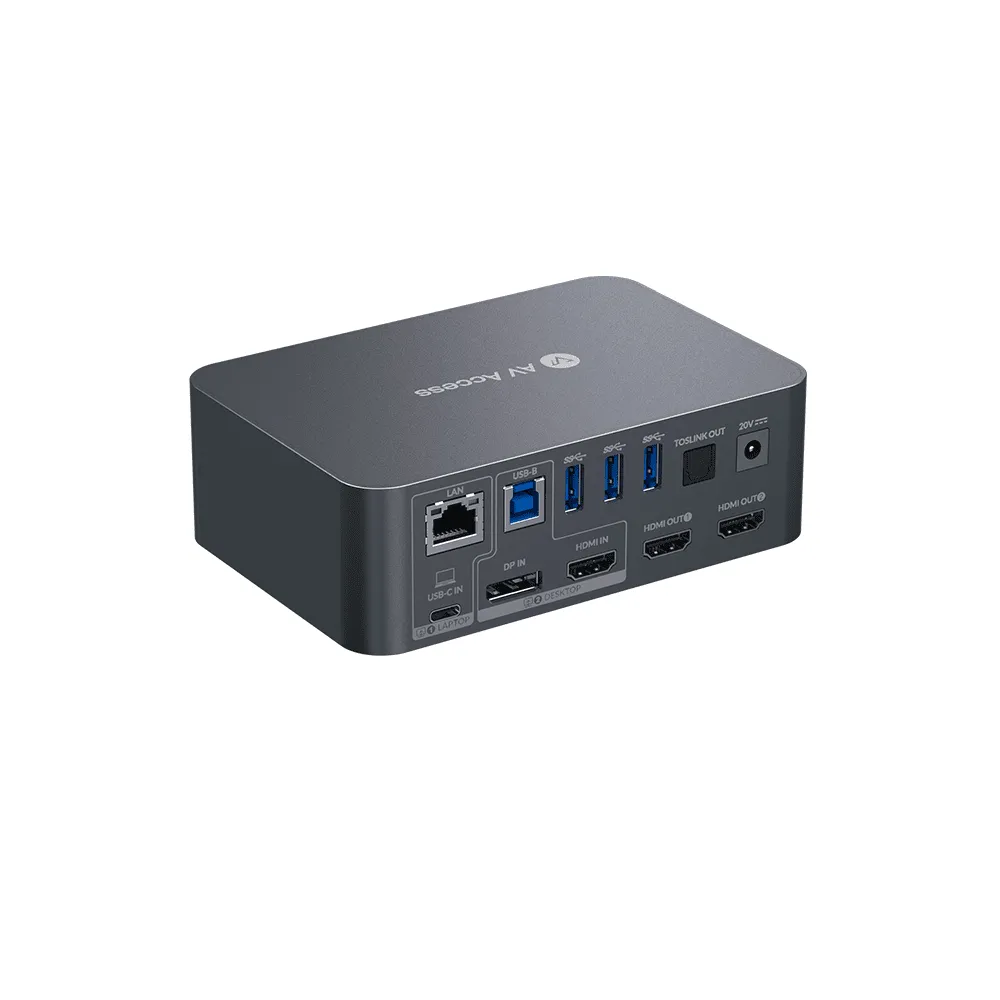
- Full Docking Support: Features 5 USB-A ports and 1 USB-C port, SD card reader, audio port, and Gigabit Ethernet
- Quick switching: Hardware button or remote wired controller, toggle between the two computers
iDock B10 for a laptop and a desktop PC, dual monitor, 100W charging
iDock D23: Triple Monitor KVM Docking Station for Dual Desktops
For gamers and multitaskers running two desktops, iDock D23 supports triple monitors with high resolutions and refresh rates, making it the ultimate choice for high-end setups.
Key Features:
- 3x 8K@60Hz Monitor Support: Manage a full immersive display wall for gaming and productivity.
- Resolution and Refresh Rate: Supports 1080P@240Hz, 4K@144Hz/165Hz, and 8K@60Hz, catering to both speed and detail.
- VRR Support: Fully compatible with Freesync and G-Sync for flawless, tear-free visuals during high-action scenes.
- USB Hub & Ethernet: Share multiple peripherals and a wired network across two desktops.
- Fast Switching: Switch effortlessly using panel buttons, keyboard hotkeys, or a wired controller. The auto PC wake-up feature adds convenience.
iDock D23 for 2 desktop PC with one set of keyboard, mouse and three monitors.
8KSW21DP-DM: Dual Monitor DisplayPort KVM Switch for Dual-PC Gaming
When all you care about is performance, refresh rate, and DisplayPort switching, the 8KSW21DP-DM is the go-to choice.
Key Features:
- Device Connectivity: Connects two desktops (e.g., gaming PC and console) to a single set of peripherals.
- Dual Monitor DP 1.4 Switching: Supports up to 8K@60Hz or 4K@165/144Hz.
- Full VRR Compatibility: Preserves G-Sync, FreeSync, and HDR.
- Seamless Switching: Offers multiple switching options, including keyboard hotkeys and an IR remote, with an auto PC wake-up function for instant transitions.
- Peripheral Connectivity: Features 5 USB-A ports, plus mic-in and mic-out options for enhanced flexibility.
Make the Most of Your KVM Dock for Gaming and Work
To ensure smooth switching and the best performance from your KVM switch docking station, here are three key setup tips:
Use Certified Cables
Use DisplayPort 1.4 or HDMI 2.1 certified cables to maintain high refresh rates and stable VRR performance. Low-quality or mismatched cables can cause flickering or limit resolution.
Connect Peripherals to the Right Ports
Use the dedicated keyboard and mouse ports for stable control and hotkey switching. Devices that require higher power or faster transfer — like webcams or external drives — should be plugged into USB 3.2 ports for best performance.
Enable VRR in GPU Settings
Make sure G-Sync or FreeSync is enabled in your GPU settings. After switching, confirm that your monitor is still recognized as VRR-compatible, especially when using DisplayPort.
Smooth Gaming, Seamless Switching
For gamers balancing work and play across two computers, the right KVM switch docking station can make all the difference. The iDock B10 combines high refresh rate support with full docking capabilities, making it ideal for seamlessly switching between a gaming PC and a laptop. The iDock D23 is better suited for dual desktops with a triple monitor setup, while the 8KSW21DP-DM focuses purely on high-performance switching between two gaming PCs.Together, these options offer a flexible range of solutions to balance performance, display support, and everyday efficiency.
About AV Access
AV Access is a professional and leading provider of Pro AV, AV over IP solutions, and wireless conference room solutions. Some of our outstanding products include IP encoders, IP decoders, wireless presentation system, wireless conferencing system, 4K AI webcam, conference speakerphone, and video bar.
Are you a newbie? AV Access blog helps beginners to get on board easily (visit our site and learn more).
Ready to elevate your brand with powerful visual communication? Start with the processor that makes it all happen — choose AV Access.