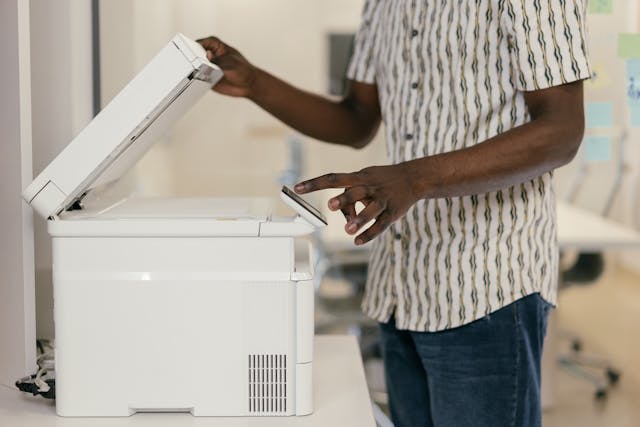
Keeping your commercial printers clean isn’t just a good habit—it’s essential for performance, print quality, and machine lifespan. Over time, ink residue, toner dust, paper fibres, and environmental contaminants build up in and around your printer. This leads to streaky prints, paper jams, and even system errors.
Whether you run a print shop, a busy office, or a logistics centre, following a regular cleaning routine helps maintain productivity and reduces downtime.
Let’s break down the easy steps to clean commercial printers safely and effectively.
Why Cleaning Your Commercial Printer Matters
Improves print clarity Reduces mechanical issues and jams Saves money on repairs and replacements Prolongs equipment life
Skipping maintenance can shorten your printer’s lifespan, reduce output quality, and even void warranties.
What You’ll Need Before You Start
Gather these tools before beginning:
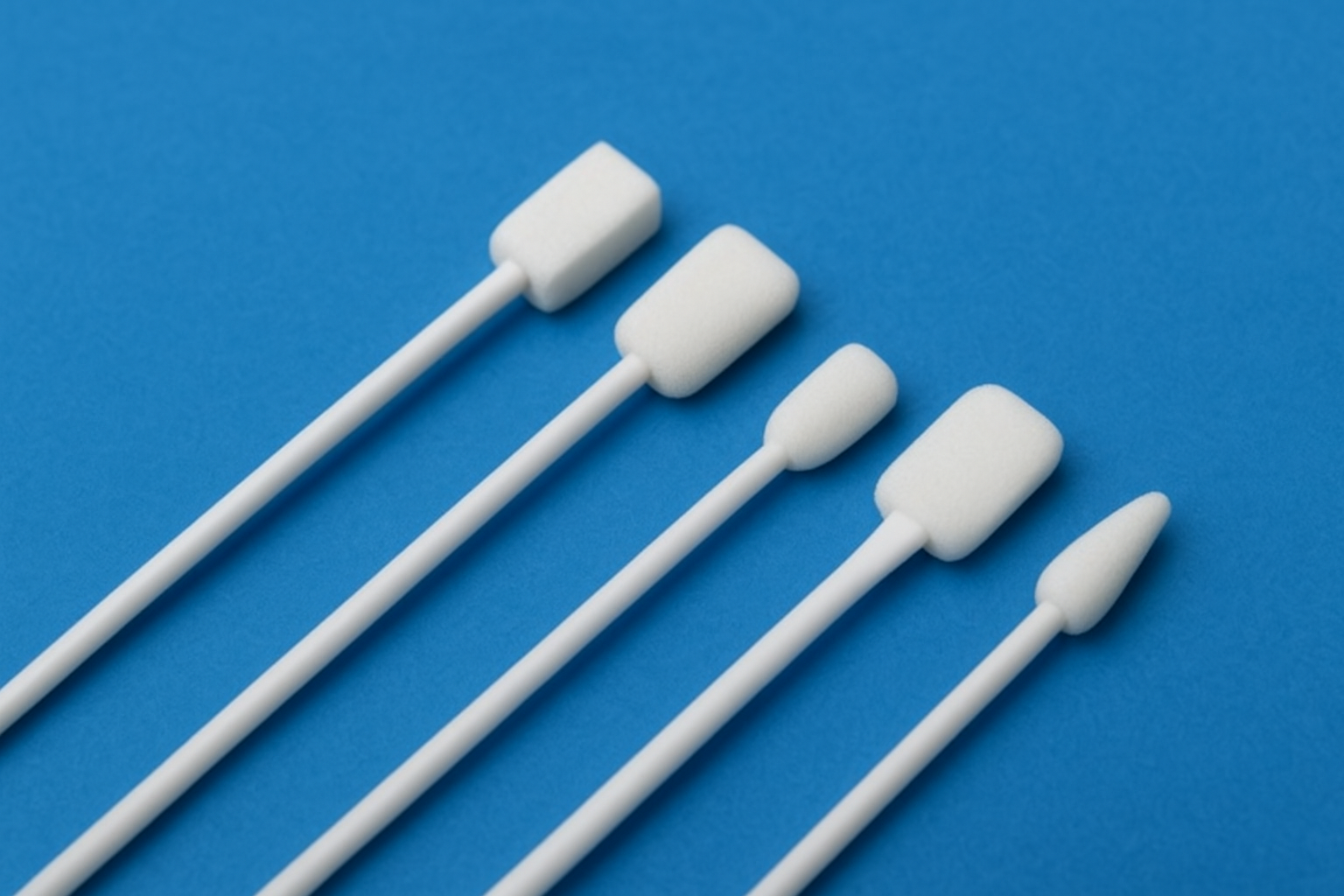
Lint-free microfibre cloths Isopropyl alcohol (90%+) Canned air or blower Gloves (optional but recommended) Foam Swabs for Printers (ideal for tight and sensitive parts) User manual (for guidance on disassembly and safety precautions)
How to Clean Commercial Printers: Step-by-Step
Step 1: Turn Off and Unplug the Printer
Always power down your printer and disconnect it from electricity before beginning any maintenance.
Step 2: Open Accessible Panels
Check your printer’s manual for proper panel access. Open trays, cartridge bays, and any side panels that expose interior parts.
Step 3: Remove and Clean Cartridges
Take out ink or toner cartridges carefully. Wipe them down with a soft cloth and inspect for leaks or damage. Avoid shaking toner cartridges—it can spread powder inside the machine.
Step 4: Dust Interior with Canned Air
Use short bursts to remove loose dust and particles. Focus on fans, vents, and the paper path.
Step 5: Clean Rollers and Print Head
Dampen a lint-free cloth or swab with isopropyl alcohol. Gently wipe down rollers to remove ink, grease, or paper debris. For print heads, use gentle pressure and avoid scraping. Foam swabs are excellent for cleaning tight corners or sensors without leaving fibres or causing damage.
Step 6: Wipe the Exterior
Clean touch panels, paper trays, and casing using a slightly damp cloth. Never spray liquid directly on the printer.
Step 7: Let Everything Dry Before Reassembly
Give alcohol-based cleaners time to evaporate. Check for moisture or residue before reinserting cartridges or powering the device.
Step 8: Run a Test Page
Once everything is dry and reassembled, run a test print to confirm smooth operation and improved quality.
Final Thoughts
Cleaning your commercial printer isn’t difficult—it just takes the right tools and a little time. Using the correct cleaning materials, including foam swabs for commercial printers, ensures you won’t damage sensitive parts or leave behind residue. A clean printer is a reliable printer—and a smarter investment for any business.


How to Clean Your Carpet and Keep It Smelling Fresh.
A clean carpet is important to maintain the atmosphere at home.
Read this article and Hire our professional carpet cleaning experts residential and commercial area.