





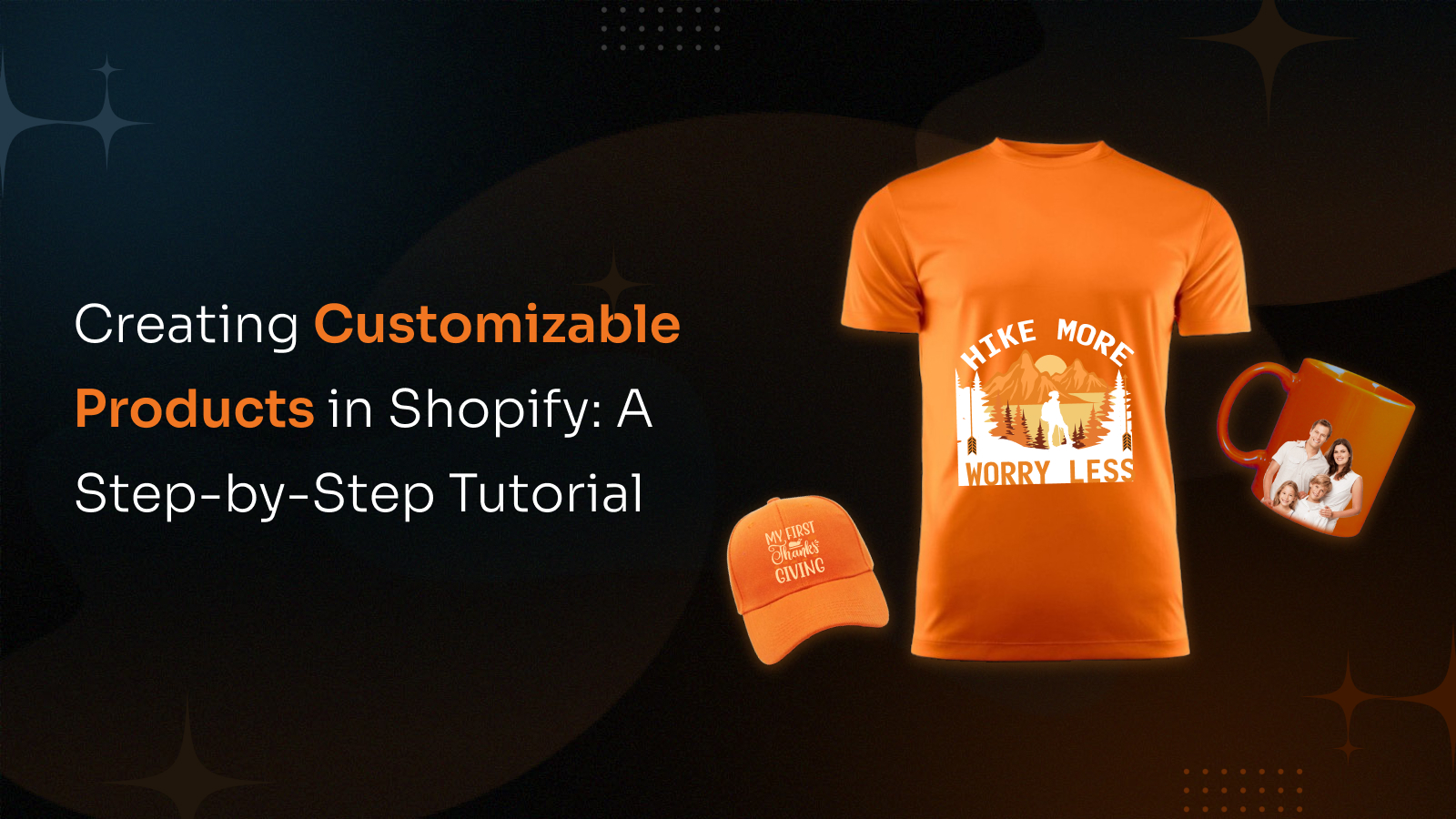
Product personalization is key for online stores, especially on Shopify. It lets customers customize products. This makes them happier and more loyal. It also boosts sales. This guide shows you how to add personalization to your Shopify store. We cover how to do it, important features of personalization apps, and the benefits for your business. We also compare top Shopify apps and answer common questions. Get ready to make your Shopify store powerful with personalization!
The Power of Product Personalization: Why It Matters for E-commerce
In today’s crowded e-commerce space, product personalization has become essential to stand out. Selling generic products no longer satisfies modern shoppers who expect unique, tailored experiences. Personalization allows customers to design products to match their style choosing colors, adding text, or even uploading images. This boosts satisfaction and sales. In fact, 89% of business leaders see personalization as key to future success. Over 70% of brands believe AI will revolutionize this space. Results show 60% of customers repurchase after a personalized experience, while 76% prefer brands that personalize.
Companies can increase revenue by up to 40% and cut acquisition costs by 50%. Still, challenges exist: 61% of companies fear bad data could hinder AI-driven personalization, and a gap remains between what brands offer and what customers feel. Despite this, personalization builds loyalty and growth. For Shopify sellers, various tools make it easy to implement and scale personalization effectively.
How to Add Product Personalization Feature in Shopify
Adding Product Personalization on Shopify can be done in a few ways. You can use Shopify's built-in tools for simple changes, or use powerful apps for more advanced options. Your choice depends on how complex you want the personalization to be and how comfortable you are with technology.
Using Shopify's Built-in Tools for Basic Customization
For simple personalization, Shopify has some features you can use without extra apps. These mainly focus on product variations and custom order notes.
1. Product Variations:
Shopify's variation system lets you offer different versions of a product. For example, a t-shirt can come in different sizes (S, M, L, XL) and colors (Red, Blue, Green). You can have up to 3 options and 100 variations for each product.
How to set up product variations:
- Go to Products in your Shopify admin.
- Click on the product you want to change or make a new one.
- In the Variations section, click Add variation.
- Choose your options (like 'Color' or 'Size') and their values (like 'Red' or 'Blue'; 'Small' or 'Medium').
- Shopify will create combinations for these. You can then set different prices, SKUs, and inventory for each one.
2. Custom Order Notes:
Custom order notes let customers add specific information to their order. This information is then linked to the product in their cart. This is great for collecting text, like messages for engraving, names, or special instructions.
How to use custom order notes:
This usually means changing your Shopify theme's code (like product-template.liquid or product-form.liquid files) to add custom input fields. It needs some coding knowledge, but it's a direct way to get customer input.
Example of a text input field for engraving:
<p class="line-item-property__field">
<label for="engraving-text">Engraving Text</label>
<input id="engraving-text" type="text" name="properties[Engraving Text]" form="product-form-{{ product.id }}" maxlength="20">
</p>
This code creates a text box on your product page. Customers can type their engraving text here. The name="properties[Engraving Text]" part is important. It tells Shopify to save this input as a custom order note.
Limits of Built-in Tools:
Shopify's built-in tools are useful for simple needs, but they have limits:
- Few Options: Variations are limited to 3 options and 100 combinations. This can be too restrictive for products that need a lot of customization.
- No Visuals: These tools don't show a live preview of how personalized products will look. This is a big problem for complex designs.
- No Smart Rules: You can't set rules to show or hide options based on what customers pick before, without custom coding.
- No File Uploads: Customers can't upload pictures or other files for personalization directly using these tools.
Using a Product Personalization App for Shopify
For businesses that need strong and interactive Product Personalization Shopify features, using a third-party app from the Shopify App Store is the best way. These apps fix the problems of Shopify's built-in tools. They offer advanced features for visual customization, smart rules, file uploads, and more. They are made to make shopping better for customers and easier for sellers.
Steps to add a Product Personalization app to Shopify:
- Know What You Need: Before picking an app, decide exactly what kind of personalization you want. Do you need text input, image uploads, color choices, live previews, or complex rules?
- Search the Shopify App Store: Look for apps using words like "product personalizer," "product customizer," or "product options."
- Check Apps: Look at app ratings, reviews, features, prices, and if they work with your theme. Many apps offer free trials. These are great for testing if the app works well for you.
- Install and Set Up: Once you pick an app, follow its installation steps. Most apps connect directly to your Shopify admin. Then, you'll set up the personalization options for your products within the app.
This way, you can offer a much richer and more interactive personalization experience. This is key for businesses that want to sell truly unique products and stand out in the busy online market.
Features: What to Look for in a Product Personalization App
When picking a Product Personalization app Shopify, it's important to know what features are available. These apps can be very different, from simple tools to advanced visual customizers. Here are the main features to think about:
Basic Customization Options
These are the main parts that let customers personalize products:
- Text Input Fields: Let customers add their own text, like names, dates, or messages. Better apps might let them pick fonts, text colors, and sizes.
- Dropdown Menus: Good for offering a set list of choices, such as material types or finishes.
- Checkboxes and Radio Buttons: Use checkboxes for picking many options (like add-ons) or radio buttons for picking only one from a group (like service upgrades).
- Color Swatches: Important for products where color is a key choice (like clothes or jewelry). These often show real color samples so customers can see them better.
- Image Swatches: Like color swatches, but they show small pictures for different patterns or designs.
Advanced Personalization Tools
For a truly engaging and flexible personalization experience, look for apps that offer these advanced features:
- File Uploads: Let customers upload their own pictures, logos, or art to be printed or engraved on products. This is very important for businesses selling custom prints or photo gifts.
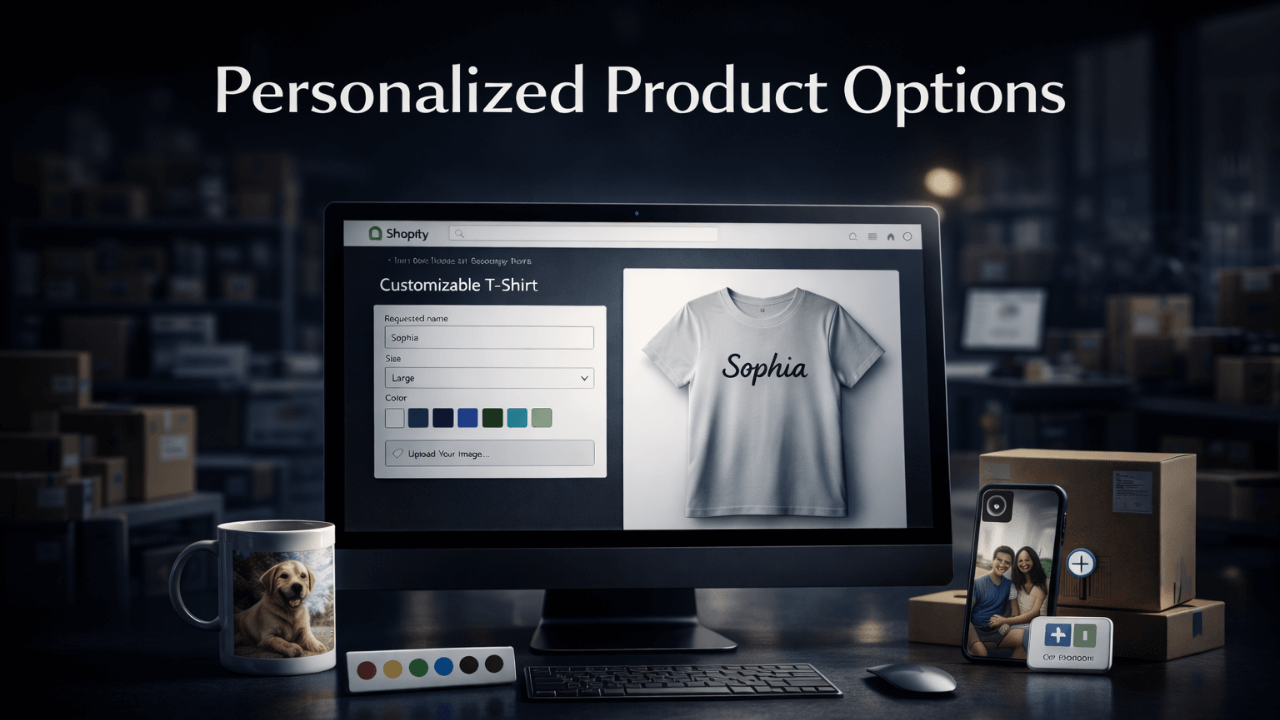
- Live Previews (Visual Customizer): This feature is a game-changer. A live preview lets customers see their changes on the product right away. This makes shopping much better, reduces returns, and helps sell more. It can show 2D or even 3D previews.
- Conditional Logic: This powerful feature lets you show or hide options based on what the customer has already picked. For example, if a customer chooses a certain product type, only the options that apply to that type will appear. This makes customizing easier and prevents wrong choices.
- Dynamic Pricing: This automatically changes the product price based on the options the customer chooses. This is key for charging correctly for special features, extra materials, or complex designs.
- Font Pickers: Let customers choose from different fonts for text they add, giving them more control over the design.
- Date Pickers: Useful for products that need a specific date, like tickets or personalized calendars.
Management and Integration Features
Beyond what customers see, a good personalization app should also have strong tools for you, the seller:
- Works with Shopify Admin: It should connect smoothly with your Shopify dashboard. This makes setting up products and managing orders easy.
- Apply Options in Bulk: The ability to add personalization options to many products at once. This saves a lot of time if you have many products.
- Order Management: Tools to easily see and handle personalized orders. This includes access to customer files and details.
- Inventory Management: Some advanced apps can even work with your inventory system to track parts for customizable products.
- Analytics and Reports: Features that show you what customizations are popular. This helps you understand what customers like and improve your products.
By carefully checking these features, you can pick a Product Personalization app Shopify that fits your business perfectly. It will also give your customers a great customization experience.
Benefits: Why Product Personalization Matters for Your Shopify Store
Adding Product Personalization on Shopify brings many good things. It does more than just offer unique products. It changes how customers shop and helps your business make more money. Here's why putting money into product personalization is a smart move for any Shopify seller:
1. Better Customer Experience and Happiness
Personalization makes shopping enjoyable and meaningful. Letting customers customize products builds stronger brand connections, as 81% prefer personalized experiences and 70% value staff who understand their preferences.
2. More Loyal Customers and Repeat Sales
Personalization builds emotional connection and loyalty. When customers customize products, they feel ownership. 60% repurchase, and 57% pay more showing personalization boosts retention and lifetime value.
3. Higher Sales and Bigger Orders
Personalized products boost sales by matching customer needs. Shoppers are more likely to buy and pay up to 20% more when they can customize items. Personalization apps with dynamic pricing increase profit per order, making each sale more valuable and enhancing customer satisfaction at the same time.
4. Fewer Returns and More Customer Trust
Product returns are costly in e-commerce. Letting customers personalize and preview products reduces surprises and builds trust. Live previews in Shopify apps help cut returns, saving time and money.
5. Stand Out and Tell Your Brand Story
Stand out in a crowded market by offering personalized products. It highlights your brand’s uniqueness, showcases quality and individuality, and attracts customers seeking custom-made items fueling business growth.
6. Useful Customer Information and Data
Every customization choice reveals customer preferences and habits. Analyzing popular colors, text, and features helps you improve products, plan marketing, and manage inventory more effectively.
7. Better Marketing and Engagement
Personalized products encourage social sharing, giving your brand free promotion and positive exposure. Customization data enables highly targeted marketing. Emails featuring past design choices boost engagement. With 89% of marketers reporting success from personalized campaigns, it's clear that tailored marketing increases impact, customer connection, and conversion rates.
Key Takeaways
- Personalization is Key: It's no longer just a nice-to-have. It's crucial for online stores because customers want unique things.
- Boosts Business: Personalization makes customers happier, more loyal, and leads to more sales and bigger orders.
- Shopify's Limits: Shopify's built-in tools are basic. They don't offer full personalization, especially for visual designs.
- Apps are Best: Use third-party Product Personalization app Shopify solutions. They unlock advanced features like live previews and dynamic pricing.
- Many Apps Available: The Shopify App Store has many apps. You can find one that fits your products and business needs.
- Data is Valuable: Personalization gives you useful information about what customers like. Use this data to improve your products and marketing.
- Stand Out: Offering personalized products helps your brand be different. It attracts new customers and makes your brand story stronger.
In short, Product Personalization on Shopify is not just about selling more. It's about building a stronger, customer-focused, and more profitable online business. By using customization, you are investing in a plan that builds loyalty, drives sales, and sets your brand up for long-term success.
FAQs: Your Questions About Product Personalization Answered
Q1: What is Product Personalization?
Product personalization lets customers design products their way choosing colors, materials, adding text or images turning ordinary items into unique, custom creations made just for them.
Q2: Why is Product Personalization important for my Shopify store?
Personalization boosts customer happiness, loyalty, and repeat purchases. It increases sales, reduces returns, provides insights, enhances marketing, and meets today’s demand for unique experiences making it vital for business growth.
Q3: Can I add product personalization to Shopify without an app?
Shopify’s basic tools support simple options like sizes or notes, but lack visuals, logic, or uploads. For advanced personalization, third-party Shopify apps are the best solution.
Q4: What features should I look for in a Shopify Product Personalization app?
Choose apps with text fields, dropdowns, image/color pickers, file uploads, live previews, conditional logic, dynamic pricing, and easy Shopify integration for smooth customization and order management.
Q5: How do Product Personalization apps handle order fulfillment?
Most Shopify product personalization apps integrate with your order system, passing custom text, options, and files directly into Shopify admin ideal for in-house fulfillment or third-party production.

Start Apparal Store and Shopify Print on Demand and offer Shopify Print on Demand services.


Shopify apps are a way of extending the functionality of a Shopify store or to provide eCommerce capabilities to websites or mobile apps.
Tech Prastish offers complete Shopify Application Development services which provide end to end eCommerce solution for your Store.
Our developers can build any custom app and add any function that you may want in your store.