In today’s digital-first business environment, protecting sensitive information has become a top priority. With organizations increasingly relying on cloud-based platforms, Google Workspace has emerged as a leading productivity suite for collaboration, communication, and file storage. However, while the platform offers robust security features, businesses must actively implement measures to ensure maximum protection of their data. This article explores best practices every business should follow for effective Google Workspace Data Protection.
Why Google Workspace Data Protection Matters
Data is one of the most valuable assets a company owns. From financial records and intellectual property to customer information, the loss or compromise of data can lead to devastating consequences. Cyber threats such as phishing, ransomware, and unauthorized access are becoming more sophisticated. Even accidental mishandling of data by employees can cause serious risks. By prioritizing Google Workspace Data Protection, organizations can reduce the chances of data breaches, maintain compliance with regulations, and protect their reputation.
Best Practices for Google Workspace Data Protection
1. Enable Two-Factor Authentication (2FA)
One of the simplest yet most effective measures is enabling two-factor authentication for all user accounts. Even if a password is compromised, the additional verification step prevents unauthorized users from gaining access. Businesses should enforce this across all employees to minimize risks.
2. Use Strong Password Policies
Weak or reused passwords remain one of the biggest vulnerabilities. Establishing strong password policies within Google Workspace ensures employees use complex, unique passwords. Encourage the use of password managers to reduce the chances of compromised credentials.
3. Manage User Access and Permissions
Not every employee needs access to all files or applications. Limiting access based on roles and responsibilities helps reduce exposure to sensitive data. Regular audits of permissions and accounts also ensure that access is revoked promptly for former employees or contractors.
4. Secure Google Drive Sharing Settings
Google Drive makes file sharing seamless, but careless settings can put confidential information at risk. Configure sharing options so that files are only accessible to intended recipients. Avoid using public sharing links unless absolutely necessary, and monitor external sharing activities regularly.
5. Protect Gmail from Phishing and Spam
Phishing emails remain one of the most common cyber threats. Businesses should enable Gmail’s advanced phishing and malware protection features. Training employees to identify suspicious emails is equally important. Encourage reporting of suspicious messages rather than ignoring or deleting them.
6. Enable Endpoint Management
Employees often access Google Workspace from personal devices, which can introduce security risks. Endpoint management tools allow businesses to enforce policies, remotely wipe data from lost or stolen devices, and monitor activity. This ensures that data remains secure regardless of the device used.
7. Monitor Account Activity and Logs
Google Workspace provides administrators with detailed reports and audit logs. Regularly reviewing these logs helps detect unusual behavior, such as multiple failed login attempts or access from unusual locations. Early detection allows organizations to take action before issues escalate.
8. Leverage Data Loss Prevention (DLP)
Data Loss Prevention policies within Google Workspace help prevent sensitive information from being shared inappropriately. For example, administrators can set rules to block the sharing of files containing credit card numbers or personal identification information. DLP adds a strong layer of protection against accidental data leaks.
9. Regular Backups of Google Workspace Data
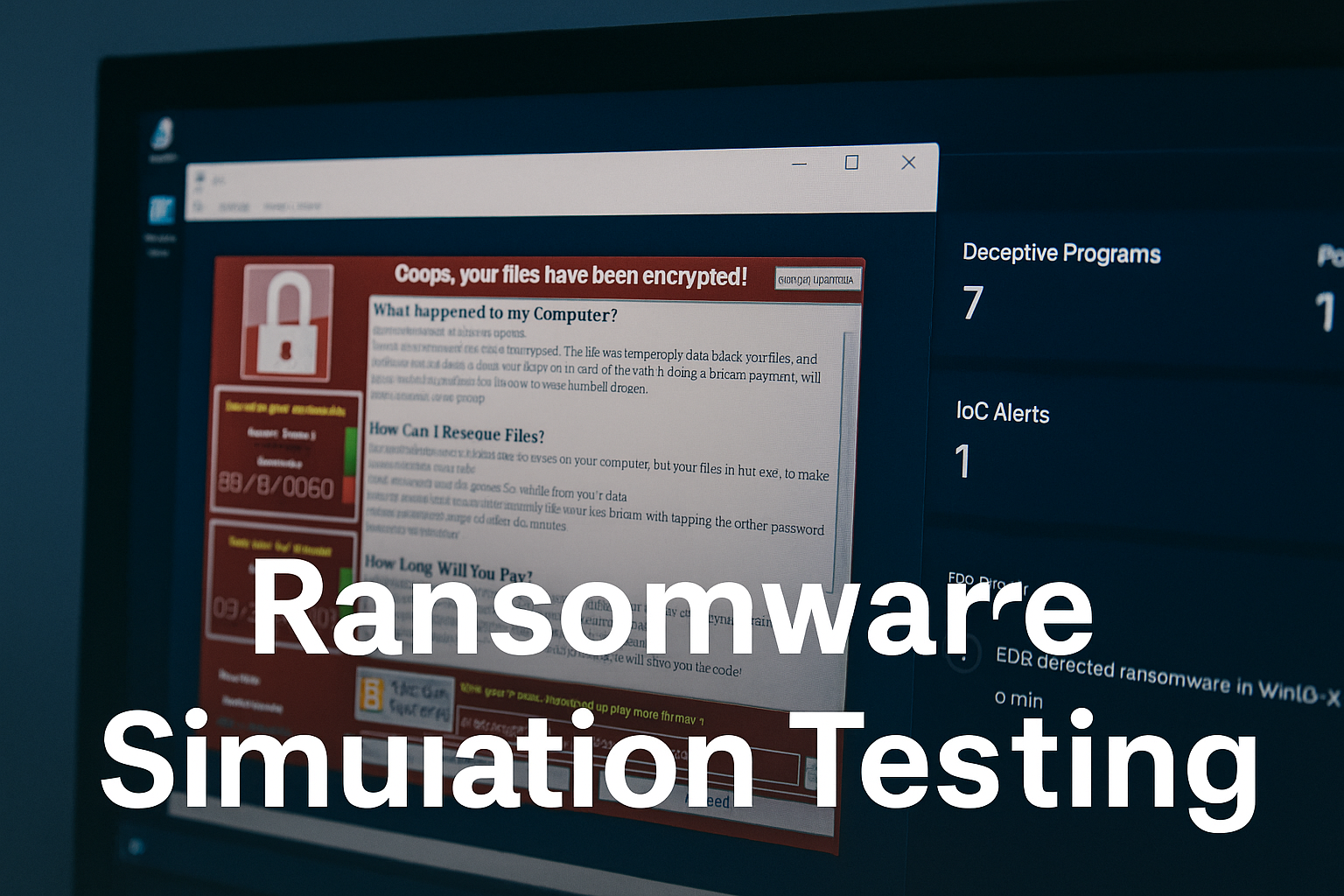
Although Google Workspace offers redundancy and recovery options, it is not a comprehensive backup solution. Businesses should use third-party backup services to create secure copies of emails, documents, and other data. Regular backups ensure that data can be restored in case of accidental deletion, ransomware attacks, or system failures.
10. Employee Security Awareness Training
Technology alone cannot safeguard data. Employees are often the first line of defense against threats. Regular training sessions on topics such as phishing prevention, safe file sharing, and secure password practices can significantly reduce risks. A well-informed team is essential for strong Google Workspace Data Protection.
11. Implement Zero Trust Security Principles
Zero Trust is a modern security framework based on the principle of "never trust, always verify." Applying this approach to Google Workspace means continuously verifying user identities, monitoring device health, and restricting access until security requirements are met. This minimizes the risk of insider threats and unauthorized access.
12. Ensure Compliance with Industry Standards
Depending on the industry, businesses may need to comply with regulations such as GDPR, HIPAA, or ISO standards. Google Workspace provides tools to help organizations meet these compliance requirements, but it is the responsibility of the business to configure settings properly and maintain compliance documentation.
Benefits of Following These Best Practices
By implementing these strategies, organizations gain several advantages:
- Stronger defense against cyber threats: Reduced risk of phishing, ransomware, and unauthorized access.
- Regulatory compliance: Businesses can avoid legal penalties by adhering to data protection laws.
- Business continuity: Regular backups and monitoring ensure operations can recover quickly after disruptions.
- Improved employee awareness: Educated employees make fewer security mistakes, reducing human error.
- Enhanced customer trust: Clients feel more confident sharing information with businesses that prioritize data security.
Conclusion
As businesses continue to embrace cloud-based solutions, the importance of securing digital assets cannot be overstated. Google Workspace offers powerful tools, but it is up to organizations to implement best practices that maximize protection. From enabling two-factor authentication and managing user access to leveraging data loss prevention and training employees, every step plays a crucial role in safeguarding sensitive information. Prioritizing Google Workspace Data Protection not only reduces risks but also ensures long-term success in a competitive digital world.