


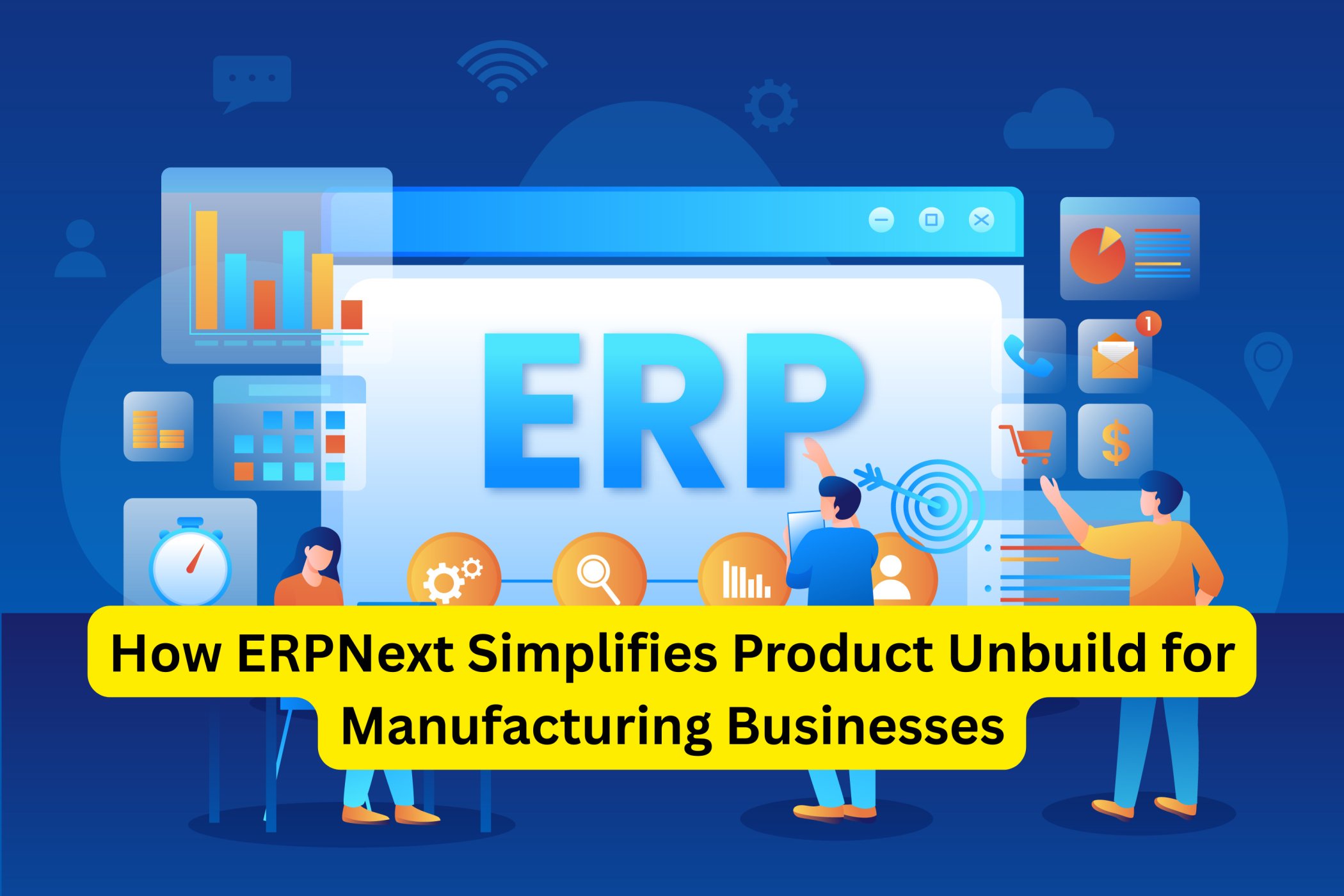
In the manufacturing industry, efficiency and precision are the backbone of success. While much focus is often placed on production and assembly, the product unbuild process (or disassembly) plays an equally critical role. Whether it’s breaking down defective products, reusing component parts, or recycling materials, unbuilding is essential to minimize waste, optimize inventory, and recover valuable resources.
However, managing unbuild processes manually can be complex and error-prone. From tracking disassembled components to updating stock levels, businesses often struggle with inconsistencies, delays, and lack of visibility. This is where ERPNext software comes in as a game-changer.
As a powerful business software, ERPNext offers specialized tools that simplify product unbuild management for manufacturers. It automates workflows, ensures real-time inventory tracking, and integrates seamlessly with other modules to provide complete visibility and control. The purpose of this blog is to explore how ERPNext simplifies the product unbuild process, helping manufacturing businesses improve efficiency, reduce costs, and make better use of resources.
Challenges of Manual Product Unbuild
For many manufacturing businesses, product unbuild is often handled through spreadsheets, paperwork, or disconnected systems. This creates multiple challenges:
- Tracking Components and Materials: Disassembly involves identifying and separating parts accurately. Manual tracking makes it difficult to ensure all components are accounted for.
- Inventory Management: When products are unbuilt, the component stock levels must be updated. Doing this manually increases the risk of inventory mismatches.
- Error-Prone Processes: Mistakes in recording parts or quantities can lead to discrepancies that affect production planning and purchasing.
- Lack of Visibility: Without centralized control, manufacturers lack a clear view of the unbuild process, making it hard to analyze efficiency or identify bottlenecks.
These challenges not only slow down operations but also increase waste and costs. This is why manufacturers need a reliable business solution that can streamline product unbuild effectively.
How ERPNext Simplifies Product Unbuild
ERPNext software transforms the way manufacturers handle product unbuild by digitizing and automating the process. Here’s how it simplifies disassembly:
- Automated Component Tracking: Each time a product is unbuilt, ERPNext automatically records the disassembled parts and assigns them back into the inventory system. This ensures no part is overlooked.
- Real-Time Inventory Updates: Stock levels are updated instantly as components are returned to inventory. This prevents shortages or overstocking issues and keeps planning accurate.
- Streamlined Workflows: With ERPNext, businesses can set up predefined workflows for unbuild requests, approvals, and execution. This reduces delays and ensures accountability.
- Integration with Manufacturing Modules: ERPNext connects unbuild with modules like Production Planning, Inventory, and Procurement. This integration ensures that unbuilt parts can immediately be reused in future production cycles, saving both time and money.
By simplifying these aspects, ERPNext helps manufacturers reduce manual errors, improve resource utilization, and enhance the overall efficiency of their operations.
Key Features of ERPNext for Product Unbuild
ERPNext includes dedicated tools and functionalities that make the product unbuild process more efficient:
- Bill of Materials (BOM) Management: ERPNext allows businesses to define reverse BOMs, ensuring accurate mapping of disassembled parts back into inventory.
- Automated Calculations: The system automatically calculates quantities of recovered materials, reducing human error.
- Real-Time Reporting & Analytics: Managers gain visibility into the number of items unbuilt, components recovered, and the efficiency of the process through detailed reports.
- Customizable Workflows: ERPNext enables manufacturers to design workflows specific to their unbuild needs, including approvals, quality checks, and resource allocation.
These features ensure that unbuilding is not just a manual chore but a structured, efficient, and trackable process.
Benefits of Using ERPNext for Product Unbuild
Implementing ERPNext for product unbuild offers several key benefits:
- Improved Accuracy: Automated tracking reduces errors in recording and reporting.
- Enhanced Visibility: Managers gain full control and real-time visibility into the unbuild process.
- Cost Savings: By reusing components effectively, businesses cut down on procurement costs and minimize waste.
- Efficient Decision-Making: Real-time data and analytics help businesses identify trends, optimize processes, and make informed decisions.
Ultimately, ERPNext turns unbuild into a strategic advantage rather than a challenge.
Real-World Example
Imagine a mid-sized electronics manufacturer that frequently receives customer returns. Previously, their unbuild process involved manual checks and paper-based tracking, leading to frequent stock discrepancies.
After adopting ERPNext software, the company streamlined unbuild requests through automated workflows. Returned products were disassembled efficiently, with components tracked in real time. Inventory levels updated automatically, ensuring parts were reused in future production. Within months, the company reduced material waste, improved reporting accuracy, and saved significant costs.
This demonstrates how ERPNext can simplify product unbuild in practical, measurable ways.
Conclusion
Product unbuild is a critical but often overlooked process in manufacturing. Managing it manually creates inefficiencies, errors, and higher costs. By adopting ERPNext software, manufacturers can simplify unbuild through automation, real-time inventory management, and seamless integration with other modules.
With ERPNext, businesses gain greater control, improved efficiency, and reduced waste turning unbuild into an opportunity for savings and sustainability. For manufacturers aiming to stay competitive, ERPNext provides the right balance of accuracy, visibility, and cost-effectiveness.
If you’re ready to simplify your product unbuild processes and improve your overall manufacturing efficiency, ERPNext is the solution. Partner with Kyle Solutions, one of the leading business solution providers in Calicut and across Kerala, to implement and customize ERPNext for your manufacturing needs.


The ERP or enterprise resource planning commonly referred to a software system used to manage and maintain the business functions of an organization or company.
ERP solution is also known as business management software and most of the tasks are traditionally done in a real-time.https://besterpsoftware1.blogspot.com/2021/06/manufacturing-management-software.html