


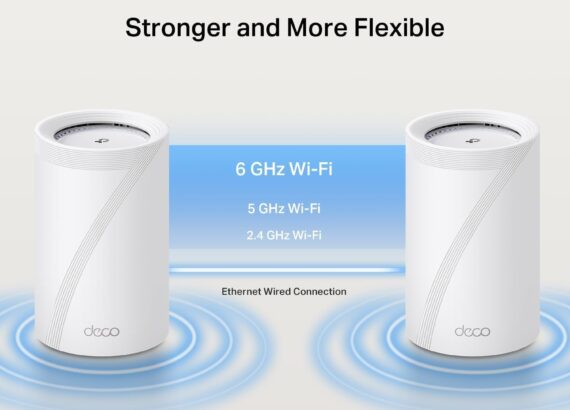
If you’re frustrated by slow internet speeds or WiFi dead zones, a mesh system can solve those problems instantly. Instead of one single router, a mesh network uses multiple devices to spread your WiFi evenly throughout your home. In this post, we’ll break down how to find the best mesh WiFi router, why it’s worth the investment, and what to check before you buy.
Understanding Mesh WiFi in Simple Terms
Mesh WiFi creates a unified network using two or more devices called “nodes.” These nodes talk to each other and distribute your internet signal evenly across your space. Unlike traditional routers, a mesh system can handle more devices at once and keep your connection stable, even in corners or upstairs rooms. This makes the best mesh WiFi router perfect for smart homes, remote work, and online gaming.
Mesh WiFi vs. Standard Routers: What’s the Difference?
Traditional routers often leave weak spots or slow speeds when you move farther away. A mesh network fixes this by using multiple access points to extend coverage without reducing performance. While you can buy WiFi extenders for a standard router, they often create separate networks, which can be frustrating. With the best mesh WiFi router, your devices automatically switch to the strongest signal for seamless browsing, streaming, and calls.

Essential Features of the Best Mesh WiFi Router
When choosing your system, look beyond just price. Look for WiFi 6 support for better speeds and capacity. Coverage range is critical—make sure the nodes can cover your entire home. Security features such as WPA3 encryption and parental controls keep your network safe. An easy-to-use app for setup and management is also a must-have. These features ensure you’re getting a system that works well today and in the future.
Top Benefits of a Mesh WiFi System
The best mesh WiFi router doesn’t just expand your network, it improves it. You’ll experience steady speeds everywhere, even in garages, basements, or outdoor patios. Mesh systems are ideal for families and home offices with lots of devices. They also support smooth roaming, meaning you can move from room to room without losing your connection—a game-changer for video calls and streaming.
How to Pick the Right Mesh WiFi Router for Your Home
Before you buy, assess your space. Larger homes or multi-story houses may need three or more nodes. Heavy internet users—like gamers or people who stream 4K video—should choose higher-speed systems. Reading current reviews of WiFi 6 mesh routers or checking comparisons of the best wireless routers 2025 can also help you make an informed decision.
Quick Setup Tips for Mesh WiFi Systems
Most modern mesh systems are easy to install. Simply plug one unit into your modem, place the other nodes in different parts of your home, and follow the app’s instructions. Within minutes, you’ll have a seamless network. You can also use the app to monitor connected devices, set guest networks, or adjust parental controls—all from your phone.
Keeping Your Mesh WiFi Router Running Smoothly
To keep your mesh system at its best, check for firmware updates regularly. Some models update automatically, but it’s good to verify. If you notice slower speeds, try repositioning nodes or adding an extra one. Upgrading to a newer generation like WiFi 6E may also future-proof your home network. Choosing the best mesh WiFi router now means fewer headaches later.
Conclusion: Enjoy Seamless WiFi Everywhere
Switching to the best mesh WiFi router can transform your online experience. With stronger coverage, faster speeds, and easier management, a mesh system is the smartest choice for modern homes. By understanding key features and setup tips, you can confidently choose a router that keeps your entire household connected—no matter where you are.
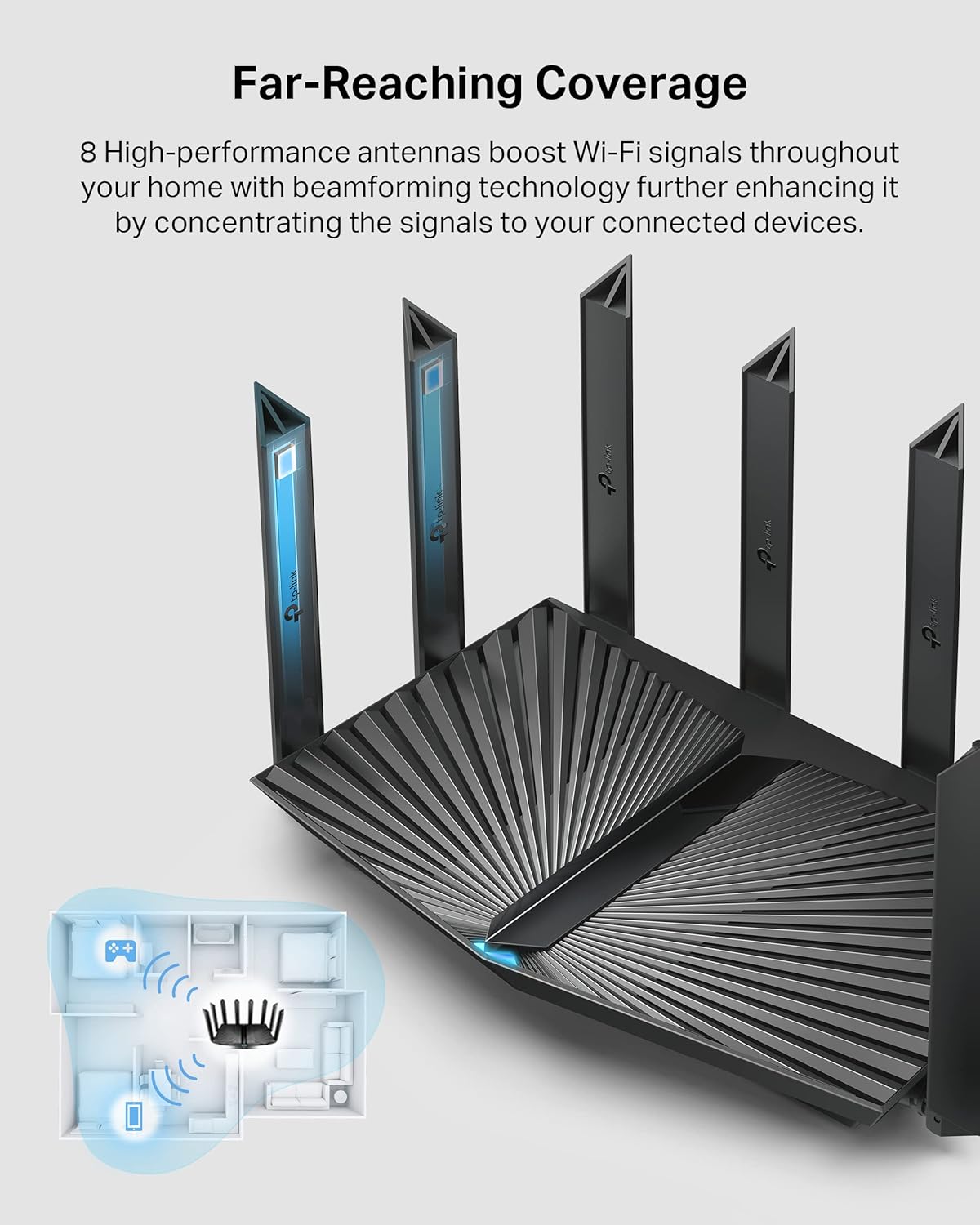
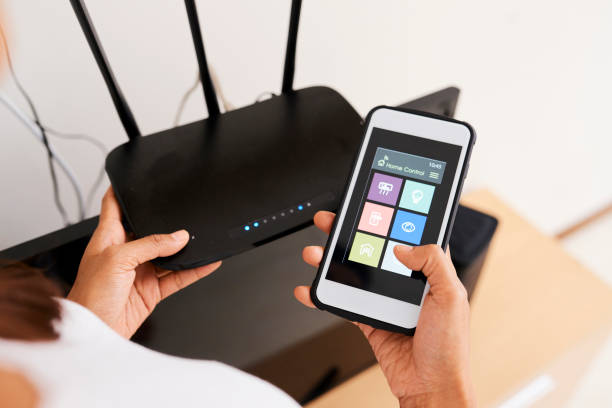


The titled “Global WiFi Home Router Market 2018” report disclosed by Orbis Research will give the Strategic Overview of the industry growthGlobal WiFi Home Router Market 2018-2025:It is our always aims to bring their clients the best research material and in-depth analysis of the information for any market.
This new report Global WiFi Home Router Market for 2018 aims to fulfil the needs of the clients looking for a fresh outlook towards the Global WiFi Home Router Market or fill in the knowledge gaps with the data available in the report.
The clients will find the report complete in all aspects as it covers all key components with valuable statistics and expert opinions in all regards.Ask for Report Brochure @ http://www.orbisresearch.com/contacts/request-sample/2221736The major manufacturers covered in this Global WiFi Home Router Market Report:TP-LinkD-LinkTendaNetgearAsusHuaweiQihoo 360GeeXiaomiThe Global Wifi Home Router Market Industry report provides key information about the industry, including invaluable facts and figures, expert opinions, and the latest developments across the globe.
Not only does the report cover a holistic view of the industry from a global standpoint, but it also covers individual regions and their development.
The Global WiFi Home Router Market Industry report showcases the latest trends in the global and regional markets on all critical parameters which include technology, supplies, capacity, production, profit, price, and competition.
Accurate forecasts and expert opinion from credible sources, and the recent R development in the industry is also a mainstay of the WiFi Home Router Market report.On the basis of product, this report displays the production, revenue, price, share and growth rate of each type, primarily split into;300 Mbps and below300-1000 MbpsAbove 1000 MbpsMake an Enquiry @ http://www.orbisresearch.com/contacts/enquiry-before-buying/2221736 On the basis of the end users/applications, this report splits in to;Home Office UsingEntertainment UsingFinally, the WiFi Home Router Market report ends with a detailed SWOT analysis of the, investment feasibility and returns, and development trends and forecasts.