



Medical Card Generator App is a complete and fully functional Android-based final year project built using Java (Android Studio) and SQLite. It is specially crafted to meet the academic requirements of students pursuing BCA, MCA, B.Tech, or M.Tech. This project package includes well-documented source code, SQLite database, final year project report, and all essential diagrams such as ER Diagram, Use Case Diagram, Class Diagram, and DFD.
This mobile app provides real-world functionality for generating, viewing, and downloading digital medical ID cards. Users can securely store personal and medical details like name, blood group, medical history, validity, and generate a PDF medical card—all without requiring an internet connection. With a user-friendly interface and offline data handling, the app is easy to set up in Android Studio and ready for academic demonstration, Medical Card Generator Android App Project Using SQLite | Medical Card Generator Android App Project for student.
Buy this project: https://phpgurukul.com/medical-card-generator-android-app-project-using-sqlite/
💡
Project: Medical Card Generator (Android)
📱
Tech Stack: Android (Java/Kotlin), SQLite, XML UI
📁
Includes: Source Code, Database (SQLite), Project Report, PPT, ER, DFD, Use Case, Class Diagram
🎓
Suitable For: BCA / MCA / B.Tech / M.Tech Final Year Students
📄
Final Year Report: Editable DOC + Ready-to-Submit PDF
App Features
Admin Module:
Add New Medical Record
View All Medical Cards
Update or Delete Existing Records
Download/Print Cards
Medical Card Generator:
Auto-generated formatted card from entered data
Export functionality (PDF/Image)
Emergency-ready format for field usage
Local Storage via SQLite:
Fully offline database system
Secure local storage on the device
Fast read/write operations without network latency
How to run the Mdecal Card Generator App
Download the Zip file then extract
MedicalCard The folder contains the Source code of the app
medical.apk
This APK contains the full implementation of the application, including its user interface, business logic, and database interactions (via SQLite).
Installation Instructions:
Transfer the medical.apk file to an Android device.
Enable “Install from unknown sources” in the device settings (if not already enabled).
Tap the APK file and proceed with the installation.
Once installed, the Medical Card will be available in the app drawer.
**********Login Detail**********
Username: admin
Password: admin
PHP Gurukul Welcome to PHPGurukul. We are a web development team striving our best to provide you with an unusual experience with PHP. Some technologies never fade, and PHP is one of them. From the time it has been introduced, the demand for PHP Projects and PHP developers is growing since 1994. We are here to make your PHP journey more exciting and useful.
Email: info@phpgurukul.com
Website : https://phpgurukul.com



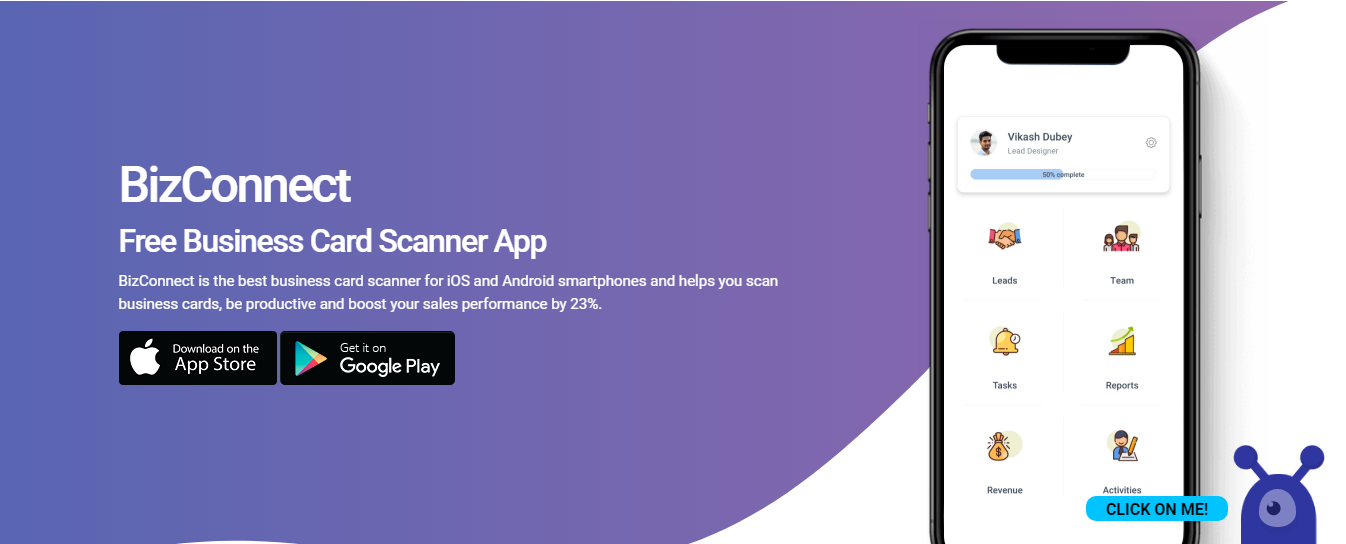
If you are searching for the best business card scanner app for your mobile device, look no further.
This is because Android devices have a number of useful apps loaded into them from the Google play store.

In this article guide, we’re going to show you how you can generate free iTunes Gift Card codes.
The best thing about iTunes gift cards is their usage isn’t limited to the iTunes stores.
They can be redeemed in all Apple online stores.
The best ones will actually cost you a bit of money to download.
The difference is an iTunes gift card can be used strictly to purchase online and digital content such as apps, games, movies, tv shows, ebooks, and iCloud storage services while the Apple Store Gift card can be used to purchase hardware or products from the physical retail store or Apple Online Store.
What makes our Gift Card generator different from many others on the internet is that you don’t need to fill out any forms or complete a human verification test to access it.

credit card generator Elf Qrin's Discard, Credit Card Generator.
Get instant credit card number online with CVV and with BIN code.
Check valid card numbersThe credit card holder is the person to whom the credit card is registered, whose name is printed on the credit card on physical cards.