





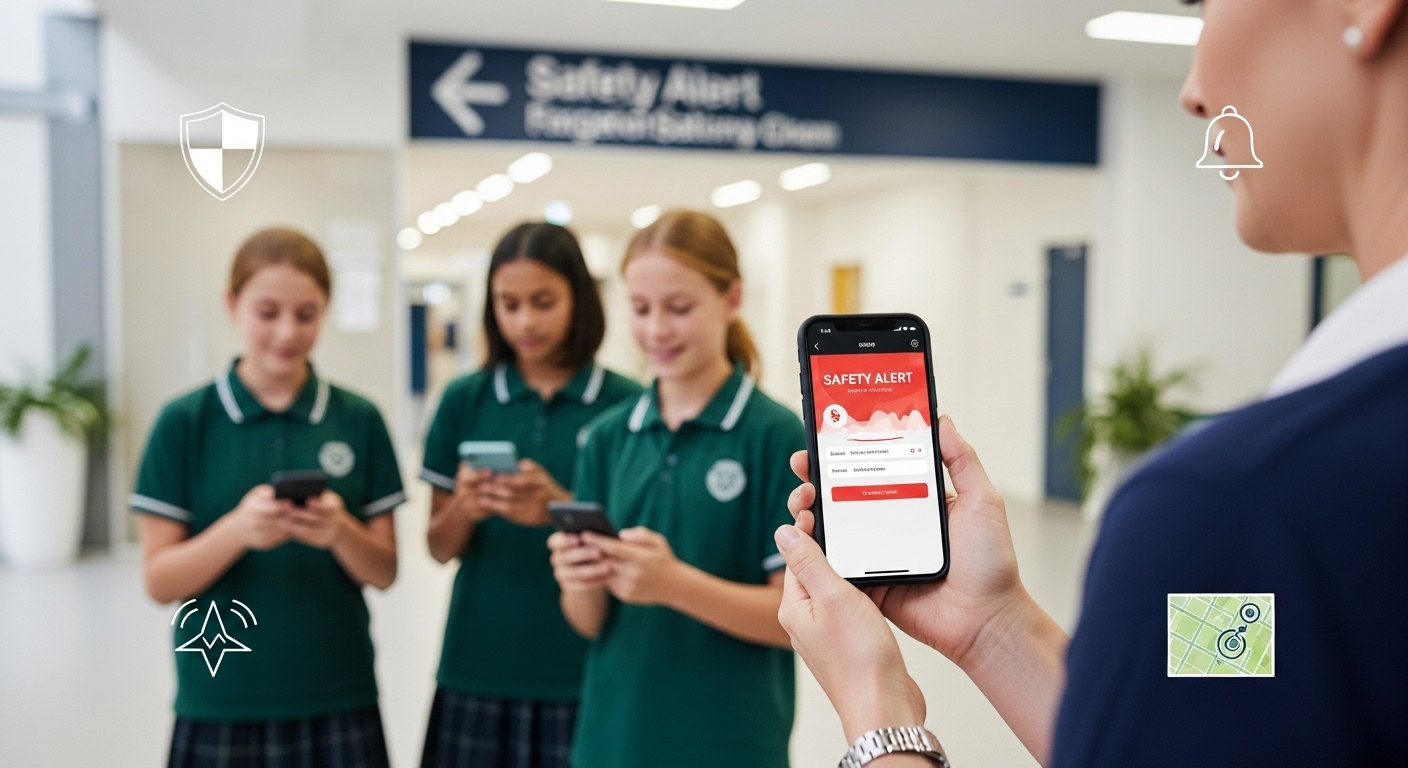
A “Keeping Students Safe” app is a digital platform designed to help schools manage emergencies quickly, communicate clearly, and keep students and staff secure during critical incidents. These apps typically provide instant alert systems, real-time communication features, and integration with local emergency services. In practice, this means that if an emergency happens whether it is a lockdown, medical issue, or other threat school staff can send out alerts with just a few taps, ensuring everyone receives clear instructions without delay.
Now more than ever, schools need effective and proactive ways to safeguard students. Mobile safety technology has become a crucial tool in modern education settings. By combining communication, coordination, and rapid response, apps like Wihkum give schools the ability to manage emergencies confidently and efficiently.
The Role of Technology in Student Safety
Modern schools face a variety of challenges, from intruder threats and bullying to medical emergencies and natural disasters. Traditional methods like phone trees or PA announcements are often too slow or unreliable in high-stress situations. A Keeping Students Safe app fills this gap by creating a centralised, secure platform where schools can coordinate emergency responses in real time.
Key benefits of using school safety apps include:
Instant alerts to staff, students, and first responders
Location tracking to identify where help is needed
Two-way communication that keeps everyone informed
Integration with lockdown policies and evacuation procedures
Custom emergency modes for different scenarios
By leveraging digital tools, schools can make safety a shared responsibility and ensure that every second counts during an emergency.
Core Features of a “Keeping Students Safe” App
A quality app focuses on both prevention and response. Below are some essential features schools should look for:
1. Real-Time Communication
The ability to send targeted alerts to specific groups such as teachers in a particular building helps avoid panic and confusion. Notifications must be instant, reliable, and clear.
2. Lockdown and Evacuation Integration
The app should support school lockdown policies by enabling one-tap lockdown activation. This feature notifies all relevant parties and can even integrate with security systems, like electronic door locks, for faster responses.
3. Geofencing Capabilities
Geofencing creates a virtual perimeter around the school campus. If a student or staff member leaves or enters the zone during an emergency, the system can trigger alerts. Wihkum uses this technology to improve situational awareness and coordination.
4. Staff Duress Alerts
Teachers and staff are often the first to notice unusual behaviour or potential threats. With a duress button on their mobile device, they can discreetly alert administrators and emergency services without causing alarm.
5. Incident Reporting and Data Analysis
Beyond emergencies, the app should allow staff to record incidents such as bullying or suspicious behaviour so schools can track patterns and improve prevention strategies over time.
Emotional Safety Matters Too
Keeping students safe is not just about physical security. Emotional wellbeing plays a significant role in how students respond to emergencies. Regular lockdown drills, for example, can be stressful if not handled sensitively. A Keeping Students Safe app helps reduce anxiety by ensuring that communication is clear, guidance is consistent, and staff know exactly what to do.
When schools use a structured system like Wihkum, students feel more confident that adults are in control. This builds trust, lowers panic levels during real events, and fosters a supportive environment.
Why Schools in Australia Are Embracing Safety Apps
Australian schools are increasingly turning to mobile technology to strengthen their emergency preparedness. From Perth to Sydney, education leaders recognise that technology is not a replacement for good policies and training, but it enhances both. By integrating safety apps with local law enforcement, schools can speed up emergency response times and improve coordination with external agencies.
Conclusion
A Keeping Students Safe app represents a significant step forward in protecting school communities. By combining fast alerts, reliable communication, and smart integration with lockdown policies, these apps help schools act quickly and keep everyone informed. Solutions like Wihkum are designed to give schools peace of mind, ensuring that students and staff are protected not only physically but emotionally as well.
FAQs
1. What makes a Keeping Students Safe app different from regular messaging apps?
Unlike standard communication tools, safety apps are built specifically for emergency scenarios. They offer one-tap alerts, integration with security protocols, and real-time tracking features.
2. How can schools train staff to use safety apps effectively?
Schools should provide regular training sessions, run mock drills, and ensure every staff member understands how to trigger alerts and follow emergency protocols.
3. Are these apps suitable for primary and secondary schools?
Yes. A well-designed app like Wihkum can be adapted to suit schools of all sizes and levels, ensuring that safety measures are appropriate for each age group.
4. Can the app work offline during network disruptions?
Many safety apps have built-in offline features or use alternative communication pathways to ensure alerts are delivered even when networks are unstable.
5. How do safety apps support mental wellbeing during emergencies?
By providing clear communication and structured procedures, these apps help reduce fear and uncertainty, allowing students and staff to feel more secure and supported.
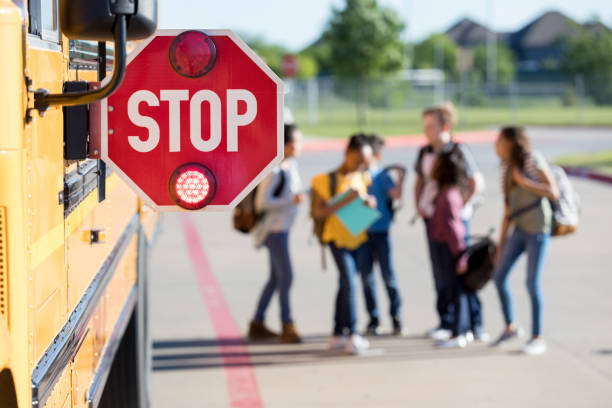
School Bus is the most usual and common transport service for kids to go to school.
There are several tips and guidelines for school bus safety for children as well as the driver.
Even a little ignorance can lead to serious trouble.
Read the complete guide for safety precautions.