





Billing and invoicing are the heart of every business. Whether you’re a small shop owner, a service provider, a freelancer, or a fast-growing company, your billing system decides how quickly you get paid, how organized your finances are, and how professional you look in front of customers.
But here’s the reality:
Most Indian businesses still depend on Excel sheets, WhatsApp messages, or manual invoices. And this leads to misunderstandings, delayed payments, mismatched GST totals, missing entries, and hours of extra work during month-end.
That’s why using the right accounting billing software is no longer optional — it’s essential for smooth business operations and long-term growth.
In this blog, let’s break down the key features your billing & invoicing software MUST have — and more importantly, why they matter for Indian businesses.
1. GST-Compliant Invoice Generation
After the introduction of GST, invoicing rules became stricter and more detailed.
Every invoice must include components like CGST, SGST, IGST, HSN codes, GSTIN, place of supply, reverse charge applicability, and more.
If you try doing this manually, mistakes are bound to happen.
✅ What good accounting billing software provides:
- Automatic GST calculation
- Predefined GST invoice formats
- HSN/SAC code mapping
- GST-compliant credit notes & debit notes
- E-invoicing and e-way bill support (for applicable businesses)
According to GSTN, over 42% of invoice mismatches happen because businesses use manual or outdated billing methods. Using automated software ensures 100% compliance and saves stress during GSTR-1 and GSTR-3B filing.
2. Multi-Format & Professional Invoice Creation
Your invoice is not just a payment request — it’s your business identity.
Customers judge your professionalism based on your billing quality.
✅ Modern billing & invoicing software offers:
- Custom-branded invoice templates
- Professional layouts
- Multi-currency billing (useful for exporters & freelancers)
- Invoice sharing via PDF, email, or WhatsApp
- Multi-language options (English, Hindi, regional languages)
A survey by Razorpay showed that businesses with professional invoices get paid 35% faster compared to unstructured or manual invoices.
3. Automated Payment Reminders & Faster Collection
Most business owners struggle with delayed payments.
Many invoices are forgotten because customers get busy — not because they don’t want to pay.
✅ Your accounting billing software must support:
- Automatic payment reminders
- Due-date alerts for customers
- Payment follow-up via WhatsApp, SMS & email
- Ageing reports to track overdue bills
- Payment link integration for quick settlement
Digital payment links boost payment speed.
UPI-based payments alone grew by 54% YoY in India, making digital payment reminders extremely effective.
4. Easy Expense Management & Record Keeping
A business doesn’t only earn — it also spends.
And keeping track of expenses manually is a nightmare.
✅ Features to look for:
- Expense categorisation
- Vendor bill tracking
- Attaching receipts & bills
- Automatic GST input credit mapping
- Monthly/quarterly expense reports
With proper expense management inside your billing software, you can easily identify:
- Where you’re overspending
- How much GST credit is available
- Which vendors need on-time payments
- Which expenses can be reduced
This makes your business financially smarter.
5. Inventory Management Integration
For product-based businesses, billing and inventory go hand-in-hand.
Whenever an item is sold, the system should automatically reduce stock — without manual intervention.
✅ Must-have features:
- Auto stock updates
- Low-stock alerts
- Batch number & expiry tracking
- Barcode generation & scanning
- Inventory valuation reports
A study shows that 20–25% of Indian SMEs lose revenue due to stock mismanagement.
Integrated billing + inventory software prevents such losses.
6. Multi-User Access & Role-Based Permissions
Growing businesses have multiple team members handling invoices, accounts, dispatch, and payments.
✅ Good billing software should support:
- Unlimited users
- Role-based permissions
- Activity logs
- Access controls for sensitive data
For example:
- Sales team → create quotations
- Accounts team → approve & send invoices
- Management → view reports
- Admin → control access
This ensures smooth collaboration and higher accountability.
7. Cloud Backup & Remote Access
Gone are the days when billing software only worked on one system.
Today, businesses need flexibility — especially after the rise of work-from-home.
✅ Cloud-based billing software allows:
- Access from laptop, mobile, or tablet
- Data sync across multiple locations
- Automatic backups
- No fear of system crash or data loss
- Real-time updates for remote teams
A report by NASSCOM states that over 73% of SMEs are now open to cloud-based tools because of flexibility and security.
8. Reporting & Analytics for Better Decision-Making
Billing software is not just about invoices — it’s about business intelligence.
✅ Important analytics you should get:
- Sales reports
- Product performance
- Customer purchase trends
- Profitability reports
- Tax summary reports
- Payment cycle analysis
These insights help you see what’s working and what’s not.
Data-driven decision-making can improve revenue by 20–30%, according to industry research.
9. Integration with Other Business Systems
Your billing system should not work alone — it should connect with other tools.
✅ Important integrations:
- Accounting software (Tally, Zoho Books, QuickBooks)
- CRM tools
- Inventory & POS systems
- Payment gateways (UPI, Razorpay, Paytm, CC Avenue)
- E-commerce platforms
- Tax filing tools
Integration reduces manual data entry, avoids duplication, and improves accuracy.
10. Security, Data Encryption & Compliance
Your billing system contains sensitive financial data about:
✅ Customers
✅ Payments
✅ GST numbers
✅ Bank details
✅ Business revenue
So it must be secure.
✅ Security features to look for:
- End-to-end encryption
- Two-factor authentication
- Role-based access
- Secure cloud backups
- Automatic data restoration
Given rising cyber attacks in India (CERT-IN recorded 1.3 million security incidents in 2023), choosing secure billing software is very important.
11. Extra Time-Saving Features You Should Look For
These features aren’t compulsory but extremely helpful:
✅ Must-consider extras:
- Recurring invoices (for subscription-based businesses)
- Bulk invoice generation
- Estimate → Proforma → Invoice workflow
- GST-ready reports
- WhatsApp invoice sharing
- Mobile app for on-the-go billing
- Automated tax calculations
These small features save hours every month — especially for busy business owners.
12. Common Mistakes Indian Businesses Make While Choosing Billing Software
Before selecting software, avoid these mistakes:
❌ Choosing the cheapest tool blindly
❌ Ignoring GST compliance features
❌ Buying software with no cloud backup
❌ Not checking if it supports multiple branches
❌ Selecting tools without proper customer support
❌ Not testing the software before buying
A wrong choice leads to wasted time, frustration, and inaccurate invoicing.
13. Checklist to Select the Best Billing & Invoicing Software
Here’s a simple checklist to evaluate the best accounting billing software:
✅ GST-ready invoicing
✅ Custom templates
✅ Automated reminders
✅ Inventory integration
✅ Cloud access
✅ Mobile app
✅ Reporting & analytics
✅ Multi-user support
✅ Data security
✅ Accounting & CRM integration
✅ Reliable customer support
If a tool checks most of these boxes, it’s worth considering.
Conclusion
Billing & invoicing is the foundation of every business.
Choosing the right accounting billing software doesn’t just help with compliance — it improves cash flow, reduces errors, speeds up work, and strengthens customer relationships.
A good billing system helps you:
✅ Get paid faster
✅ Maintain GST compliance
✅ Reduce manual tasks
✅ Become more organized
✅ Take smarter business decisions
✅ Scale without stress
In today’s digital India, smart billing isn’t an option — it’s a competitive advantage.
As we have seen the pharmaceutical sector is the most volatile and competitive these days because of many changes in the healthcare sector every time.
And, along with the ever-changing market trends, changes in healthcare, global competition, and stricter regulatory requirements, pharmaceutical companies also have to be vigilant.
In addition, increasing demand for high-quality health products at competitive prices forced drug manufacturers and distributors to find the right solution to reduce costs, improve efficiency, as well as optimize operations.So, here we are going to discuss the name of a kind of software called ‘PMS ERP Software’ or Pharma PMS Software which is a primary solution that helps in solving all these problems.
It is known as popular Billing System Software that acts as a central volatile system that allows integrating and interconnecting all types of business processes.
The software facilitates coordination of all departments, proper functioning of companies, and transparency in all financial operations.
Lists of advantages of Accounting Software in Pharmacy Wholesale This billing software helps in Conversion from Sale Challan to Sale Bill and TR simultaneously as well as from Sale Order to Sale Challan, and Sale Bill.On sale screen multiple facilities to take a business decision like party ledger balance, last sold rate ledger, party outstanding, automatic last rate set lifting report for push sale, profit alarm, bill wise profit, and many more feature while billing only.Purchase entry with P.NET calculation / Rate calculation & with purchase plan for fast purchase entry.In Purchase Option to Import from CSV or From Excel File.Generation of purchase order based on sales trend/stock minimum qty and maximum quantity / based on manual wanting system and printing in the desired manner with auto-generation of order based on best supplier or regular supplier concept.Breakage expiry management like auto expiry stock cleaning / multiyear expiry return and auto preparation of debit note through sales return, expiry breakage along with complete purchase information.Analysis of bill in summary or detail, various reports like party-wise/product-wise, bill wise, day-wise, company wise, and so on.Using accounting system software, users can easily generate report customization options such as sorting, freezing, column-wise printing, manipulation of columns and set of the customized reports for view, and many more.Customization of browser for party and product helps in setting option for browser as per user need and requirement.The accounting software allows users to customization on billing, the auto party-wise rate set option, sales return while billing, any report open while billing, open while billing, and many more as per customer requirement.This software provides collection report company wise, actual purchase outstanding to be paid, company wise SOPC (sales, opening, purchase, and closing), all SOPC and many analytical report party and company wise.Sales and Stock Report for the company on MSR, stock evaluation.Date Wise Stock Summary and Monthly Stock Summary.Sale Register, Purchase Register, Debit Note Register, Credit Note Register, Receipt Register, Voucher Register, Journal-Register, and Multi Journal-Register.DWM Report, Sales Related Report And Analysis, Credit Note And Debit Note Report, Dump Product Report, ShortList Report, And Near-Expiry Product.Provides individual ledger, group ledger, group summary, trial balance, profit & loss report, and balance sheet related reports.Billing and accounting system have unique Gst report features like Gst report->gstr 3b, Gstr-1 and Gstr-9 report, hsn summary, purchase report - hsn summary purchase report - hsn bill copy date wise Gst input-output report, gst data validation report, stock report, stock sales and stock report for the company on MSR and stock evaluation.Billing and accounting system software is featured with alerts on profit & sorting, freezing, column-wise printing.Ledger, stock report for bank journal register and Loss on the bill, customized report for billing and many dwm reports, sales-related report and analysis, credit note and debit note report, dump product report, shortlist report and near expiry product individual ledger, group ledger, group summary, trial balance, Profit & loss report and balance sheet gst report->gstr 3b, gstr summary, purchase report bill copy date wise Gst input-output report, Gst data validation report.Contact us for a live demo of Business Accounting System Software in IndiaTel : 0612-2218540, 2218643Mobile No: +91-7979078552Whatsapp - 9431047956Service E-Mail Id - corp@dynodesoft.com, dynodecorp@gmail.comWeb Site - http://www.dynodesoft.com/invoice-accounting-and-billing-software.aspx

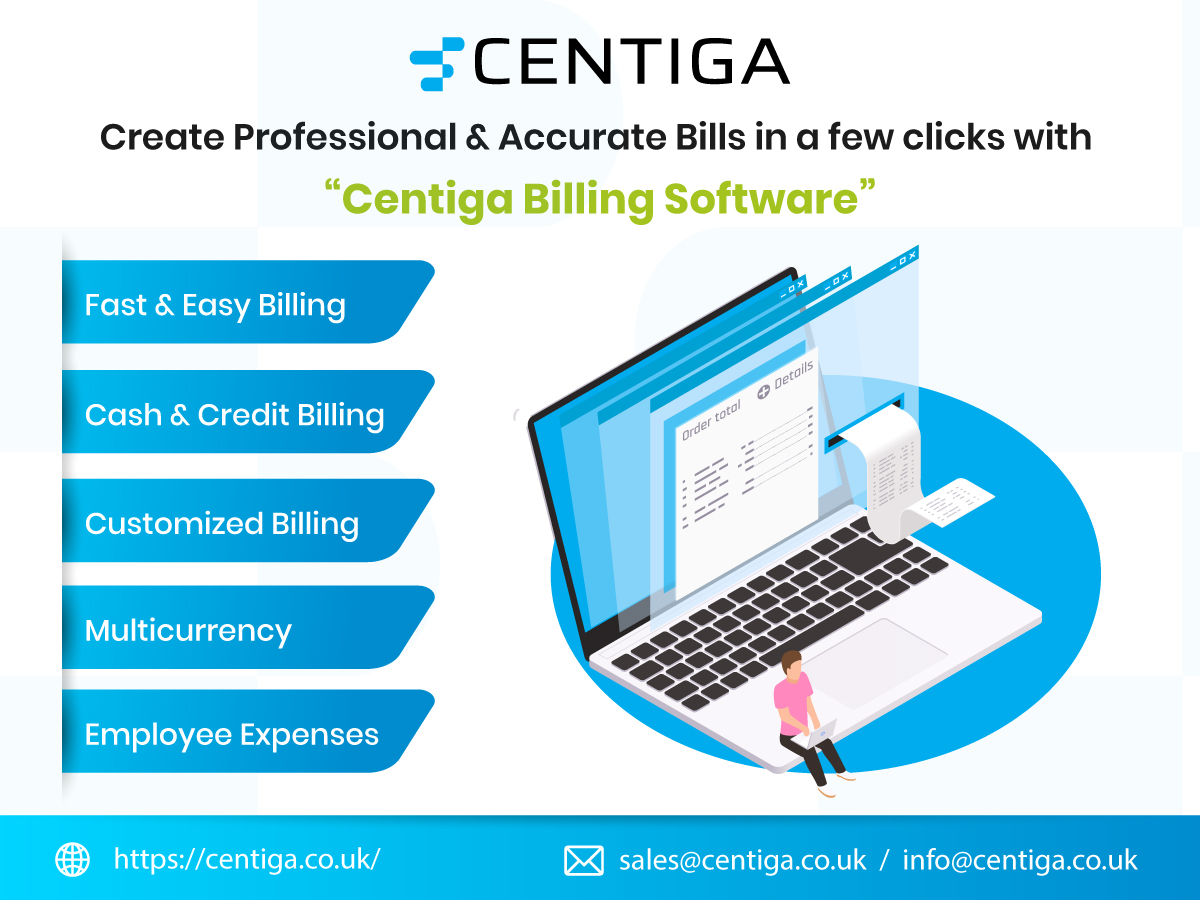
Create Professional & Accurate Bills in a few clicks with Centiga Billing Software