


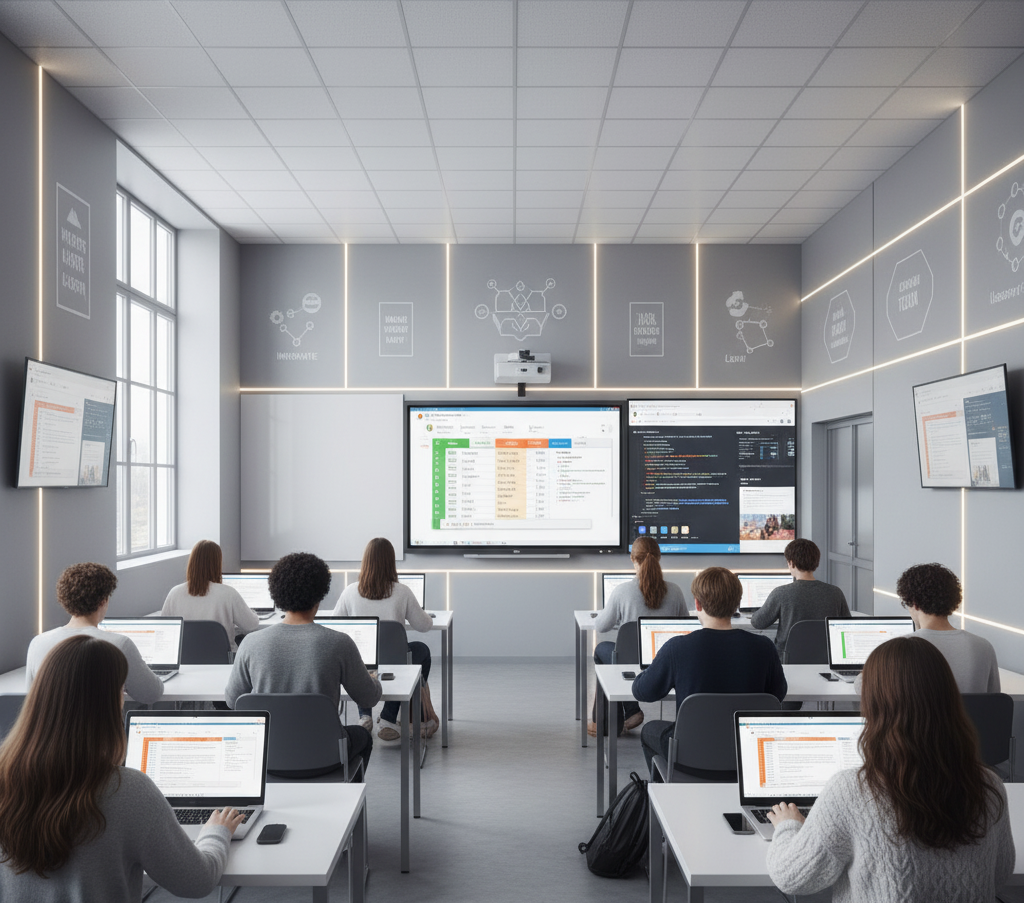
Barely two months into college, and the rush is there — presentations, assignments, online submissions, research work, digital tools — everything seems to come together in a flash. If you don’t have basic computer skills when you walk onto the yard, then you’ll be lost and working from a deficit compared to someone else. Which is why it’s more important than ever to develop holistic digital skills BEFORE you go away to college. Taking a crash course in these fundamentals from a nearby computer institute will provide you with a very strong foundation, particularly if it is supplemented through practical experience involving computers.
As most of them think that they already “know computers” (because they can search on the internet or use social media). But college-level work requires actual technical understanding: things like document formatting, proper email and code etiquette, introductory coding and data manipulation, and software use. That’s where some good coaching from a nearby computer institute can level you up and make your college journey way smoother.
1. Typing Skills and Keyboard Shortcuts
Typing accurately and quickly can save you hours per week. College life comes with notes, assignments, and research papers. Having a good typing speed can enable you to take quick notes and submit on time.
Must learn:
Touch typing
Keyboard shortcuts (Ctrl+C, Ctrl+V, Ctrl+Shift+T, Alt+Tab etc.)
Using function keys properly
2. Basic Computer Operations
The knowledge of how computers work makes everything fast and easy. Among other things like OS navigation, simple file management, system diagnostics, and how to work your settings.
You should know:
Creating and organizing folders
Installing/uninstalling apps
Adjusting display and audio settings
Updating software
Managing basic storage issues
These fundamentals are generally taught at some of the computer institutes around your place as a primary course.
3. MS Office / Google Workspace
College = assignments, presentations, reports.
You must master:
Formatting, headings, page layout in MS Word / Google Docs
MS PowerPoint / Google Slides (clean presentation designs)
MS Excel / Google Sheets (input, formulas, and charting)
Those who are not competent struggle to submit well-structured papers, resulting in them scoring low grades.
4. Internet Research & Digital Literacy
Study is the heart of college work. You need to be able to locate good information, as in reliable and credible — not random results.
Skill checklist:
Understanding credible sources
Using search operators
Identifying fake information
Reading academic articles\
Saving bookmarks and citations
5. Email Writing & Communication
Professional communication matters. Email is the preferred mode of communication for most professors and departments. You can’t send informal, WhatsApp-type messages.
Learn how to:
Write professional subject lines
Format emails correctly
Attach files properly
Use CC/BCC
Structure requests politely
This is something that many students get wrong without good direction.
6. Cybersecurity Awareness
Of course, college students often fall victim to hacks and scams or lose data because they don’t know any better. Basic cybersecurity keeps you out of a jam.
Essentials:
Strong passwords
Two-step authentication
Identifying phishing mails
Avoiding unknown downloads
Data backup habits
They went to a computer institute nearby, which was propagating the importance of safety practices as part of their initial training.
7. Presentation & Design Skills
Great presentation skills separate the professionals from others who are still struggling to make a convincing case.
Learn:
Slide structure
Using layouts
Adding relevant graphics
Avoiding clutter
Color and font discipline
Just this one skill can significantly improve how you communicate and make your presentations much more powerful.
8. Basic Coding Concepts
You do not have to be a full developer, but being familiar with programming even on a basic level helps in thinking logically and resolving technical activities.
Start with:
Python basics
HTML/CSS for simple websites
Logical thinking and loops
Variables and functions
If your local computer institute has coding modules, then that’s a huge plus.
9. Video Editing and Multimedia Basics
Basic editing is now required in many college events and assignments. And it makes you very useful in clubs and competitions if you can edit short videos or make simple posters.
Learn basics of:
Canva
CapCut / Premiere Rush
Audio cleaning
Simple transitions
Thumbnail design
10. Online Collaboration Tools
Group projects are a mess when you don’t grasp cooperation via digital tools. Many colleges have moved onto online platforms for collaboration.
You should know:
Google Drive sharing
Docs collaboration
Zoom/Meet/Teams basics
Real-time project management tools
11. Understanding College Portals & Online Submission Systems
Every college now has:
Digital attendance
Assignment submission portals
Exam result dashboards
Notice boards
And knowing how to navigate them can save you from deadline-induced anxiety.
12. Time Management & Productivity Tools
The simplest apps literally change how you go about studying.
Useful tools:
Notion
Google Calendar
Todoist
Trello
Evernote
Final Thoughts
Learning to use a computer before you start college should not be almost mandatory — it should absolutely be. Your academic journey is built on various kinds of skills, from typing speed to online research, presentations, and email etiquette. Among many advantages, actually attending a nearby computer institute you gives you practical training, helps in mentoring and offering a path to learning, as well as fastens the learning curve compared to doing everything yourself. Create a strong digital base beforehand and college is way easier — you’ll be ahead of your batchmates from day one.

We all have seen the memes where people butter the guy with the DSLR for good pictures of themselves.
While there is humour in those jokes..For More Information visit our blog at http://netblogtips.com/photography-essentials-every-enthusiast-should-have/