


Modern web development demands efficiency, precision, and adaptability. Developers are often tasked with building responsive websites, managing dynamic content, and ensuring compatibility across multiple devices and browsers. The complexity of these requirements makes having a robust development platform essential for streamlining workflows and maintaining high-quality output.
Adobe Dreamweaver has emerged as a leading solution in this space, providing a versatile environment for coding, designing, and managing web projects. By combining code editing, visual design tools, and seamless integration with other platforms, Dreamweaver empowers developers to work faster, reduce errors, and collaborate more effectively.
This article explores how Adobe Dreamweaver enhances developer workflows, highlighting its core features, benefits, and best practices for modern web development.
Understanding Adobe Dreamweaver in Web Development
Adobe Dreamweaver is a comprehensive web development application that combines visual design tools with a powerful code editor. Unlike basic text editors, Dreamweaver offers features such as real-time previews, code suggestions, and multi-language support, making it suitable for both novice and experienced developers.
The platform supports a variety of web technologies, including HTML, CSS, JavaScript, PHP, and more. Its integration with frameworks, libraries, and version control systems enables teams to maintain code consistency, implement responsive designs, and manage large-scale web projects efficiently.
By bridging the gap between design and development, Adobe Dreamweaver allows teams to streamline workflows, maintain code quality, and deliver websites that are both functional and visually appealing.
Core Features of Adobe Dreamweaver
Intuitive Code Editor
Dreamweaver provides a sophisticated code editor with syntax highlighting, auto-completion, and error checking. Developers can write cleaner, error-free code more efficiently while supporting multiple programming languages and frameworks.
Visual Design and Live Preview
The platform allows developers to design web pages visually, with a live preview feature that updates in real-time as changes are made. This reduces the need for constant browser refreshes and enables rapid testing of layouts and responsiveness.
Responsive Design Tools
Dreamweaver supports mobile-first development with built-in tools for creating responsive designs. Developers can adjust layouts for different screen sizes and preview how content will appear across devices, ensuring an optimal user experience.
Integrated FTP and Cloud Support
With built-in FTP, SFTP, and cloud integration, Dreamweaver allows seamless publishing of websites directly from the platform. Developers can synchronize local and remote files, making deployment and version management more straightforward.
Code Validation and Error Checking
The software provides automated code validation, highlighting potential issues or inconsistencies. This helps developers catch errors early, reducing debugging time and improving the overall quality of the website.
Framework and Library Integration
Dreamweaver supports popular frameworks such as Bootstrap and integrates easily with external libraries. Developers can leverage these tools to build dynamic, responsive sites faster and more efficiently.
Benefits of Using Adobe Dreamweaver
Enhanced Productivity
By combining visual design tools and code editing in a single environment, developers can move seamlessly between coding and layout adjustments. This integration reduces context switching, saving time and enhancing productivity.
Improved Code Accuracy
Auto-complete suggestions, syntax highlighting, and real-time validation reduce the likelihood of errors, helping developers produce cleaner, more maintainable code.
Faster Deployment
Built-in FTP and cloud support streamline the publishing process, enabling developers to deploy websites quickly without switching between multiple platforms.
Support for Collaboration
Dreamweaver allows teams to work collaboratively on projects by integrating with version control systems and shared workflows. Developers can track changes, manage assets, and ensure consistency across projects.
Responsive and Adaptive Design
With tools for testing responsiveness and multi-device previews, Dreamweaver ensures that websites look and function well on desktops, tablets, and mobile devices, improving the end-user experience.
Integration with Creative Cloud
Seamless integration with other Adobe applications like Photoshop and Illustrator allows developers to import graphics and assets efficiently, maintaining design consistency and enhancing creative workflows.
Best Practices for Developer Workflow with Dreamweaver
Organize Projects Systematically
Use clear folder structures, naming conventions, and project templates to keep files organized. Proper project management reduces confusion and facilitates easier updates and maintenance.
Leverage Live Preview
Continuously test layouts with Dreamweaver’s live preview feature to identify issues early. Regular testing ensures responsive and functional designs throughout the development process.
Use Code Snippets and Templates
Reusable code snippets and templates accelerate development for recurring elements or pages. This approach reduces repetitive coding and ensures consistency across a website.
Integrate Version Control
Connecting Dreamweaver projects to Git or other version control systems allows collaborative teams to track changes, manage revisions, and reduce conflicts in shared projects.
Optimize for Performance
Regularly review HTML, CSS, and JavaScript for efficiency. Minify code where possible, and optimize images to ensure fast load times, which is essential for user engagement and SEO performance.
Conclusion
For modern web developers, efficiency, accuracy, and adaptability are critical. By providing a unified environment for coding, designing, and managing websites, Adobe Dreamweaver enhances developer workflows, reduces errors, and accelerates project delivery.
With features like a powerful code editor, live previews, responsive design tools, and Creative Cloud integration, Dreamweaver empowers teams to maintain high-quality standards while improving productivity. By adopting best practices and leveraging the platform’s full capabilities, development teams can build websites that are visually appealing, responsive, and professionally executed.
Adobe Dreamweaver is more than just a development tool. It is a strategic asset that enhances workflow efficiency, collaboration, and quality in modern web development.
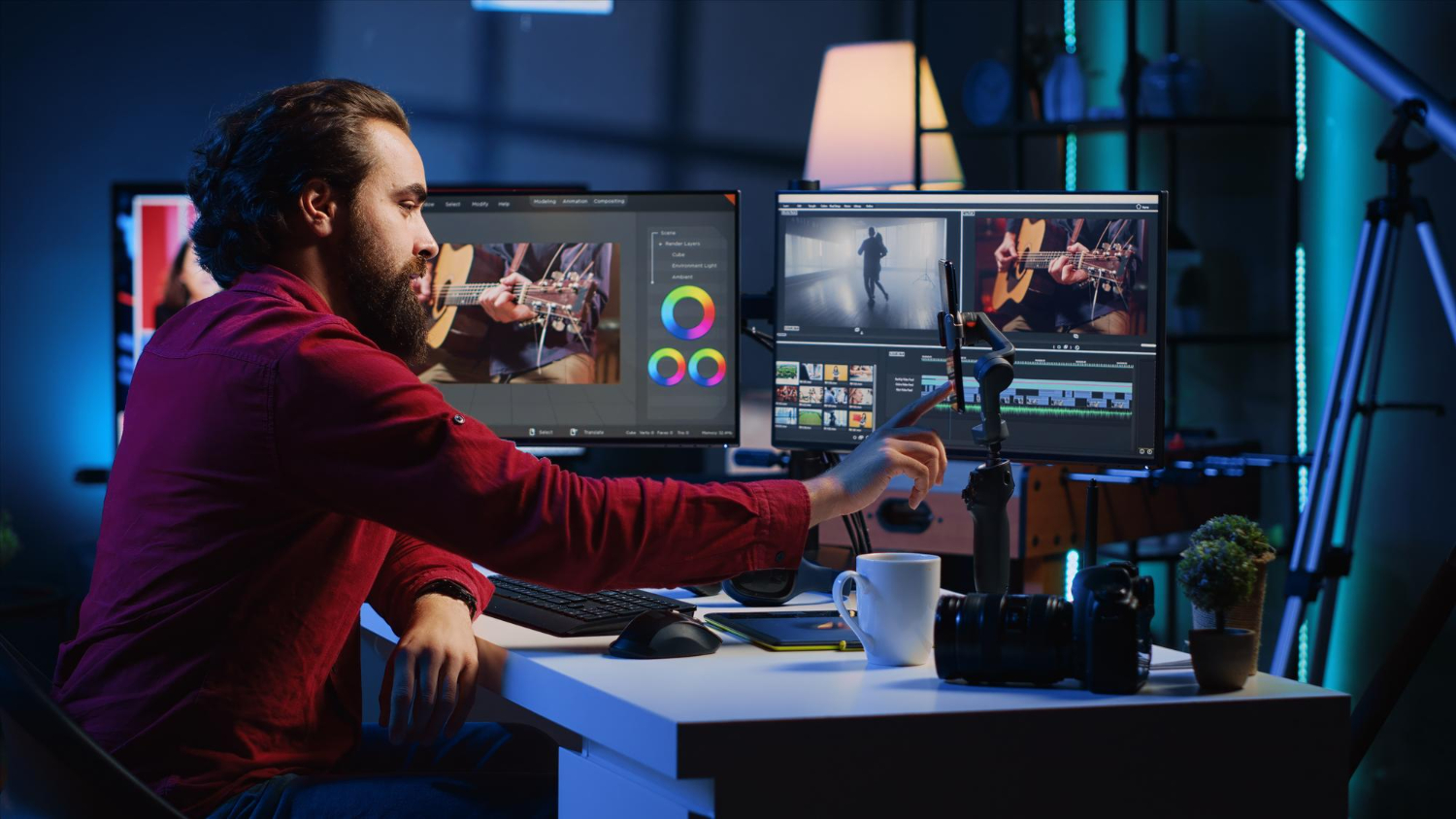




Graphics might are available in the shape of pictures, clip art, drawings, illustrations, digital paintings and artworks, net graphics, icons, logo, titles and headings, and backgrounds, among others.
Below you’ll realize our choice of the 3 Best graphics style computer code solutions that you just will think about for your organization or for your business.
Alternative styles of such tool, meanwhile, area unit utilized in animation, that is capable of making motion graphics to be used within the industry still as in video games.
Special graphics computer code is additionally mostly used for the look of net components, websites, web pages, blogs, landing pages and also the user interfaces of applications and mobile devices.
It works well with vector graphics, permitting users to return up with fantastically crafted styles, topography, sketches, and illustrations.
Its Snap to constituent feature is custom-made to align design with precise constituent boundaries.