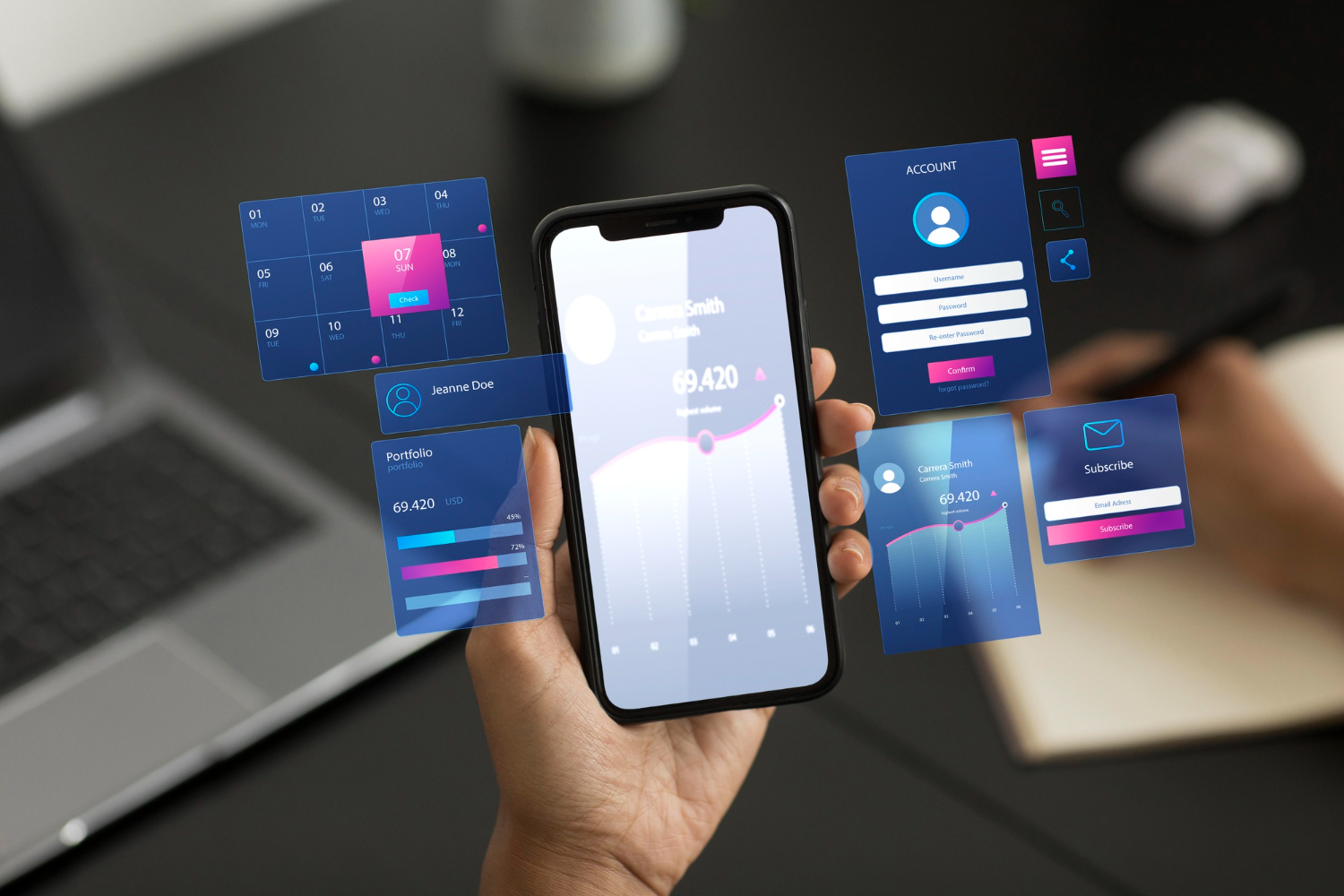
Planning a mobile app is one of the most crucial stages in the entire app development journey. While many businesses focus heavily on design and coding, the real success of an app depends on how well the idea is structured, validated, and prepared before development begins. A clear blueprint helps reduce costs, avoid rework, speed up the timeline, and ensure the final product aligns with real business goals and user expectations.
Whether you are a startup founder, an entrepreneur, or a business owner, understanding the right way to plan an app is essential for building a product that performs well in the competitive digital market.
1. Start With a Clear Problem Statement
Every successful mobile app solves a specific problem. Before jumping into features, define:
- What problem are you addressing?
- Who faces this problem?
- Why is your solution valuable?
This clarity shapes the entire strategy and prevents unnecessary features that dilute your app’s purpose.
2. Conduct Market & Competitor Research
Before you invest time and money, you need to know:
- Whether a market exists for your idea
- What competitors are doing
- What gaps or weaknesses can you improve on
Comprehensive market analysis helps you build a stronger, more refined product. At this stage, many businesses consult mobile app developers to validate feasibility, suggest technical improvements, and help shape the app's core functionality.
3. Define Your Target Audience and Use Cases
Your audience determines your app’s features, layout, and experience. Create detailed user personas that include:
- Age, location, and demographics
- Behavior patterns
- Pain points
- Goals and motivations
Once personas are defined, outline key use cases — the main actions users will perform. This ensures your app experience is purposeful and intuitive.
4. Outline Core Features (Start with an MVP)
Avoid the urge to include every possible feature in version one. Instead, follow the Minimum Viable Product (MVP) approach:
- Make a list of core features
- Prioritize them based on direct user value
- Keep complex or “nice-to-have” features for later versions
An MVP helps you launch quickly, gather real user feedback, and improve without overspending.
5. Create User Flow Diagrams
User flows help visualize how users interact with your app step by step. This includes actions like:
- Signing up
- Browsing products
- Making transactions
- Using specific tools or features
Mapping these flows early helps avoid navigation errors and ensures a smooth, intuitive user experience.
6. Wireframe Your App Structure
Wireframes are basic sketches of your app screens. They help translate ideas into a tangible structure and allow you to refine layout and functionality before design begins. At this stage:
- Keep wireframes simple
- Focus on structure rather than visuals
- Validate navigation patterns
Tools like Figma, Balsamiq, or Adobe XD are commonly used for wireframing.
7. Choose the Right Tech Stack
Your tech stack determines performance, scalability, and future maintenance of your app. Depending on your goals, you may choose:
Native apps (iOS/Android)
- Best for performance
- Higher development cost
Cross-platform apps (Flutter, React Native)
- Build once, deploy everywhere
- Faster and more cost-effective
Hybrid apps
- Suitable for lightweight apps
- Quick to build, but not ideal for heavy performance needs
Choosing the right stack early helps avoid costly rewrites later.
8. Plan the UX/UI Design
After wireframes, move into designing the actual screens. Great UX/UI influences:
- Engagement
- Retention
- User satisfaction
Focus on:
- Clean layout
- Easy navigation
- Fast accessibility
- Mobile responsiveness
Keep user behavior at the center of every design decision.
9. Build a Development Timeline
Create a structured development plan that includes:
- Feature breakdown
- Sprint planning
- Deadlines for each module
- Testing cycles
- Review points
A clear timeline keeps the team aligned and ensures that the project stays within the estimated budget.
10. Test Your App Thoroughly
Testing is often underestimated, but it can make or break your app’s reputation. Test for:
- Functionality
- Usability
- Performance
- Compatibility
- Security vulnerabilities
Perform multiple rounds of testing, including:
- Manual testing
- Automation testing
- User acceptance testing (UAT)
Fixing issues before launch helps build trust and reduces negative feedback.
11. Prepare for App Store Optimization (ASO)
To ensure your app gets visibility in the App Store and Play Store, prepare:
- Optimized title
- Keyword-rich description
- High-quality screenshots
- Intro video or demo
- Accurate categorization
ASO improves discoverability and attracts organic downloads.
12. Plan Your Marketing & Launch Strategy
Even the best apps fail without proper marketing. Prepare a multi-channel strategy that includes:
- Social media marketing
- Email campaigns
- Paid promotions
- Influencer collaborations
- Website landing pages
- PR and press releases
Define your launch day activities clearly and ensure your backend servers can handle user load.
13. Post-Launch Monitoring & Upgrades
After the app is live, your work continues. Track:
- User feedback
- Ratings & reviews
- In-app behavior
- Technical issues
- Feature requests
Update your app regularly to keep users engaged and to stay competitive.
Conclusion
Planning a mobile app from idea to launch requires a structured approach, clear research, and continuous refinement. When done correctly, the planning phase sets the foundation for a high-performance, user-friendly, and scalable product. Startups that invest time in proper planning achieve faster development cycles, better user experiences, and long-term success in the mobile market.
If you follow the steps above — from idea validation to launch and post-launch optimization — you’ll have a strong roadmap to guide your app development journey effectively.