

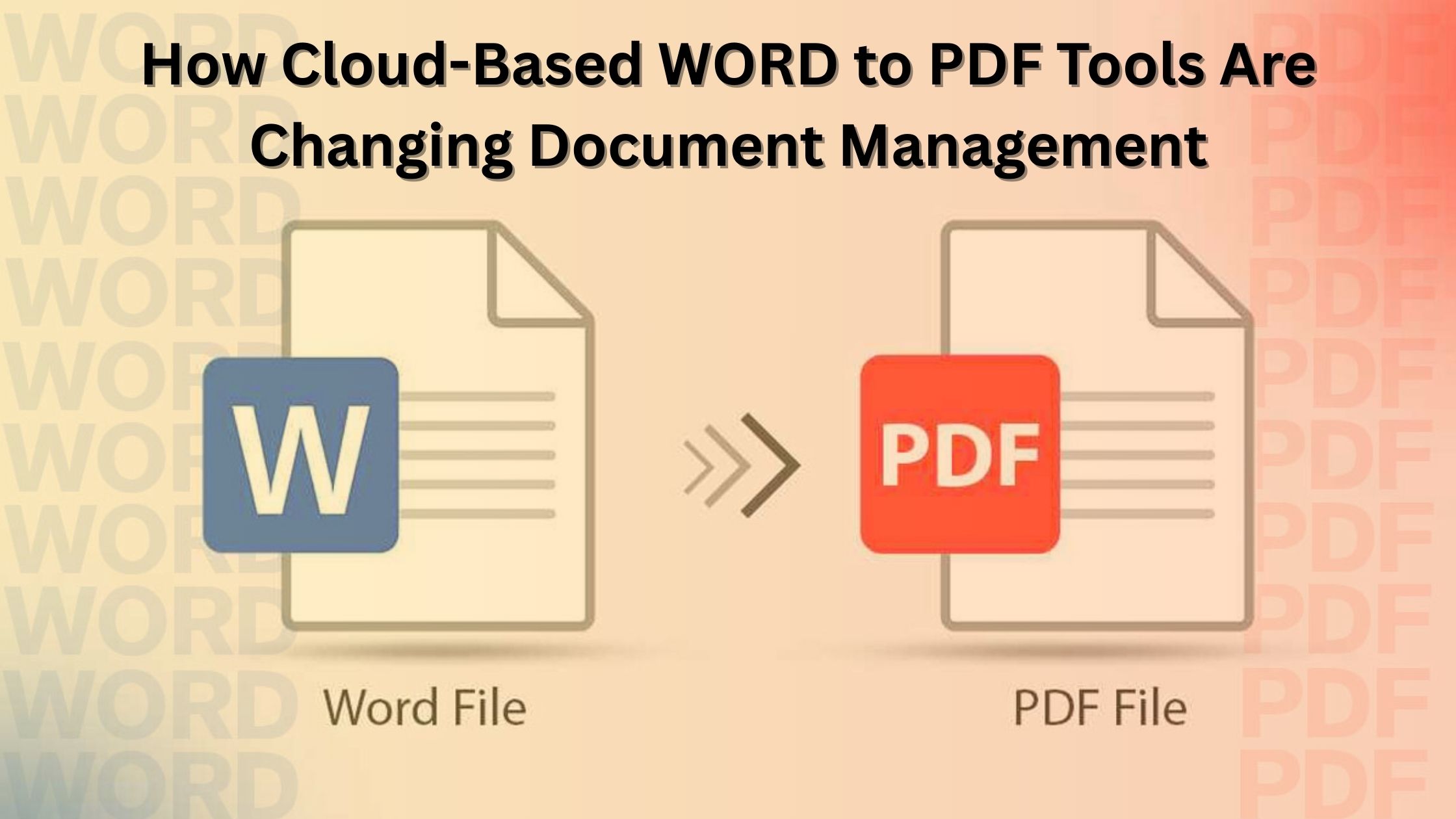
In today’s digital-first workplace, efficiency, speed, and accuracy drive almost every business process. Whether you’re a student preparing assignments, a professional managing client documentation, or a business handling large volumes of files, the simple act of converting Word documents into PDFs has become essential. That’s where modern cloud-based Word to PDF tools are transforming document management in remarkable ways.
These tools have evolved from basic converters into advanced, intelligent platforms that optimize workflows, improve file security, and deliver seamless accessibility—anywhere, anytime.
1. Instant Access and Improved Convenience
Traditional desktop-based converters require installation, updates, and device-specific access. Cloud tools eliminate all of this. With just an internet connection and a browser, users can convert files on any device—laptop, tablet, or smartphone.
This shift means:
- No software downloads
- No storage consumption on devices
- No compatibility issues across operating systems
- Faster document turnaround
Teams working remotely or on the go can now upload, convert, and share documents in seconds, making cloud Word to PDF tools indispensable in fast-paced environments.
2. Enhanced Collaboration for Remote and Hybrid Teams
Sharing large or complex Word files often leads to formatting issues, version conflicts, and misalignment across devices. PDFs solve that by preserving layout, fonts, and structural integrity.
Cloud-based converters take this further:
- Files can be instantly shared via links
- Team members can access documents in real time
- Collaboration tools integrate with Google Drive, Dropbox, OneDrive, and Slack
This dramatically reduces friction in project workflows and ensures everyone is looking at the same, error-free document.
3. Higher Level of File Security
Security is a major factor in document exchange—especially for industries dealing with sensitive information like finance, law, healthcare, or HR.
Cloud-based Word to PDF tools now include:
- Encryption during file transfer
- Automatic file deletion after conversion
- Password-protected PDF output
- Role-based access controls
These features ensure that confidential files remain protected while being shared or stored in the cloud.
4. Automation and Workflow Efficiency
Many businesses process hundreds or thousands of documents each month. Manually converting each file becomes tedious and error-prone.
Cloud platforms solve this through automation features:
- Bulk Word to PDF conversion
- Scheduled conversions for recurring tasks
- API integrations for websites and enterprise tools
- Auto-filing that organizes output into predefined folders
This automation reduces manual effort, speeds up turnaround time, and minimizes the risk of errors, making document management more efficient than ever.
5. Cost-Effective for Businesses of All Sizes
Cloud solutions eliminate the need for expensive software licenses or devices with heavy system requirements. Instead, companies pay only for what they use.
Key cost benefits include:
- No maintenance or upgrade costs
- Scalable pricing for startups to enterprises
- Avoiding multiple software installations across teams
For freelancers, students, and small businesses, free or low-cost cloud converters provide professional-grade functionality without financial strain.
6. Seamless Integration With Existing Business Tools
Modern Word to PDF platforms are designed to fit into existing digital ecosystems. They integrate smoothly with:
- CRMs
- Project management tools
- Cloud storage apps
- Email clients
- Accounting platforms
This interconnectedness ensures that document creation, conversion, sharing, and archiving all happen within a unified workflow—removing unnecessary steps.
7. Sustainability and Reduced Carbon Footprint
Digital conversion minimizes printing, physical filing, and courier-based document delivery. By shifting to smart cloud tools, organizations reduce paper usage and support eco-friendly processes.
As more companies adopt paperless workflows, cloud Word to PDF tools help accelerate the transition.
8. Improved Accuracy and Consistency
PDFs guarantee that formatting remains intact—regardless of the device, screen size, or operating system. This level of consistency reduces miscommunication in legal agreements, reports, presentations, and business proposals.
Cloud converters maintain this accuracy with:
- High-quality rendering engines
- Advanced formatting preservation
- Support for images, tables, charts, and embedded objects
What used to require manual adjustment now happens seamlessly.
Final Thoughts
Cloud-based Word to PDF tools are no longer just simple converters; they’re becoming core components of modern document management systems. From enhanced security and automation to improved collaboration and accessibility, these tools help businesses work smarter and faster.
As remote work expands and digital transformation accelerates, adopting these cloud solutions will continue to be a strategic advantage for organizations and individuals alike.

In today’s world, everybody and everything is going digital.
This tool can help you in finishing your entire task in a very short time.Having a PDF reader will change your struggles into success as it comes with many crucial features that make work easy for you.
Searching for a free PDF converter or merger takes a lot of time Speedpdf saves your time and allows you to do everything in one place only.Features We OfferMerge PDFSpeedpdf aids in merging PDF in no time.
If you are looking for a merger that can merge all the files in one place then speedpdf is for you.
It helps in merging or splitting files online easily.Split PDFSplit your work files or documents and make them easy to read or edit.
With the help of Split PDf you can easily and quickly split from PDF to Word, PDF to Excel, PDF to JPG, and more.Convert PDFConverting PDFs to other formats is a basic requirement.

busyPDF is the best free pdf to word converter tool.
Convert PDF to MS-Word docx format with high-resolution Scalar Vector Graphics.