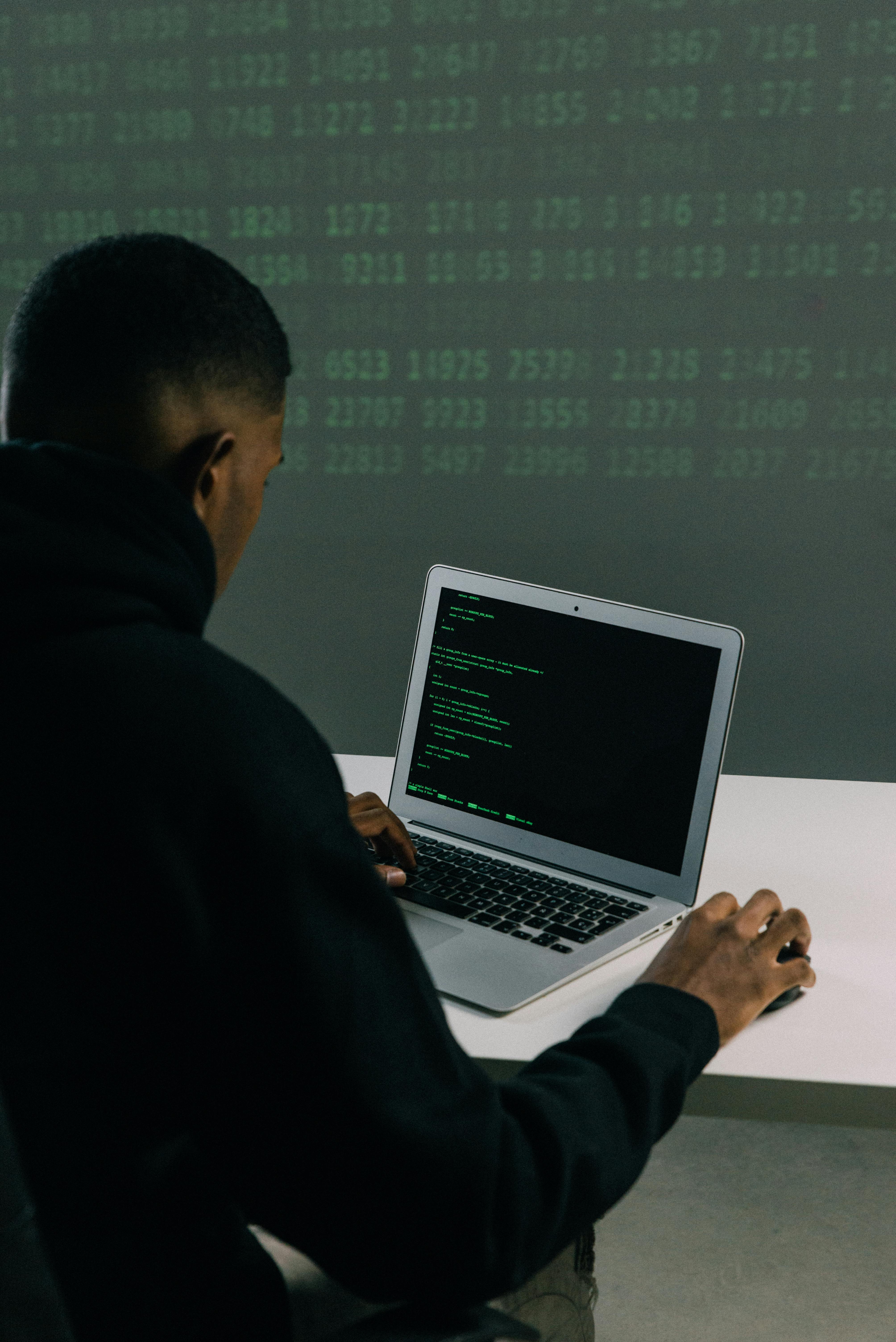
Your laptop and smartphone hold more than just files and apps—they contain your entire digital life. Banking details, personal photos, work documents, social media accounts, and private conversations all live on these devices. Yet most of us treat them like they are invincible, assuming that threats only happen to other people. Whether you have just purchased a new device after comparing the Acer laptop price in Sri Lanka or you are using an older phone, the reality is that cybercriminals do not discriminate. They are constantly looking for easy targets, and an unprotected device is like leaving your front door wide open.
The good news is that protecting yourself does not require a degree in computer science. With some practical knowledge and a few simple habits, you can dramatically reduce your risk of falling victim to cyber-attacks. Let's explore how you can keep your digital life secure without getting overwhelmed by technical jargon.
Understanding the Real Threats You Face
Before diving into solutions, it is worth understanding what you are up against. Cybersecurity threats come in many forms, and they are becoming increasingly sophisticated. Malware is perhaps the most well-known threat—malicious software designed to damage your device, steal your information, or hold your data hostage for ransom. Ransomware attacks have particularly surged in recent years, encrypting your files and demanding payment for their release.
Then you have phishing attacks, which rely on human psychology rather than technical exploits. You might receive an email that looks exactly like it is from your bank, complete with logos and official-looking formatting, asking you to verify your account details. One click on a malicious link, and attackers can install spyware on your device or steal your login credentials.
Public Wi-Fi networks, while convenient, are hunting grounds for hackers. When you connect to that free coffee shop Wi-Fi, you might be sharing the network with someone using it to intercept your data. They can see what websites you visit, capture your passwords, and even inject malware into your device.
Your smartphone faces unique threats too. Malicious apps disguised as legitimate ones can request excessive permissions, giving attackers access to your contacts, messages, camera, and microphone. And let's not forget about physical theft—losing your unlocked phone means handing over your entire digital identity to whoever finds it.
Building Your First Line of Defence
The foundation of good cybersecurity starts with strong passwords, and I know what you are thinking—everyone talks about passwords. But here is the thing: most people still use weak, easily guessable passwords or reuse the same password across multiple accounts. When one service gets breached, hackers try those stolen credentials on other platforms. It is like using the same key for your house, car, and office—lose one, and you have lost everything.
Create unique passwords for each account, making them long and complex. A passphrase made of random words like "PurpleMountain$Coffee92Tree" is both strong and easier to remember than random characters. Better yet, use a password manager to generate and store complex passwords for you. Yes, it means remembering one master password, but that is infinitely better than having dozens of weak ones or writing them on sticky notes.
Two-factor authentication adds another crucial layer of protection. Even if someone steals your password, they can't access your account without that second verification step—usually a code sent to your phone or generated by an authenticator app. Enable it everywhere it is available, especially for email, banking, and social media accounts.
Keeping Your Software Updated
I will admit it—those update notifications can be annoying, especially when they pop up at inconvenient times. But software updates are not just about new features or minor improvements. They are often critical security patches that fix vulnerabilities hackers actively exploit. When companies discover security flaws in their software, they rush to fix them, but those fixes only protect you if you actually install the updates.
Set your devices to update automatically if possible. Both Windows and macOS offer this option, as do Android and iOS. This ensures you are always running the latest, most secure versions without having to think about it. The same goes for your apps—that banking app update is not just tweaking the interface; it is likely closing security holes.
Your router's firmware also needs regular updates, though this is something many people overlook. Manufacturers release updates to patch security vulnerabilities in routers, which serve as the gateway to all your connected devices. Check your router's admin panel periodically or enable automatic updates if available.
Protecting Yourself on Public Networks
Working from a café or checking emails while traveling can expose you to significant risks. Public Wi-Fi networks are often unsecured, meaning the data you send and receive is not encrypted. Anyone with basic hacking tools can intercept this information.
The solution is a Virtual Private Network, or VPN. Think of it as a secure tunnel for your internet traffic—it encrypts everything you do online, making it unreadable to anyone trying to spy on you. Invest in a reputable VPN service rather than using free ones, which might actually compromise your privacy rather than protect it.
When you must use public Wi-Fi without a VPN, avoid accessing sensitive accounts like your bank or entering credit card information. Save those tasks for when you are on a secure, private network. And turn off automatic Wi-Fi connectivity on your devices so they do not connect to unknown networks without your knowledge.
Shopping and Banking Safely Online
Online shopping has transformed how we buy everything from groceries to gadgets. Whether you are browsing mobile phone shops in Sri Lanka for your next device or taking advantage of credit card offers during a sale, you need to protect your financial information.
Only shop on websites that use HTTPS encryption—look for the padlock icon in your browser's address bar. This ensures that your data is encrypted as it travels between your device and the website's server. Be wary of deals that seem too good to be true, especially from unfamiliar websites. Scammers create convincing fake shopping sites to harvest credit card details.
Consider using virtual credit card numbers for online purchases if your bank offers them. These are temporary numbers linked to your real account but can be discarded after use or set with spending limits. Alternatively, use payment services like PayPal that act as intermediaries, so merchants never see your actual card details.
Monitor your bank and credit card statements regularly for unauthorised charges. The sooner you catch fraudulent activity, the easier it is to address. Set up transaction alerts so you receive notifications for every purchase, making it impossible for unauthorised charges to slip by unnoticed.
Mobile-Specific Security Measures
Your smartphone probably goes everywhere with you, making it particularly vulnerable to both digital and physical threats. Start by securing it with a strong passcode or biometric authentication. Facial recognition and fingerprints are convenient and significantly more secure than a four-digit PIN that someone can watch you enter.
Be extremely selective about the apps you install. Stick to official app stores—Google Play Store for Android and the App Store for iOS. Even there, read reviews and check permissions carefully. Does that flashlight app really need access to your contacts and location? Probably not.
Review your app permissions regularly. Both Android and iOS allow you to see which apps have access to your camera, microphone, location, photos, and other sensitive data. Revoke permissions that seem unnecessary. That game you downloaded does not need to access your contacts or track your location.
Enable remote tracking and wiping features on your phone. Both iPhone's Find My and Android's Find My Device allow you to locate a lost phone, lock it remotely, or erase all data if you can't recover it. This prevents thieves from accessing your personal information even if they steal your physical device.
Recognising and Avoiding Scams
Education might be your most powerful defence. Cybercriminals are master manipulators who exploit human nature. They create a sense of urgency ("Your account will be closed in 24 hours!"), prey on fear ("Your computer is infected!"), or offer irresistible rewards ("You have won a prize!").
Learn to spot red flags: poor spelling and grammar in official-looking emails, requests to verify personal information via email or text, links that do not match the supposed sender's actual website, and unsolicited attachments. When in doubt, do not click. Navigate to the organisation's official website directly by typing the address yourself, or call their customer service number to verify whether the communication was legitimate.
Be cautious about what you share on social media. Those fun quizzes about your first pet's name or the street you grew up on? They are often harvesting answers to common security questions. Oversharing personal information makes it easier for criminals to impersonate you or guess your passwords.
Backing Up Your Data
Even with perfect security practices, things can go wrong. Hard drives fail, phones get lost, and ransomware can strike. Regular backups ensure that even in the worst-case scenario, you will not lose everything.
Use a combination of cloud storage and local backups. Cloud services like Google Drive, iCloud, or OneDrive provide convenient automatic backups, but having a local backup on an external hard drive gives you an additional safety net. Follow the 3-2-1 rule: keep three copies of your data, on two different types of media, with one copy stored off-site.
Test your backups occasionally to ensure they are actually working. The worst time to discover your backup system failed is when you desperately need it.
Staying Vigilant with Gaming Laptops
Gaming laptops deserve special mention because they are increasingly popular targets. If you have invested in checking out the gaming laptop price in Sri Lanka and bought a powerful machine, you are likely spending considerable time gaming online. Gaming platforms and forums are frequent targets for hackers looking to steal accounts, in-game items, or payment information.
Use unique passwords for gaming accounts and enable two-factor authentication wherever possible. Be cautious about downloading mods or custom content from untrusted sources—they can contain malware. Keep your gaming client software updated, and be wary of too-good-to-be-true offers for free in-game currency or items.
Making Security a Habit
The key to long-term cybersecurity is not implementing all these measures once and forgetting about them. It is developing habits that become second nature. Pause before clicking links, question unexpected emails even from known contacts, keep your software updated, and regularly review your security settings.
Technology will continue evolving, and so will the threats against it. But by building a foundation of good security practices now, you will be prepared to adapt as new challenges emerge. Your devices are extensions of your life, containing irreplaceable memories, important work, and intimate details. They deserve protection—not out of paranoia, but out of prudence.
Take control of your digital security today. Your future self will thank you when you avoid the stress, financial loss, and violation of privacy that comes with being a cyber-attack victim. In our connected world, a few simple precautions can make all the difference between being a target and being protected.