


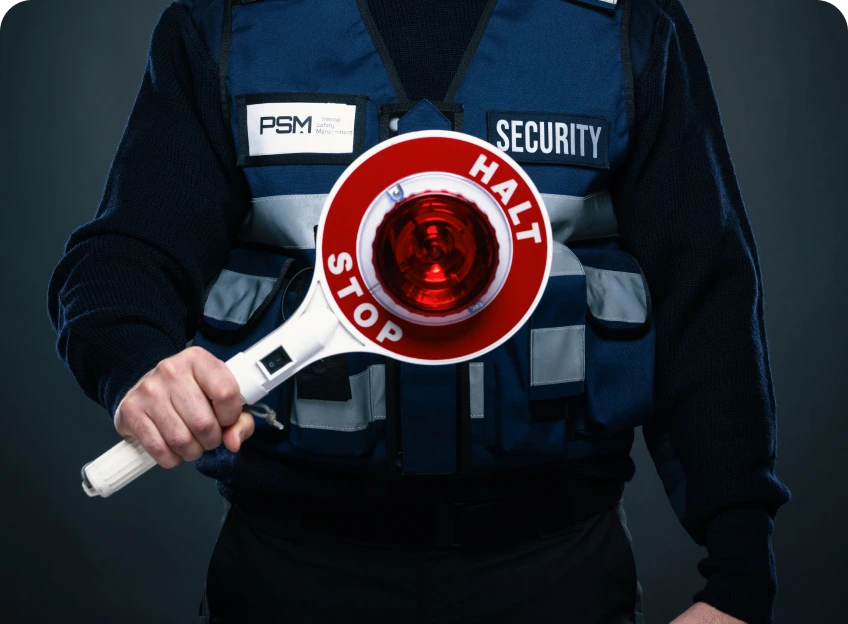
Choosing the right access control services protects people and property. It also clears the path for smooth daily operations. This guide breaks down what to check, from core technology to ongoing support.
Why buying access control matters
Good access control systems deter theft, reduce tailgating, and simplify audit trails. You get real-time visibility on who is inside a building, when they enter, and from where. For multi-site businesses, a consistent approach helps maintain policy across locations. The goal is to reduce risk without slowing people down.
Key capabilities to expect in professional services
Before you talk to vendors, map the basics you want. Here is a practical checklist focused on what actually ships in modern access control services.
Core features
Look for a system that can manage doors, users, and permissions from a single console. It should support card, PIN, or mobile credentials, plus secure remote lockdown if needed. A good provider offers scalable expansion and clear, rule-based access policies.
Integration with other systems
Access control should play well with your existing security stack. Expect integrations with video surveillance, visitor management, HR records, and IT identity providers. A robust setup enables single sign-on for staff and automated event synchronization across tools.
Security and reliability
High-availability design matters. Prefer solutions with redundant servers, encrypted credentials, and tamper-evident logs. Your vendor should provide regular firmware updates and a documented incident response plan. On-site failures should trigger graceful fail-secure or fail-safe modes, depending on location and risk profile.
Compliance and data privacy
Compliance matters in regulated industries. Look for data minimization, clear access rules, and audit-ready reports. The vendor should offer exportable logs in standard formats and options to anonymize sensitive data where appropriate.
Support and service levels
Security is not a set-and-forget task. Expect a defined service level agreement (SLA) for uptime, response times, and on-site visits. A predictable support path reduces downtime and speeds repairs after hardware or software issues.
How to vet access control providers
Evaluating vendors starts with a structured process. Use a concrete checklist to compare options and avoid guesswork.
Define your requirements: number of doors, readers, credential types, and expected growth.
Ask for a site survey and a clear project plan with milestones and responsibilities.
Request references from similar industries and site sizes.
Review security documentation: architecture diagrams, data flows, and incident handling.
Check compatibility with your IT policies, including device management and network segmentation.
Get a transparent pricing model with all line items listed.
Test the vendor’s response times and on-site support capabilities with a trial run or a staged deployment.
Ask about scalability, future feature roadmaps, and how upgrades are handled.
Confirm compliance with local regulations and data privacy laws relevant to your region.
Validate the vendor’s risk management program, including patch cadence and vulnerability management.
After this process, you should have a clear sense of whether a vendor can deliver on day-one needs and still grow with your business. It helps to request a written implementation plan and a bill of materials before signing anything.
Practical evaluation criteria
Use these concrete questions during demos or RFP replies. They keep conversations focused and concrete.
Technology and architecture
Ask for a diagram of the system, showing doors, readers, controllers, and the cloud or on-premises components. Confirm that credential data is encrypted in transit and at rest. Request a copy of the disaster recovery plan and a backup schedule.
User management and policy control
Understand how administrators create, edit, and revoke access. Look for role-based access control, time-based rules, and exception handling for contractors or visitors. Check if there are automatic revocation processes when personnel change roles or leave the company.
Operational resilience
Probe uptime guarantees, maintenance windows, and how updates affect ongoing operations. If the system runs on the cloud, ask about regional data centers and data residency options. For on-prem setups, confirm hardware lifecycle support and spare parts availability.
Cost and total ownership
Obtain a total cost of ownership that includes hardware, software, licenses, maintenance, and future upgrades. Compare maintenance terms, renewal pricing, and any per-door per-month charges. A lower upfront cost may hide higher long-term expenses.
Best practices for a smooth deployment
Deployment should minimize business disruption. Plan in stages, starting with high-security zones, then expanding to less critical areas. Schedule training for admins, security staff, and facilities teams. A guided rollout helps catch edge cases early.
Staff training and change management
Provide short, practical training sessions. Cover credential handling, incident response, and basic troubleshooting. Prepare quick-reference guides for common tasks so staff can act quickly in real situations.
Testing and validation
Run a controlled pilot before full rollout. Test door behavior under normal and stressed conditions. Verify that access events feed correctly into the video system and that reports capture the intended data fields.
Documentation and governance
Keep a current policy document: who can approve access, what time windows apply, and how exceptions are requested. Maintain an up-to-date asset list and a change-log for audits.
Table: quick comparison of vendor capabilities
Use this compact table when you compare options. It highlights essential capabilities that most businesses need from access control services.
Capability Vendor A Vendor B Vendor C
Credential options Card, mobile Card, mobile, biometrics Card only
Cloud vs. on-prem Cloud-first Hybrid On-prem only
Integrations Video, HR, SSO Video, VMS, SIEM Limited
SLA uptime 99.9% 99.99% 99.5%
Audit trails Full, exportable Complete, tamper-evident Basic
Reading the table side by side with your needs helps you decide which provider aligns with risk, schedule, and budget. If you operate a hospital or data center, emphasize reliability and traceability. For a retail storefront, focus on speed of entry and visitor management.
Red flags to watch for
Some warning signs show up early. If a vendor can’t provide a clear implementation plan, or if the contract hides ongoing charges, take a pause. Vague security details or skipped demos signal a risk. Also, avoid providers that lock you into specialized hardware you can’t replace later without heavy penalties.
How to decide
Choosing the right access control services comes down to fit. You want a solution that secures critical areas, fits your technology stack, and scales with your business. A vendor with transparent pricing, solid support, and a credible upgrade path is worth the extra time in the selection process.
In practice, start with a short list, request a live demonstration, and ask for a trial period where possible. Confirm that the system supports your preferred credential, integrates with your surveillance workflow, and provides clear audit logs. With these checks, you’ll land on a choice that reduces risk and improves everyday operations.



Protects your property Low-voltage technology Deter intruders Affordable productsDo you want to make your perimeter more secure?
If yes, you are at the right place.
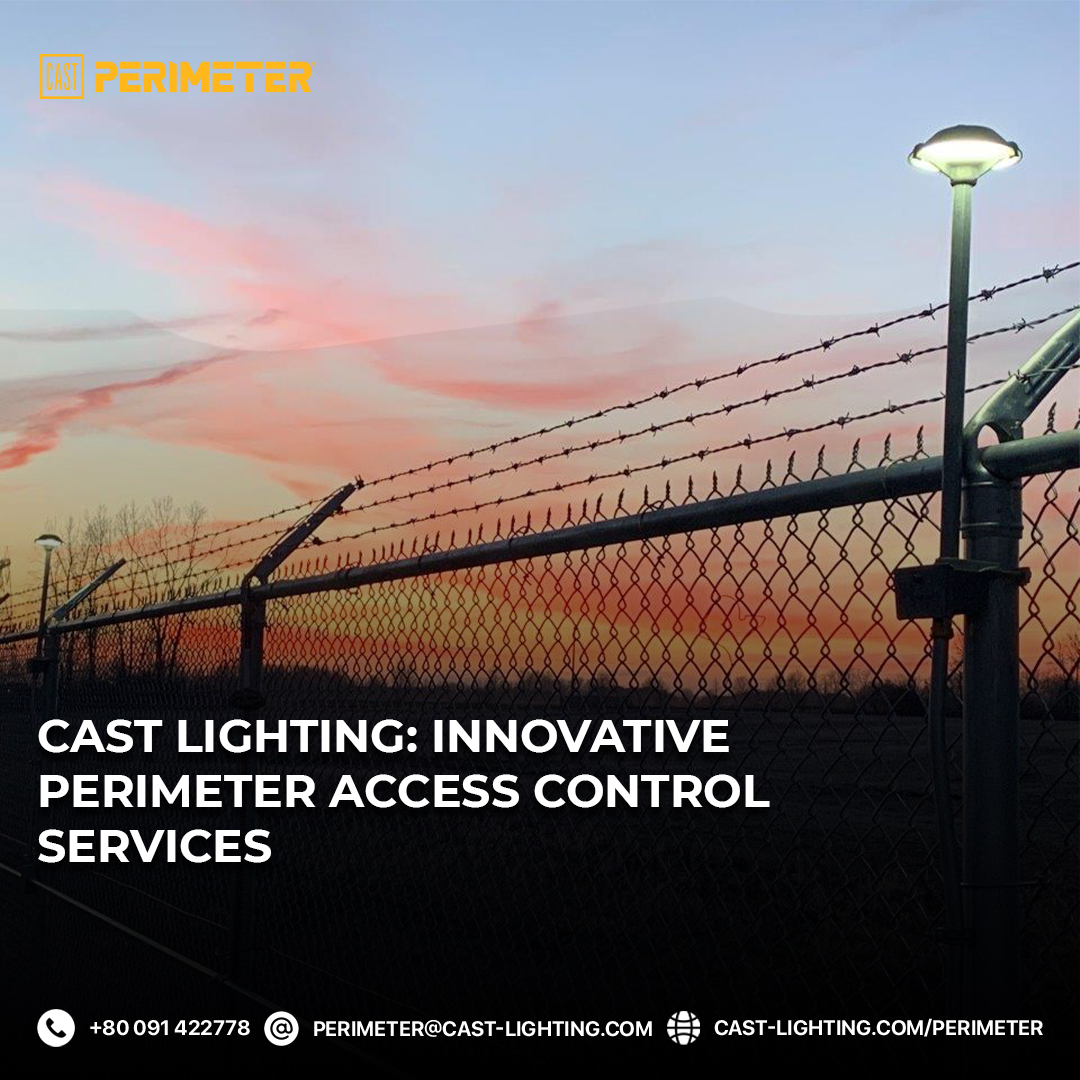
CAST provides state-of-the-art products for perimeter access control and lighting.
CAST Perimeter is an award-winning perimeter lighting company that is globally known for providing quality products.https://cast-lighting.com/perimeter for more information.
You can also check out our eBook to learn more.Contact us to ensure robust security at the perimeters and enhance the performance of your chain-link fences.
Remember, if it is not lit, it is not secure Website URL: https://cast-lighting.com/perimeter YouTube URL:https://www.youtube.com/channel/UCj02YKgwq8p5KWNR40CbXjQ Email us: perimeter@cast-lighting.com Address: 1120-A Goffle Rd Hawthorne, NJ 07506 Phone: 800.914.2278

Our Access Control Experts will ensure only those who should, have access to your assets.
We are proud to be partners with the Advanosys Security and Automation Technologies (ASAT) team.
Our team views access control as one of the most basic and essential requirements to enhance premise security.
ASAT offers state of the art solutions from many of the leading manufacturers.