

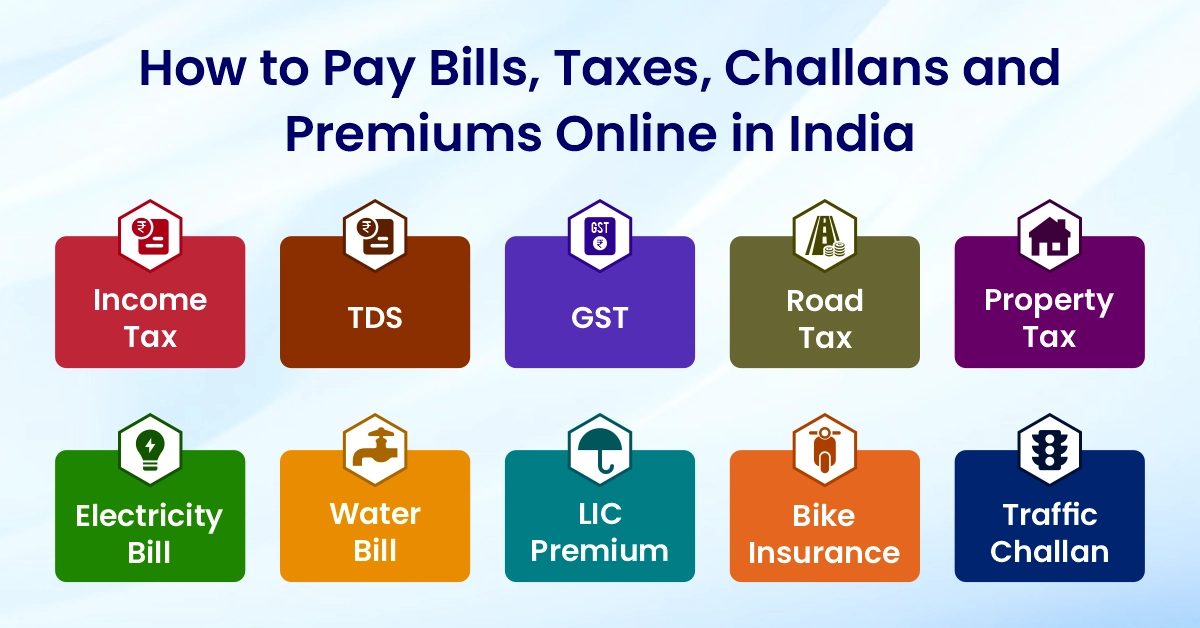
Digital India has made online payments simple and secure. Today, almost every government department, electricity board, insurance company and municipal corporation allows online payments. Whether it is income tax, GST, TDS, electricity bill, LIC premium, water bill, property tax or traffic challan, everything can be paid through official portals in a few minutes.
This guide explains in simple language how to pay all these bills and taxes online. It covers common search queries like how to pay challan online, how to pay LIC premium online, how to pay electricity bill online, how to pay GST online, how to pay income tax online and more.
Why Online Payments Are Better
1. Saves time because you don’t need to stand in queues.
2. Payments can be made anytime, even on holidays.
3. Easy access to online receipts and payment history.
4. Safe and secure using UPI, net banking or cards.
5. No paperwork and fewer errors.
6. Works on mobile phones, laptops or even basic browsers.
A. How to Pay Government Taxes Online
1. Paying Income Tax Online
Income tax payment is done on the official e-Filing portal.
Steps:
1. Visit the Income Tax e-Filing website.
2. Login using PAN or Aadhaar-linked mobile number.
3. Go to e-Pay Tax.
4. Select tax type such as Self-Assessment Tax.
5. Enter details and amount.
6. Pay via UPI, debit card or net banking.
7. Download the challan acknowledgement.
This process helps anyone searching how to pay tax online or how to pay income tax online.
2. Paying Advance Tax Online
Advance tax is paid in instalments during the year.
Steps:
1. Visit the e-Pay Tax portal.
2. Choose Advance Tax.
3. Fill PAN and assessment year.
4. Enter tax amount.
5. Complete payment and save the receipt.
This covers how to pay advance tax online.
3. Paying TDS Online
TDS is deposited using Challan 281.
Steps:
1. Visit the TIN NSDL (Protean) tax payment website.
2. Choose Challan 281.
3. Enter TAN, assessment year and details.
4. Pay using net banking.
5. Save the challan receipt.
This solves how to pay TDS online.

4. Paying GST Online
GST payment is made through the GST portal.
Steps:
1. Log in at the GST portal using GSTIN.
2. Go to Payments and create a challan (PMT-06).
3. Enter CGST, SGST or IGST amounts.
4. Pay through net banking, UPI or card.
5. Check the cash ledger after payment.
This explains how to pay GST online.
5. Paying Professional Tax Online
Professional tax varies by state.
Steps:
1. Visit your state’s PT portal.
2. Login or verify with mobile OTP.
3. Select Pay Professional Tax.
4. Enter details and amount.
5. Pay through UPI or net banking.
6. Download the receipt.
This answers how to pay professional tax online.
6. Paying Road Tax Online
For new or renewed vehicles:
1. Visit your state’s transport department portal.
2. Enter vehicle registration or chassis number.
3. Select Pay Road Tax.
4. Check the amount and pay online.
5. Save the receipt for RTO work.
This covers how to pay road tax online and how to pay vehicle tax online.
7. Paying Property Tax, House Tax or Building Tax Online
Most municipal corporations allow online payment.
Steps:
1. Visit your city’s municipal portal.
2. Enter property ID or mobile number.
3. View pending tax.
4. Pay through UPI or card.
5. Download the receipt.
This covers how to pay property tax online, how to pay house tax online and how to pay building tax online.
8. Paying Land Tax Online
Many states provide online land tax services.
Steps:
1. Visit the state revenue portal.
2. Login using mobile OTP.
3. Enter property or survey number.
4. Pay the land tax amount.
5. Save the receipt.
This description helps users search for how to pay land tax online.
B. How to Pay Utility Bills Online
1. Paying Electricity Bill Online
You can pay electricity bills through UPI apps, electricity board websites, or Bharat BillPay.
General steps:
1. Visit your electricity board website.
2. Enter consumer number.
3. Check the bill.
4. Pay using UPI, net banking or debit card.
5. Save the bill receipt.
This covers how to pay the electricity bill online and how to pay eb bill online.
2. Paying the Electric Bill Online in Andhra Pradesh (AP)
AP has two boards: APSPDCL and APEPDCL.
Steps:
1. Visit the respective board website.
2. Enter service number.
3. View bill amount.
4. Pay online.
5. Save the receipt.
This explains how to pay the electric bill online in AP.
3. Paying Electricity or Power Bill Online in Telangana
Telangana uses TSSPDCL and TSNPDCL portals.
Steps:
1. Visit the correct discom portal.
2. Enter consumer number.
3. View the bill and click Pay Now.
4. Complete payment.
5. Download the receipt.
This solves how to pay the electricity bill online in Telangana and how to pay the power bill online in Telangana.
4. Paying Water Bill Online
Steps:
1. Visit your city’s water supply board website.
2. Enter connection or mobile number.
3. Check the due amount.
4. Pay through UPI or other online modes.
5. Save the confirmation message.
This answers how to pay the water bill online.
C. How to Pay Insurance Premiums Online
1. Paying LIC Premium Online
LIC gives two ways to pay the premium.
Method 1: With Login
1. Visit the LIC portal and log in.
2. Select Pay Premium.
3. Choose policy.
4. Pay online.
Method 2: Without Login (LIC PayDirect)
1. Open LIC PayDirect page.
2. Enter policy details.
3. Pay using any online method.
This explains how to pay LIC premium online.
2. Paying Bike Insurance Online
Steps:
1. Visit your insurer’s website.
2. Enter bike registration number.
3. Check premium.
4. Pay online.
5. Download the policy instantly.
This covers how to pay bike insurance online.
3. Paying Vehicle Insurance Online
Steps:
1. Open your insurance provider’s website.
2. Enter policy number or vehicle details.
3. Review cover and premium.
4. Pay online and download the digital policy.
This solves how to pay vehicle insurance online.
D. How to Pay Challans and Fines Online
1. Paying Traffic Challan Online
Traffic challans across India can be paid through Parivahan.
Steps:
1. Visit Parivahan e-Challan portal.
2. Enter vehicle number, challan number or DL number.
3. View pending challans.
4. Pay online.
5. Download the receipt.
This explains how to pay traffic challan online and how to pay traffic fine online.
2. Paying e-Challan Online
Steps:
1. Visit Parivahan.
2. Enter DL or vehicle number.
3. View e-challan.
4. Pay through UPI or net banking.
5. Save the receipt.
3. Paying Online Challan Through Parivahan
Steps:
1. Open the Parivahan website.
2. Select Pay Your Challan.
3. Enter required details.
4. Pay through any online mode.
5. Keep a digital copy of the receipt.
This solves how to pay online challan and how to pay vehicle challan online.
Common Issues and Solutions
1. Payment deducted but not updated
Wait 24 hours; most issues auto-correct.
2. Receipt not found
Check the portal’s payment history.
3. Wrong bill details
Contact the local office for correction
4. Consumer number not found
Recheck old bills for correct details.
5. Challan showing unpaid
It may take a few hours to update.
Safety Tips for Online Bill Payments
1. Use only official government portals.
2. Never share OTP or bank details.
3. Avoid making payments on public Wi-Fi.
4. Always check for secure HTTPS websites.
5. Save your receipts for future use.
Conclusion
Online payment systems in India have made life easier for everyone. You can pay income tax, GST, TDS, property tax, electricity bill, water bill, LIC premium and traffic challans within minutes using your phone or laptop. This guide gives clear steps for all major online payments in simple language so that any beginner can follow it easily.
We should discover!There are different subtleties with regards to KMC local charge.
Various nations oversee and demand their local charges in their own particular manner.
On the off chance that you need to find out about how local charges work and what the framework is encompassing it, at that point there are a couple of nuts and bolts that you need to get gotten out first.
All in all, how does the arrangement of local charge work in India?Who Decides How Much Property Tax I Should Pay?All things considered, the measure of duty that you should pay is chosen by the's city organization.
Anyway, how would they conclude that?
The sum can be paid every year or semi-yearly and the entirety is insinuated to you, when the property possession rights are given over to you.How Do I Pay My Property Taxes?Gone are the days when you needed to remain in long lines to clear your local charge contribution.