


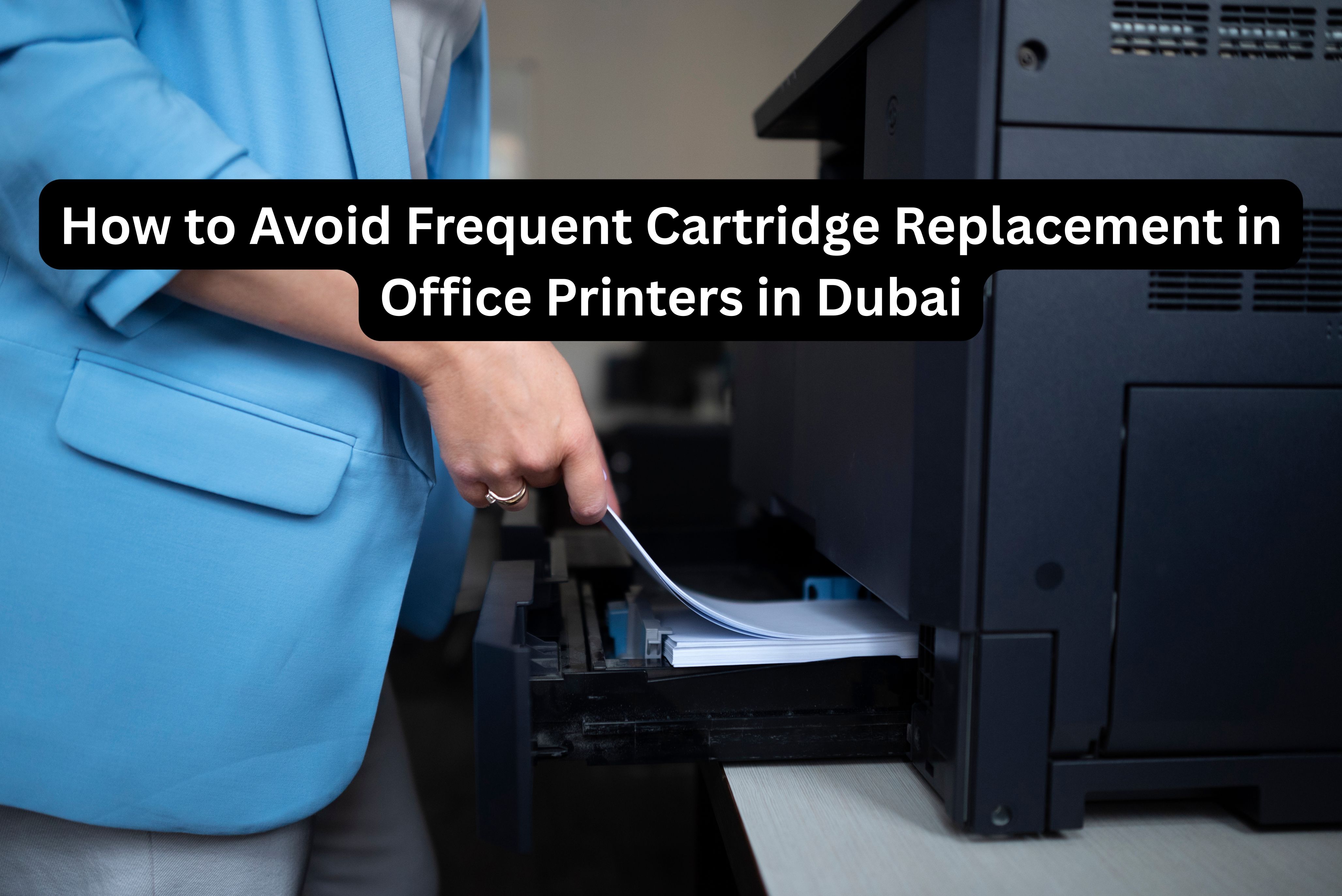
In a fast-paced business hub like Dubai, office printers play a vital role in day-to-day operations. From invoices and contracts to reports and internal documents, reliable printing is essential for maintaining workflow efficiency. However, one common challenge many businesses face is frequent cartridge replacement, which can disrupt productivity and significantly increase operating costs.
Constantly replacing ink cartridges not only adds to expenses but also leads to downtime, wasted resources, and unnecessary maintenance issues. For offices that rely heavily on printing, especially those using business printers, managing ink usage efficiently is critical.
By following a few simple tips and best practices, you can avoid frequent cartridge replacement in office printers in Dubai, reduce printing costs, and ensure smoother office operations without compromising print quality.
Understand Your Printing Needs
Understanding your office’s printing needs is the foundation of reducing unnecessary cartridge replacement. Every business has unique printing requirements depending on document volume, color usage, and print frequency.
Start by analyzing your monthly print volume. Identify how often your office prints, what types of documents are printed, and whether color printing is essential for everyday tasks. Many offices use color printing unnecessarily when grayscale would suffice.
Next, evaluate whether your current printer matches your workload. High-volume offices often struggle with frequent cartridge replacement simply because the printer is not designed for heavy use. Choosing the right office printers—such as high-yield or laser alternatives can drastically reduce ink consumption.
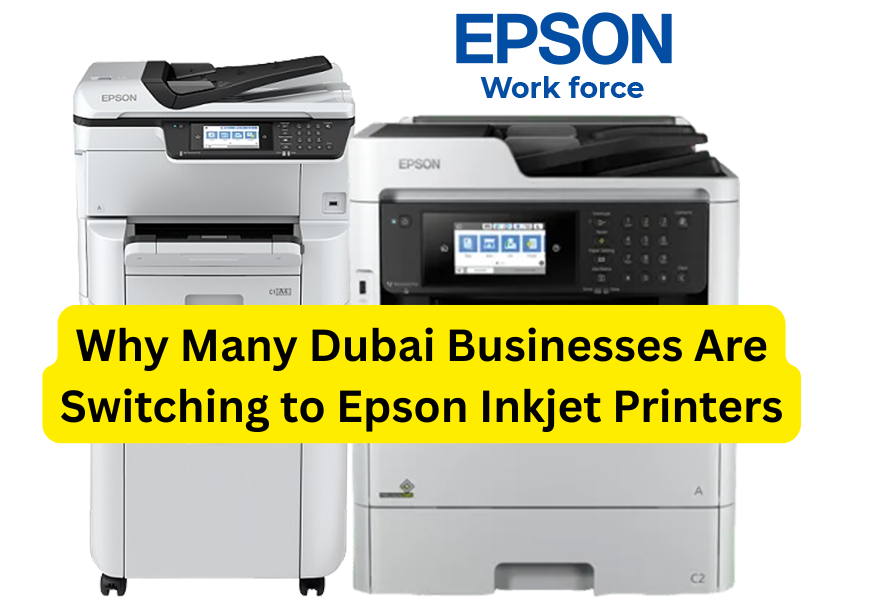
For offices using Epson office printers, selecting models built for business environments with efficient ink systems can help optimize performance. Matching your printer’s capacity with actual usage ensures better efficiency, fewer interruptions, and longer cartridge life.
Use High-Quality Cartridges
Using high-quality cartridges is one of the most effective ways to reduce frequent replacements. Low-quality or incompatible cartridges often run out faster, produce inconsistent prints, and may even damage the printer.
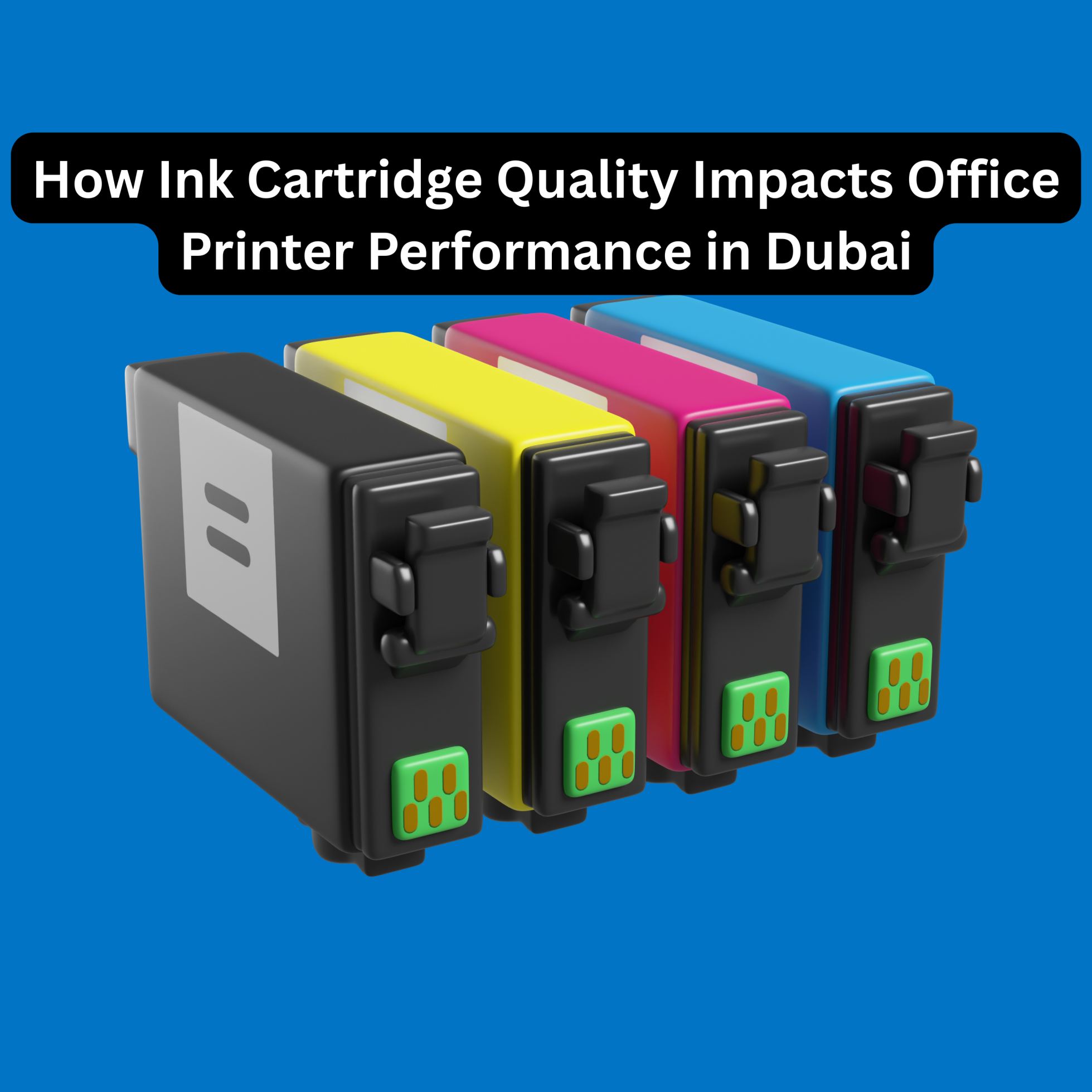
OEM (Original Equipment Manufacturer) cartridges, such as Epson ink cartridges, are specifically designed to work seamlessly with Epson printers. They provide consistent ink flow, better page yield, and superior print quality compared to many third-party alternatives.
While third-party cartridges may appear cost-effective initially, they often lead to issues like ink leakage, clogged print heads, and lower page output, resulting in more frequent replacements and higher long-term costs.
When selecting cartridges, always ensure compatibility with your printer model and choose cartridges with higher yield options. Investing in genuine Epson cartridges helps protect your printer, ensures reliability, and reduces unexpected downtime in busy office environments.
Adjust Printer Settings
Printer settings play a major role in ink consumption, yet they are often overlooked. Adjusting default settings can significantly extend the life of your cartridges without affecting essential print quality.
Using draft mode for internal documents reduces ink usage while still maintaining readability. Similarly, switching to grayscale printing for non-essential color documents can dramatically cut down color ink consumption.
Another effective method is enabling automatic duplex printing. Printing on both sides of the paper reduces paper usage and indirectly lowers ink waste by minimizing unnecessary reprints.
Optimizing resolution settings and disabling unnecessary high-quality modes for routine tasks helps balance performance and efficiency. These simple adjustments ensure your office printers use ink more responsibly while supporting daily business needs.
Maintain Your Printer
Regular maintenance is crucial for ensuring efficient ink usage and preventing cartridge wastage. Poorly maintained printers often consume more ink due to clogged nozzles, misaligned print heads, or internal errors.
Routine cleaning of print heads and ink cartridges ensures smooth ink flow and prevents streaking or faded prints. Many Epson office printers include built-in maintenance tools that make this process simple and effective.
It’s also important to inspect your printer for worn or damaged parts, such as rollers or cartridges not seated properly. Addressing these issues early prevents reprints and unnecessary ink loss.
Troubleshooting common problems like paper jams or alignment errors keeps your printer running efficiently and extends the lifespan of both the printer and its cartridges.
Use Ink-Efficient Printing Practices
Implementing ink-efficient printing practices across your office can lead to long-term cost savings. Encouraging employees to print only when necessary helps minimize waste and reduce cartridge usage.
Using smaller font sizes, optimized margins, and appropriate paper sizes can lower ink coverage per page. Draft mode and grayscale printing should be standard for internal documents and rough copies.
Promoting digital documentation and approval workflows also reduces dependency on printing altogether. When printing is unavoidable, standardizing best practices ensures consistency and efficiency across departments.
By adopting these habits, businesses can significantly reduce the frequency of cartridge replacement while maintaining productivity.
Consider Refurbished or Compatible Cartridges
Refurbished or compatible cartridges can be a cost-effective alternative when sourced from reputable suppliers. These cartridges are often tested, cleaned, and refilled to meet performance standards.
However, quality varies widely, and low-grade refurbished cartridges may lead to leakage, poor print quality, or printer damage. It’s essential to choose suppliers who guarantee compatibility and performance.
Ensuring the cartridges meet your printer’s specifications and are tested for quality can help balance savings with reliability. When used correctly, compatible cartridges can support cost control without compromising efficiency.
Conclusion
Avoiding frequent cartridge replacement in office printers is essential for controlling costs, improving productivity, and ensuring smooth business operations in Dubai. By understanding your printing needs, using high-quality cartridges, optimizing printer settings, maintaining equipment, and adopting ink-efficient practices, businesses can significantly reduce ink wastage.
Choosing reliable suppliers is equally important. Kepler Tech, one of the leading printer suppliers in Dubai and across the UAE, provides genuine Epson cartridges known for their superior quality, consistent performance, and long-lasting output. With trusted Epson ink cartridges and expert support, Kepler Tech helps businesses maintain efficient printing environments while reducing long-term operational costs.
Implementing these best practices today can help your office save time, money, and resources—while ensuring reliable, high-quality printing every day.

Printer system error 1797 occurs due to corrupted configured system files in the Windows operating system.
Error 1797 is a numerical error and easy to identify.
It contains many error information like action caused the error, possible cause error, error number, and address, etc.
In this blog, we will teach you how you can fix printer system error 1797 issue with easy steps.How to Fix Printer SystemError 1797: Printer Driver Unknown, Epson printers supportHere are the easy way in this blog to solve the issue fix printer system error 1797 when the printer drivers are unknown:-Run the Printer TroubleshootAdd Printer DriverUpdate Printer DriverRestart ServicesDisable Windows FirewallRun System File Checker1) Run the Printer TroubleshootHere are the steps on how to How to Fix printer system error 1797 via run the printer troubleshoot:-Hit the start icon and then choose Settings.Tap on the Update and Security.Tap on the troubleshoot in the left panel.Navigate to the Getup and running option.Hit on the Printer.Hit on Run the troubleshoot option.Now the troubleshoot scan the device and find the issue in your device.Follow the command appear on your screen to fie the issues.Now try to install the drivers and then check for improvements.2) Add Printer DriverHere are the steps on how to How to fix printer system error 1797 via adding printer driver:-Hit the start icon and choose Settings.Move to the printer and scanner section.Tap on the Add a printer.Hit Printer that is not in the list appears on the screen.In the Find, a printer option windows, choose to Add a local or network printer with manual settings.Tap Next.Choose to Use an existing port.Tap the drop-down menu and choose File.Hit Next.Choose Windows Update.In the Generic, you can see several PS printers.Maybe you need to spend a few moments to find the printer on the list.3) Update Printer DriverHere are the steps on how to How to fix printer system error 1797 via updating printer driver:-Tap Win + R key to open Run.Write devmgmt.msc and then tap OK to launch the Device Manager.In the Device Manager, open the Print queues option.Right-tap on a printer with printer error and choose Update driver.In the next screen, Choose Search for updates drives software automatically.After this command window will find any pending updates in your device and then install the updates.When the driver installed in your device, restart your PC.4) Restart ServicesHere are the steps on how to How to fix printer system error 1797 via restarting services:-Tap Win + R key together to open Run.Enter services.msc and then tap on OK to start the service.Find the following service:-RPCSSDPUPnPRight-tap on the RPC service and choose Stop.Right-tap on the RPC service again and choose Start.Repeat this command for all the services listed above.Find HTTP service.When you have found open it.Tap on the start icon, enter cmd, then right-tap on the Command Prompt, and choose Run as administrator.In the command field type (net start http) and then hit the enter button.Now check the improvement on your device.5) Disable Windows FirewallHere are the steps on how to How to fix printer system error 1797 via disabling windows firewall:-Tap on the Start and choose Settings.Tap Updates and Security.Choose Windows Security.Tap on the Firewall and Network protection.Tap on the currently active network.Tap on the icon and switch to turn off the Windows Firewall.Now install the printer driver to check the improvement.Turn Off AntivirusHit n the Show hidden icon option in the taskbar.Right-tap on the Firewall icon and choose Disable temporarily.Now again, install the printer driver to check the improvement.6) Run System File CheckerHere are the steps on how to How to fix printer system error 1797 via run system file checker:-Tap on the Start Icon and enter cmd.Right-tap on Command Prompt and choose Run as Administrator.In the command prompt, enter (sfc /scannow) and hit the Enter button.Restart your PC when scanning the completed.
Abigail Smith is an inventive person who has been doing intensive research in particular topics and writing blogs and articles on Epson printer support and many other related topics.
He is a very knowledgeable person with lots of experience.
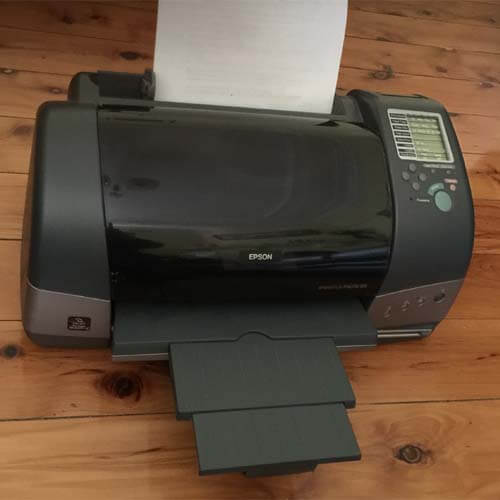
Epson printers are known for providing the best printing services all around the world.
But, despite being the best in the business, Epson printers face some kinds of issues.
That is why today we will talk about the “Epson printer printing blank page” error, what is it?
& how we can solve that by using some of the easiest methods.
When you start getting blank pages after printing from your Epson printer, it’s called a Blank page error.
Most of the time, low ink levels in your printer’s ink cartridge, incorrect print settings are responsible for this error on your Epson printer.