

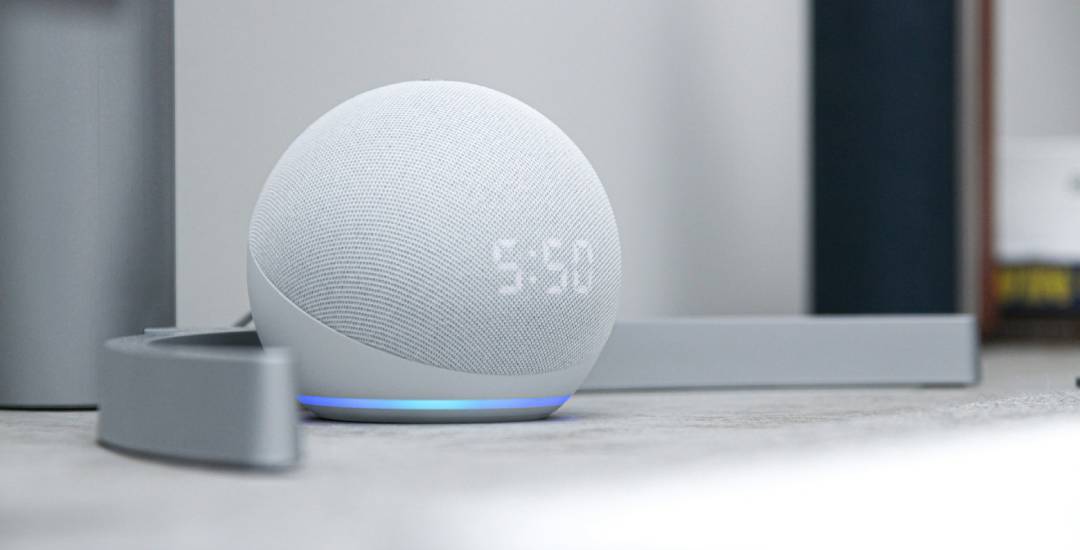
As someone who rents a cozy apartment filled with smart gadgets, I used to waste energy (and money) without even realizing it. That all changed when I started experimenting with energy-efficient routines with Alexa or Google Home.
If you’ve ever walked out the door and suddenly wondered, “Did I turn the lights off?” — you’re not alone.
These smart assistants aren’t just for playing music or checking the weather — they can help you automate your daily habits, save power, and lower your utility bills without sacrificing comfort.
Let’s dive into how you can create smart, energy-efficient routines that actually make a difference.
Why Energy-Efficient Routines Matter
We all know that saving energy helps the planet, but when your electricity bill arrives, it’s clear it also helps your wallet.
The beauty of energy-efficient routines with Alexa or Google Home is that they make small savings automatic — and those small savings quickly add up.
You don’t have to be a tech genius. You just need a few compatible devices (like smart plugs, smart lights, and a thermostat) and a bit of creativity.
Also read: How Smart Plugs Reduce Your Energy Bills
Step 1: Start with Smart Lighting
Smart Lighting is one of the easiest and most satisfying places to start.
Both Alexa and Google Home let you create schedules, motion-based routines, or even automate brightness based on the time of day.
Here’s how I set up my lighting routine:
- Morning: At 7 a.m., my smart bulbs turn on to 50% brightness with warm light — no harsh wake-up call.
- Daytime: At 10 a.m., the lights turn off automatically if I’m out of the apartment.
- Evening: At sunset, my living room lights gradually brighten to 70%.
- Night: At 11 p.m., all lights turn off (except a small night lamp).
This simple setup not only creates a cozier atmosphere but also reduces energy waste from lights left on all day.
Step 2: Automate with Smart Plugs
If you’re new to smart homes, smart plugs are your best friend.
You can plug almost any device into them — lamps, coffee makers, humidifiers — and control or schedule them through Alexa or Google Home.
Energy-efficient routines with Alexa or Google Home become especially powerful here.
For instance:
- Automatically turn off your TV, chargers, or fans when you leave home.
- Power on the coffee maker at 7:30 a.m. only on weekdays.
- Cut standby power drain (known as “vampire energy”) by switching off unused devices at night.
This kind of automation not only saves energy but also makes your mornings smoother.
More about smart plugs can be found in the post: Best Smart Plugs in 2025: Complete Buyer’s Guide.
Step 3: Use Smart Thermostats for Maximum Savings
Heating and cooling systems are responsible for a huge chunk of household energy use.
A smart thermostat learns your schedule and adjusts automatically — and with Alexa or Google Home, you can take that to the next level.
Here’s how I made my thermostat routine more efficient:
- When I leave home: Alexa turns the temperature down 3°C in winter or up 3°C in summer.
- Before I get home: Google Home detects my phone location and restores my preferred temperature.
- At night: Both systems lower the heating automatically for better sleep and lower bills.
Even minor adjustments like this can reduce energy consumption by up to 20% per month.
Step 4: Add Motion Sensors and Schedules
You can supercharge your energy-efficient routines with Alexa or Google Home by integrating motion sensors.
For example:
- Turn lights on when motion is detected — and off after 5 minutes of inactivity.
- Switch off the bathroom fan when you leave.
- Use smart plugs with presence detection to turn off devices when no one’s home.
These routines are easy to create through the Alexa or Google Home app — no coding, no electrician, no stress.
Step 5: Combine Routines for Smarter Energy Use
Once you get comfortable, combine different devices into one “scene” or “routine.”
Here are a few examples you can try:
Morning Routine
- Open curtains automatically (if you have a smart motor like the Zemismart one).
- Turn on the lights at low brightness.
- Heat water with a smart kettle or turn on a coffee maker.
Leaving Home Routine
- Turn off all lights and devices via smart plugs.
- Adjust thermostat settings for energy savings.
- Lock smart doors and activate security cameras.
Bedtime Routine
- Dim all lights to 10%.
- Turn off entertainment devices.
- Set thermostat to “eco mode.”
Once you build these routines, you’ll wonder how you ever lived without them.
Step 6: Track Your Energy Usage
Some devices let you monitor energy consumption directly from the Alexa or Google Home app.
You can see how much power your smart plugs, lights, and other devices use, and adjust routines accordingly.
Pair this with smart meters or apps that display real-time data — it’s eye-opening to see how small changes can make a big difference.
Mistakes to Avoid When Setting Up Energy-Efficient Routines
- Overcomplicating your setup — start simple and expand gradually.
- Using devices on different ecosystems — try to keep everything Alexa- or Google-compatible.
- Forgetting manual overrides — sometimes you just want to press a button!
- Not testing automations — make sure your “away” routines don’t turn everything off while you’re still home.
- Ignoring app permissions — energy data and geolocation settings need proper access to work seamlessly.
How Much Can You Save?
According to multiple smart home studies, households that use energy-efficient routines with Alexa or Google Home save between 10–30% on their annual energy bills.
And it’s not just about money — it’s about building habits that are better for the planet.
Whether it’s turning off your lights, automating your thermostat, or managing your plugs — every small action counts.
Final Thoughts
As someone who started small — with a couple of smart bulbs and one Alexa routine — I can honestly say that automation has changed the way I manage my home.
Now, I save energy effortlessly and actually enjoy my daily routines.
If you’re just starting, begin with one or two simple automations.
Before long, you’ll find that your home practically runs itself — smarter, greener, and more efficient than ever.




If you are using a technical device, then you might have faced technical issues at some point in your life.
Well, technical issues aren’t something that can be managed with the help of DIY techniques.
So, the question is who should you approach to handle your technical problems?Well, the IT support serviceproviders such as Technical Number is always there for your rescue.
You must hire IT, experts, to get the issue fixed with ease.
Here are the things you must consider when outsourcing IT services.Long-term Contracts is a Big NoWhen outsourcing an IT company, you should never agree to long-term contracts.
Hence, you should look for the providers who offer a one or two-month contract.Proactive ManagementThe professional IT Company will always help you to meet your long-term technical goals.
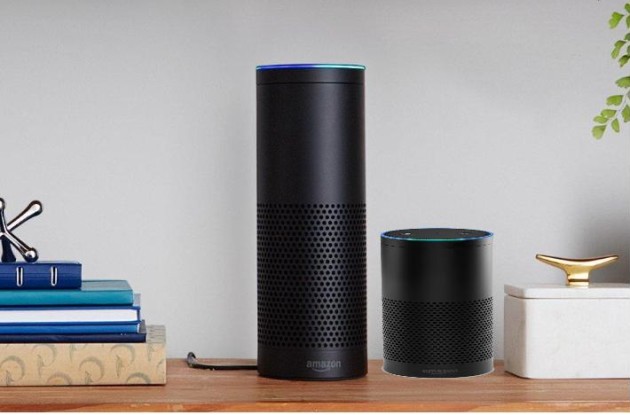
Alexa Echo is the best platform for you in order to learn how to set up your echo dot set up.
We offer you 24/7 online support, who offer you the latest features and complete setup for your Alexa App on your phone, iPhone, tablet, or computer.